1. المقدمة
The Logitech Signature M650 for Business is a versatile wireless mouse designed to enhance productivity and comfort. It offers dual connectivity options, a SmartWheel for adaptive scrolling, and SilentTouch technology for quiet operation. Available in two sizes, it caters to various hand sizes for optimal ergonomic support.
المميزات الرئيسية:
- الاتصال المزدوج: Connect via Logi Bolt USB receiver for secure connections or directly via Bluetooth Low Energy.
- التمرير الذكي باستخدام عجلة التمرير: Automatically switches between line-by-line precision and free-spin mode.
- تقنية اللمس الصامت: يقلل من ضوضاء النقر بنسبة 90% لتوفير بيئة عمل أكثر هدوءًا.
- تصميم مريح: Contoured shape and soft thumb area for comfort, available in two sizes (M650 and M650 L).
- أزرار قابلة للتخصيص: Side buttons can be customized for various functions.
- عمر بطارية طويل: تدوم البطارية حتى 24 شهرًا باستخدام بطارية AA واحدة.
- التوافق مع منصات متعددة: Works seamlessly with Windows, macOS, Linux, Chrome OS, iPadOS, and Android.

Image: Logitech Signature M650 for Business Wireless Mouse and its packaging, showcasing the product and its box.
2. الإعداد
2.1. ماذا يوجد في الصندوق
قبل أن تبدأ، تأكد من تواجد جميع المكونات:
- ماوس لاسلكي Logitech Signature M650
- جهاز استقبال لوجي بولت يو اس بي
- بطارية AA واحدة (مثبتة مسبقًا)

Image: The Logitech M650 mouse, a Logi Bolt USB receiver, and a 1-meter USB cable, representing the items included in the product packaging.
2.2. تركيب البطارية
The mouse comes with one AA battery pre-installed. If you need to replace it:
- افتح غطاء حجرة البطارية الموجود أسفل الماوس.
- أدخل بطارية AA جديدة، مع التأكد من صحة القطبية (+/-).
- أغلق غطاء حجرة البطارية جيدًا.
2.3. توصيل الماوس
The Signature M650 offers two connection methods: Logi Bolt USB Receiver or Bluetooth Low Energy.
Option 1: Logi Bolt USB Receiver (Recommended for Secure Connections)
- Locate the Logi Bolt USB receiver, typically found inside the mouse's battery compartment or packaged separately.
- قم بتوصيل جهاز استقبال Logi Bolt USB بمنفذ USB متاح على جهاز الكمبيوتر الخاص بك.
- قم بتشغيل الماوس باستخدام زر الطاقة الموجود أسفله. سيتصل الماوس تلقائيًا.

Image: The Logi Bolt USB receiver securely plugged into a laptop's USB port, demonstrating its compact size and integration.
الخيار الثاني: تقنية بلوتوث منخفضة الطاقة
- قم بتشغيل الماوس باستخدام مفتاح الطاقة الموجود في أسفله.
- Press and hold the connect button on the underside of the mouse until the LED indicator starts blinking rapidly, indicating pairing mode.
- على جهاز الكمبيوتر أو الجهاز الخاص بك، افتح إعدادات البلوتوث.
- Select "Logitech M650" from the list of available devices and follow the on-screen prompts to complete pairing.

Image: The Logitech M650 mouse positioned on a mousepad, with visual cues for both Bluetooth and Logi Bolt connectivity options.
3. تشغيل الماوس
3.1. التمرير الذكي بالعجلة
The SmartWheel automatically adapts to your scrolling needs:
- وضع الدقة: For detailed, line-by-line scrolling, gently scroll the wheel.
- وضع الدوران الحر: For rapid, long document or web page navigation, give the wheel a quick flick. It will spin freely.
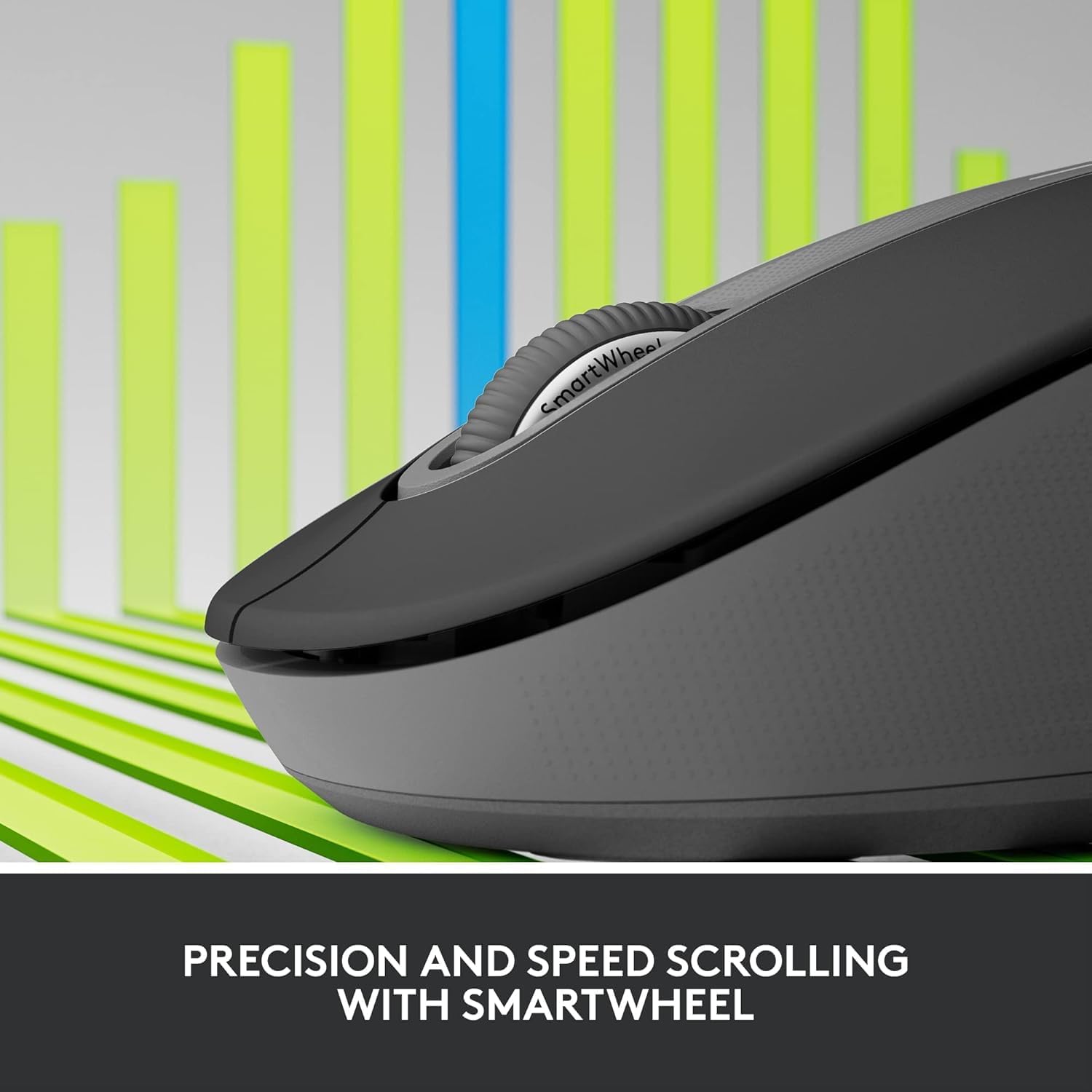
Image: A detailed close-up of the Logitech M650 mouse's SmartWheel, emphasizing its design for both precision and speed scrolling.
3.2. أزرار جانبية قابلة للتخصيص
The Signature M650 features two customizable side buttons. By default, these buttons may perform forward/back navigation in web browsers. To customize their functions, download and install the Logitech Options+ software from the official Logitech webموقع.
3.3. تقنية اللمس الصامت
Experience a quieter workspace with SilentTouch technology, which significantly reduces the sound of clicks without compromising the tactile feel.
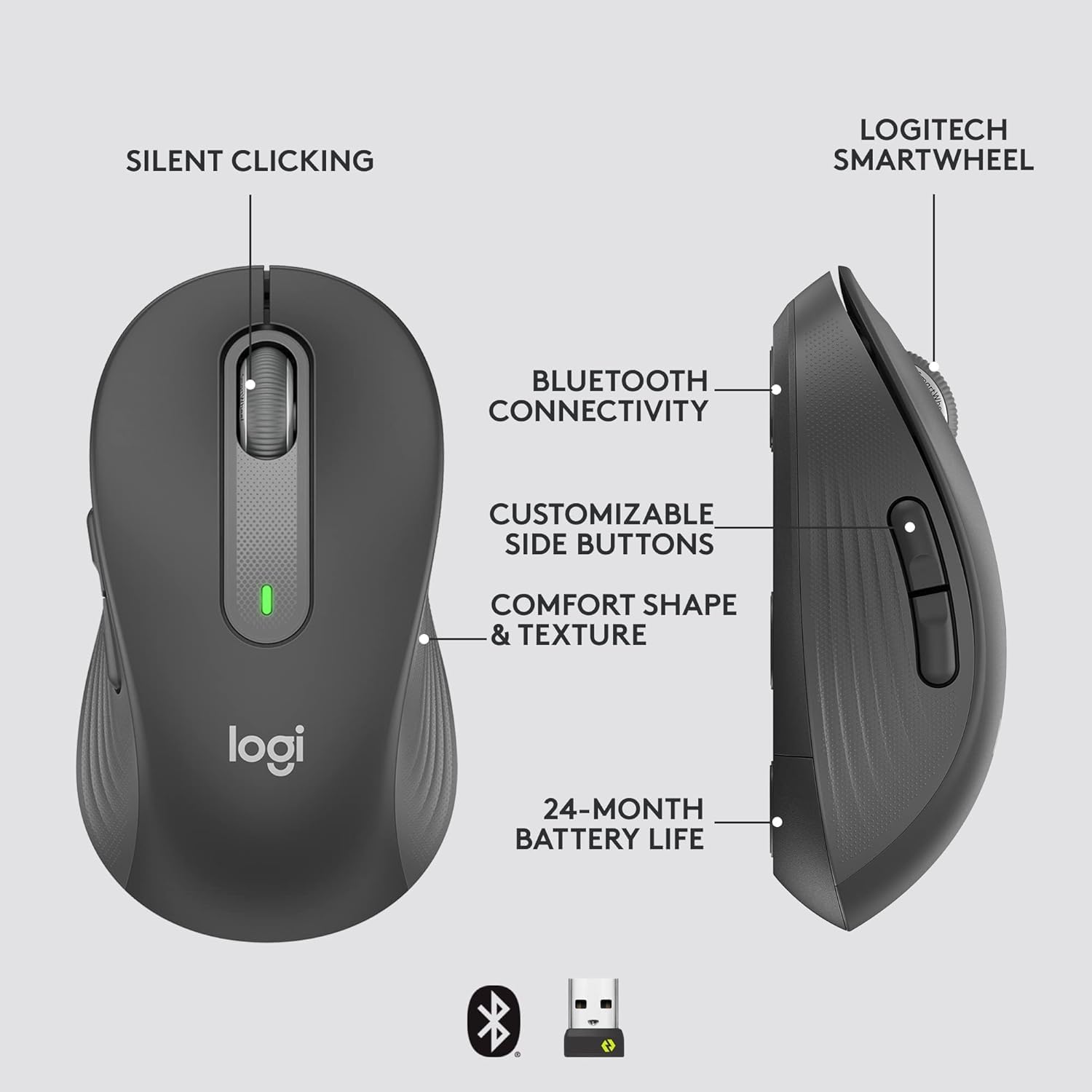
Image: An annotated diagram of the Logitech M650 mouse, highlighting key features such as Silent Clicking, Bluetooth Connectivity, Customizable Side Buttons, Comfort Shape & Texture, 24-Month Battery Life, and the Logitech SmartWheel.
4. الصيانة
4.1. استبدال البطارية
The mouse uses one AA battery. When the battery is low, the LED indicator on the mouse may flash. Replace the battery as described in Section 2.2.
4.2. التنظيف
لتنظيف الماوس، استخدم قطعة قماش ناعمة وخالية من الوبر. أما للأوساخ المستعصية، فافركها برفق.ampاغسل قطعة القماش بالماء. تجنب استخدام المواد الكيميائية القاسية أو المواد الكاشطة.
5. استكشاف الأخطاء وإصلاحها
5.1. عدم استجابة الماوس
- التحقق من البطارية: تأكد من تركيب البطارية بشكل صحيح وأنها مشحونة بشكل كافٍ. استبدلها إذا لزم الأمر.
- تشغيل الطاقة: Verify the mouse is turned on using the power switch.
- إعادة إنشاء الاتصال:
- Logi Bolt: Try plugging the receiver into a different USB port. Ensure no obstructions are between the mouse and receiver.
- بلوتوث: Go to your device's Bluetooth settings, remove the mouse, and re-pair it.
- تدخل: Move the mouse closer to the receiver or device. Avoid using the mouse near other wireless devices that might cause interference.
5.2. حركة المؤشر غير المنتظمة
- مستشعر نظيف: تأكد من أن المستشعر البصري الموجود أسفل الماوس نظيف وخالٍ من الأوساخ.
- سطح: استخدم الفأرة على سطح نظيف وغير عاكس ومستوٍ. يُنصح باستخدام لوحة الفأرة.
6. المواصفات الفنية
| ميزة | مواصفة |
|---|---|
| رقم الموديل | 910-006272 |
| الاتصال | مستقبل USB من لوجي بولت، تقنية بلوتوث منخفضة الطاقة |
| تقنية الاستشعار | بصري |
| نوع البطارية | بطارية 1 × AA (مضمنة) |
| عمر البطارية | حتى 24 أشهر |
| Dimensions (M650) | 4.22 × 2.43 × 1.49 بوصة (10.7 × 6.17 × 3.78 سم) |
| وزن | 3.57 أونصة (101.2 جرام) |
| لون | الجرافيت |
| توافق نظام التشغيل | ويندوز، ماك، لينكس، نظام تشغيل كروم، آيباد أو إس، أندرويد |

Image: A visual comparison of the Logitech M650 and M650 L mouse sizes, indicating their respective lengths of 10.5cm and 11.5cm.
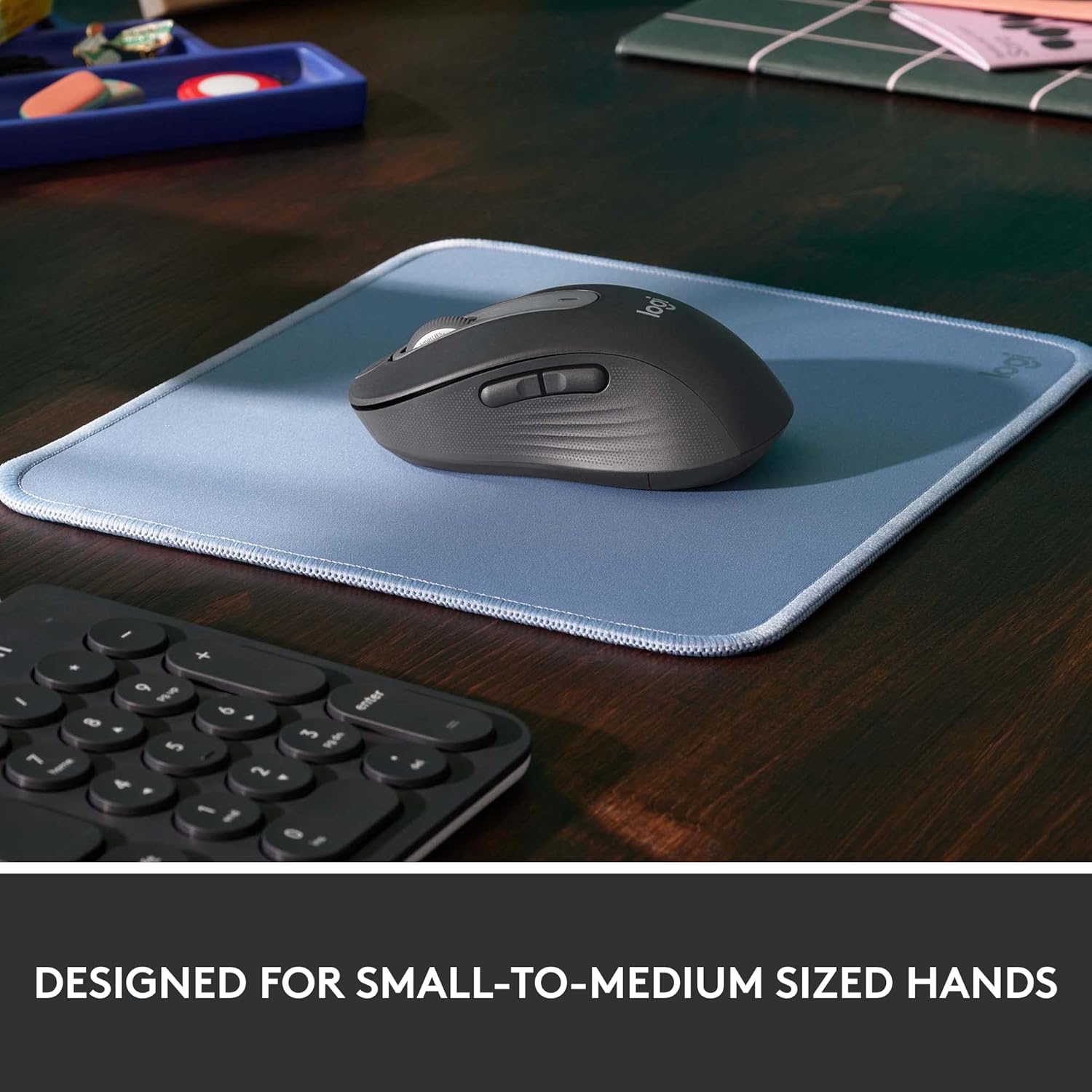
Image: The Logitech M650 mouse resting on a light blue mousepad, illustrating its ergonomic shape designed to fit comfortably in small to medium-sized hands.
7. الضمان والدعم
Logitech products are manufactured to the highest quality standards. For detailed warranty information, please refer to the warranty card included with your product or visit the official Logitech support webموقع.
For technical assistance, troubleshooting, or to download the latest software and drivers, please visit the Logitech Support page:


