
مقدمة
This manual provides comprehensive instructions for the setup, operation, maintenance, and troubleshooting of your Avision AD340G Compact High Speed Duplex Document Scanner. Please read this manual thoroughly before using the scanner to ensure proper and safe operation.
معلومات السلامة
اتبع احتياطات السلامة التالية لمنع الإصابة والتلف الذي قد يلحق بالماسح الضوئي:
- استخدم فقط محول الطاقة المرفق مع الماسح الضوئي.
- لا تعرض الماسح الضوئي للماء أو الرطوبة الزائدة.
- ضع الماسح الضوئي على سطح ثابت ومستوٍ.
- أبقِ الماسح الضوئي بعيداً عن أشعة الشمس المباشرة ومصادر الحرارة.
- Unplug the scanner before cleaning or if it will not be used for an extended period.
محتويات الحزمة
تأكد من وجود جميع العناصر في العبوة:
- Avision AD340G Document Scanner
- محول الطاقة
- كابل يو اس بي
- دليل البدء السريع
- قرص البرنامج (أو تعليمات التنزيل)
المنتج انتهىview
Familiarize yourself with the main components of the Avision AD340G scanner.
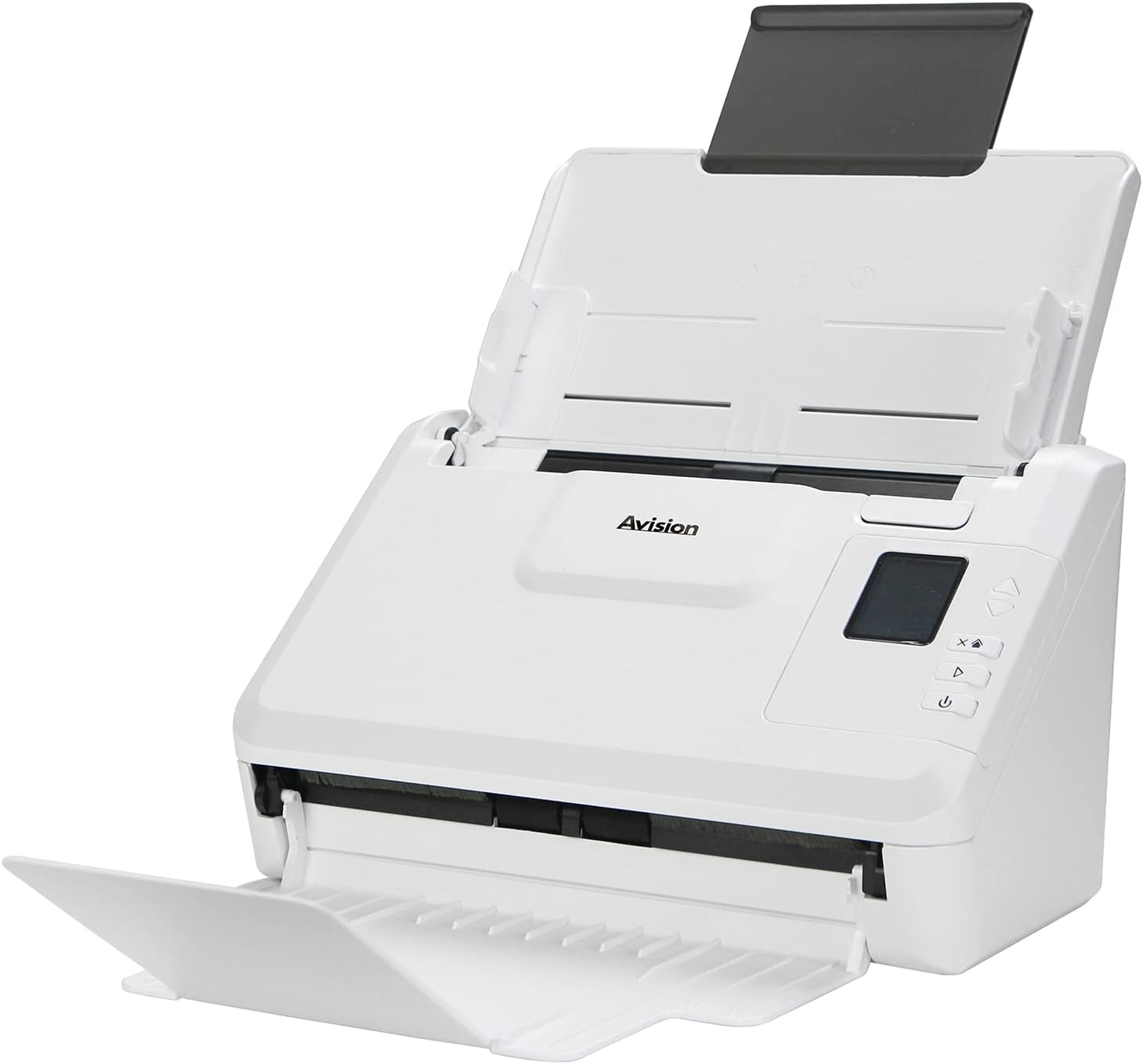
صورة: The Avision AD340G scanner shown with its input and output trays extended, ready for document feeding. This view highlights the compact design and accessible paper path.
- Document Feeder Tray: Where documents are loaded for scanning.
- علبة الإخراج: Where scanned documents are ejected.
- لوحة التحكم: Buttons and display for scanner operation.
- منفذ USB: للاتصال بالكمبيوتر.
- منفذ الطاقة: لتوصيل محول الطاقة.
يثبت
1. الإعداد المادي
- فك حزمة الماسح الضوئي: قم بإزالة الماسح الضوئي وجميع الملحقات من العبوة بعناية.
- ضع الماسح الضوئي: Position the scanner on a flat, stable surface with adequate space for the input and output trays.
- توصيل الطاقة:
- Connect the power adapter to the scanner's power port.
- قم بتوصيل محول الطاقة بالمأخذ الكهربائي.
- الاتصال بجهاز الكمبيوتر:
- Connect one end of the USB cable to the scanner's USB port.
- قم بتوصيل الطرف الآخر من كابل USB بمنفذ USB المتوفر على جهاز الكمبيوتر الخاص بك.
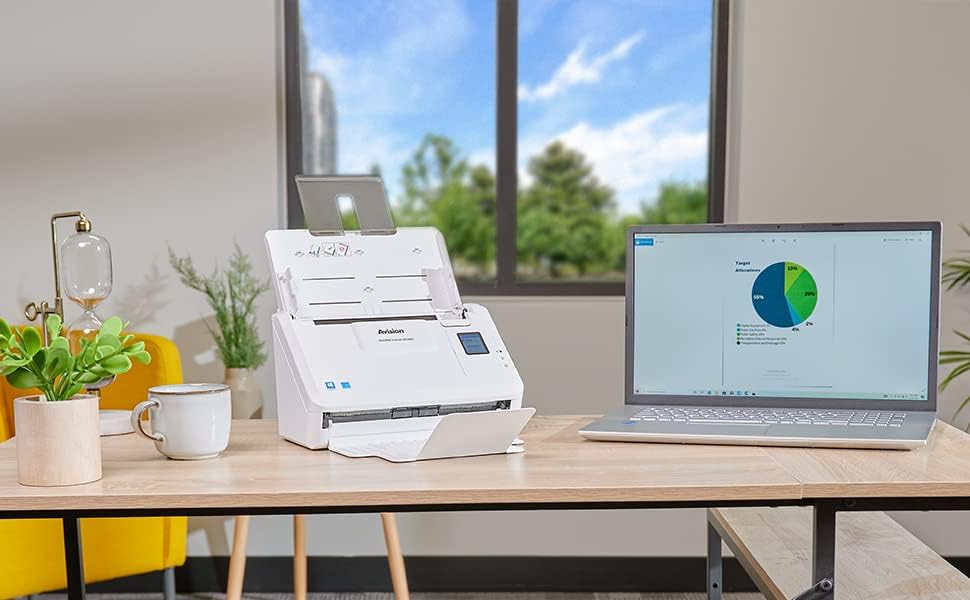
صورة: The Avision AD340G scanner set up on a desk next to a laptop, illustrating a typical connected environment. This shows the scanner's compact footprint when in use.
2. تثبيت البرنامج
Install the necessary drivers and scanning software from the provided CD or by downloading them from the official Avision webموقع.
- Insert the software CD into your computer's CD/DVD drive, or navigate to the Avision support website to download the latest drivers and utilities for the AD340G model.
- Follow the on-screen instructions to complete the installation. This typically includes installing the TWAIN/ISIS drivers and the Avision scanning utility software.
- أعد تشغيل الكمبيوتر إذا طُلب منك ذلك.
تشغيل الماسح
1. تحميل المستندات
- Open the document feeder tray and extend the output tray.
- قم بضبط أدلة الورق لتتناسب مع عرض مستنداتك.
- Place the documents face-down in the input tray, ensuring they are neatly stacked and aligned. The scanner supports up to 50 sheets.

صورة: A hand carefully placing a stack of documents into the input tray of the Avision AD340G scanner, demonstrating the correct loading procedure.
2. إجراءات المسح الضوئي
- قم بتشغيل الماسح الضوئي بالضغط على زر الطاقة.
- Launch the Avision scanning software on your computer.
- اختر برنامج المسح الضوئي الذي ترغب بهfile (e.g., color, grayscale, black & white, resolution). The AD340G supports duplex scanning (both sides simultaneously).
- Click the "Scan" button in the software or press the scan button on the scanner's control panel.
- The scanner will feed and process the documents. Once scanning is complete, the images will appear in the software.
- Review the scanned images, make any necessary adjustments (e.g., rotate, crop), and save them to your desired location and format (e.g., PDF, JPEG, TIFF).
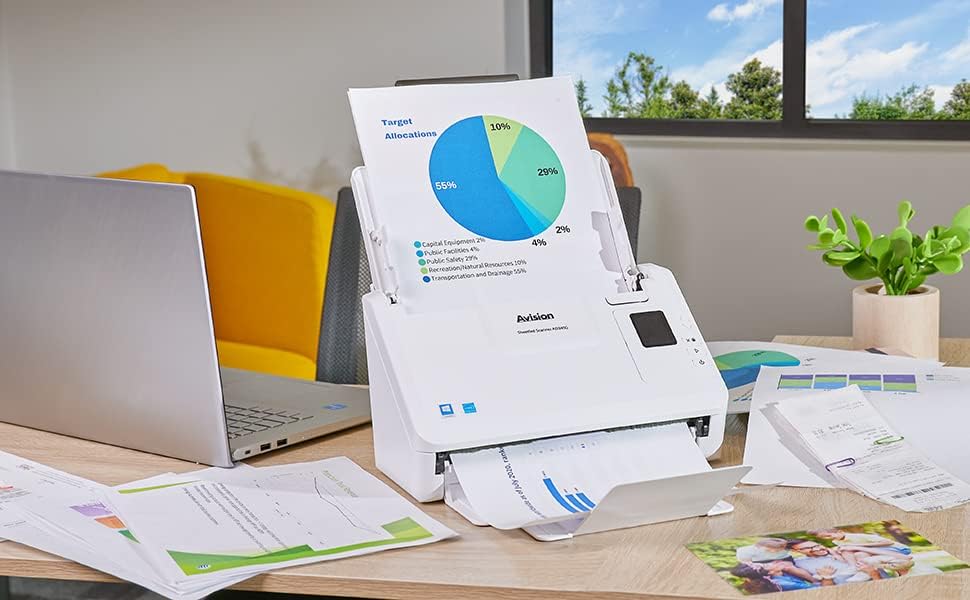
صورة: The Avision AD340G scanner in operation, feeding a document with a pie chart. This illustrates the scanner's ability to handle various document types efficiently.
صيانة
تنظيف الماسح الضوئي
يضمن التنظيف المنتظم الأداء الأمثل ويطيل عمر الماسح الضوئي الخاص بك.
- إيقاف التشغيل وفصله: Always turn off the scanner and disconnect the power adapter and USB cable before cleaning.
- المظهر الخارجي النظيف: Wipe the exterior of the scanner with a soft, lint-free cloth lightly dampاغسلها بالماء أو بمنظف خفيف غير كاشط.
- Clean Interior (Rollers and Glass):
- Open the scanner cover to access the rollers and glass scanning surfaces.
- Gently wipe the feed rollers with a clean, lint-free cloth. If necessary, use a small amount of isopropyl alcohol on the cloth for stubborn residue.
- Clean the glass scanning strips with a soft cloth and glass cleaner (non-ammonia based).
- Allow all components to dry completely before closing the cover and reconnecting power.
استكشاف الأخطاء وإصلاحها
| مشكلة | السبب المحتمل | حل |
|---|---|---|
| الماسح الضوئي لا يعمل. | كابل الطاقة غير متصل، مشكلة في منفذ الطاقة. | تأكد من توصيل كابل الطاقة بإحكام. جرّب مقبسًا كهربائيًا آخر. |
| Documents jam frequently. | Misaligned paper guides; worn rollers; dirty rollers. | Adjust paper guides. Clean the feed rollers. If problem persists, rollers may need replacement. |
| الصور الممسوحة ضوئياً ضبابية أو بها خطوط. | Dirty scanning glass; incorrect resolution settings. | Clean the scanning glass. Adjust scanning resolution in the software. |
| لم يتم اكتشاف الماسح الضوئي بواسطة الكمبيوتر. | USB cable disconnected; driver not installed or corrupted. | تأكد من توصيل كابل USB. أعد تثبيت برامج تشغيل الماسح الضوئي. جرب منفذ USB آخر. |
تحديد
Key technical specifications for the Avision AD340G Document Scanner:
- نموذج: AD 340G
- نوع الماسح الضوئي: ADF Duplex Document Scanner
- الاتصال: USB
- دقة: 600 نقطة في البوصة (بصري)
- سرعة المسح: 40 ppm (pages per minute) / 80 ipm (images per minute)
- عمق اللون: 48 bits input / 24 bits output
- سعة الورقة القياسية: 50 ورقات
- تقنية المستشعر البصري: CIS (مستشعر صورة الاتصال)
- أبعاد المنتج: 11 × 6.1 × 6.5 بوصة
- وزن السلعة: 8 رطل
- الحد الأدنى لمتطلبات النظام: ويندوز XP/7/8/10
الضمان والدعم
For warranty information, technical support, or service inquiries, please refer to the warranty card included with your product or visit the official Avision website. Contact information for customer support can typically be found on the manufacturer's webموقع.
Avision Official Webموقع: www.avision.com


