مقدمة
This manual provides detailed instructions for the Jabra Elite 2 True Wireless In-Ear Bluetooth Earbuds. It covers product setup, operation, maintenance, and troubleshooting to ensure optimal performance and user experience. Please read this manual carefully before using your earbuds.
ماذا يوجد في الصندوق
The Jabra Elite 2 package includes the following components:
- جابرا إليت 2 سماعات أذن لاسلكية حقيقية
- حافظة الشحن
- كابل شحن USB-C
- EarGels (three sizes: Small, Medium, Large)
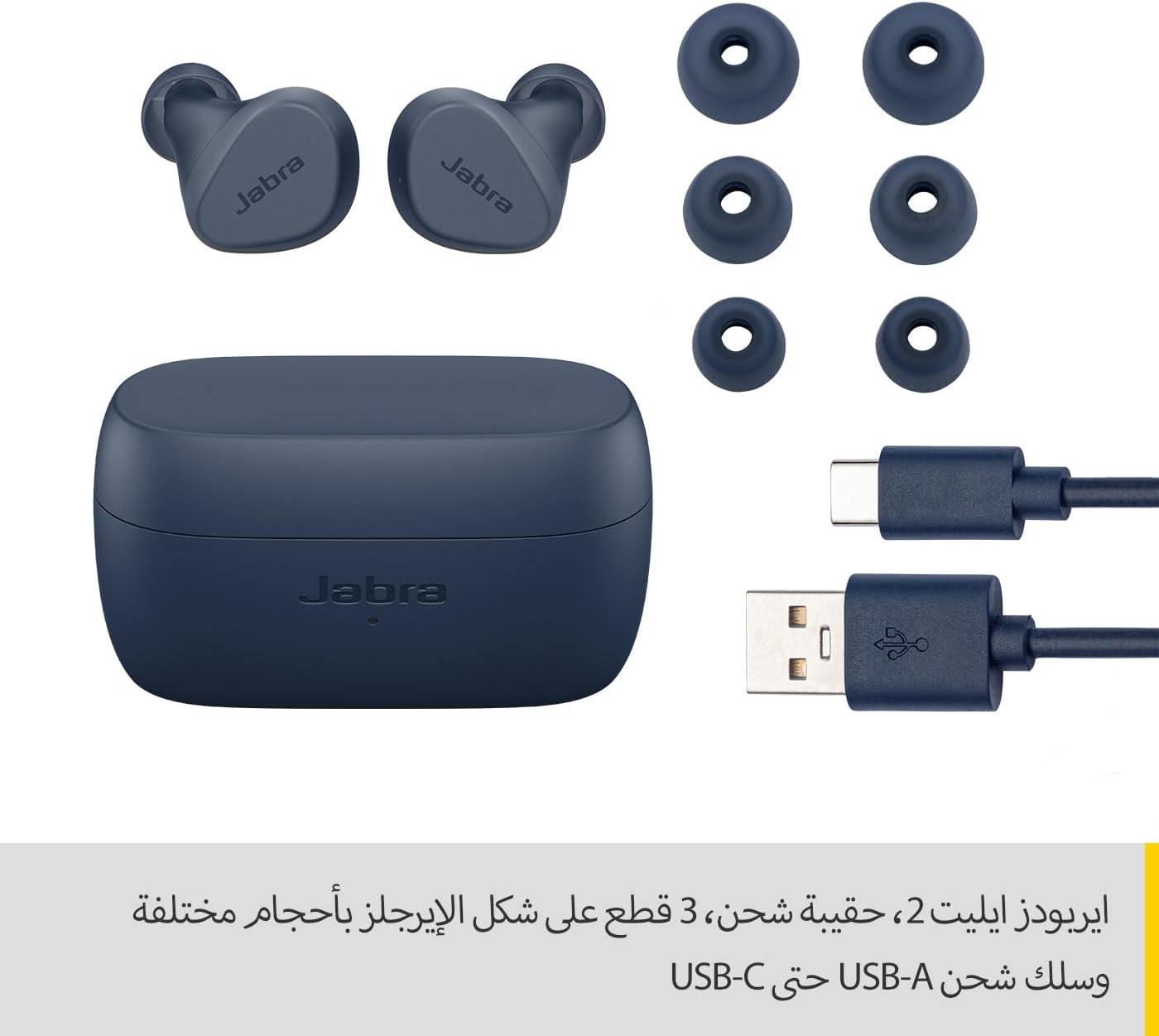
Image: Jabra Elite 2 earbuds, charging case, three sizes of EarGels, and USB-A to USB-C charging cable.
يثبت
1. شحن سماعات الأذن والعلبة
Before first use, fully charge the earbuds and the charging case. Place the earbuds into the charging case and connect the USB-C cable to the charging port on the case and a power source.
- The earbuds provide up to 7 hours of listening time on a single charge.
- The charging case extends the total battery life to up to 21 hours.

Image: Jabra Elite 2 earbuds inside their charging case, ready for charging.
2. الاقتران بجهاز بلوتوث
- تأكد من شحن سماعات الأذن ووضعها في علبة الشحن.
- افتح علبة الشحن. ستدخل سماعات الأذن تلقائيًا في وضع الاقتران.
- على هاتفك الذكي أو أي جهاز آخر يدعم تقنية Bluetooth، انتقل إلى إعدادات Bluetooth.
- Select 'Jabra Elite 2' from the list of available devices.
- بمجرد الاتصال، سيؤكد صوت التنبيه نجاح الاقتران.
3. تركيب سماعات الأذن
For optimal sound quality and comfort, choose the correct size of EarGels. Insert the earbuds into your ears and rotate them slightly to ensure a secure and comfortable fit.
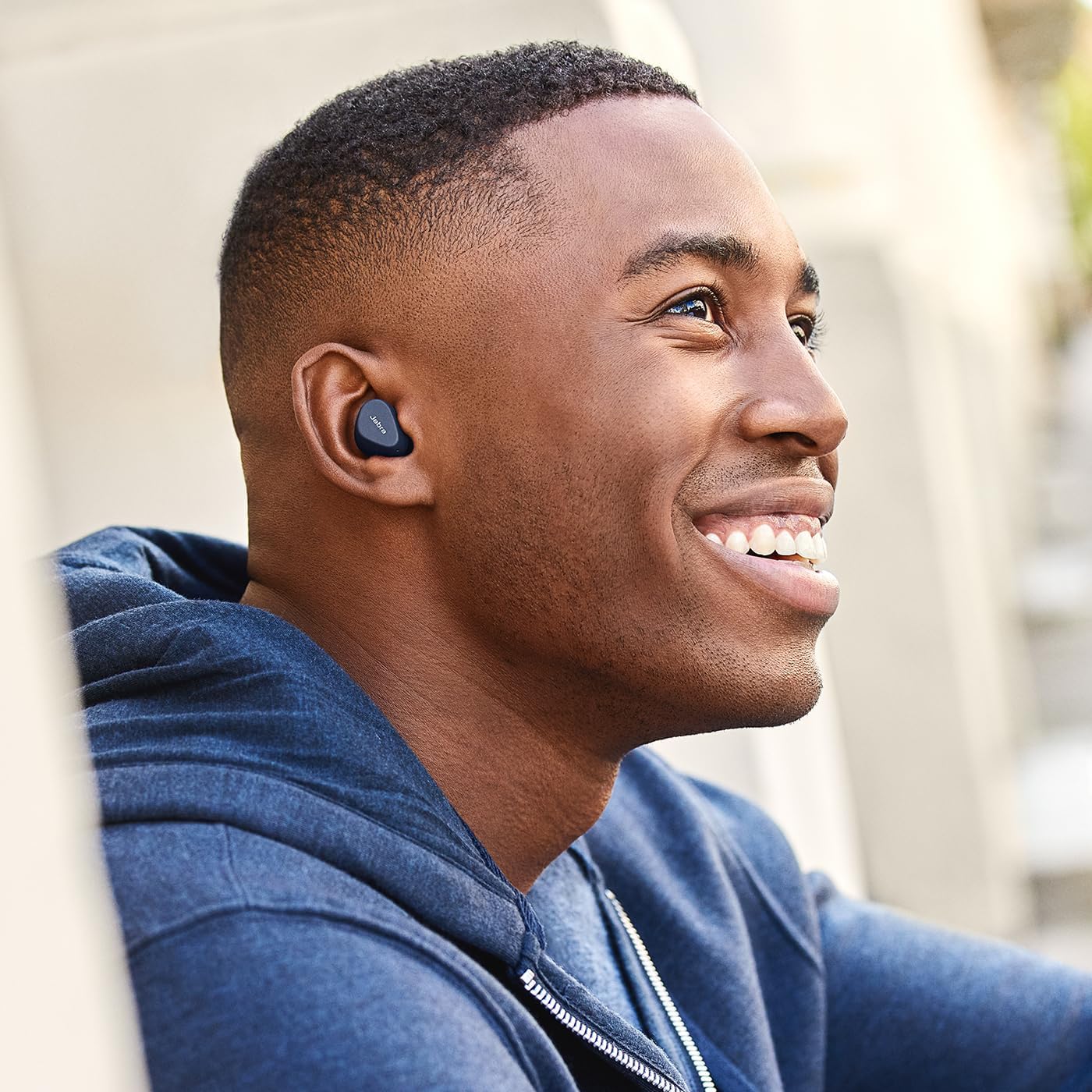
Image: A man wearing Jabra Elite 2 earbuds, demonstrating a proper fit.

Image: A woman wearing Jabra Elite 2 earbuds, demonstrating a proper fit.
تعليمات التشغيل
The Jabra Elite 2 earbuds feature intuitive controls for managing audio and calls.
التحكم في الموسيقى والمكالمات
| فعل | سماعة الأذن اليسرى | سماعة الأذن اليمنى |
|---|---|---|
| تشغيل/إيقاف الموسيقى مؤقتًا | ضغطة واحدة | ضغطة واحدة |
| الرد على المكالمة/إنهائها | ضغطة واحدة | ضغطة واحدة |
| رفض المكالمة | اضغط مرتين | اضغط مرتين |
| المسار التالي | اضغط مرتين | غير متاح |
| المسار السابق | اضغط ثلاث مرات | غير متاح |
| Activate Voice Assistant (Alexa for Android) | غير متاح | اضغط ثلاث مرات |

Image: Close-up of Jabra Elite 2 earbuds, highlighting the control surface.
صيانة
Proper maintenance ensures the longevity and performance of your Jabra Elite 2 earbuds.
تنظيف
- قم بتنظيف سماعات الأذن وعلبة الشحن بانتظام باستخدام قطعة قماش ناعمة وجافة وخالية من الوبر.
- قم بإزالة أغطية الأذن ونظفها بالماء والصابون الخفيف، ثم جففها جيداً قبل إعادة تركيبها.
- تجنب استخدام المواد الكيميائية القاسية أو المواد الكاشطة.
مقاومة الماء
The Jabra Elite 2 earbuds are rated IP55 for resistance against dust and water splashes. This means they are protected against low-pressure water jets from any direction, making them suitable for use during light rain or workouts. They are not designed for submersion in water.

Image: A man wearing Jabra Elite 2 earbuds under an umbrella, illustrating their water resistance.
تخزين
عندما لا تكون قيد الاستخدام، قم بتخزين سماعات الأذن في علبة الشحن الخاصة بها لحمايتها والحفاظ عليها مشحونة.
استكشاف الأخطاء وإصلاحها
If you encounter issues with your Jabra Elite 2 earbuds, refer to the following common solutions:
- لا يوجد صوت/مستوى صوت منخفض: Ensure earbuds are properly seated in your ears, volume is turned up on both earbuds and connected device, and EarGels are the correct size.
- قضايا الاقتران: تأكد من تفعيل البلوتوث على جهازك وأن سماعات الأذن في وضع الاقتران. حاول فصل سماعات الأذن وإعادة اقترانها.
- اتصال متقطع: Keep your device close to the earbuds. Avoid environments with strong Wi-Fi or other wireless interference.
- سماعات الأذن لا تشحن: تأكد من توصيل كابل الشحن بإحكام وأن علبة الشحن مزودة بالطاقة. نظف نقاط التلامس الخاصة بالشحن على كل من سماعات الأذن والعلبة.
- مشاكل الميكروفون: Ensure the microphones are not obstructed. Check the audio input settings on your connected device. The Elite 2 features 2 microphones for clear calls.
للحصول على مزيد من المساعدة، تفضل بزيارة موقع دعم Jabra الرسمي webموقع.
تحديد
| ميزة | التفاصيل |
|---|---|
| اسم الموديل | جابرا ايليت 2 |
| رقم الموديل | 100-91400003-60 |
| تكنولوجيا الاتصال | لاسلكي (بلوتوث) |
| عمر بطارية سماعة الأذن | تصل إلى 7 ساعة |
| إجمالي عمر البطارية (مع العلبة) | تصل إلى 21 ساعة |
| الميكروفونات | 2 ميكروفونات مدمجة |
| التحكم في الضوضاء | ضجيج العزلة |
| تصنيف مقاومة الماء | IP55 (Rain, Dust, Water Resistant) |
| الاستخدامات الموصى بها | Listening to audio (music, podcasts), phone calls, sports, fitness, travel |
| الأجهزة المتوافقة | الأجهزة التي تعمل بتقنية البلوتوث |
| نوع التحكم | Media/Volume Control, Remote Control |
| المكونات المضمنة | Protective case, USB-C cable, EarGels |
| لون | البحرية |
الضمان والدعم
معلومات الضمان
تأتي سماعات جابرا إيليت 2 مع ضمان لمدة 2 سنوات. Product registration is required to activate the full warranty period. Please refer to the warranty card included in your package or visit the official Jabra webموقع للحصول على الشروط والأحكام التفصيلية.
دعم العملاء
For technical support, frequently asked questions, or to register your product, please visit the official Jabra support page:
You may also find additional resources and software updates on the Jabra webموقع.


