مقدمة
Thank you for choosing the DIZO Watch 2 Smartwatch. This manual provides essential information and instructions to help you get started, operate, and maintain your device effectively. Please read this manual thoroughly before using your smartwatch to ensure proper function and safety.
محتويات الحزمة
- DIZO Watch 2 Smartwatch
- كابل الشحن
- دليل المستخدم
يثبت
1. شحن الساعة الذكية
Before initial use, fully charge your DIZO Watch 2. Connect the charging cable to the charging port on the back of the watch and plug the USB end into a power adapter (not included) or a computer's USB port. A full charge typically takes approximately 2 hours.
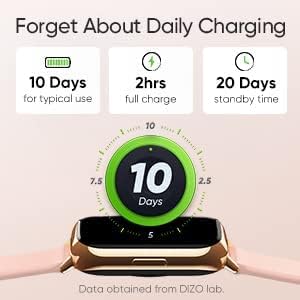
Image: The DIZO Watch 2 displaying its battery life, indicating 10 days for typical use, 2 hours for a full charge, and 20 days standby time.
2. Downloading the DIZO App
To unlock all features and synchronize data, download the official DIZO app on your Android smartphone. بحث عن "DIZO App" in the Google Play Store.
3. الاقتران بهاتفك الذكي
- تأكد من تمكين البلوتوث على هاتفك الذكي.
- Open the DIZO app and follow the on-screen instructions to create an account or log in.
- Select "Add Device" or a similar option within the app.
- The app will search for your DIZO Watch 2. Select your watch from the list of available devices.
- قم بتأكيد طلب الاقتران على كل من ساعتك والهاتف الذكي.
تعليمات التشغيل
الملاحة الأساسية
- شاشة اللمس: Swipe up, down, left, or right to navigate through menus and notifications. Tap to select an option.
- زر جانبي: اضغط على الزر الجانبي للعودة إلى الشاشة الرئيسية أو لتنشيط الشاشة.

Image: A close-up of the DIZO Watch 2's 1.69-inch bright full touch screen, highlighting its sharp display.
مراقبة الصحة
The DIZO Watch 2 offers comprehensive health tracking features:
- مراقب نسبة الأكسجين في الدم (SpO2): Measures your blood oxygen saturation levels throughout the day and during sleep.
- Real-time Heart Rate Monitor: Continuously tracks your heart rate, providing insights into your cardiovascular health and workout intensity.
- مراقبة النوم المتقدمة: Analyzes your sleep patterns, including light, deep, and REM sleep stages, along with heart rate, stress, and breathing data.
- تتبع الدورة الشهرية: Provides tracking and predictions for the menstrual cycle.
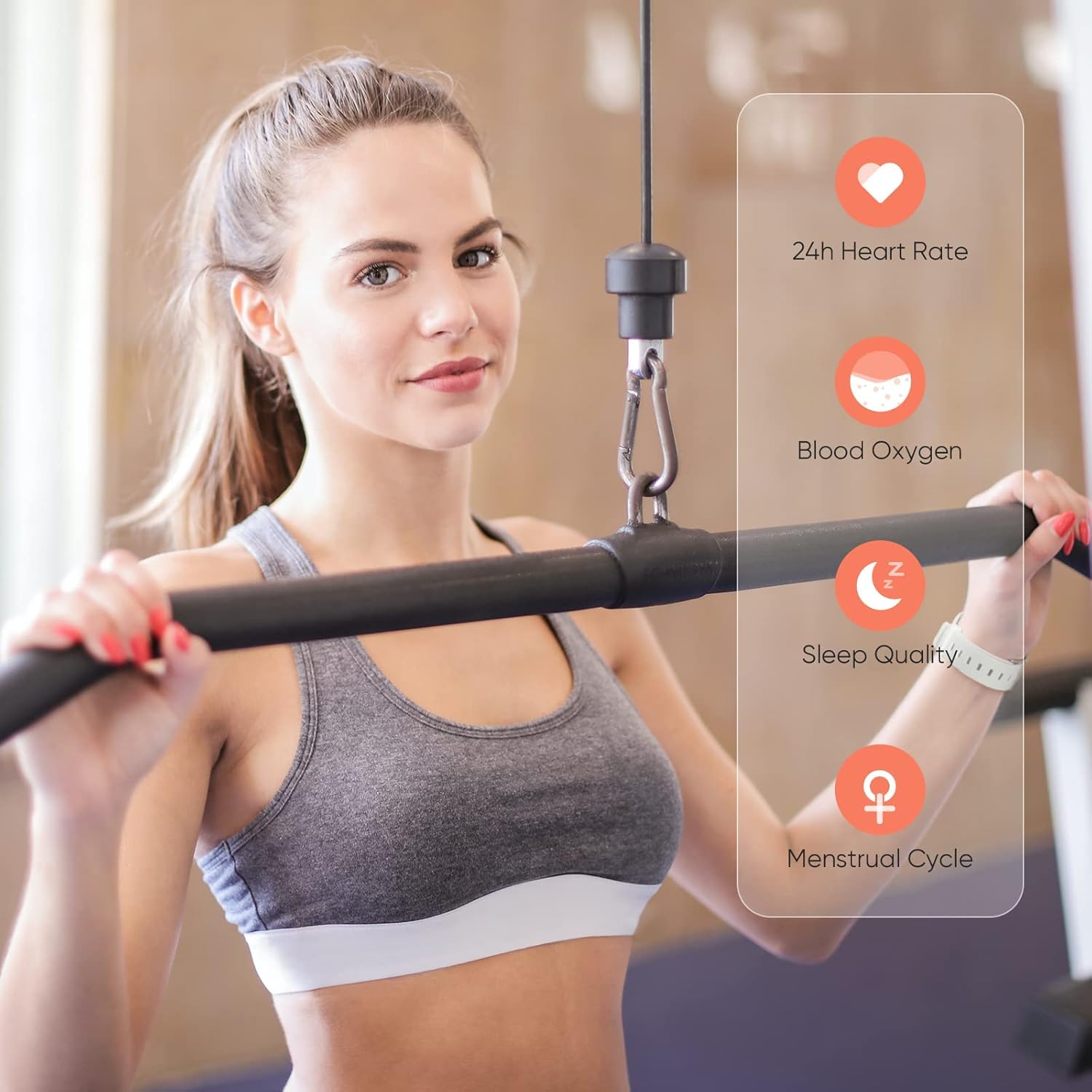
Image: A user wearing the DIZO Watch 2, with an overlay showing the watch's ability to monitor 24-hour heart rate, blood oxygen, sleep quality, and menstrual cycle.
أوضاع الرياضة
The watch supports 15 dedicated sports modes to accurately track your workouts. Select your activity from the watch's menu to record data such as duration, calories burned, and heart rate.

Image: The DIZO Watch 2 screen showing "15 Sports Modes" with icons representing different activities like running, cycling, and swimming, surrounded by images of people engaging in these sports.
وجوه ساعة قابلة للتخصيص
Choose from over 100 watch faces available through the DIZO app. You can also customize a watch face using your own pictures.

Image: The DIZO Watch 2 displaying a custom watch face with a personal photo, surrounded by other available watch face designs and a smartphone screen showing customization options.
Smart Controls and Notifications
Connect your smartwatch to the DIZO app to enable smart features:
- التحكم بالموسيقى: تحكم في تشغيل الموسيقى على هاتفك الذكي مباشرة من ساعتك.
- التحكم بالكاميرا: استخدم ساعتك كجهاز تحكم عن بعد لكاميرا هاتفك الذكي.
- الإخطارات الذكية: تلقي تنبيهات للمكالمات والرسائل وإشعارات التطبيقات.
- Calls Reject: ارفض المكالمات الواردة من ساعتك.
- Steps Counter: Track your daily steps and activity.
- إنذار: ضبط المنبهات مباشرة على ساعتك.

Image: The DIZO Watch 2 displaying icons for various smart controls, including Music Control, Camera Control, Smart Notifications, Calls Reject, Steps Counter, and Alarm.
مقاومة الماء (5ATM)
The DIZO Watch 2 is 5ATM water resistant, meaning it can withstand pressures equivalent to a depth of 50 meters (164 feet). This allows for use during swimming, showering, or other shallow water activities. Avoid hot water, steam, or high-velocity water streams.

Image: A person swimming while wearing the DIZO Watch 2, with text indicating its 5ATM (164 ft./50 meters) waterproof rating.
صيانة
- تنظيف: نظّف ساعتك وسوارها بانتظام بقطعة قماش ناعمة وجافة. إذا لزم الأمر، استخدم قطعة قماش مبللة قليلاً.amp اغسلي قطعة القماش بالصابون المعتدل، ثم اشطفيها وجففيها جيدًا.
- الشحن: Use only the provided charging cable. Avoid exposing the charging contacts to water or sweat.
- تخزين: قم بتخزين الساعة في مكان بارد وجاف عندما لا تكون قيد الاستخدام.
- مقاومة الماء: While 5ATM water resistant, avoid prolonged submersion in saltwater or chemical liquids, which can degrade seals over time.
استكشاف الأخطاء وإصلاحها
- الساعة لا تعمل: تأكد من شحن الساعة بالكامل. وصلها بالشاحن لمدة 10 دقيقة على الأقل.
- لا يمكن الاقتران بالهاتف: Check if Bluetooth is enabled on your phone. Ensure the watch is within range and the DIZO app is open. Try restarting both the watch and your phone.
- بيانات صحية غير دقيقة: تأكد من أن الساعة مُحكمة على معصمك، وليست ضيقة جدًا أو فضفاضة جدًا. نظّف المستشعرات بانتظام.
- الإشعارات غير المستلمة: Check app permissions on your phone to ensure the DIZO app has access to notifications. Verify notification settings within the DIZO app.
- الشاشة لا تستجيب: Try restarting the watch by pressing and holding the side button until it powers off, then power it back on.
تحديد
| اسم الموديل | شاهد 2 |
| مرجع الشركة المصنعة | دي دبليو-123 |
| ماركة | ديزو |
| عرض | 1.69 inch (4.3cm) Bright Full Touch Screen |
| مقاومة الماء | 5ATM (up to 50 meters / 164 feet) |
| مراقبة الصحة | Blood Oxygen (SpO2), Heart Rate, Sleep Tracking, Menstrual Cycle |
| أوضاع الرياضة | 15 وضعًا |
| عمر البطارية | مدة تصل إلى 10 أيام (للاستخدام العادي)، 20 يومًا (في وضع الاستعداد) |
| وقت الشحن | حوالي 2 ساعات |
| الاتصال | بلوتوث، منفذ USB (للشحن) |
| التوافق | أندرويد |
| أبعاد | 21.49 × 2.01 × 1.22 سم |
| وزن | 191 جرام |
الضمان والدعم
The DIZO Watch 2 Smartwatch comes with a standard manufacturer's warranty. Please refer to the warranty card included in your package for specific terms and conditions. For technical support, troubleshooting assistance, or warranty claims, please contact DIZO customer service through their official webالموقع أو معلومات الاتصال المقدمة في وثائق الضمان الخاصة بك.


