مقدمة
شكرا لك على الشراءasing the Groov-e Ultra Wireless Bluetooth Headphones. These headphones are designed to provide a superior audio experience with features such as wireless connectivity, extended battery life, and comfortable design. This manual will guide you through the setup, operation, and maintenance of your new headphones.
محتويات الحزمة
Please ensure all items are present in your Groov-e Ultra headphone package:
- Groov-e Ultra Wireless Bluetooth Headphones
- كابل شحن USB
- كابل صوت 3.5 ملم
- دليل المستخدم (هذا المستند)
المنتج انتهىview
Familiarize yourself with the various components of your Groov-e Ultra headphones.
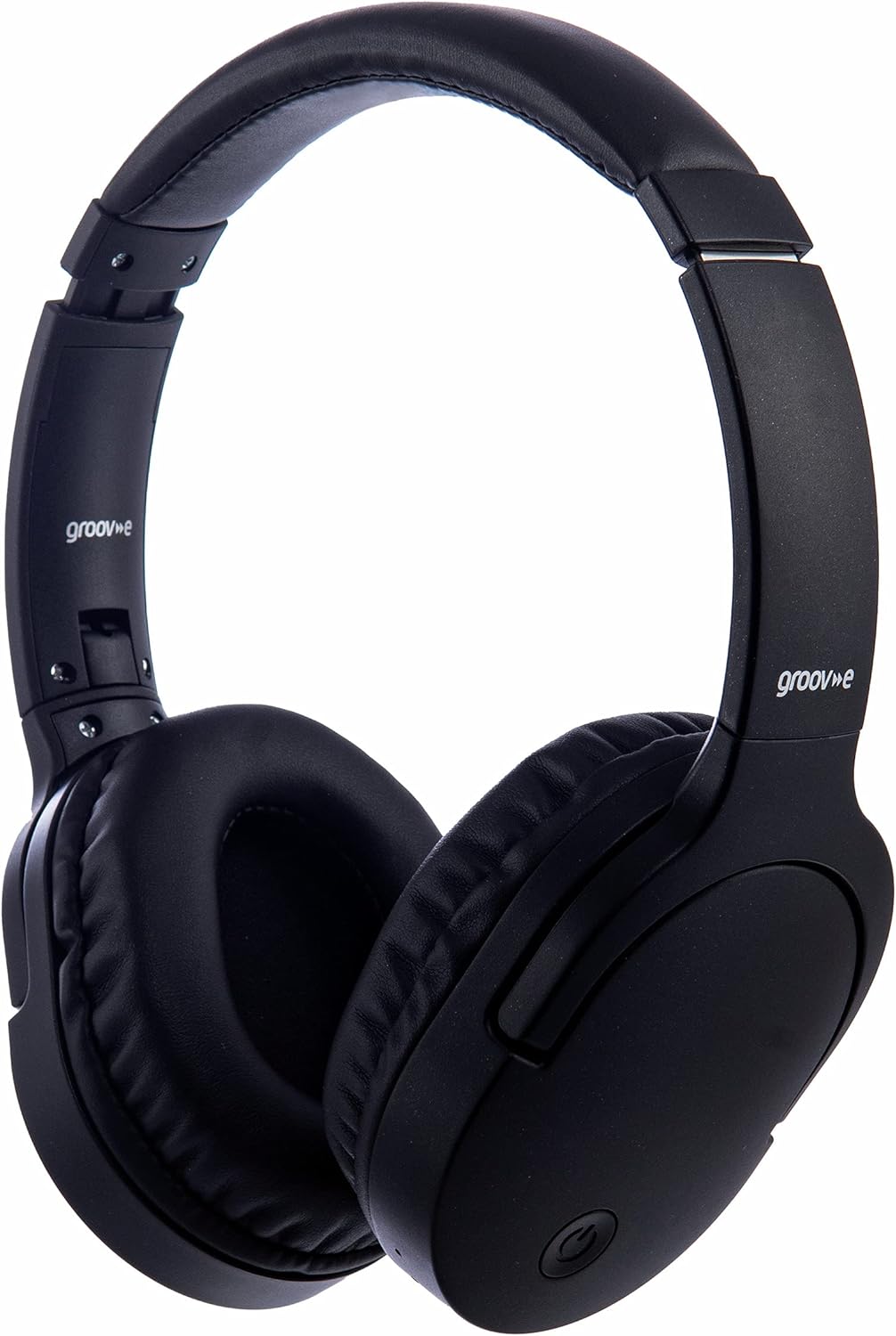
الصورة: الجبهة view of the Groov-e Ultra Wireless Bluetooth Headphones in black.
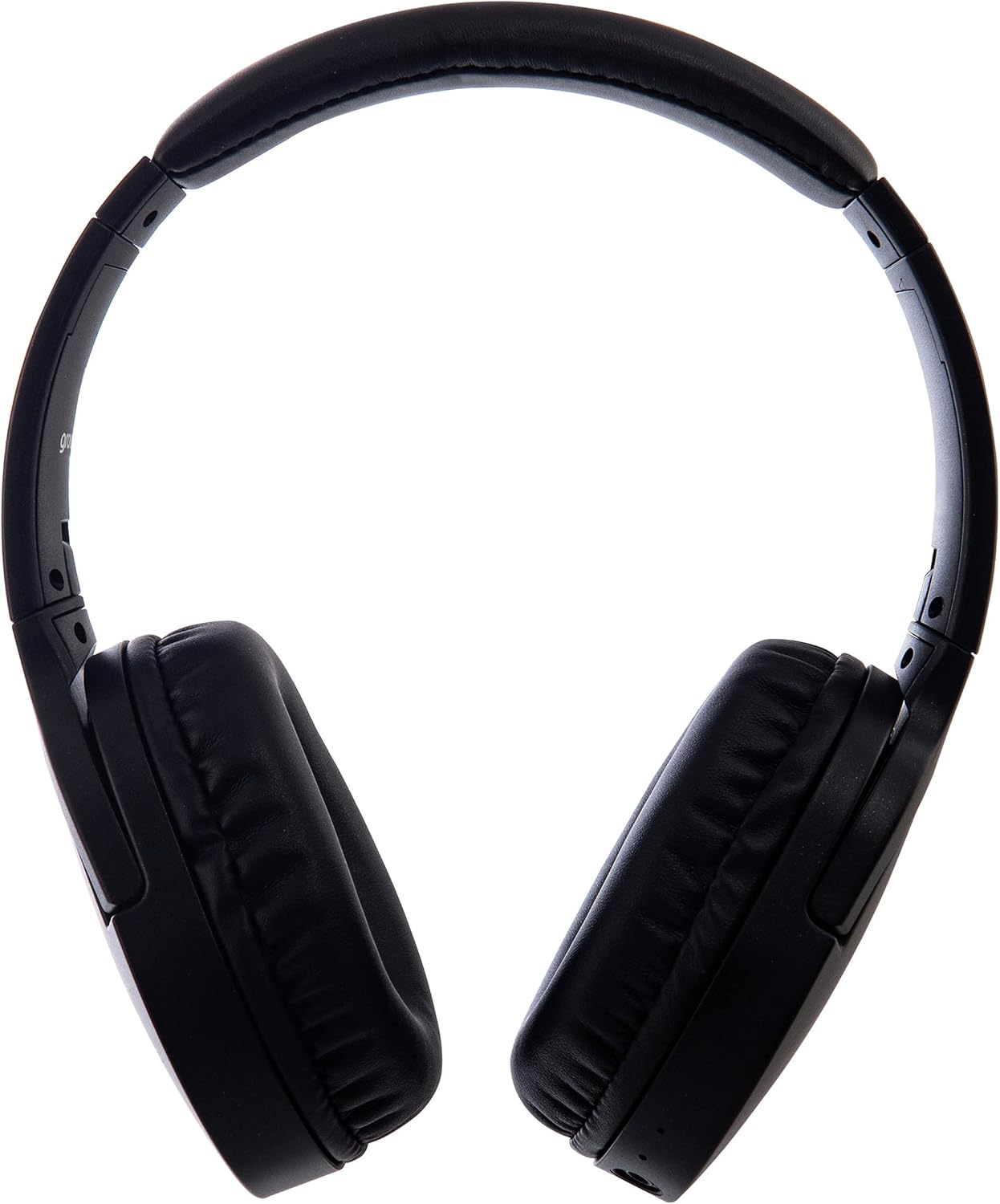
الصورة: الجانب view of the Groov-e Ultra Wireless Bluetooth Headphones, showing the earcups and headband.
Key features and controls include:
- زر الطاقة: Located on the earcup, used for powering on/off and initiating pairing mode.
- ضوابط الصوت: أزرار لضبط مستوى الصوت.
- زر متعدد الوظائف: For play/pause, answer/end calls, and activating voice assistant.
- ميكروفون: مُدمج لإجراء مكالمات بدون استخدام اليدين.
- مقبس صوت 3.5 ملم: For wired connection to audio sources.
- منفذ شحن USB: For charging via the included USB cable.
- Wireless Charging Area: Located on the right earcup for compatible wireless charging pads.
- مؤشر LED: Displays power, charging, and Bluetooth pairing status.
يثبت
1. الشحن الأولي
Before first use, fully charge your headphones. The Groov-e Ultra headphones support both wired and wireless charging.
الشحن السلكي:
- Connect the supplied USB charging cable to the headphone's charging port.
- قم بتوصيل الطرف الآخر من كابل USB بمصدر طاقة USB متوافق (مثل منفذ USB في الكمبيوتر، أو محول USB الجداري).
- سيضيء مؤشر LED أثناء الشحن ثم ينطفئ أو يتغير لونه عند الشحن الكامل.
الشحن اللاسلكي:
- Place the right earcup of the headphones onto a compatible Qi-certified wireless charging pad.
- Ensure the headphones are correctly positioned on the charging pad for optimal contact.
- سيضيء مؤشر LED أثناء الشحن ثم ينطفئ أو يتغير لونه عند الشحن الكامل.
تستغرق عملية الشحن الكاملة عادةً حوالي 2 ساعات.
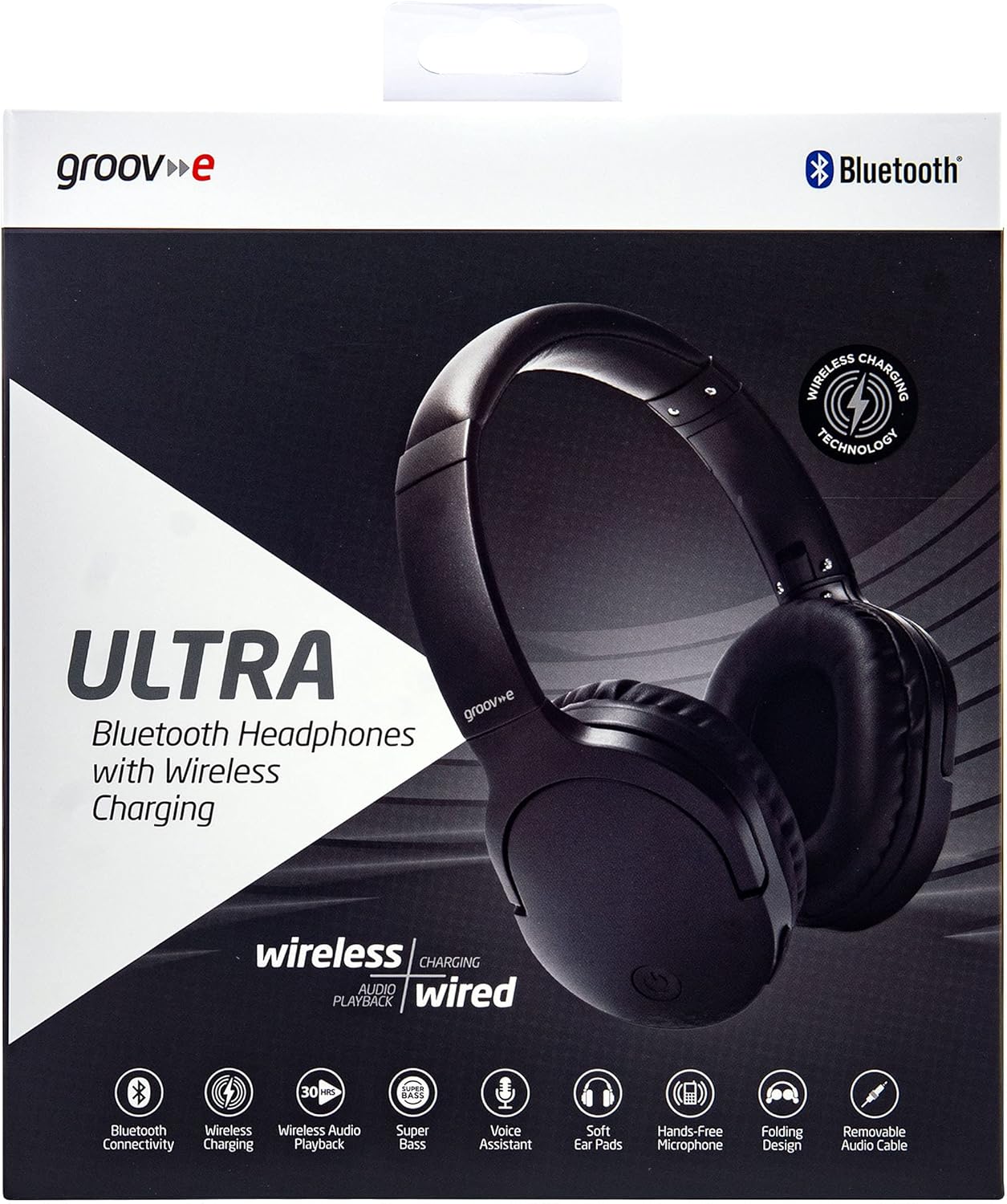
Image: Groov-e Ultra headphones charging wirelessly on a pad, with a laptop in the background.
تعليمات التشغيل
1. تشغيل/إيقاف التشغيل
- تشغيل الطاقة: اضغط مع الاستمرار على زر التشغيل لمدة 3 ثوانٍ تقريبًا حتى يومض مؤشر LED.
- إيقاف التشغيل: اضغط مع الاستمرار على زر الطاقة لمدة تتراوح بين 3 و 5 ثوانٍ تقريبًا حتى ينطفئ مؤشر LED.
2. اقتران بلوتوث
- تأكد من إيقاف تشغيل سماعات الرأس.
- اضغط مع الاستمرار على زر الطاقة لمدة 5-7 ثوانٍ تقريبًا حتى يومض مؤشر LED باللونين الأحمر والأزرق بالتناوب، مما يشير إلى وضع الاقتران.
- على جهازك (الهاتف الذكي، الجهاز اللوحي، الكمبيوتر المحمول)، قم بتمكين البلوتوث وابحث عن الأجهزة المتاحة.
- Select "Groov-e Ultra" from the list of found devices.
- بمجرد الاقتران، سيومض مؤشر LED باللون الأزرق ببطء، وقد تسمع تأكيدًا صوتيًا.
- إذا طُلب منك إدخال كلمة المرور، أدخل "0000".
ستحاول سماعات الرأس تلقائيًا إعادة الاتصال بآخر جهاز مقترن بها عند تشغيلها.
3. التوصيل السلكي (كابل صوت 3.5 مم)
For devices without Bluetooth or to conserve battery, you can use the supplied 3.5mm audio cable.
- قم بتوصيل أحد طرفي كابل الصوت 3.5 ملم بمقبس الصوت الموجود على سماعات الرأس.
- قم بتوصيل الطرف الآخر بمخرج الصوت 3.5 ملم الخاص بجهازك.
- ستعمل سماعات الرأس في الوضع السلبي، وسيتم تعطيل وظيفة البلوتوث.
4. تشغيل الموسيقى
- تشغيل/إيقاف مؤقت: اضغط على الزر متعدد الوظائف مرة واحدة.
- المسار التالي: اضغط مع الاستمرار على زر رفع الصوت.
- المسار السابق: اضغط مع الاستمرار على زر خفض الصوت.
- رفع الصوت: اضغط على زر رفع الصوت لفترة وجيزة.
- اخفض الصوت: اضغط على زر خفض الصوت لفترة وجيزة.
5. إدارة المكالمات
- الرد/إنهاء المكالمة: اضغط على الزر متعدد الوظائف مرة واحدة.
- رفض المكالمة: اضغط مع الاستمرار على الزر متعدد الوظائف لمدة ثانيتين.
- مساعد صوت: Double-press the Multi-function button to activate your device's voice assistant (e.g., Siri, Google Assistant).
صيانة
To ensure the longevity and optimal performance of your Groov-e Ultra headphones, follow these maintenance guidelines:
- تنظيف: استخدم قطعة قماش ناعمة وجافة لتنظيف أغطية الأذن وعصابة الرأس. لا تستخدم منظفات أو مذيبات كاشطة.
- تخزين: عند عدم الاستخدام، احفظ سماعات الرأس في مكان بارد وجاف، بعيدًا عن أشعة الشمس المباشرة ودرجات الحرارة القصوى. يتيح تصميمها القابل للطي تخزينها بشكل مضغوط.
- العناية بالبطارية: للحفاظ على عمر البطارية، تجنب تفريغ سماعات الرأس بالكامل بشكل متكرر. اشحنها بانتظام، حتى لو لم تكن قيد الاستخدام المستمر.
- مقاومة الماء: The headphones are rated as "waterproof" (as per specifications), but this typically refers to resistance against splashes or light rain. Avoid submerging them in water.
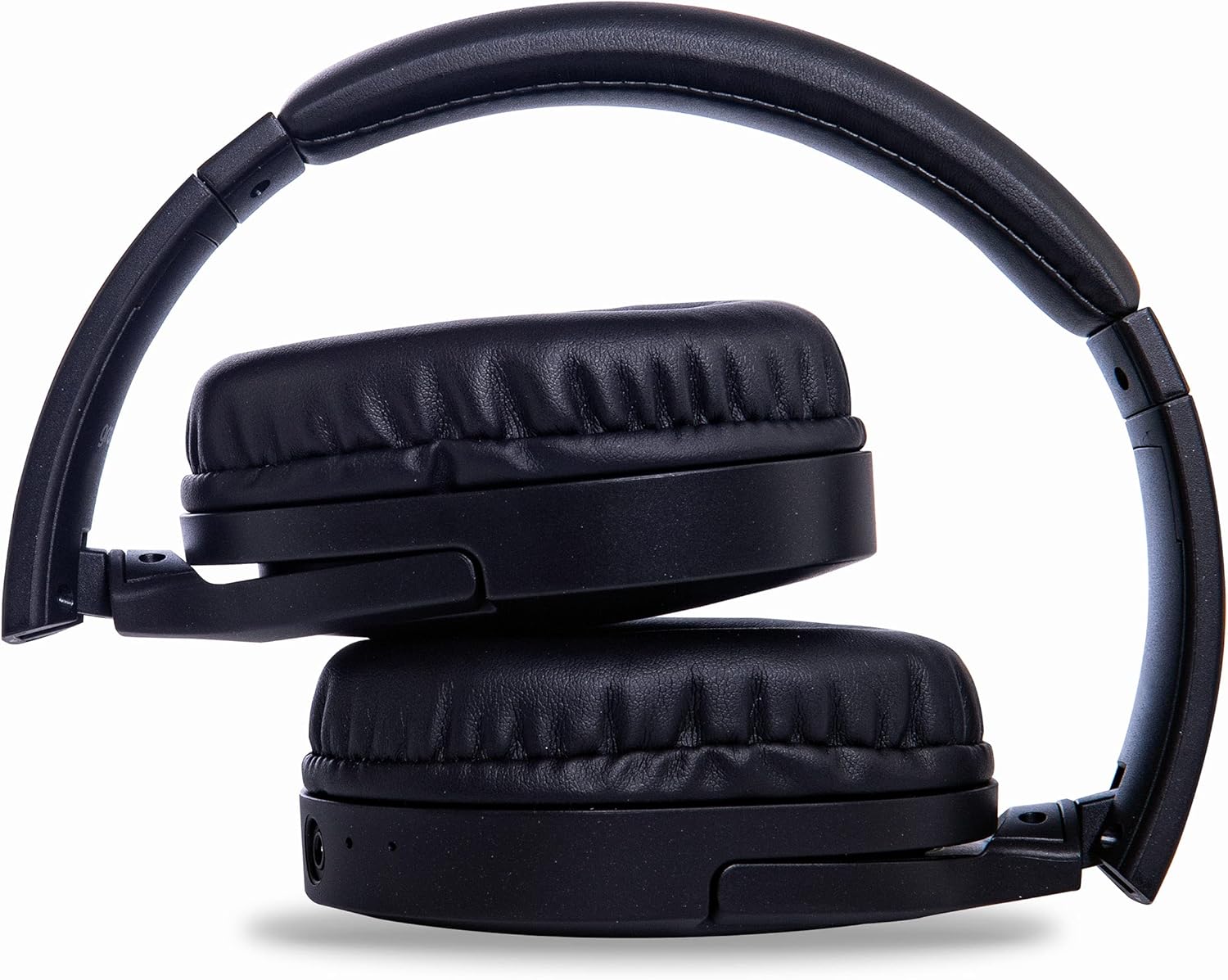
Image: Groov-e Ultra headphones folded, demonstrating their compact storage design.
استكشاف الأخطاء وإصلاحها
إذا واجهت مشكلات مع سماعات الرأس، فراجع الحلول الشائعة التالية:
| مشكلة | السبب المحتمل | حل |
|---|---|---|
| لا يتم تشغيل سماعات الرأس. | بطارية منخفضة. | Charge the headphones fully using either wired or wireless charging. |
| لا يمكن الاقتران عبر البلوتوث. | سماعات الرأس ليست في وضع الاقتران؛ بلوتوث الجهاز معطل؛ تداخل. | Ensure headphones are in pairing mode (flashing red/blue). Turn Bluetooth off and on on your device. Move closer to the device. |
| لا يوجد صوت أو جودة الصوت رديئة. | Volume too low; incorrect source; loose wired connection; Bluetooth interference. | Increase volume on headphones and device. Check if the correct audio output is selected. Ensure 3.5mm cable is fully inserted. Re-pair Bluetooth. |
| الشحن اللاسلكي لا يعمل. | Headphones not positioned correctly; incompatible charging pad. | Adjust headphone position on the charging pad. Ensure the charging pad is Qi-certified and functioning. |
| Buzzing or too loud on Bluetooth. | Bluetooth signal issue; volume settings. | Try moving closer to the source device. Adjust volume levels on both the headphones and the connected device. |
| Cannot connect to Apple Mac Book Pro. | Compatibility issue or specific Bluetooth driver problem. | Ensure your Mac's Bluetooth drivers are up to date. Try resetting Bluetooth on your Mac. Consult Apple support or Groov-e support for specific compatibility advice. |
تحديد
| ميزة | التفاصيل |
|---|---|
| اسم الموديل | ألترا |
| رقم الموديل | GVBT750BK |
| ماركة | أخدود |
| تكنولوجيا الاتصال | لاسلكي (بلوتوث) |
| تكنولوجيا الاتصالات اللاسلكية | بلوتوث |
| عامل الشكل | Supra-Aural (Over-ear) |
| وضع الأذن | Supra-auriculaire |
| ضجيج العزلة | قمع الضوضاء النشط |
| مقبس سماعة الرأس | 3.5 ملم جاك |
| المميزات الخاصة | Microphone included, Sweat resistant |
| عمر البطارية | Up to 30 hours (wireless audio playback) |
| وقت الشحن | حوالي 2 ساعات |
| طريقة التحكم | اللمس |
| نطاق التردد | 20 Hz - 20,000 Hz (Possible) |
| مستوى مقاومة الماء | ضد للماء |
| الأجهزة المتوافقة | Smartphones, laptops, tablets, car audio systems, music production equipment, televisions |
| مادة | جلد |
معلومات السلامة
Please read and follow these safety guidelines to prevent damage to your headphones or personal injury:
- Do not expose headphones to extreme temperatures, humidity, or corrosive environments.
- تجنب إسقاط سماعات الرأس أو تعريضها لصدمات قوية.
- لا تحاول تفكيك سماعات الرأس أو تعديلها. سيؤدي ذلك إلى إلغاء الضمان.
- يحفظ بعيدًا عن متناول الأطفال والحيوانات الأليفة.
- قد يؤدي الاستماع لفترات طويلة بمستويات صوت عالية إلى تلف السمع. اضبط مستوى الصوت على مستوى آمن.
- Exercise caution when using headphones in situations requiring awareness of your surroundings (e.g., driving, cycling, walking in traffic).
- استخدم فقط كابلات الشحن ومحولات الطاقة المعتمدة.
الضمان والدعم
Groov-e products are designed and manufactured to the highest standards. For warranty information, please refer to the warranty card included with your purchase or visit the official Groov-e webموقع.
For technical support, troubleshooting assistance, or general inquiries, please contact Groov-e customer service through their official channels. Contact details can typically be found on the product packaging or the Groov-e webموقع.
الدعم عبر الإنترنت: www.groov-e.co.uk/support


