1. المقدمة
Thank you for choosing the ORSKEY S950 Dash Cam. This manual provides detailed instructions for the proper installation, operation, and maintenance of your new dash camera system. Please read this manual thoroughly before use to ensure optimal performance and longevity of the device.

Image: The ORSKEY S950 Dash Cam, showing the main front unit with a 3-inch IPS screen and the separate rear camera.
2. انتهى المنتجview
2.1 محتويات العبوة
The ORSKEY S950 Dash Cam package includes the following items:
- ORSKEY S950 Front Dash Camera
- الكاميرا الخلفية
- شاحن السيارة
- Mounting Bracket (Dashboard Mount)
- كابل الكاميرا الخلفية
- دليل المستخدم
- Memory Card (Included components: Memory Card)
2.2 الميزات الرئيسية
The ORSKEY S950 Dash Cam is equipped with advanced features for comprehensive vehicle surveillance:
- 4K Ultra HD Front Recording: يلتقط صورًا واضحة ومفصلة للطعامtage.
- 1080P Rear Recording: Provides a wide view of the vehicle's rear.
- Sony Starvis Sensor: Enhances low-light performance for superior night vision.
- شاشة IPS مقاس 3 بوصة: Offers a clear and wide viewing angle for playback and settings.
- 170-Degree Wide Field of View: Both front and rear cameras cover multiple lanes.
- التسجيل المتكرر: يقوم تلقائيًا بالكتابة فوق أقدم footage عندما تكون بطاقة الذاكرة ممتلئة.
- G-Sensor (Emergency Accident Lock): Detects sudden impacts and locks the current video to prevent overwriting.
- مراقبة وقوف السيارات: Provides surveillance when the vehicle is parked (requires continuous power supply).
- Support for up to 128GB MicroSD Card: Allows for extended recording times.

Image: Visual representation of the ORSKEY S950's powerful functions, including 4K+1080P recording, Sony Sensor, 3" IPS screen, dual 170° FOV, G-Sensor, Loop Recording, Parking Monitoring, Emergency Recording, and Max 128GB support.
3. الإعداد والتثبيت
3.1 إدخال بطاقة MicroSD
- تأكد من إيقاف تشغيل كاميرا السيارة.
- حدد موقع فتحة بطاقة MicroSD على جانب الوحدة الرئيسية.
- Insert the MicroSD card (Class 10 or higher, up to 128GB) into the slot until it clicks into place.
- مهم: Format the MicroSD card within the dash cam's settings menu before first use and periodically thereafter to ensure stable recording.
3.2 تركيب الكاميرا الأمامية
- نظف منطقة الزجاج الأمامي حيث تنوي تركيب الكاميرا.
- Attach the suction cup mount or adhesive mount to the windshield, ensuring it does not obstruct your view.
- Slide the main dash cam unit onto the mounting bracket until it locks securely.
- Adjust the camera lens angle to ensure it captures the road ahead clearly.
3.3 تركيب الكاميرا الخلفية
- حدد موقع التركيب الأمثل للكاميرا الخلفية، وعادةً ما يكون ذلك على الزجاج الأمامي الخلفي أو بالقرب من لوحة الترخيص.
- نظف سطح التركيب جيدًا.
- Secure the rear camera using the provided adhesive or screws.
- Route the rear camera cable from the rear of the vehicle to the front dash cam unit. Ensure the cable is tucked away neatly to avoid interference with driving.
- قم بتوصيل كابل الكاميرا الخلفية بالمنفذ المخصص في وحدة كاميرا لوحة القيادة الرئيسية.

Image: Illustration of the dual lens dash camera's wide 170° viewing angles for both front and rear, providing comprehensive coverage.
3.4 توصيل الطاقة
- قم بتوصيل شاحن السيارة بمنفذ إدخال الطاقة الخاص بكاميرا لوحة القيادة.
- قم بتوصيل الطرف الآخر من شاحن السيارة بمقبس ولاعة السجائر في سيارتك.
- ستعمل كاميرا لوحة القيادة تلقائيًا وتبدأ التسجيل عند تشغيل محرك السيارة.
4. تعليمات التشغيل
4.1 التشغيل الأساسي
- تشغيل/إيقاف التشغيل: The camera powers on/off automatically with the vehicle's ignition. You can also manually power on/off by pressing and holding the power button.
- تسجيل: Once powered on and with a formatted MicroSD card, the camera will automatically start loop recording. A flashing indicator light usually signifies active recording.
- تشغيل/إيقاف الشاشة: The screen can be set to turn off automatically after a set period to avoid distraction while driving. Recording continues in the background.
4.2 تسجيل الحلقة
Loop recording ensures continuous recording by overwriting the oldest unlocked video files when the MicroSD card reaches its capacity. This feature prevents the card from filling up and stopping recording.
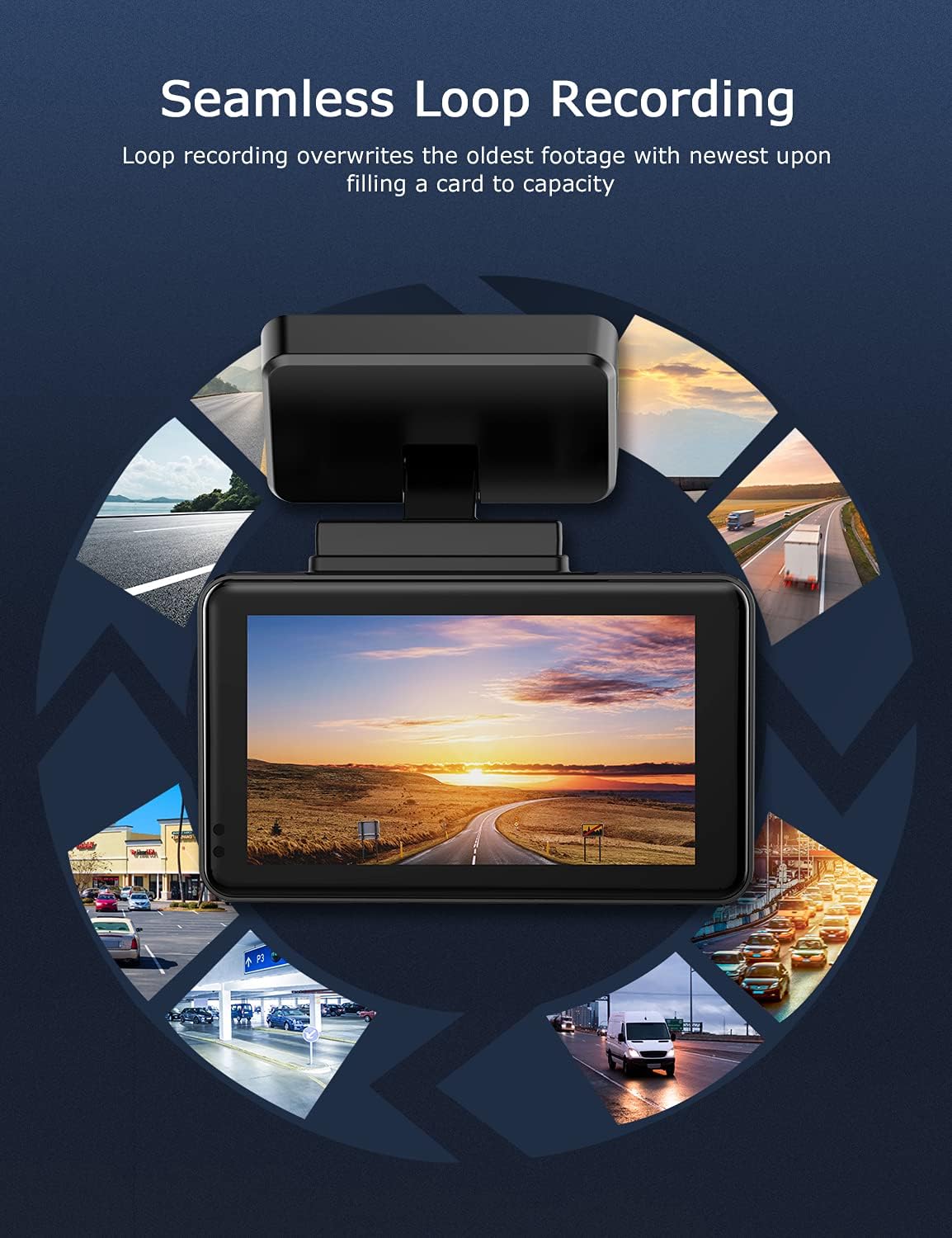
Image: Visual explanation of seamless loop recording, where the dash cam continuously records and overwrites the oldest footage once the memory card is full.
4.3 مستشعر الجاذبية وقفل الطوارئ
The built-in G-sensor detects sudden acceleration, braking, or collisions. When triggered, it automatically locks the current video segment, protecting it from being overwritten by loop recording. These locked files are stored in a separate folder on the MicroSD card.

Image: Depiction of the Emergency Accident Lock feature, where the G-sensor detects an impact and automatically locks the video footage as important evidence.
4.4 مراقبة وقوف السيارات
When enabled, parking monitoring allows the dash cam to automatically record if it detects a collision or vibration while the vehicle is parked. This feature typically requires a hardwire kit (sold separately) for continuous power supply.
4.5 الرؤية الليلية
Equipped with a Sony Starvis Sensor, the ORSKEY S950 provides enhanced night vision capabilities, capturing clear video footagه حتى في ظروف الإضاءة المنخفضة.
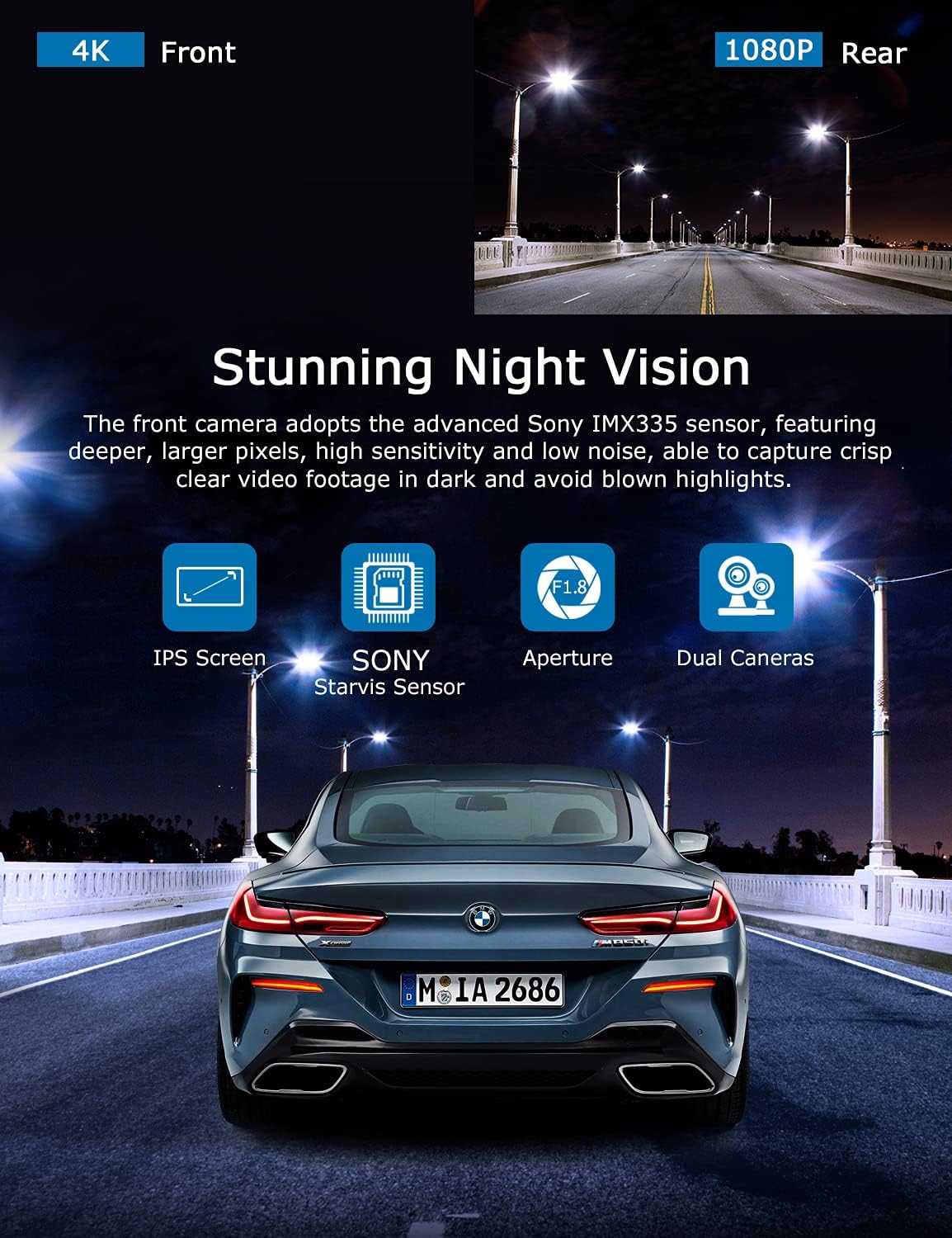
Image: Illustration highlighting the stunning night vision capability of the ORSKEY S950, showing clear footagفي البيئات المظلمة.
4.6 التشغيل
لإعادةview تم تسجيل فوtage:
- Stop recording by pressing the OK button (if currently recording).
- Enter playback mode via the menu options.
- Navigate through video files using the up/down buttons.
- حدد file واضغط على موافق للعب.
- You can also remove the MicroSD card and view files on a computer using a compatible media player.
5. الصيانة
- تهيئة بطاقة MicroSD: Regularly format the MicroSD card (at least once a month) to prevent data corruption and ensure optimal performance. Back up important fileقبل التنسيق.
- تنظيف: استخدم قطعة قماش ناعمة وجافة لتنظيف عدسة الكاميرا وشاشتها. تجنب استخدام المنظفات الكاشطة أو المذيبات.
- درجة حرارة: Avoid exposing the dash cam to extreme temperatures for prolonged periods, as this can affect battery life and component integrity.
6. استكشاف الأخطاء وإصلاحها
| مشكلة | السبب المحتمل | حل |
|---|---|---|
| الكاميرا لا تعمل. | No power supply; faulty charger; dead battery. | Check car charger connection and vehicle's cigarette lighter. Ensure the camera's internal battery is charged. |
| "Card Error" or recording stops. | MicroSD card not formatted, incompatible, or corrupted. | Format the MicroSD card in the camera. Use a high-quality Class 10 (U3 recommended) MicroSD card from a reputable brand. Try a different card. |
| Video playback is laggy or corrupted. | Slow MicroSD card; file system issues; incompatible player. | Ensure you are using a high-speed MicroSD card (V30/U3). Format the card. Try playing videos with a different media player on your computer. |
| Rear camera image is reversed. | Default setting for mirror view. | Check camera settings for a 'Mirror Image' or 'Flip' option for the rear camera. If not available, this may be intended for reverse assistance rather than recording. |
| مستشعر التسارع حساس للغاية/غير حساس بما فيه الكفاية. | ضبط حساسية مستشعر التسارع (G-Sensor). | Adjust the G-Sensor sensitivity level in the camera's settings menu. |
7. المواصفات
| ميزة | مواصفة |
|---|---|
| رقم الموديل | س950 |
| دقة التقاط الفيديو | 4K (أمامي)، 1080P (خلفي) |
| حجم الشاشة | شاشة IPS مقاس 3 بوصة |
| مجال View | 170 Degrees (Front & Rear) |
| المميزات الخاصة | Loop Recording, Night Vision, G-Sensor, Parking Monitoring |
| دعم التخزين | Up to 128GB MicroSD Card (Class 10/U3 recommended) |
| طريقة التحكم | يلمس |
| مصدر الطاقة | Car Charger (1 Lithium Polymer battery included) |
| أبعاد المنتج | 21 x 15.5 x 4.5 cm ؛ 505 ز |
8. الضمان والدعم
ORSKEY products are designed for reliability and performance. For warranty information, technical support, or any inquiries regarding your ORSKEY S950 Dash Cam, please refer to the contact details provided on the official ORSKEY webالموقع أو عبوة المنتج. احتفظ بإيصال الشراء كإثبات للشراء لتقديم مطالبات الضمان.
For further assistance, you may visit the ORSKEY Store on Amazon: ORSKEY Store


