مقدمة
Thank you for choosing the GENBOLT GB217K 2K Wireless Solar PTZ Security Camera. This manual provides essential information for the safe and efficient use of your new security camera. Please read these instructions carefully before installation and operation, and retain them for future reference.
المنتج انتهىview
الميزات الرئيسية
- 100% Wireless & IP66 Weatherproof: Designed for easy outdoor or indoor installation without power cables or Ethernet. Withstands various weather conditions.
- 24/7 Solar Charging: Equipped with a 7W solar panel and 15600mAh rechargeable batteries for continuous operation and extended standby time (up to 180 days).
- Enhanced Smart PIR Alarm: Features a PIR sensor and humanoid detection to reduce false alarms from pets. Includes a spotlight function to deter intruders.
- 2K Color Night Vision: Delivers 3MP (2304x1296px @ 15fps) high-resolution images with a 2.8mm lens offering a 120° super wide-angle view.
- وظائف التحكم عن بعد (PTZ): يوفر إمكانية الدوران الأفقي بزاوية 355 درجة والإمالة الرأسية بزاوية 90 درجة لتغطية شاملة للمنطقة.
- صوت ثنائي الاتجاه: التواصل مباشرة عبر الكاميرا.
- الوصول متعدد المستخدمين: Share camera access with multiple users.
- التخزين المحلي: Supports Micro SD card recording, even if WiFi is unavailable.
عناصر
The GENBOLT GB217K camera system includes the following main components:

الشكل 1: مفصل view of the GENBOLT GB217K camera components, including the solar panel, antennas, various sensors, and ports.
- 7W Solar Panel (with 6pcs 18650 Li-ion batteries)
- Dual 5dBi Antenna
- Power ON/OFF Switch & Charging Port (USB 5V)
- مستشعر الأشعة تحت الحمراء
- 6pcs White LED (for illumination)
- مستشعر حساس للضوء
- عدسة عالية الدقة
- ميكروفون
- Reset Button & Micro SD Card Slot
- المتحدث
- دليل المستخدم
- ألان رانتش
- مسامير التثبيت
يثبت
1. الشحن الأولي
Before first use, fully charge the camera's internal batteries using the provided USB cable. Connect the USB cable to the charging port (USB 5V) on the camera and a standard USB power adapter (not included).
2. تثبيت التطبيق وإقرانه
- تنزيل GENBOLT PRO قم بتنزيل التطبيق من متجر تطبيقات هاتفك الذكي (iOS أو Android).
- تسجيل حساب وتسجيل الدخول.
- Follow the in-app instructions to add your new camera. This typically involves scanning a QR code on the camera or manually entering its ID. Ensure your phone is connected to a 2.4GHz Wi-Fi network during setup.
3. تركيب الألواح الشمسية
The 7W solar panel is designed to keep your camera continuously charged. For optimal performance, consider the following:
- ضوء شمس مباشر: قم بتركيب اللوحة الشمسية في مكان يتلقى أكبر قدر من أشعة الشمس المباشرة طوال اليوم. تجنب المناطق المظللة.
- توجيه: Orient the solar panel towards the south (in the Northern Hemisphere) for best charging efficiency. Adjust the angle to capture sunlight effectively.

الشكل 2: Solar panel installation tips for maximizing charging efficiency.
- التثبيت المرن: Use the included 3-meter extension cord to install the solar panel separately from the camera if a better sunlit location is available.

الشكل 3: Example of split installation for the solar panel and camera.
4. تركيب الكاميرا
The camera is designed for wall mounting. Use the provided screws and Allen wrench for secure installation. Ensure the mounting location provides a clear view of the area you wish to monitor and is within range of your 2.4GHz Wi-Fi network.
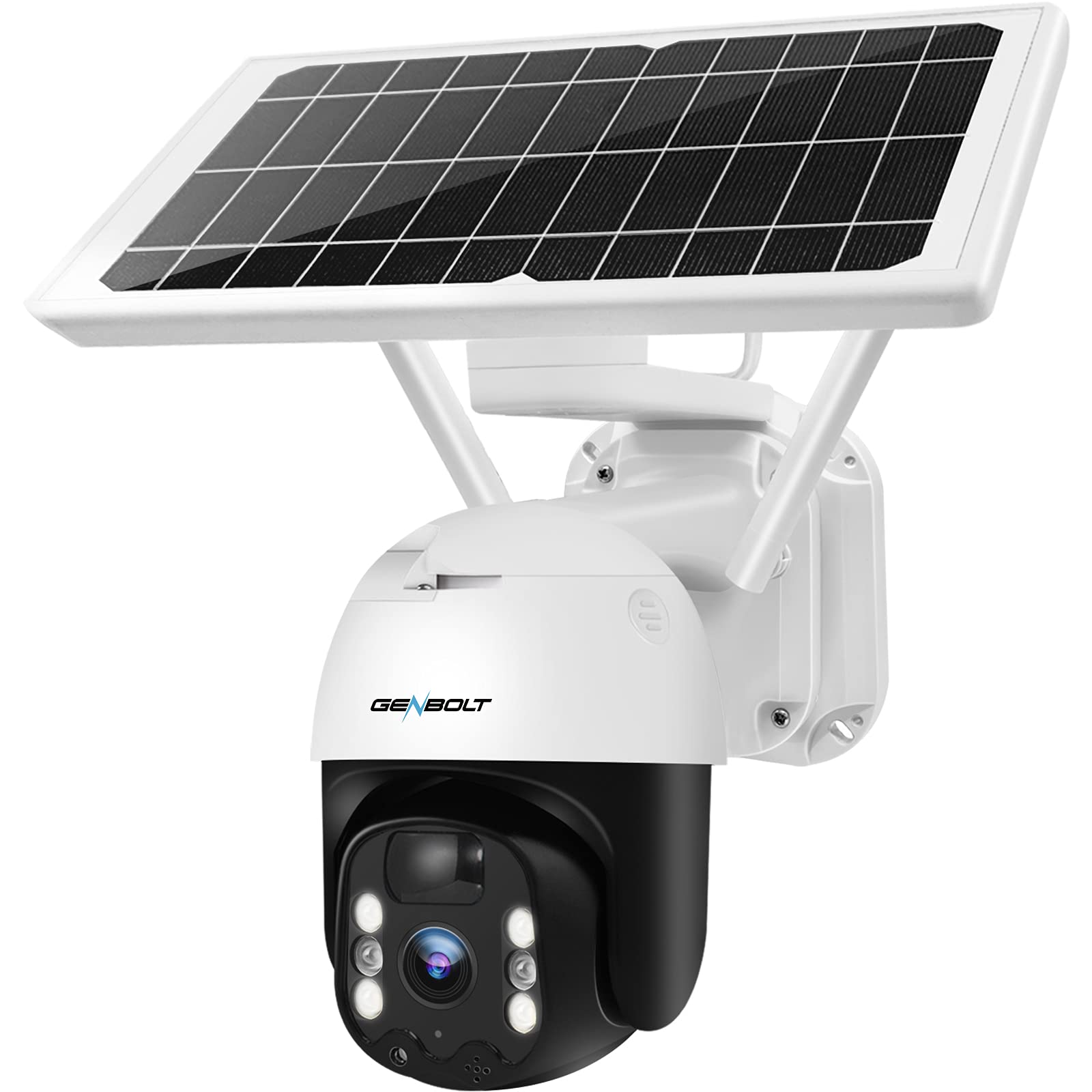
الشكل 4: GENBOLT GB217K camera with solar panel mounted.
تعليمات التشغيل
1. حي View والتحكم PTZ
Open the GENBOLT PRO app on your smartphone. Select your camera to access the live view. Use the on-screen controls to pan (355° horizontally) and tilt (90° vertically) the camera lens to adjust the viewing angle. The camera provides a 120° wide-angle view.

الشكل 5: يعيش view and PTZ control via the GENBOLT PRO app.
2. كشف الحركة والتنبيهات
The camera features an enhanced PIR sensor with humanoid detection. This system is designed to detect human movement and reduce false alarms from other sources. When motion is detected, the camera can:
- Send instant notifications to your smartphone.
- قم بتفعيل الكشاف المدمج لردع المتسللين.
- Begin recording video footage.
Adjust sensitivity settings within the GENBOLT PRO app to optimize detection for your environment.

الشكل 6: Enhanced PIR detection with humanoid recognition.
3. الرؤية الليلية
The camera supports 2K color night vision, providing clear, full-color images even in low-light conditions. It also has traditional IR night vision for situations where color is not needed or desired.
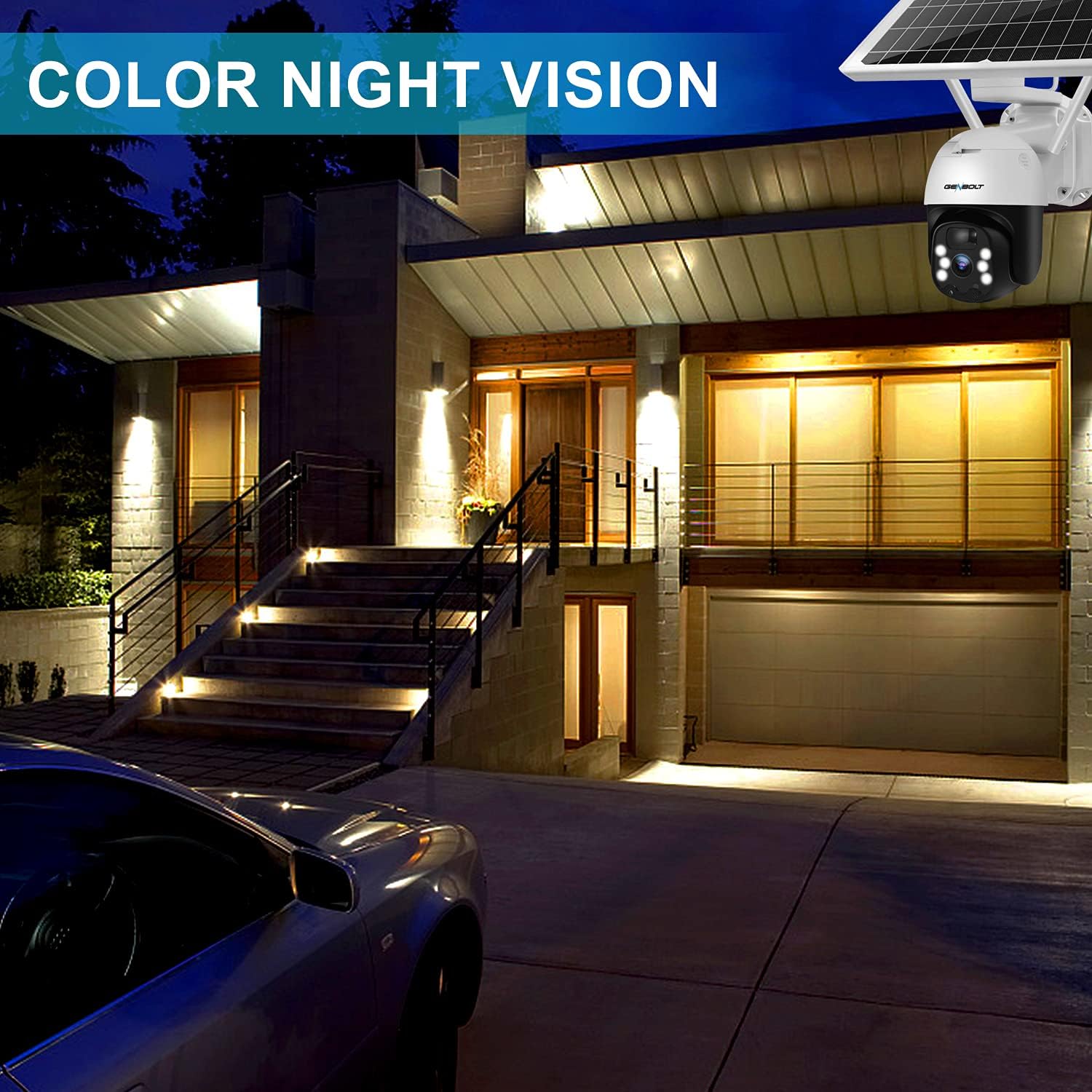
الشكل 7: Example of 2K color night vision.
4. الصوت ثنائي الاتجاه
Utilize the two-way audio feature to communicate with visitors or deter unwanted guests. Tap the microphone icon in the app's live view to speak, and listen through the camera's built-in speaker.

الشكل 8: الاتصالات الصوتية ثنائية الاتجاه.
5. التسجيل والتخزين
The camera supports local storage via a Micro SD card (not included). Insert a Micro SD card into the designated slot (refer to Figure 1 for location). The camera will continue to record even if your Wi-Fi connection is temporarily unavailable.

الشكل 9: Camera continues recording to Micro SD card even without WiFi.
صيانة
- تنظيف العدسات: نظّف عدسة الكاميرا دورياً بقطعة قماش ناعمة وجافة لضمان جودة صورة واضحة. تجنّب استخدام المنظفات الكاشطة.
- تنظيف الألواح الشمسية: Keep the solar panel free of dust, dirt, and debris to maintain optimal charging efficiency. Wipe it gently with a damp القماش حسب الحاجة.
- صحة البطارية: The camera uses 15600mAh Lithium-ion batteries. While solar charging keeps them topped up, ensure the camera receives sufficient sunlight. If the camera is installed in a consistently shaded area, occasional manual charging via USB may be required.
- تحديثات البرامج الثابتة: Check the GENBOLT PRO app regularly for available firmware updates to ensure your camera has the latest features and security enhancements.
استكشاف الأخطاء وإصلاحها
| مشكلة | السبب المحتمل | حل |
|---|---|---|
| الكاميرا لا تعمل. | انخفاض مستوى البطارية؛ تم إيقاف تشغيل الجهاز. | Ensure the power switch is ON. Charge the camera fully using the USB cable. Verify the solar panel is receiving adequate sunlight. |
| لا يمكن الاتصال بشبكة Wi-Fi. | Incorrect Wi-Fi password; Camera too far from router; Only 5GHz Wi-Fi network available; Network issues. | Ensure correct 2.4GHz Wi-Fi password. Move camera closer to the router. Confirm your router supports 2.4GHz Wi-Fi. Restart your router and camera. If issues persist, try resetting the camera (refer to Figure 1 for reset button location) and re-pairing. |
| Micro SD card not recognized or recording stops. | SD card corrupted; Incorrect format; Card not inserted properly. | Remove and reinsert the Micro SD card. If the issue persists, remove the card and format it on a computer (FAT32 format recommended), then reinsert. Ensure the card is Class 10 or higher. |
| انذارات كاذبة متكررة. | High PIR sensitivity; Environmental factors (e.g., moving branches, strong sunlight). | Adjust the PIR sensitivity settings in the GENBOLT PRO app. Utilize the humanoid detection feature. Ensure the camera is not pointed at areas with constant movement or direct sunlight that could trigger the sensor. |
| جودة الصورة رديئة. | Dirty lens; Low network bandwidth. | Clean the camera lens. Ensure a stable and strong Wi-Fi connection. |
تحديد
| ميزة | التفاصيل |
|---|---|
| رقم الموديل | GB217K |
| دقة الفيديو | 3 MP (2304 x 1296 px @ 15 fps) |
| Viewزاوية جي | 120 درجة |
| نطاق التحريك/الإمالة | مقلاة 355 درجة ، إمالة 90 درجة |
| الاتصال اللاسلكي | شبكة Wi-Fi (2.4 GHz) |
| مصدر الطاقة | يعمل بالطاقة الشمسية (لوحة شمسية بقدرة 7 واط) |
| سعة البطارية | 15600 mAh (2 Lithium-ion batteries included) |
| مقاومة الطقس | IP66 |
| الرؤية الليلية | رؤية ليلية ملونة، رؤية ليلية بالأشعة تحت الحمراء |
| المميزات الخاصة | PIR Humanoid Detection, Two-Way Audio, Spotlight Alarm |
| مادة | بلاستيك |
| الأبعاد (الطول × العرض × الارتفاع) | 15 × 15 × 25 سم (تقريبًا 5.9 × 5.9 × 9.8 بوصة) |
| وزن | 2.05 كجم (حوالي 4.5 رطلاً) |
الضمان والدعم
GENBOLT offers the following support for your product:
- تبادل لمدة 30 يومًا: For product exchanges within 30 days of purchase.
- ضمان لمدة سنة واحدة: Covers manufacturing defects for one year from the purchase date.
- دعم فني مجاني: Available for all product-related inquiries.
معلومات الاتصال:
- بريد إلكتروني: المملكة المتحدة@genbolt.com
- Local Support (Canada): +1 (778) 807-9710 (Monday - Friday, 5:30 AM to 10:30 AM PST)


