1. المقدمة
This manual provides essential instructions for setting up, operating, and maintaining your ENHANCE Colmi V23 Smart Watch. Please read this manual thoroughly before using the device to ensure proper function and longevity.

Figure 1.1: ENHANCE Colmi V23 Smart Watch
2. معلومات السلامة
Disclaimer: This device is not a medical device and is not intended to replace a Sphygmomanometer (an instrument for measuring blood pressure). Individuals with hypertension or other medical conditions should consult their doctor before using this device for health monitoring purposes.
3. ماذا يوجد في الصندوق
- 1x ENHANCE Colmi V23 Smart Watch
- 1 × كابل شحن
- 1 × دليل المستخدم
4. الإعداد
4.1 شحن الساعة الذكية
Before initial use, fully charge your smart watch. Connect the magnetic charging cable to the charging points on the back of the watch and plug the USB end into a power adapter (not included) or a computer's USB port. A full charge typically takes approximately 2 hours.

الشكل 4.1: شحن الساعة الذكية
4.2 تثبيت التطبيق وإقرانه
- تنزيل "دا فيت" application from your device's app store (compatible with iOS 9.0 and above, Android 4.0 and above). You can also scan the QR code provided in the included manual to download the app.
- افتح تطبيق Da Fit على هاتفك الذكي.
- Follow the in-app instructions to add a new device. Select the V23 Smart Watch from the list of available devices to pair.
- تأكد من تفعيل البلوتوث على هاتفك الذكي أثناء عملية الاقتران.
5. تشغيل الساعة الذكية
5.1 نظام الملاحة عبر شاشة اللمس
The ENHANCE Colmi V23 features a 1.3-inch HD color full touch screen for easy operation. Swipe left, right, up, or down to navigate through menus and functions. Tap to select options.

Figure 5.1: Touch Screen Interface Overview
5.2 تخصيص واجهات الساعة
Personalize your smart watch with over 100 watch faces available through the Da Fit application. You can also create custom watch faces using your own photos.
- افتح تطبيق Da Fit على هاتفك الذكي.
- Navigate to "Add a Device" > "WATCH FACES".
- Select an existing watch face or choose "Edit" to customize with a picture.
- Select your desired picture, adjust its position, and save.
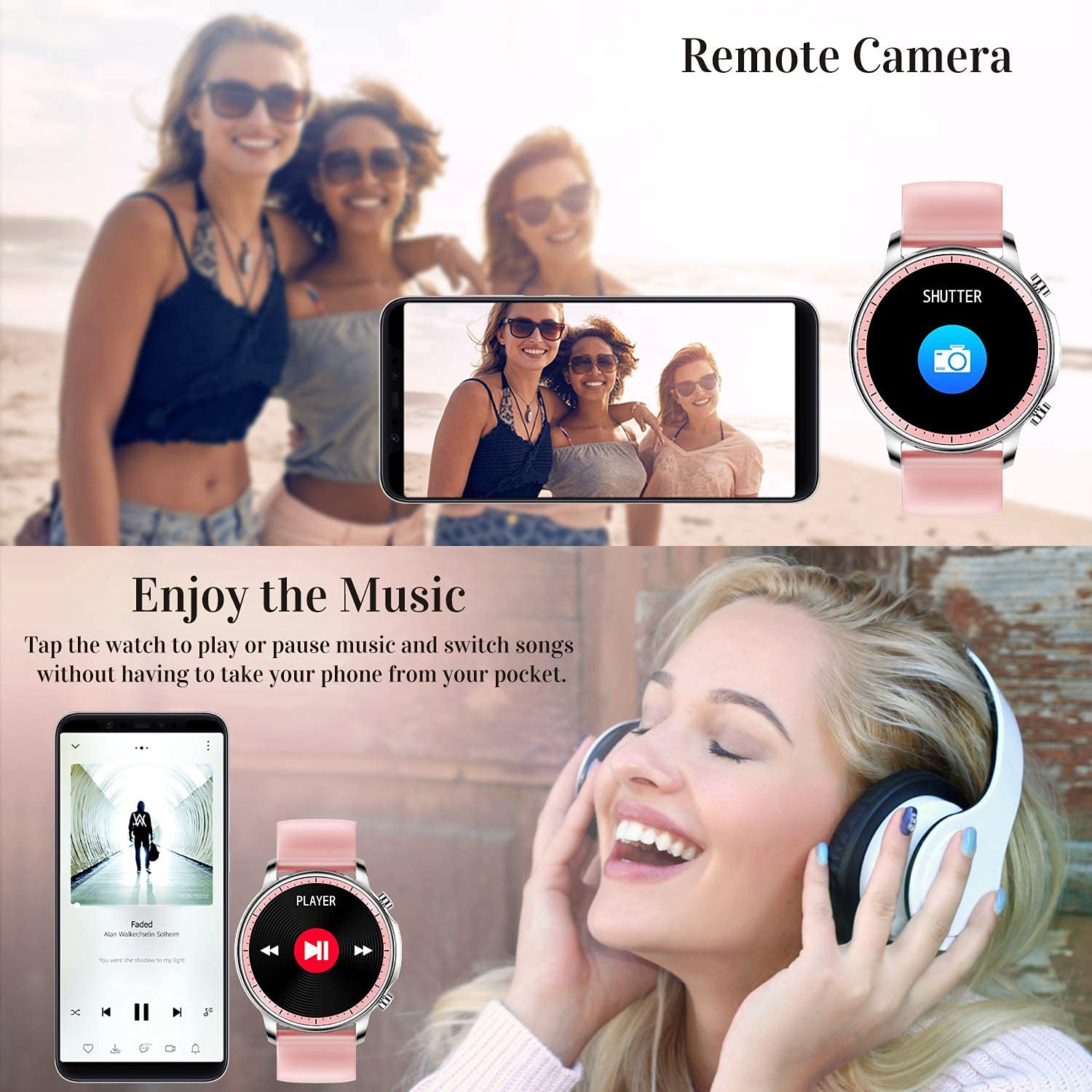
Figure 5.2: Customizing Watch Faces
5.3 الإشعارات
Receive call, message, email, and app notifications directly on your smart watch. (Note: The watch cannot answer or make calls.)

Figure 5.3: Call and Message Reminders
5.4 التحكم في الموسيقى
Control music playback on your smartphone directly from your watch. Tap to play/pause or switch songs without needing to access your phone.
5.5 الكاميرا عن بعد
Use your smart watch as a remote shutter for your smartphone camera. This feature allows you to take photos from a distance.

Figure 5.4: Remote Camera and Music Control
6. المميزات
6.1 مراقبة الصحة
- Heart Rate (HR) Monitor: يراقب معدل ضربات قلبك باستمرار طوال اليوم.
- جهاز قياس ضغط الدم (BP): Provides blood pressure readings. (Refer to safety disclaimer in Section 2).
- مراقب نسبة الأكسجين في الدم (SpO2): قياس مستويات تشبع الأكسجين في الدم.
- متتبع النوم: Records sleep information, including deep sleep, light sleep, and awake time, to help you understand your sleep patterns.
- تتبع صحة المرأة: Offers features for tracking female health cycles.

Figure 6.1: Heart Rate and Blood Pressure Monitoring

الشكل 6.2: مراقبة النوم الذكية
6.2 تتبع النشاط
The smart watch offers 7 data record modes to track various sports activities:
- المشي
- جري
- ركوب الدراجات
- كرة السلة
- كرة القدم
- تنس الريشة
- التخطي
This feature helps you monitor your exercise data and gain insights into your fitness levels.

Figure 6.3: Smart Watch Functions Overview
6.3 Smart Reminders
- تذكير بالخمول: Reminds you to move and stay active after periods of inactivity.
- التنبيه: ضبط المنبهات مباشرة على ساعتك.
6.4 وظائف أخرى
- ساعة توقيت
- Fun Game
7. الصيانة
7.1 مقاومة الماء
The ENHANCE Colmi V23 Smart Watch is IP68 waterproof, making it resistant to daily wet conditions such as hand washing or light rain. Avoid prolonged submersion in water, hot water, or steam, and do not operate buttons underwater.
7.2 التنظيف
امسح الساعة وحزامها بانتظام بقطعة قماش ناعمة وجافة. إذا لزم الأمر، استخدم قطعة قماش مبللة قليلاً.amp امسح بقطعة قماش ثم جففها جيدًا. تجنب استخدام المواد الكيميائية القاسية أو المواد الكاشطة.
7.3 العناية بالبطارية
To prolong battery life, avoid fully discharging the battery frequently. Charge the watch when the battery level is low. Store the watch in a cool, dry place when not in use for extended periods.
8. استكشاف الأخطاء وإصلاحها
- الساعة لا تعمل: تأكد من شحن الساعة بالكامل. وصلها بالشاحن لمدة 30 دقيقة على الأقل.
- الساعة غير مقترنة بالهاتف: Make sure Bluetooth is enabled on your phone and the watch is within range. Restart both the watch and your phone, then try pairing again through the Da Fit app.
- بيانات صحية غير دقيقة: Ensure the watch is worn snugly on your wrist, not too tight or too loose. Clean the sensor on the back of the watch. Remember, this device is not a medical instrument.
- عدم ظهور الإشعارات: Check notification settings in the Da Fit app and your phone's system settings to ensure permissions are granted for the app to display notifications.
9. المواصفات
| ماركة | يحسن |
| نموذج | V23 Smart watch |
| أبعاد المنتج | 1.03 × 2 × 4.15 سم |
| وزن العنصر | 42 جرام |
| حجم الشاشة | 1.3 بوصة |
| دقة | 240 × 230 |
| نوع العرض | شاشات الكريستال السائل الرقمية |
| سعة البطارية | 200 مللي أمبير (بوليمر ليثيوم) |
| طريقة الشحن | Magnetic Wire Charging |
| نوع لاسلكي | بلوتوث |
| الأجهزة المتوافقة | Mobile Phone (Android 4.0+ & iOS 9.0+) |
| نظام التشغيل | أندرويد وiOS |
| مقاومة الماء | IP68 |
| مادة | بلاستيك |
10. الضمان والدعم
For warranty information and customer support, please refer to the documentation included with your product or contact ENHANCE customer service. The included user manual contains details regarding warranty terms and contact information.


