مقدمة
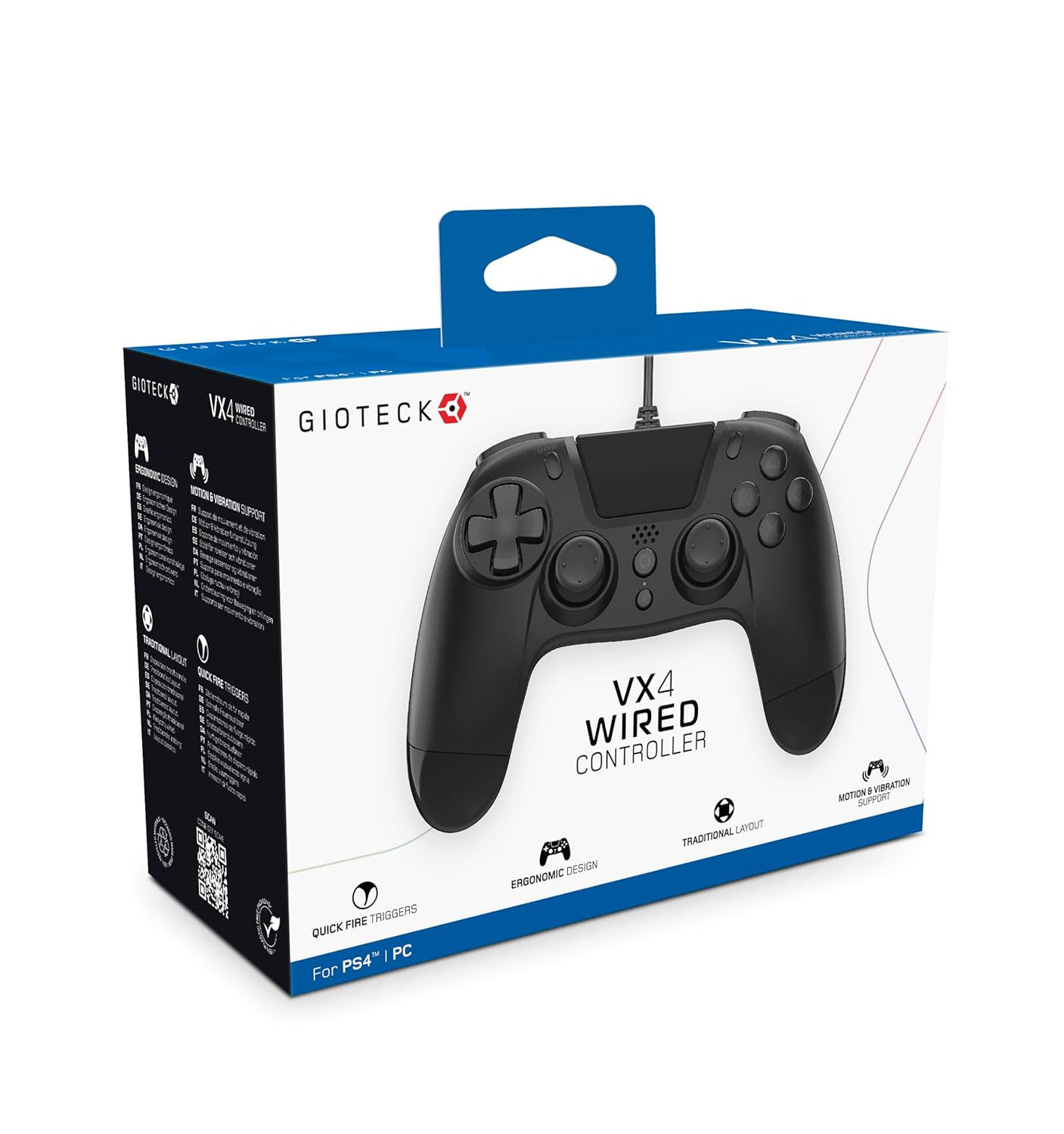
The Gioteck VX-4 Wired Controller is designed for PlayStation 4 and PC, offering a comfortable and responsive gaming experience. It features quick-fire triggers, a precision D-pad, and anti-slip rubber thumb sticks for enhanced performance, providing a next-level immersive gaming experience.
المميزات الرئيسية:
- Quick Fire triggers
- تصميم مريح
- Traditional PlayStation layout
محتويات الحزمة:
- Gioteck VX-4 Wired Controller
- دليل المستخدم (هذا المستند)
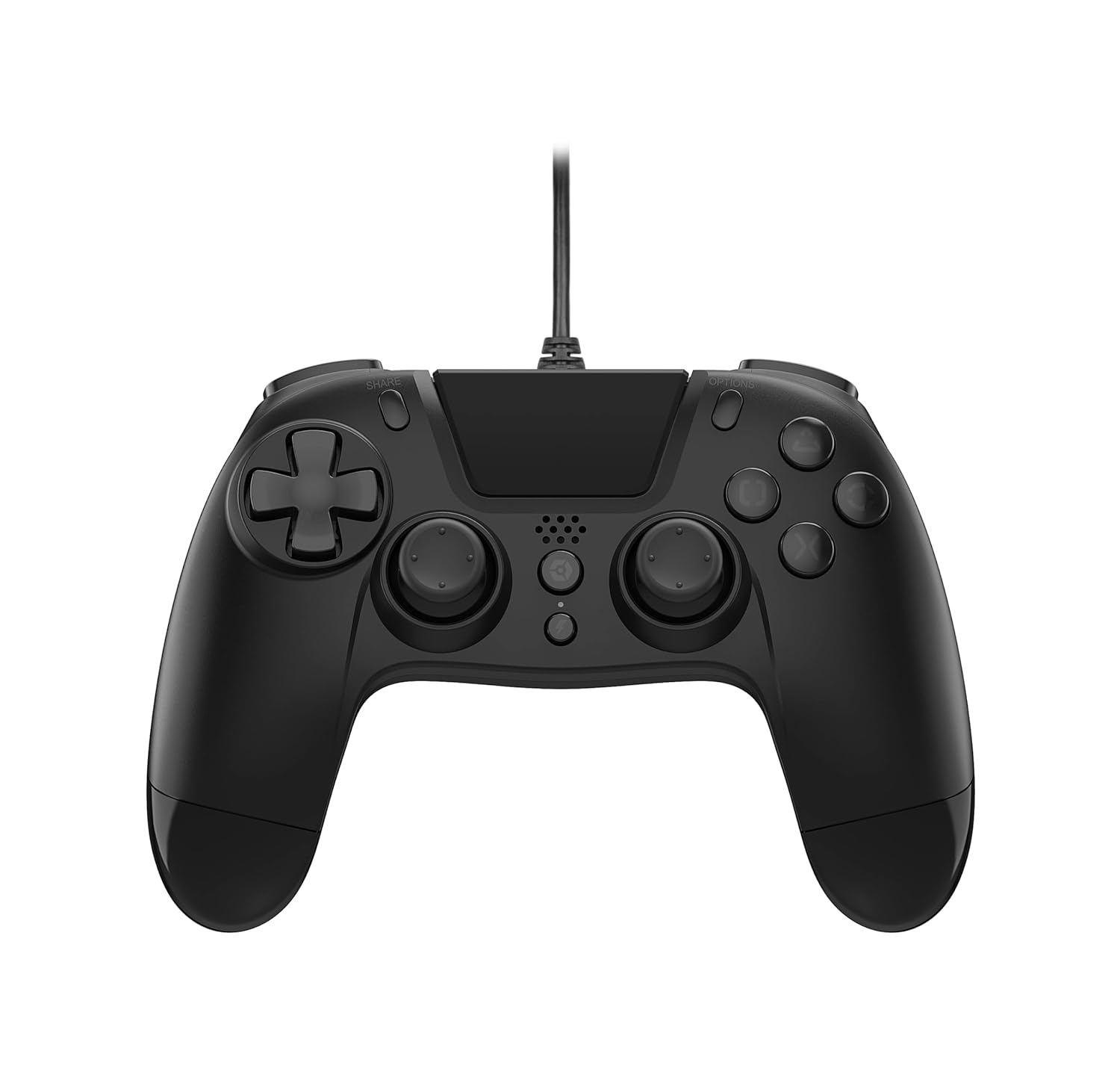
المنتج انتهىview:
يثبت
Connecting to PlayStation 4:
- تأكد من تشغيل جهاز PlayStation 4 الخاص بك.
- Insert the USB connector of the VX-4 Wired Controller into an available USB port on your PlayStation 4 console.
- يجب أن يتم التعرف على وحدة التحكم تلقائيًا وأن تكون جاهزة للاستخدام.
الاتصال بجهاز الكمبيوتر:
- تأكد من تشغيل جهاز الكمبيوتر الخاص بك.
- Insert the USB connector of the VX-4 Wired Controller into an available USB port on your PC.
- The PC operating system should automatically install the necessary drivers. If prompted, allow the driver installation to complete.
- The controller will be ready for use with compatible PC games.

تعليمات التشغيل
تصميم زر:
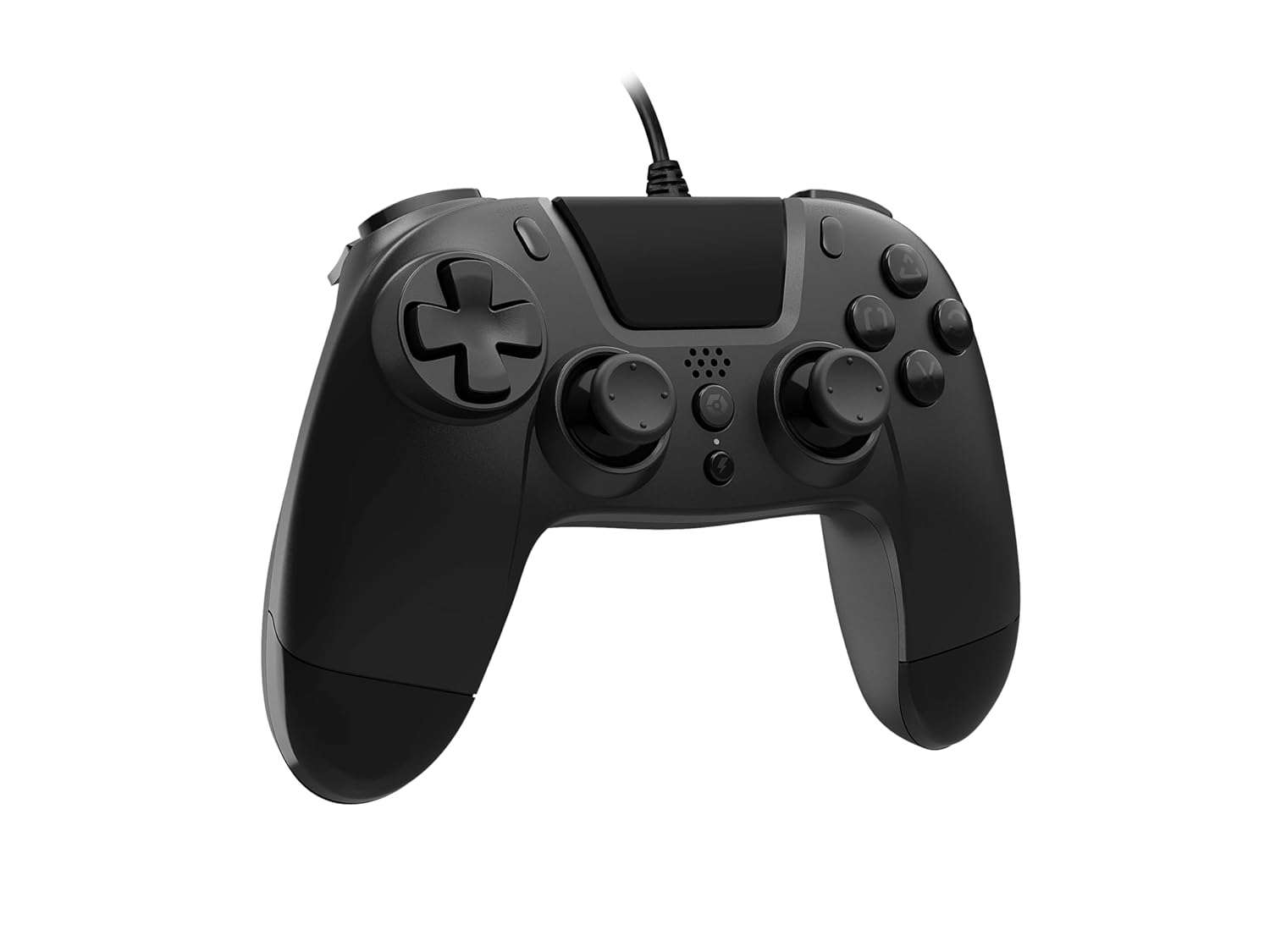
The VX-4 Wired Controller features a traditional PlayStation layout:
- لوحة الاتجاهات (D-Pad): للحصول على إدخال اتجاهي دقيق.
- عصا التحكم التناظرية اليسرى: التحكم الأساسي في الحركة.
- عصا التحكم التناظرية اليمنى: كاميرا أو التحكم في الهدف.
- أزرار الحركة (المثلث، الدائرة، الصليب، المربع): الإجراءات الحساسة للسياق في الألعاب.
- زر المشاركة: Share gameplay moments (PS4 only).
- زر الخيارات: Access in-game menus or pause (PS4 only).
- زر PS: Access the PlayStation Home screen or power on/off the console (PS4 only).
- أزرار L1/R1: Shoulder buttons, typically for quick actions.
- أزرار L2/R2: أزرار تحكم تناظرية لإدخال دقيق، مثل التسارع أو إطلاق النار.
استخدام وحدة التحكم:
Once connected, the controller functions similarly to a standard PlayStation 4 controller for compatible games. For PC, ensure the game supports XInput or DirectInput controllers for optimal performance.
صيانة
تنظيف:
لتنظيف وحدة التحكم، استخدم قطعة قماش ناعمة وجافة. أما بالنسبة للأوساخ المستعصية، فاستخدم قطعة قماش مبللة قليلاً.amp cloth can be used, but ensure no moisture enters the controller's internal components. Do not use harsh chemicals or abrasive cleaners, as these may damage the finish or internal electronics.
تخزين:
Store the controller in a cool, dry place away from direct sunlight and extreme temperatures. Avoid placing heavy objects on the controller to prevent damage to the cable or buttons.
العناية بالكابلات:
Do not sharply bend, twist, or pull on the controller cable. Always grasp the plug, not the cable, when connecting or disconnecting it from your console or PC to prevent internal wire damage.
استكشاف الأخطاء وإصلاحها
وحدة التحكم لا تستجيب:
- تأكد من توصيل كابل USB بإحكام بكل من وحدة التحكم وجهاز الألعاب/الكمبيوتر.
- Try plugging the controller into a different USB port on your console/PC.
- أعد تشغيل جهازك أو جهاز الكمبيوتر الخاص بك.
- If on PC, check Device Manager to ensure the controller is recognized and drivers are installed correctly.
Buttons or Sticks Not Working Correctly:
- Check for any physical obstructions or debris around the buttons or analog sticks.
- Ensure the controller is clean (refer to Maintenance section).
- Test the controller with another game or application to determine if the issue is specific to one program.
الاهتزاز لا يعمل:
- Verify that the game or application you are playing supports vibration feedback.
- تحقق من إعدادات اللعبة للتأكد من تفعيل خاصية الاهتزاز.
تحديد
| ميزة | التفاصيل |
|---|---|
| رقم الموديل | SWIAGJC |
| الاتصال | USB سلكي |
| التوافق | بلاي ستيشن 4، الكمبيوتر الشخصي |
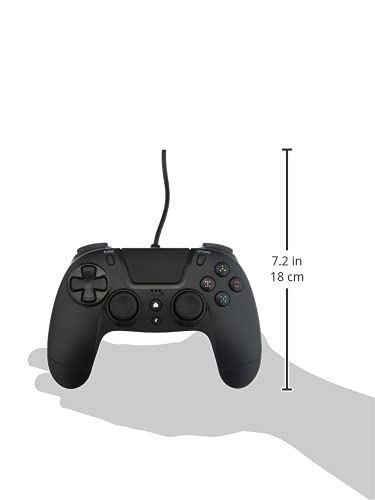
| Product Dimensions (Controller) | Approximately 7.2 inches (18 cm) in height |
| وزن العنصر | 7.41 أونصة (210 جرام) |
| الشركة المصنعة | جيوتيك |
الضمان والدعم
For warranty information and technical support regarding your Gioteck VX-4 Wired Controller, please refer to the official Gioteck webيمكنك زيارة الموقع الإلكتروني أو الاتصال بخدمة العملاء مباشرةً. يُنصح بالاحتفاظ بإثبات الشراء لأي مطالبات تتعلق بالضمان.
Manufacturer: Gioteck
تاريخ التوفر الأول: 10 سبتمبر 2020


