1. المقدمة
Thank you for choosing the Hama Wi-Fi GU10 Smart LED Lamp. This smart home lamp allows for intelligent light control in your home, functioning as a light source, effect lighting, or for creating special lighting atmospheres. It is designed for easy use via an application and voice control, requiring no additional hub or gateway as it connects directly to your Wi-Fi router. This manual provides essential information for safe installation, setup, and operation of your smart lamp.
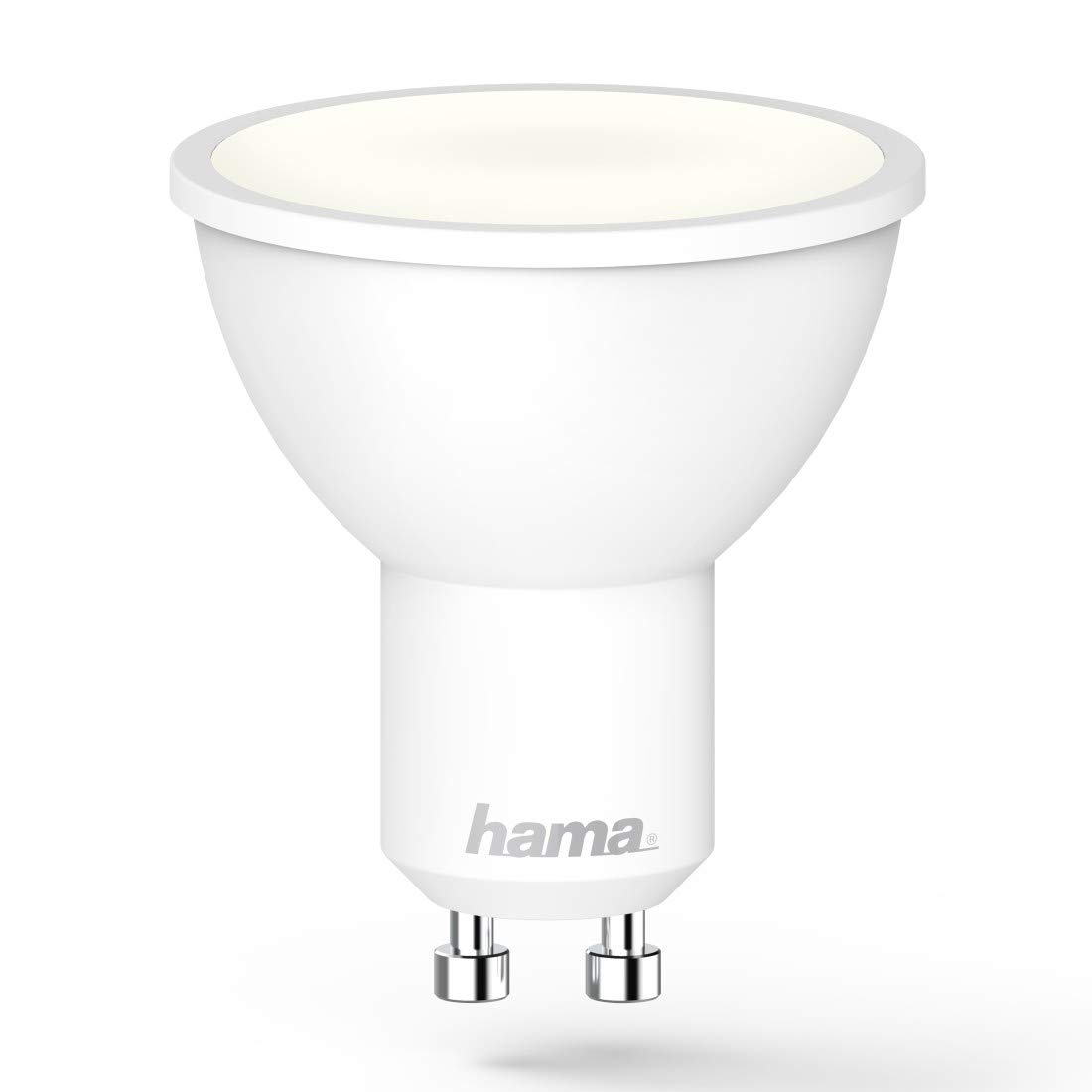
Image 1.1: The Hama GU10 Smart LED Lamp, highlighting its key features including app and voice control, and direct Wi-Fi connectivity.
2. تعليمات السلامة
Please read these safety instructions carefully before installing or using the product. Keep this manual in a safe place for future reference.
- السلامة الكهربائية: Always disconnect power before installing or replacing the lamp. Installation should only be performed by a qualified electrician if you are unsure.
- للاستخدام الداخلي فقط: هذا لamp is designed for indoor use in dry environments (IP20). Do not expose it to moisture or extreme temperatures.
- التوافق: تأكد من لamp holder is compatible with the GU10 base and the electrical supply (230V).
- حرارة: لamp may generate heat during operation. Ensure adequate ventilation and do not cover the lamp.
- يعتم: هذا لamp is dimmable via the application or voice control. Do not use external dimmers unless specifically designed for smart LED lamps.
- أطفال: يرجى إبقاء مواد التغليف بعيداً عن متناول الأطفال نظراً لمخاطر الاختناق.
3. محتويات العبوة
يرجى التأكد من أن جميع العناصر موجودة وفي حالة جيدة:
- 1x Hama Wi-Fi GU10 Smart LED Lamp
- دليل البدء السريع شنومكس
4. التثبيت
Follow these steps to install your Hama Wi-Fi GU10 Smart LED Lamp:
- إيقاف تشغيل الطاقة: Before installation, ensure the power supply to the lamp holder is switched off at the main circuit breaker.
- أدخل L.amp: Carefully insert the Hama Wi-Fi GU10 Smart LED Lamp into the GU10 lamp holder. Twist it gently until it is securely in place.
- اعادة الطاقة: مرة واحدة لamp is securely installed, restore power at the main circuit breaker. The lamp should briefly flash, indicating it is ready for pairing.
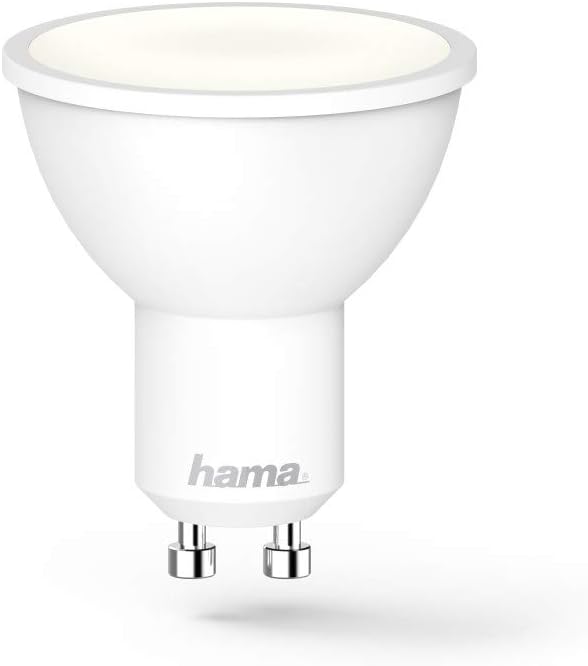
الصورة 4.1: تفصيلية view of the Hama GU10 Smart LED Lamp, showing its GU10 base.
5. الاتصال بشبكة Wi-Fi وإعداد التطبيق
The Hama Wi-Fi GU10 Smart LED Lamp connects directly to your home Wi-Fi network without the need for a separate hub.
- تنزيل التطبيق: Download the "Hama Smart Home" app from the Apple App Store (for iOS) or Google Play Store (for Android).
- إنشاء حساب: افتح التطبيق وقم بإنشاء حساب مستخدم جديد أو قم بتسجيل الدخول إذا كان لديك حساب بالفعل.
- إضافة جهاز: In the app, select the option to add a new device. Follow the on-screen instructions to put the lamp into pairing mode (usually by turning it on/off a few times until it flashes).
- الاتصال بشبكة Wi-Fi: The app will guide you through connecting the lamp to your 2.4 GHz Wi-Fi network. Ensure your smartphone is connected to the same Wi-Fi network during setup.
- اسم الجهاز: Once connected, you can assign a name to your lamp (e.g., "Living Room Lamp") for easier control.

Image 5.1: A smartphone showing the Hama Smart Home application, used for controlling the smart lamp والأجهزة الأخرى.
6. Operating the Smart Lamp
6.1. التحكم في التطبيق
The Hama Smart Home app provides full control over your lamp:
- تشغيل/إيقاف: تبديل الamp تشغيل أو إيقاف.
- سطوع: Adjust the brightness level (dimmable).
- درجة حرارة اللون: Change the color temperature from warm white (2700K) to daylight white (6500K).
- Scenes and Groups: Create custom lighting scenes or group multiple lamps together for synchronized control.
- التحكم بالوقت: حدد جداول زمنية لـamp to turn on or off at specific times.

Image 6.1: A user adjusting the brightness and color temperature of the smart lamp via the Hama Smart Home app.
6.2. التحكم الصوتي
The Hama Wi-Fi GU10 Smart LED Lamp is compatible with popular voice assistants:
- أمازون اليكسا: Enable the "Hama Smart Home" skill in the Alexa app and link your Hama account.
- مساعد جوجل: Activate the "Hama Smart Home" service in the Google Home app and link your Hama account.
- اختصارات Siri: Create custom shortcuts for quick control.
بمجرد الارتباط، يمكنك استخدام الأوامر الصوتية مثل:
- "أليكسا، شغّلي غرفة المعيشة L"amp."
- "Hey Google, dim Kitchen Light to 50%."
- "Alexa, set Bedroom Light to warm white."

Image 6.2: The Hama Smart LED Lamp integrates with various smart home platforms for voice control.
6.3. Color Temperature and Dimming
لamp offers a wide range of color temperatures and dimming capabilities to suit different moods and activities:
- أبيض دافئ (2700 ك): Ideal for relaxing evenings and cozy atmospheres.
- ضوء النهار الأبيض (6500 كلفن): Suitable for tasks requiring bright, clear light, such as working or cooking.
- قابلة للتعتيم: Adjust the light intensity from 1% to 100% via the app or voice commands.
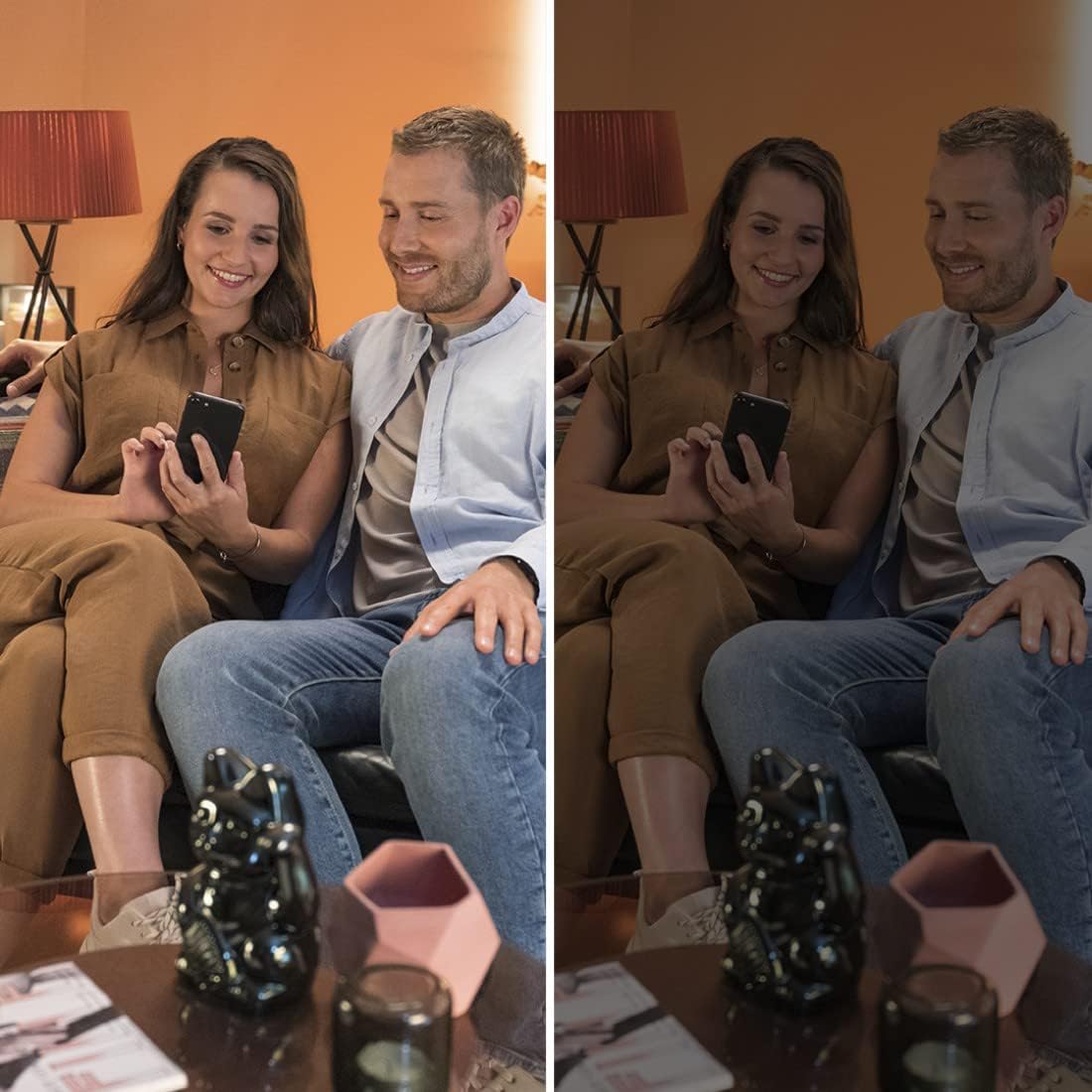
Image 6.3: Demonstrating the dimming capability of the Hama Smart LED Lamp, creating different ambiances.
7. الصيانة والعناية
To ensure optimal performance and longevity of your Hama Wi-Fi GU10 Smart LED Lampاتبع إرشادات الصيانة التالية:
- تنظيف: Disconnect power before cleaning. Use a dry, soft, lint-free cloth to wipe the lamp. Do not use abrasive cleaners, solvents, or wet cloths, as these can damage the surface or internal components.
- تخزين: في حالة تخزين lamp for an extended period, keep it in a cool, dry place away from direct sunlight and extreme temperatures.
- لا توجد أجزاء قابلة للصيانة بواسطة المستخدم: لamp لا يحتوي على أجزاء قابلة للصيانة من قبل المستخدم. لا تحاول فتحه أو إصلاحه.amp yourself. This will void the warranty and may pose a safety risk.
8. استكشاف الأخطاء وإصلاحها
If you encounter issues with your Hama Wi-Fi GU10 Smart LED Lamp، راجع المشكلات والحلول الشائعة التالية:
| مشكلة | السبب المحتمل | حل |
|---|---|---|
| Lamp لا تفتح. | No power supply; lamp not properly installed; faulty lamp. | Check power supply; ensure lamp is securely twisted into the holder; test with another lamp إذا كان ذلك ممكنا. |
| Lamp is not connecting to Wi-Fi / App. | Incorrect Wi-Fi password; 5 GHz Wi-Fi network; lamp not in pairing mode; Wi-Fi signal too weak. | Verify Wi-Fi password; ensure you are using a 2.4 GHz network; follow app instructions to re-enter pairing mode; move router closer or use a Wi-Fi extender. |
| Lamp frequently desynchronizes or flickers. | Unstable Wi-Fi connection; interference; firmware issue. | Ensure strong Wi-Fi signal; restart router; check for app updates and lamp firmware updates; if problem persists, contact Hama support. |
| التحكم الصوتي لا يعمل. | Voice assistant not linked; incorrect device name; internet connection issue. | Ensure Hama Smart Home skill/service is enabled and linked in your voice assistant app; use the exact device name; check internet connection. |
9. المواصفات الفنية
| ميزة | مواصفة |
|---|---|
| رقم الموديل | 00176585 |
| Lamp يكتب | قاد |
| نوع القاعدة | GU10 |
| استهلاك الطاقة | 5.5 واط |
| الطاقة المتوهجة المكافئة | 40 واط |
| التدفق الضوئي | 400 لومن |
| درجة حرارة اللون | 2700 K (Warm White) - 6500 K (Daylight White) |
| مؤشر تجسيد اللون (CRI) | RA (min.) 80 |
| قابلة للتعتيم | Yes (via app/voice) |
| المجلدtage | 230 فولت |
| تكرار | شنومكس هرتز / شنومك هرتز |
| نطاق تردد الواي فاي | 2.4 جيجاهرتز |
| زاوية الشعاع | 120° |
| تصنيفها مدى الحياة | 25,000 ساعة |
| فئة كفاءة الطاقة | G |
| الأبعاد (الطول × العرض × الارتفاع) | 50 mm x 50 mm x 56.5 mm (Reflector shape) |
| وزن | 90 جرام |
| متطلبات نظام التشغيل | أندرويد 4.4 أو أعلى، iOS 8.0 أو أعلى |

Image 9.1: Official Product Information Sheet with detailed technical data. For more details, visit قاعدة بيانات إيبريل.

Image 9.2: Energy Efficiency Label, indicating a 'G' rating for the Hama GU10 Smart LED Lamp.
10. معلومات التخلص
According to European Directive 2012/19/EU on Waste Electrical and Electronic Equipment (WEEE), electrical and electronic devices must not be disposed of with household waste. Consumers are obliged by law to return electrical and electronic devices at the end of their service lives to the public collection points set up for this purpose or point of sale.
The symbol on the product, the instruction manual, or the packaging indicates that a product is subject to these regulations. By recycling, reusing the materials, or other forms of utilising old devices, you are making an important contribution to protecting our environment.
For proper disposal, please take this product to a designated recycling center or collection point.
11. الضمان والدعم
لا تتحمل شركة Hama GmbH & Co KG أي مسؤولية ولا تقدم أي ضمان للأضرار الناتجة عن التركيب/التثبيت غير السليم، أو الاستخدام غير السليم للمنتج، أو عدم مراعاة تعليمات التشغيل و/أو ملاحظات السلامة.
For technical support or warranty claims, please contact your retailer or the Hama customer service department. Please have your proof of purchase and model number (00176585) ready.
لا تتوفر معلومات في الوقت الحالي بشأن توافر قطع الغيار وتحديثات البرامج المضمونة.


