مقدمة
This manual provides comprehensive instructions for the beyerdynamic FOX Professional USB Studio Microphone and its accompanying Microphone Suspension Boom Scissor Arm. It covers essential information regarding product setup, operation, maintenance, and troubleshooting to ensure optimal performance and longevity of your equipment. Please read this manual thoroughly before using the product.
معلومات السلامة
Please observe the following safety instructions to prevent damage to the device, injury to yourself, or damage to other property:
- Do not expose the microphone to moisture, rain, or extreme temperatures.
- تجنب إسقاط الميكروفون أو تعريضه لصدمات قوية.
- لا تحاول تفكيك الميكروفون أو تعديله. أحل جميع أعمال الصيانة إلى فنيين مؤهلين.
- Keep the microphone and boom arm away from strong magnetic fields.
- Ensure the boom arm is securely clamped to a stable surface to prevent accidental falls.
- Use only the specified power source (USB connection) for the microphone.
محتويات الحزمة
تأكد من وجود جميع العناصر المدرجة أدناه في الحزمة الخاصة بك:
- beyerdynamic FOX Professional USB Studio Microphone
- Microphone Suspension Boom Scissor Arm with 3/8-Inch-16 Threading (Black)
- كابل يو اس بي
- Desk Stand (for microphone)
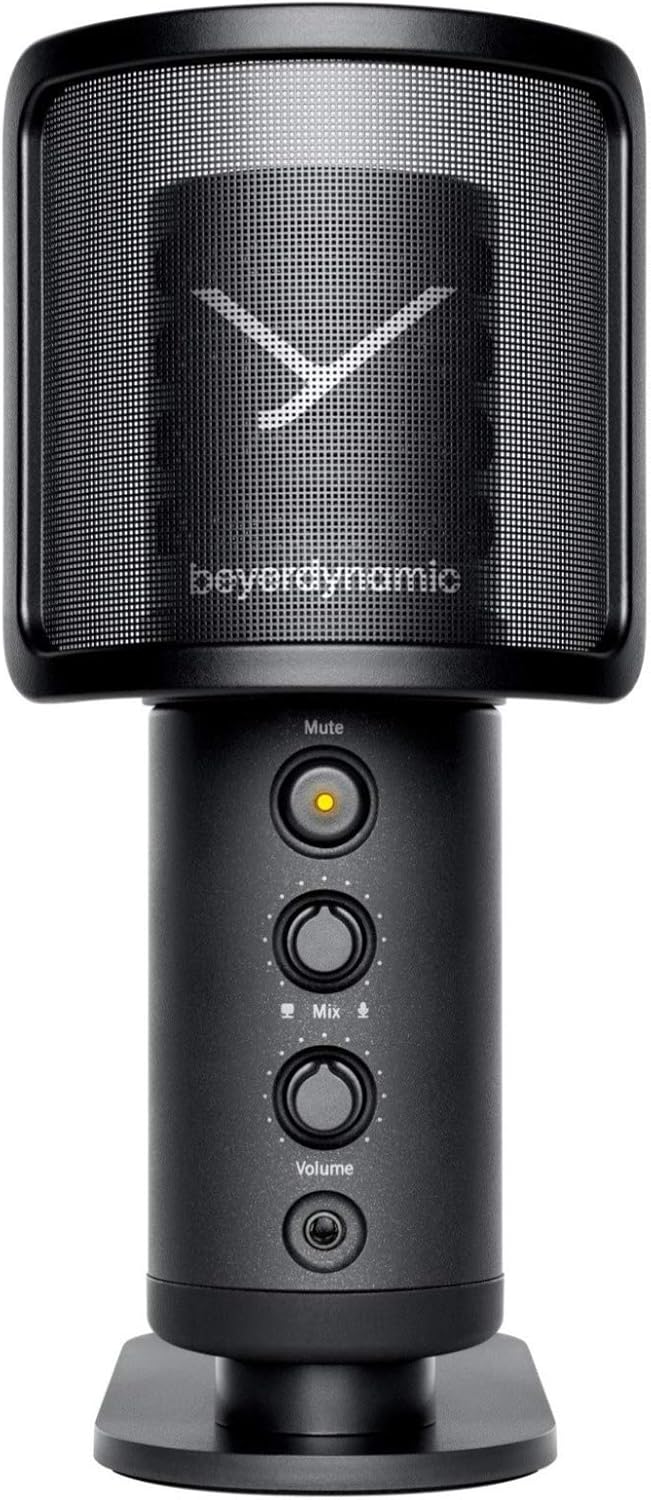
Image: The beyerdynamic FOX USB Studio Microphone and the included boom arm, showcasing الحزمة الكاملة.
المنتج انتهىview
المميزات الرئيسية:
- صوت عالي الدقة: 24-bit / 96 kHz studio-grade quality for professional recordings.
- Large Condenser Capsule: Ensures accurate signal conversion and low inherent noise.
- نمط قطبي قلبي: Focuses on sound directly in front of the microphone, reducing unwanted background noise.
- مراقبة الكمون الصفري: Integrated headphone output allows real-time monitoring of your audio.
- زر كتم الصوت: Instantly mutes the microphone for privacy or to prevent unwanted sounds from being recorded.
- مفتاح التحكم في مستوى الصوت: Adjustable gain for recording various sound sources, including loud instruments.
- اتصال USB: Simple plug-and-play connection to PC, Mac, or compatible smartphones/tablets.
مكونات الميكروفون:
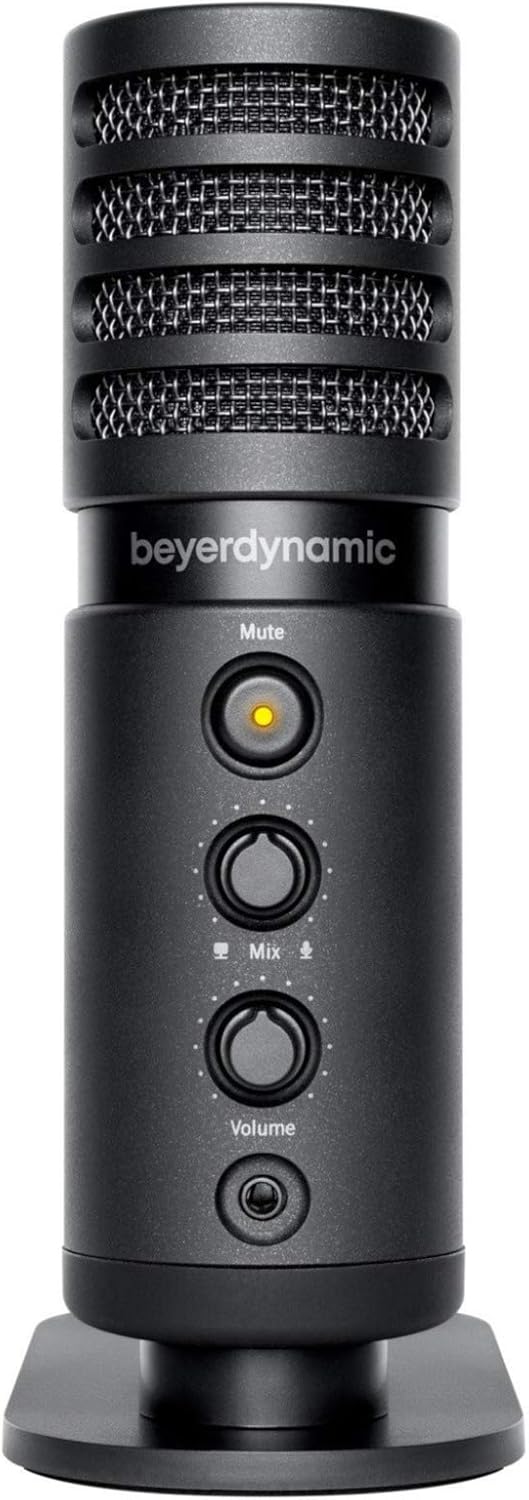
الصورة: الجبهة view of the beyerdynamic FOX microphone, highlighting the mute button, mix control, and volume knob.
- شبكة الميكروفون: Protects the condenser capsule.
- زر كتم الصوت: Press to mute/unmute the microphone. An indicator light will show status.
- التحكم في المزج: Adjusts the balance between microphone input and computer playback in your headphones.
- مقبض الصوت: Controls the headphone output volume.
- مقبس سماعة الرأس (3.5،XNUMX ملم): For connecting monitoring headphones.
- منفذ USB-C: For connecting the microphone to your computer or mobile device.
- Threaded Mount: For attaching to the desk stand or boom arm.
يثبت
1. Assembling the Boom Arm:
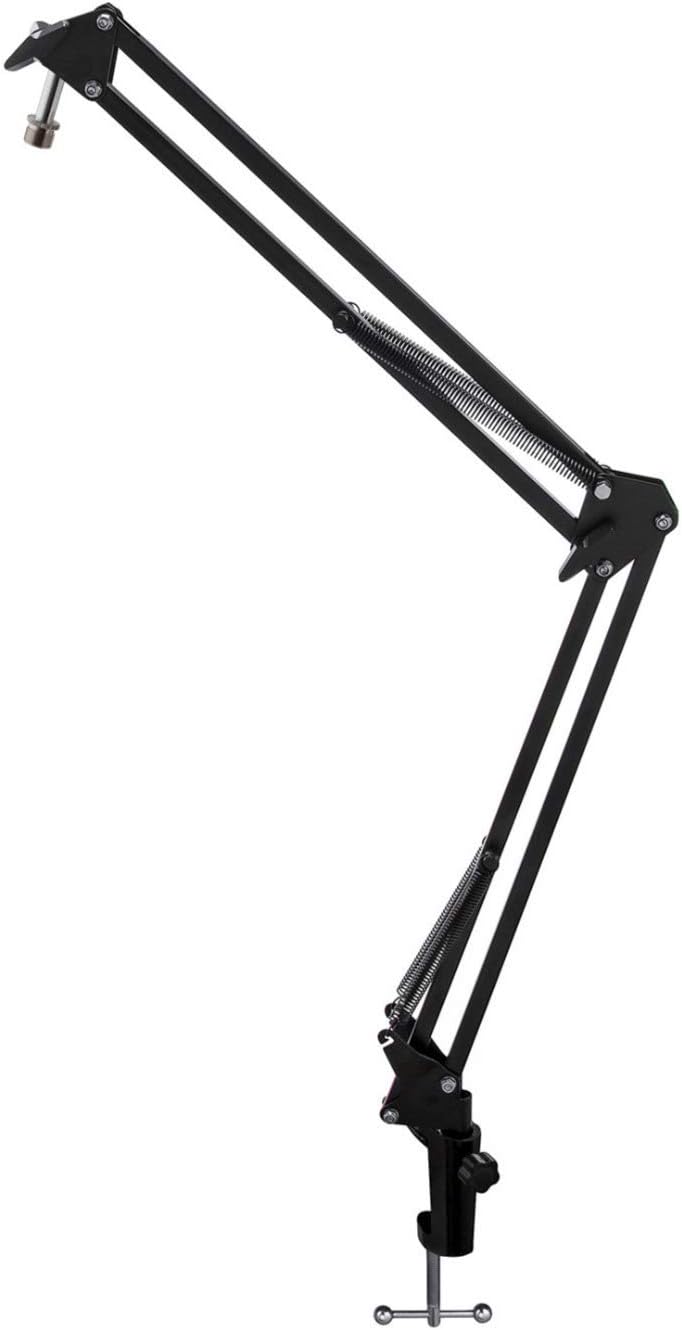
Image: The Microphone Suspension Boom Scissor Arm, showing its adjustable joints and desk clamp.
- ملحق مكتب Clamp: أحكم إغلاق قفل المكتبamp to the edge of a sturdy desk or table. Ensure it is tight to prevent movement.
- أدخل ذراع الرافعة: أدخل قاعدة ذراع الميكروفون في الفتحة الموجودة على سطح المكتبamp. Tighten the locking screw on the clamp to hold the arm in place.
- ضبط الموقف: Adjust the boom arm to your desired height and reach. The springs will help balance the microphone's weight.
2. Attaching the Microphone:
- To Boom Arm: Screw the beyerdynamic FOX microphone onto the 3/8-inch-16 threaded mount at the end of the boom arm. Ensure it is finger-tight.
- Using Desk Stand (Optional): If not using the boom arm, screw the microphone onto its included desk stand.
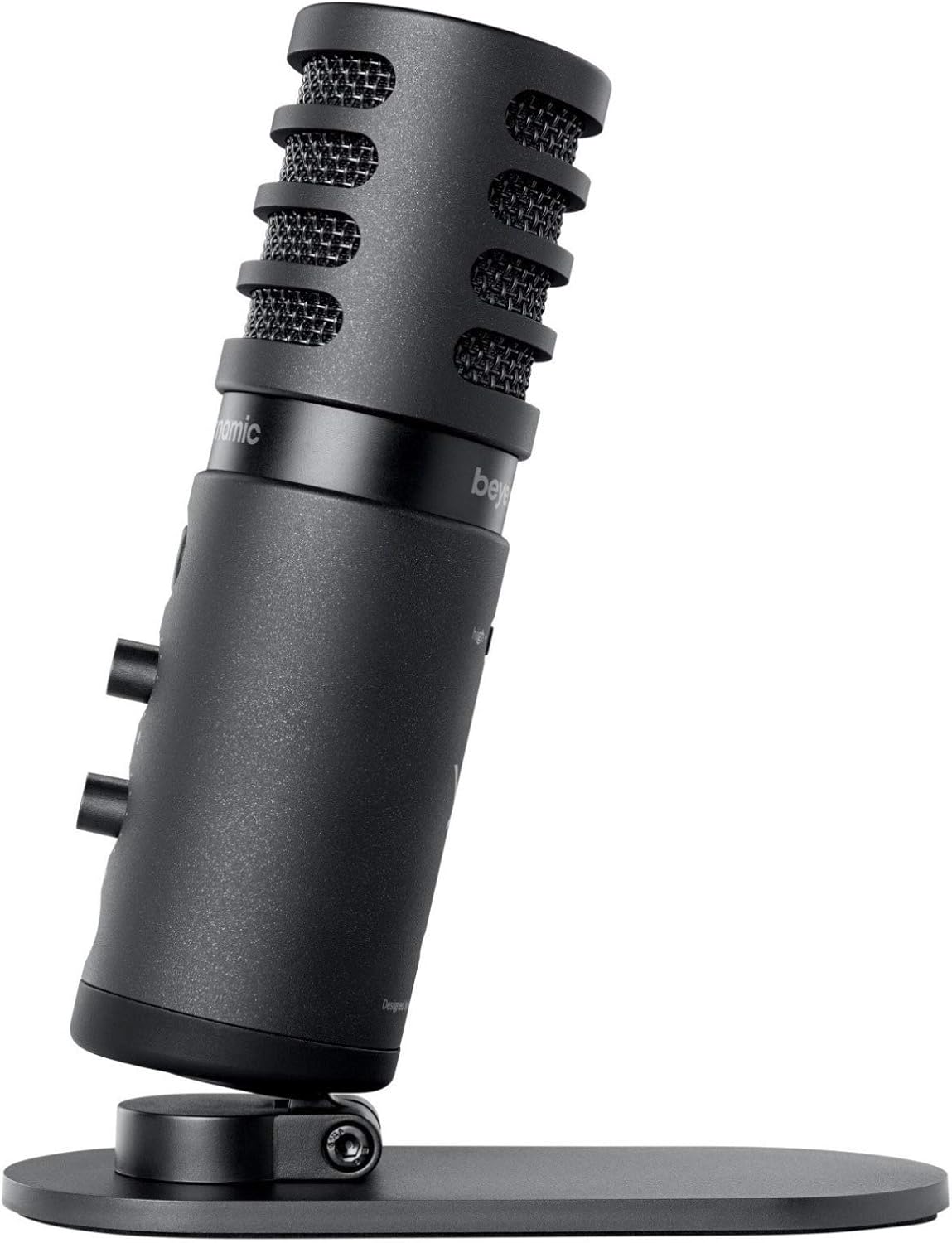
Image: The beyerdynamic FOX microphone mounted on its compact desk stand, ready for use.
3. الاتصال بجهازك:
- Connect the supplied USB cable to the USB-C port on the microphone.
- Connect the other end of the USB cable to an available USB port on your computer (PC/Mac) or compatible smartphone/tablet (adapter may be required for some mobile devices).
- الميكروفون سهل الاستخدام، ويجب أن يتعرف عليه نظام التشغيل الخاص بك تلقائيًا.
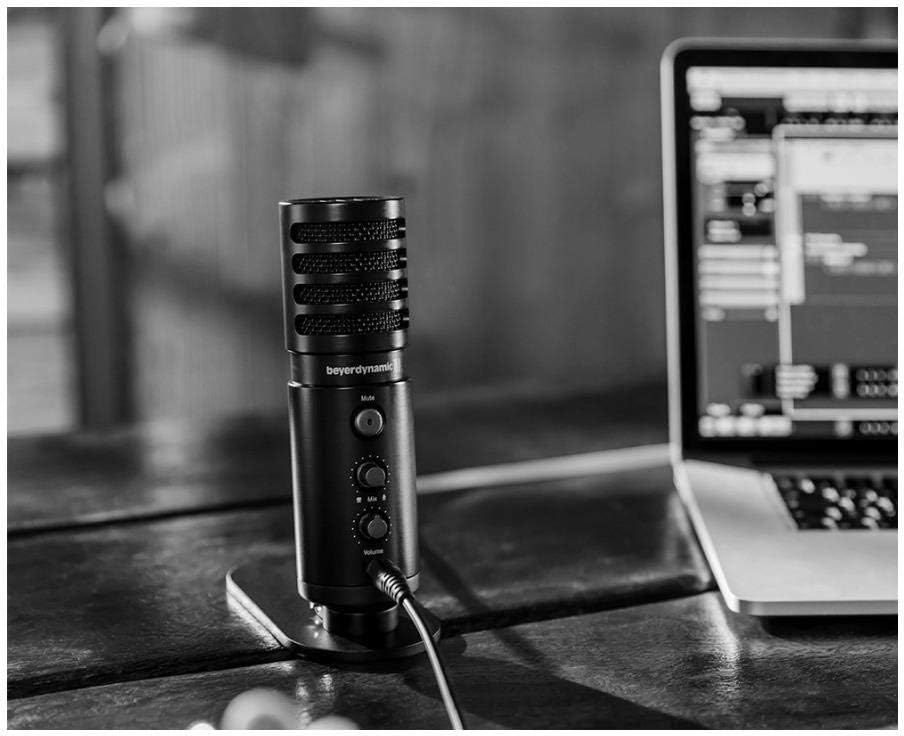
Image: The beyerdynamic FOX microphone in use, connected via USB to a laptop on a wooden desk.
تعليمات التشغيل
1. System Recognition:
- Once connected, your operating system (Windows, macOS, Android, iOS) should automatically detect the beyerdynamic FOX as an audio input and output device.
- You may need to select "beyerdynamic FOX" as your default input/output device in your system's sound settings or within your recording software.
2. Using the Mute Button:
- اضغط على صامت button on the front of the microphone to toggle between active and muted states.
- An indicator light will typically show the microphone's status (e.g., green for active, red/orange for muted).
3. Adjusting Gain (Input Level):
- The FOX microphone features a gain switch (often labeled "Gain" or represented by a symbol like a microphone with a "+" or "-").
- Use this switch to adjust the microphone's sensitivity. For quiet sources (e.g., soft vocals), use a higher gain setting. For loud sources (e.g., instruments, loud speaking), use a lower gain setting to prevent distortion.
- Monitor your recording software's input levels to ensure they are not peaking (clipping).
4. Zero-Latency Monitoring:
- Connect headphones to the 3.5mm headphone jack on the microphone.
- استخدم مقدار knob to adjust the headphone listening level.
- ال مزج control allows you to blend the microphone's direct input with the audio playback from your computer. Turn towards the microphone icon to hear more of your live input, and towards the speaker icon to hear more of your computer's audio.
- This feature allows you to hear your voice or instrument in real-time without delay, which is crucial for accurate performance.
صيانة
- تنظيف: استخدم قطعة قماش ناعمة وجافة لتنظيف الجزء الخارجي من الميكروفون. لا تستخدم المنظفات السائلة أو المذيبات.
- تخزين: عند عدم الاستخدام، قم بتخزين الميكروفون في بيئة جافة وخالية من الغبار.
- ذراع الرافعة: Periodically check the boom arm's clamps and joints for tightness. Lubricate moving parts if necessary with a small amount of silicone-based lubricant.
- العناية بالكابلات: Avoid sharp bends or kinks in the USB cable. Store it neatly to prevent damage.
استكشاف الأخطاء وإصلاحها
| مشكلة | السبب المحتمل | حل |
|---|---|---|
| لا يوجد صوت من الميكروفون |
|
|
| Distorted or clipping sound |
|
|
| لا يوجد صوت في سماعات الرأس |
|
|
| Boom arm is unstable |
|
|
تحديد
| ميزة | التفاصيل |
|---|---|
| رقم الموديل | FOXUSBMIC_K5 |
| عامل شكل الميكروفون | Table Array (with included desk stand) |
| تكنولوجيا الاتصال | USB |
| نوع الموصل | USB |
| النمط القطبي | أحادي الاتجاه (قلبي الشكل) |
| دقة | 24 بت / 96 كيلو هرتز |
| إشارة إلى نسبة الضوضاء | 78 ديسيبل |
| منصة الأجهزة | كمبيوتر شخصي ، هاتف ذكي |
| الأجهزة المتوافقة | Headphone, Personal Computer, Smartphone |
| مصدر الطاقة | كهربائي سلكي (مدعوم بمنفذ USB) |
| وزن العنصر (الميكروفون) | 16 أوقية (1 جنيه) |
| أبعاد المنتج | 16.2 x 8.3 x 6.8 inches (overall bundle dimensions) |
| لون | أسود |
| رمز المنتج الموحد | 040962932483 |
الضمان والدعم
للحصول على معلومات الضمان والدعم الفني، يرجى الرجوع إلى موقع باير ديناميك الرسمي. webالموقع الإلكتروني أو تواصل مع خدمة العملاء مباشرةً. احتفظ بإثبات الشراء لطلبات الضمان.
رسمي Webموقع: www.beyerdynamic.com


