مقدمة
Thank you for choosing the Salter 9218 GY3R Splash Digital Bathroom Scale. This scale is designed for accurate weight measurement in a modern bathroom environment. It features a durable, removable silicone cover for comfort and hygiene, and a clear digital display. Please read this manual thoroughly before use to ensure proper operation and maintenance.

The Salter 9218 GY3R Splash Digital Bathroom Scale, shown with the included AAA batteries.
معلومات السلامة
- Always place the scale on a firm, flat surface. Avoid carpets or uneven flooring, as this may affect accuracy.
- قد يكون سطح الميزان زلقًا عند البلل. تأكد من جفافه قبل الدوس عليه.
- Do not use the scale if you have a pacemaker or other internal medical device.
- Do not immerse the scale in water. The silicone cover is washable, but the electronic unit is not waterproof.
- احفظ البطاريات بعيداً عن متناول الأطفال. تخلص من البطاريات المستعملة بطريقة مسؤولة.
- هذا الميزان مخصص للاستخدام المنزلي فقط.
محتويات الحزمة
يرجى تحديد المربع للعناصر التالية:
- Salter 9218 GY3R Splash Digital Bathroom Scale
- Removable Silicone Cover (pre-installed)
- 3 بطاريات AAA
- دليل التعليمات

An illustration showing the Salter Splash Digital Bathroom Scale, user manual, and three AAA batteries as included items.
يثبت
1. تركيب البطارية
- حدد مكان حجرة البطارية على الجانب السفلي من الميزان.
- افتح غطاء حجرة البطارية.
- Insert the 3 x AAA batteries, ensuring the correct polarity (+ and -) as indicated inside the compartment.
- أغلق غطاء حجرة البطارية جيدًا.
2. Initializing the Scale
After installing batteries, the scale needs to be initialized:
- ضع الميزان على سطح صلب ومستوٍ.
- Press down firmly on the center of the platform with your foot.
- The display will show '0.0' or '0.00' and then turn off. This indicates the scale is ready for use.
تعليمات التشغيل
1. Taking a Weight Reading
- Ensure the scale is on a firm, flat surface.
- Step onto the scale platform with bare feet. Stand still and centered.
- The display will illuminate and show your weight.
- Once the reading stabilizes, it will flash a few times and then remain on for a few seconds before turning off automatically.

The Salter Splash Digital Bathroom Scale positioned on a tiled bathroom floor, ready for a weight measurement.
2. تحويل الوحدات (كجم/رطل/ستة)
The scale allows you to switch between metric (kilograms) and imperial (pounds/stones) units.
- Locate the unit conversion button on the underside of the scale, near the battery compartment.
- With the scale off, press this button to cycle through the available units (kg, lb, st).
- The selected unit will be displayed on the screen during the next measurement.

The scale features a large, clear backlit display for easy reading of measurements.
صيانة
Cleaning the Silicone Cover
The removable silicone cover is designed for easy cleaning:
- To clean, simply remove the silicone cover from the scale.
- The cover can be washed by hand with mild soap and water, or placed in a dishwasher.
- Ensure the cover is completely dry before placing it back on the scale.
- To clean the scale base, wipe with a damp قطعة قماش. لا تستخدم المنظفات الكاشطة أو تغمرها في الماء.
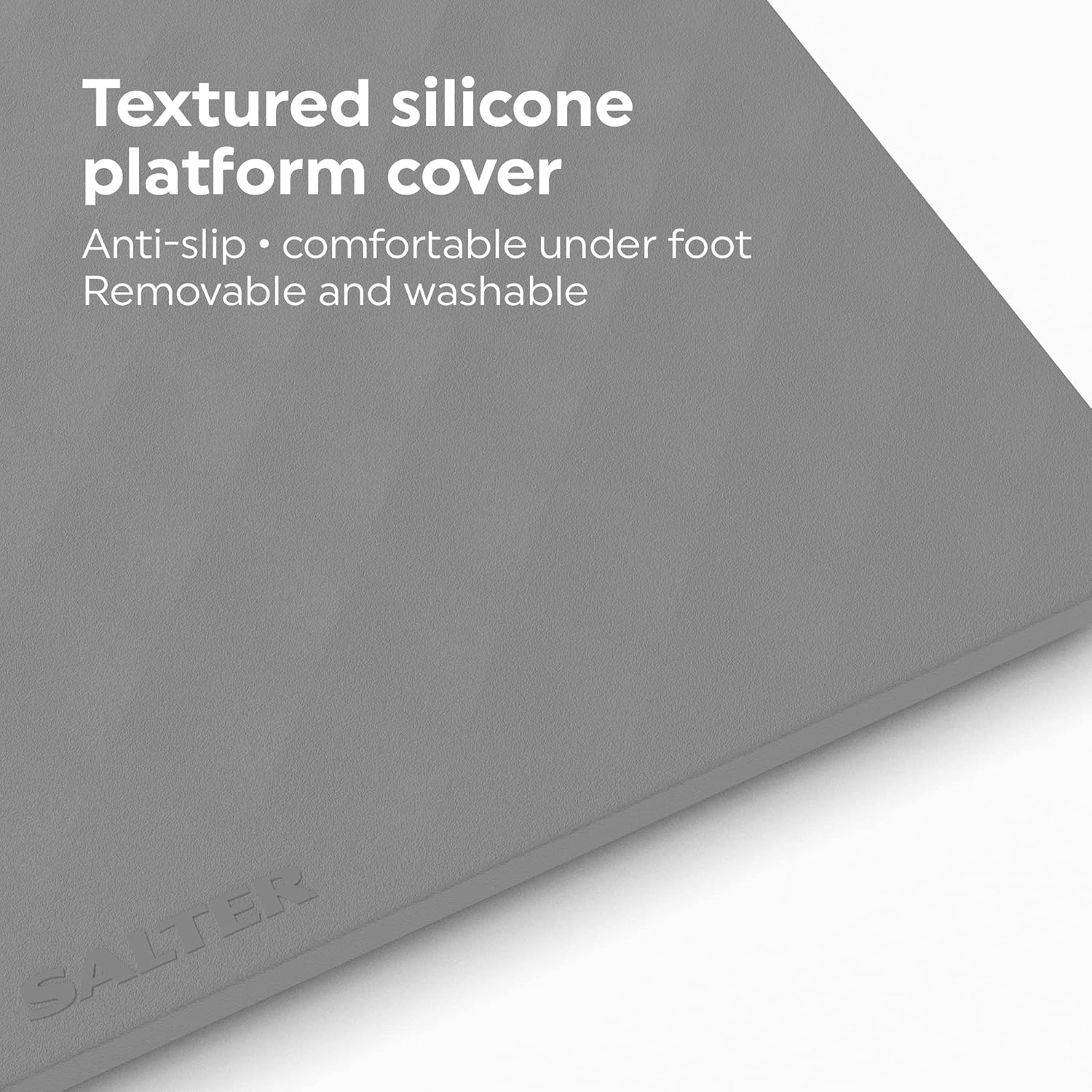
The textured silicone cover provides an anti-slip surface and is comfortable underfoot. It is also removable and washable for easy maintenance.
استبدال البطارية
When the display shows a 'Lo' indicator, it's time to replace the batteries. Follow the battery installation steps in the Setup section.
استكشاف الأخطاء وإصلاحها
| مشكلة | السبب المحتمل | حل |
|---|---|---|
| No display / Scale does not turn on | البطاريات فارغة أو تم تركيبها بشكل غير صحيح. | تحقق من قطبية البطارية أو استبدلها ببطاريات AAA جديدة. |
| Inaccurate readings / Inconsistent readings | Scale is on an uneven surface or has not been initialized. | Place scale on a hard, flat surface. Re-initialize by pressing down firmly on the platform until '0.0' appears. Ensure you stand still and centered. |
| 'Lo' displayed | انخفاض طاقة البطارية. | Replace all 3 x AAA batteries. |
| 'Err' displayed | زيادة الحمل أو خطأ في القياس. | The maximum weight capacity is 180 kg. Step off the scale and try again. If the error persists, contact customer support. |
تحديد
- نموذج: Salter 9218 GY3R Splash Digital Bathroom Scale
- سعة: 180 كجم (396 رطل / 28 حجرًا و4 أرطال)
- تخرُّج: 0.1 kg / 0.2 lb / 1/4 lb
- عرض: شاشة LCD كبيرة بإضاءة خلفية
- قوة: 3 × بطاريات AAA (مضمنة)
- مادة: Glass platform with removable silicone cover
- الأبعاد (تقريبًا): 30 سم × 30 سم × 2.5 سم (الطول × العرض × الارتفاع)
- وزن: 1.6 كجم

Approximate dimensions of the Salter Splash Digital Bathroom Scale.
الضمان والدعم
This Salter product comes with a ضمان لمدة سنتين from the date of purchase, covering defects in materials or workmanship under normal use. Please retain your proof of purchase for warranty claims.
For further assistance, troubleshooting, or to make a warranty claim, please visit the official Salter website or contact their customer support directly. Contact details can typically be found on the product packaging or the Salter webموقع.


