1. المقدمة
The roborock S4 Max is an advanced robotic vacuum cleaner designed to provide efficient and thorough cleaning for your home. Featuring precision LiDAR navigation, powerful 2000Pa suction, and multi-level mapping capabilities, it intelligently navigates and cleans various floor types, including carpets and hard floors. This manual provides essential information for setting up, operating, and maintaining your S4 Max to ensure optimal performance.
2. انتهى المنتجview
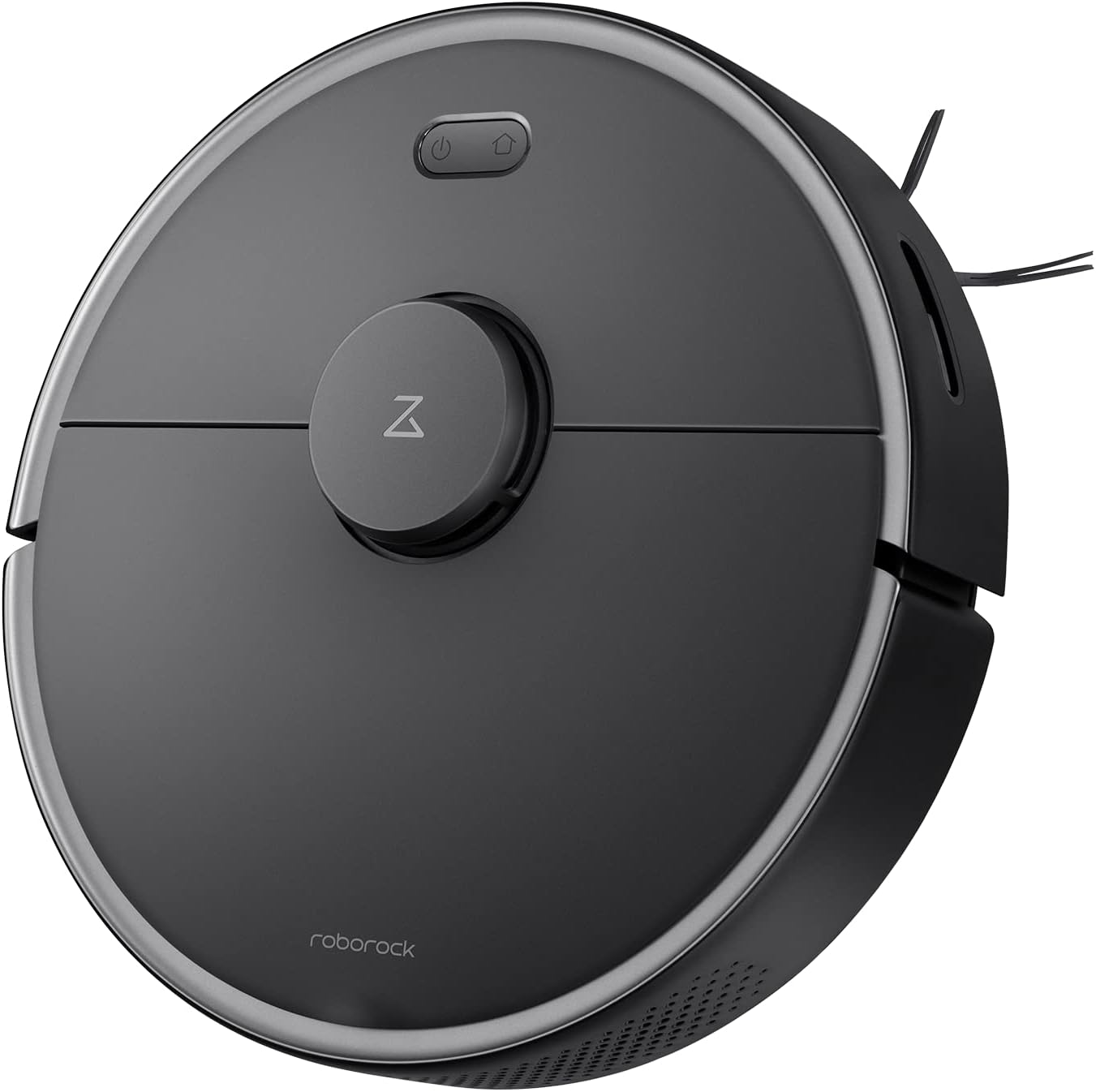
الشكل 2.1: الجزء العلوي view of the roborock S4 Max Robot Vacuum.
المميزات الرئيسية:
- Precision LiDAR Navigation: Ensures accurate mapping and efficient cleaning paths, even in low-light conditions.
- قوة شفط قوية تبلغ 2000 باسكال: Effectively picks up dirt, dust, and pet hair from various surfaces.
- رسم الخرائط متعددة المستويات: Stores maps for up to four levels of your home, recognizing room locations automatically.
- Customizable Cleaning Zones: Set up to 10 No-Go Zones, 10 No-Mop Zones, and 10 Invisible Walls per level via the app.
- تعزيز السجاد: يزيد تلقائيًا من قوة الشفط عند اكتشاف السجاد لتنظيف أعمق.
- بطارية تدوم طويلاً: Up to 180 minutes runtime on a single charge.
- فلتر HEPA قابل للغسل: Captures 95% of particles and is reusable.
3. الإعداد
- فك الروبوت: قم بإزالة المكنسة الروبوتية وجميع الملحقات من العبوة بعناية.
- ضع قاعدة الشحن: Position the charging dock against a wall in an open area with at least 0.5 meters (1.6 feet) of clear space on both sides and 1.5 meters (4.9 feet) in front. Ensure it is connected to a power outlet.
- التهمة الاولية: Place the robot on the charging dock. The power indicator light will illuminate. Allow the robot to fully charge before its first use.
- تنزيل التطبيق: Download the roborock app from your mobile device's app store. The app is compatible with 2.4Ghz Wi-Fi networks only.
- الاتصال بشبكة Wi-Fi: Follow the in-app instructions to connect your roborock S4 Max to your home Wi-Fi network.
- التخطيط الأولي: For the first cleaning cycle, allow the robot to fully map your home. Open all doors to rooms you wish to be mapped. The robot will create a detailed map that can be saved and customized.
4. تعليمات التشغيل
4.1 الملاحة ورسم الخرائط
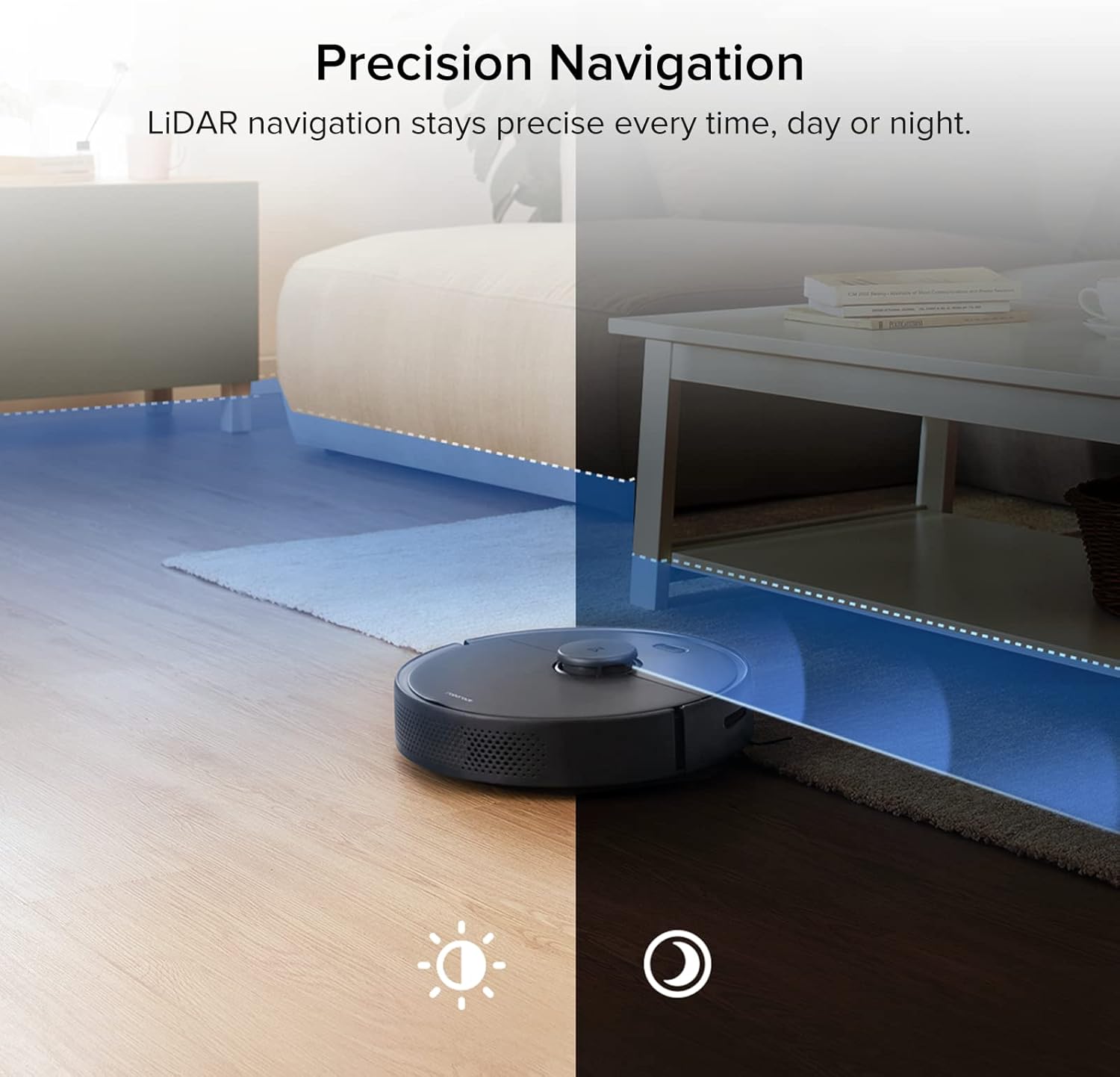
Figure 4.1: The S4 Max uses LiDAR for precise navigation in both bright and dark environments.

Figure 4.2: The robot can store and recognize maps for multiple levels of your home.
The S4 Max utilizes advanced LiDAR navigation to create accurate maps of your home. It cleans in methodical, straight lines, first along edges and then filling in the middle areas. This ensures comprehensive coverage and avoids missing spots. The robot can store up to four different floor plans, automatically recognizing which level it is on.
4.2 Cleaning Modes and Suction
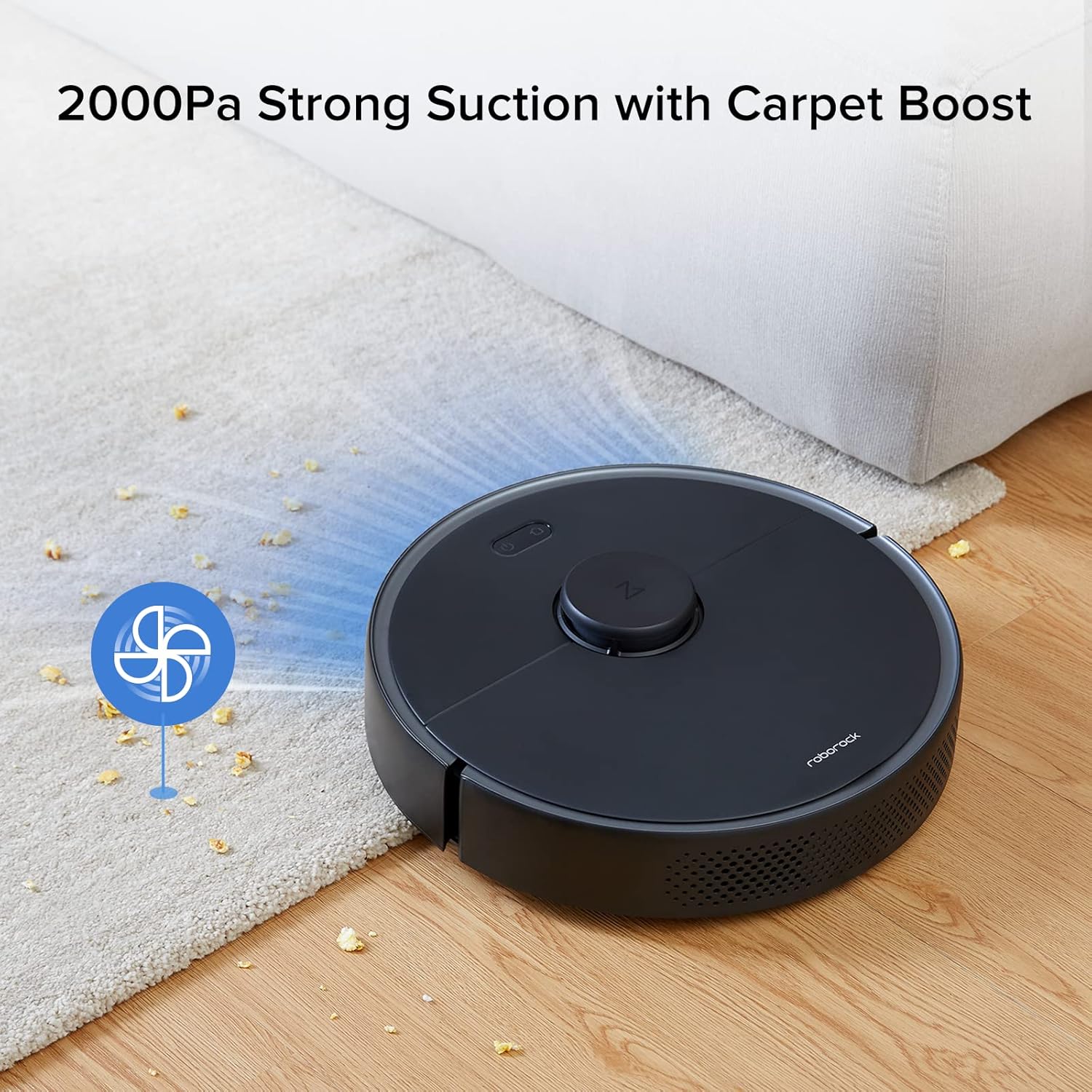
Figure 4.3: The S4 Max features 2000Pa suction power and automatically boosts suction on carpets.
The S4 Max offers multiple cleaning modes to suit your needs:
- هادئ: For minimal noise during cleaning.
- طبيعي: Standard cleaning power for everyday dirt.
- توربيني: قوة شفط معززة لإزالة الأوساخ الصعبة.
- الأعلى: Maximum suction power (2000Pa) for deep cleaning.
The robot is equipped with a Carpet Boost feature, which automatically detects carpets and increases suction to the Max level for effective deep cleaning.
4.3 التحكم في التطبيق وتخصيصه
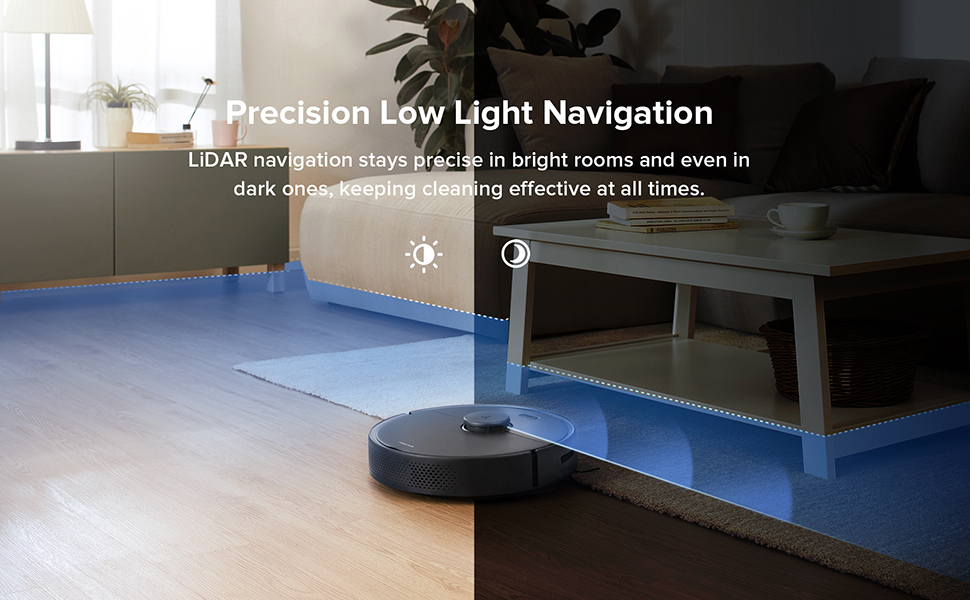
Figure 4.4: The roborock app provides comprehensive control over your robot vacuum.
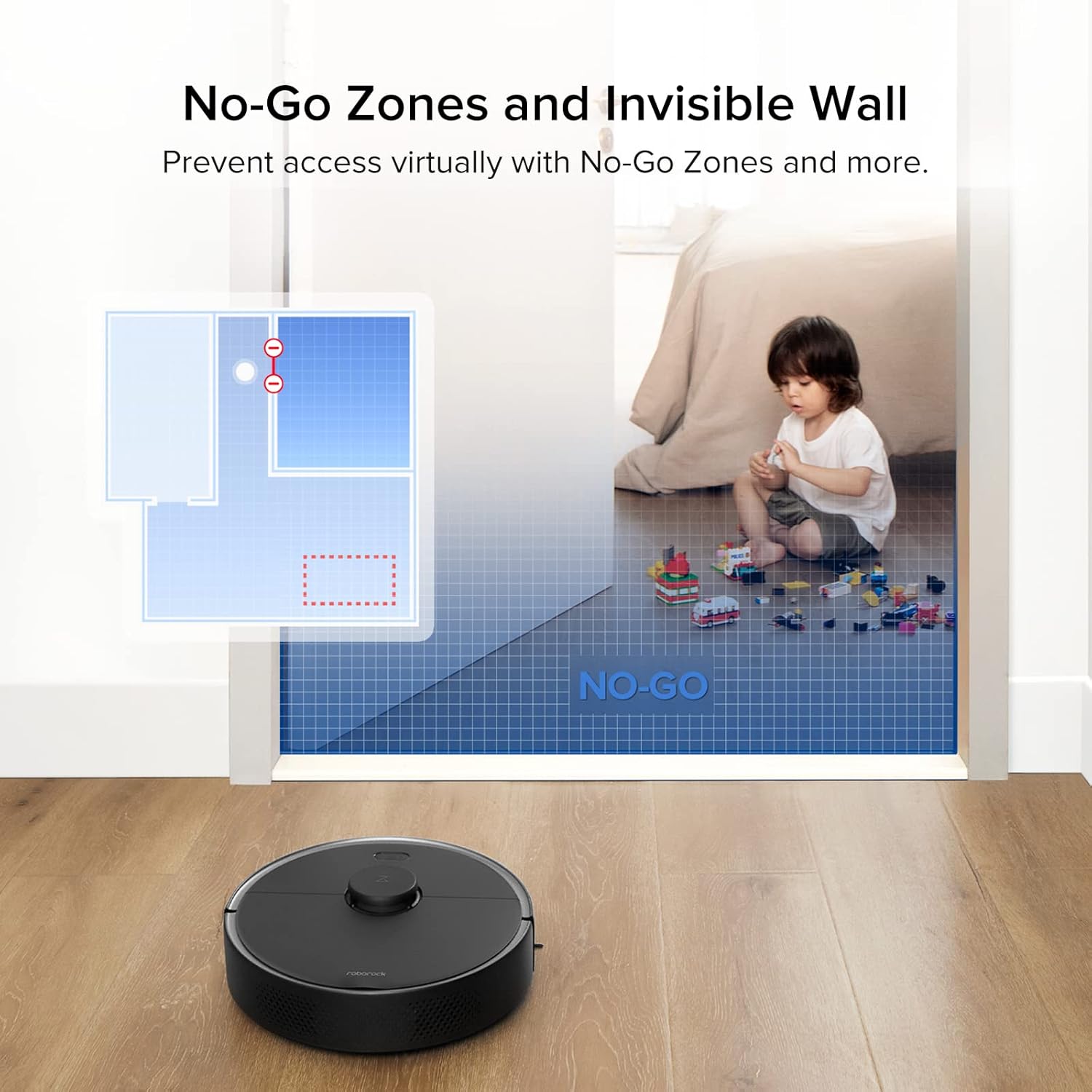
Figure 4.5: Set virtual boundaries to restrict the robot's access to certain areas.
The roborock app offers extensive control and customization options:
- التتبع في الوقت الحقيقي: View exact vacuuming routes and the robot's current location.
- جداول التنظيف: Set daily or weekly cleaning schedules for specific times and days.
- تنظيف المنطقة: Select specific rooms or draw custom zones for targeted cleaning.
- مناطق محظورة وجدران غير مرئية: Define areas the robot should avoid. Invisible Walls can be straight or diagonal lines, offering flexibility.
- ضبط قوة الشفط: Adjust suction power for different cleaning needs.
- Room Naming: Name rooms on your map for easier control, including voice commands with compatible devices like Amazon Echo.
5. الصيانة
Regular maintenance ensures your roborock S4 Max operates at peak efficiency.
5.1 سلة المهملات والفلتر
- تفريغ سلة المهملات: The S4 Max features a 0.46-liter top-loading dustbin. Empty it after each cleaning cycle.
- تنظيف الفلتر: The E11 rated HEPA filter is washable. Rinse it under running water and allow it to air dry completely before reinserting. An extra filter is included in the box for convenience.
5.2 فرش
- الفرشاة الرئيسية: Regularly check the main brush for tangled hair or debris. Use the included cleaning tool to remove any wrapped hair.
- فرشاة جانبية: Inspect the all-rubber side brush for wear or tangles. Clean as needed.
5.3 أجهزة الاستشعار
Wipe all sensors (LiDAR, cliff sensors, wall sensors) with a soft, dry cloth to ensure proper functionality and navigation.
6. المواصفات
| ماركة | روبوروك |
| اسم الموديل | S4 ماكس |
| قوة الشفط | 2000 باسكال |
| ملاحة | ليدار |
| رسم الخرائط | Multi-Level (up to 4 levels) |
| سعة سلة المهملات | 0.46 لتر |
| نوع الفلتر | Washable HEPA (E11 rated) |
| نوع البطارية | 5200 mAh Lithium Ion (Integrated) |
| عمر البطارية | Up to 180 minutes (on lowest power setting) |
| طريقة التحكم | App, Voice (Amazon Echo compatible) |
| أبعاد المنتج (الروبوت) | 13.8 بوصة (القطر) × 3.8 بوصة (الارتفاع) |
| وزن العنصر | 7.28 رطل |
| Airflow (Max Setting) | 20.58 قدم مكعب في الدقيقة |
| Noise Level (Max Setting) | 64.1 ديسيبل |
7. استكشاف الأخطاء وإصلاحها
- Robot gets stuck on wires: Ensure all loose cables and wires are cleared from the cleaning path before operation.
- Robot pushes light rugs: Remove lightweight area rugs or those without rubber backing that the robot might push around.
- قوة شفط منخفضة: Check and empty the dustbin. Clean or replace the HEPA filter. Inspect the main brush for tangles.
- مشاكل الملاحة: Clean all sensors on the robot. Ensure the LiDAR sensor is not obstructed.
- الروبوت لا يشحن: Ensure the charging dock is properly connected to power and the robot is correctly aligned with the charging contacts.
8. الضمان والدعم
للحصول على معلومات الضمان أو الدعم الفني أو الاستفسارات المتعلقة بالخدمة، يرجى الرجوع إلى موقع روبوروك الرسمي. webالموقع أو تواصل مع خدمة العملاء مباشرةً. احتفظ بإيصال الشراء كإثبات للشراء في حال وجود أي مطالبات بالضمان.


