مقدمة
The Timex TW500 is a versatile alarm clock radio designed for modern living. It features wireless charging for compatible devices, a USB charging port, dual digital alarms, an FM radio with presets, a dimmable display, and a sleep timer. This manual provides detailed instructions for setting up and operating your device.
المنتج انتهىview

أمام View: The Timex TW500 alarm clock radio features a large, clear green LED display showing the time, along with indicators for PM, alarm status, and charging. Control buttons are located on the top panel.

إمكانية الشحن المزدوج: This image illustrates the dual charging feature of the TW500, with a smartphone wirelessly charging on the top surface and another smartphone connected to the USB-A charging port located on the back of the unit.
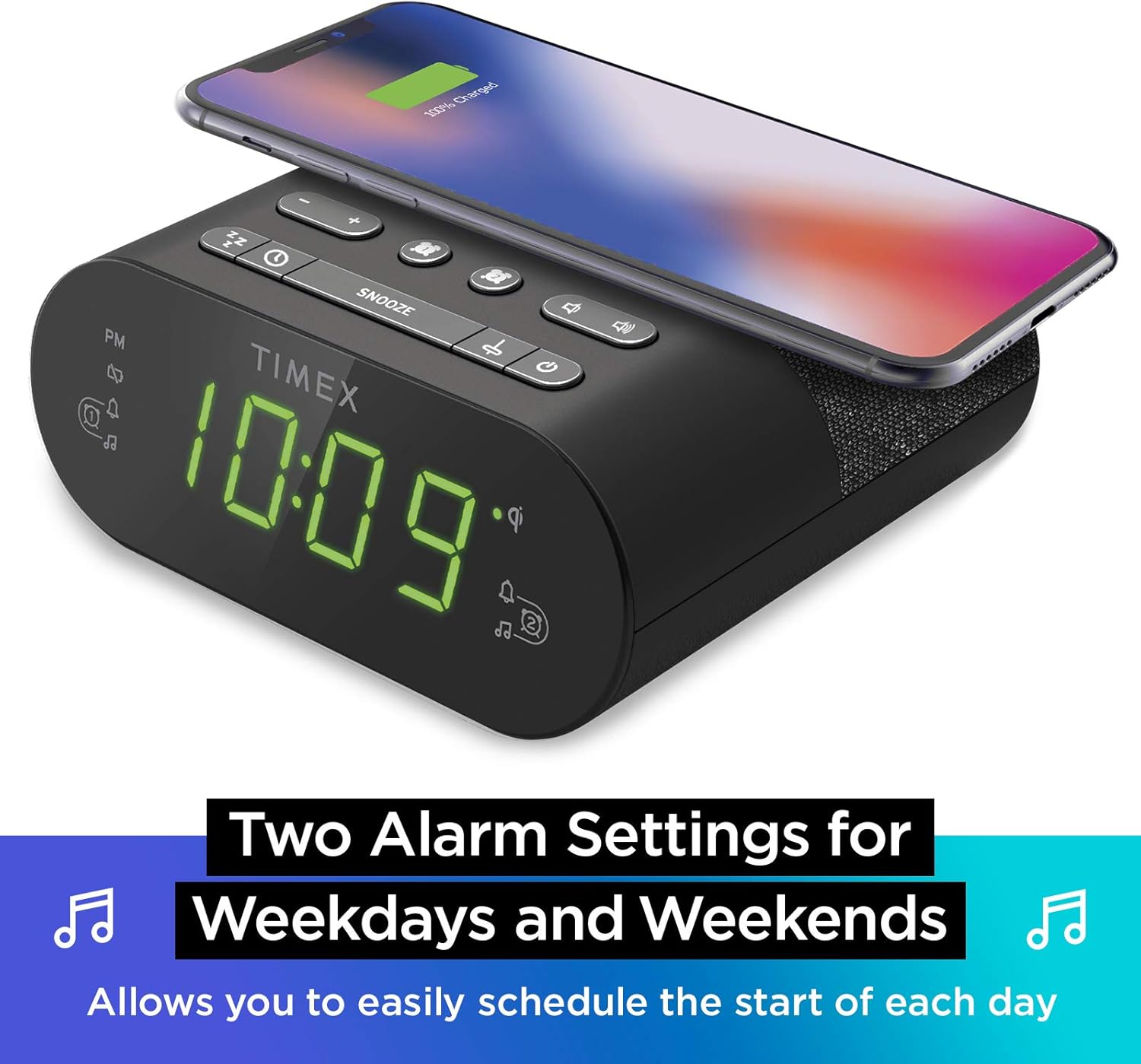
إعدادات التنبيه المزدوجة: The TW500 supports two independent alarm settings, allowing users to schedule separate wake times for different days or for two individuals.
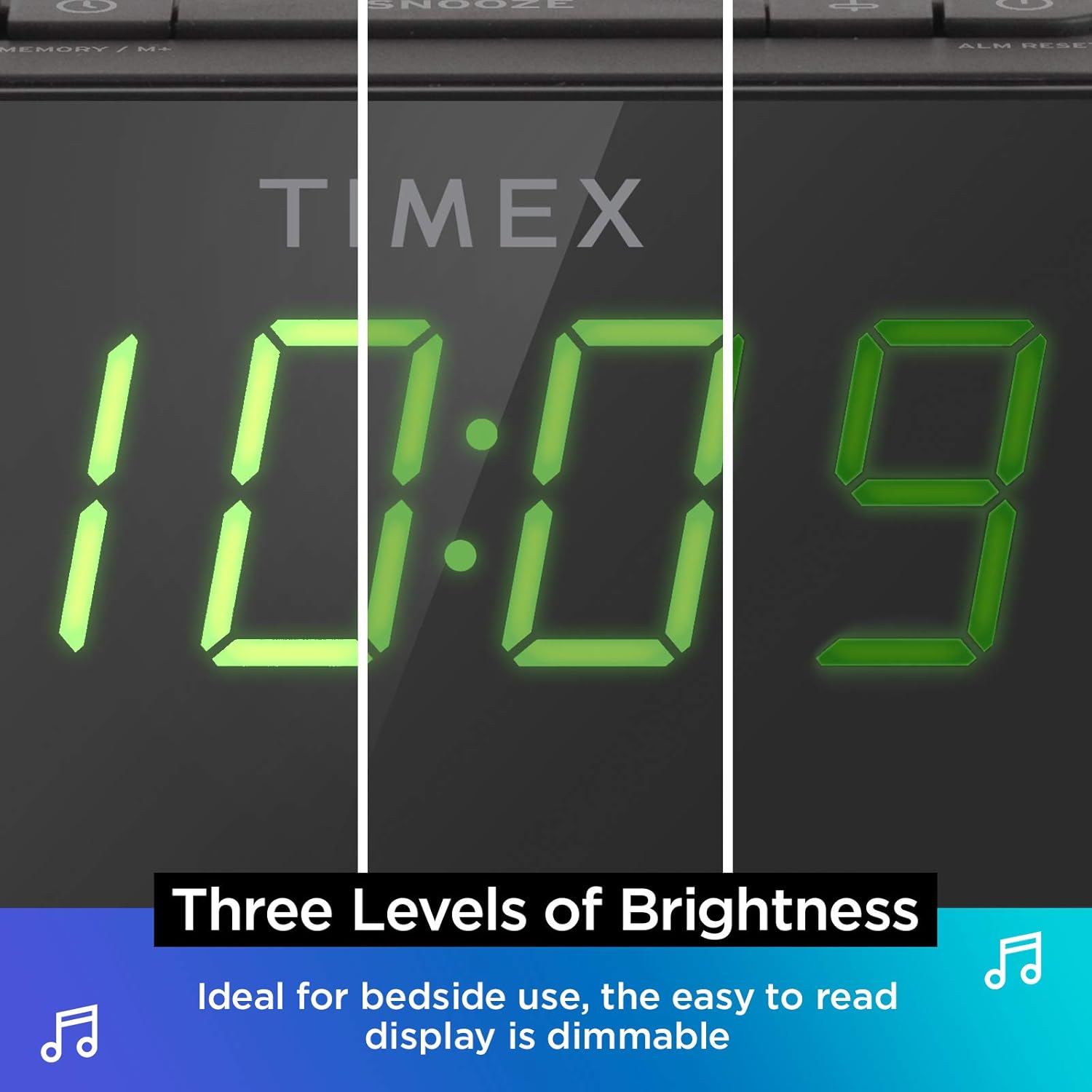
عرض عكس الضوء: The digital display offers multiple brightness levels, ensuring comfortable viewing in various lighting conditions, from bright daylight to a dark bedroom.
يثبت
1. توصيل الطاقة
Connect the supplied AC power adapter to the DC jack on the back of the unit and plug the other end into a working wall outlet. The unit will power on and the display will light up.
2. تركيب البطارية الاحتياطية
للحفاظ على الوقت بشكل مستمر أثناء انقطاع التيار الكهربائيtages, install one CR-2032 battery (included) into the battery compartment on the bottom of the unit. Ensure correct polarity (+/-) as indicated.
3. إعداد الهوائي
Extend the FM wire antenna on the back of the unit fully for optimal FM radio reception. Adjust its position as needed to improve signal quality.
تعليمات التشغيل
ضبط الوقت
- اضغط مع الاستمرار على الوقت المحدد button located on the top panel until the time display flashes.
- اضغط على - or + أزرار لضبط الساعة. انتبه لمؤشر الساعة.
- اضغط على الوقت المحدد button again to confirm the hour and move to minutes setting.
- اضغط على - or + أزرار لضبط الدقائق.
- اضغط على الوقت المحدد اضغط على الزر مرة أخيرة لحفظ الوقت والخروج من وضع ضبط الوقت.
ضبط المنبهات (المنبه 1 والمنبه 2)
The TW500 features two independent alarms. The process is identical for both.
- اضغط مع الاستمرار على الإنذار الأول or الإنذار الثاني اضغط على الزر حتى يومض وقت التنبيه.
- اضغط على - or + أزرار لضبط ساعة المنبه. راقب مؤشر الفترة المسائية.
- اضغط على الزر المناسب الإنذار الأول or الإنذار الثاني button again to confirm the hour and move to minutes setting.
- اضغط على - or + أزرار لضبط دقائق التنبيه.
- اضغط على الزر المناسب الإنذار الأول or الإنذار الثاني button again to select the alarm source (FM radio or Tone). The corresponding icon will light up.
- اضغط على الزر المناسب الإنذار الأول or الإنذار الثاني button one last time to save the alarm setting. The alarm indicator will remain lit.
To turn an alarm off, repeatedly press the corresponding الإنذار الأول or الإنذار الثاني button until the alarm indicator light turns off.
تشغيل راديو FM
- اضغط على تشغيل/إيقاف زر لتشغيل الراديو.
- اضغط على - or + buttons to tune to your desired FM station. Press and hold to auto-scan for the next available station.
- اضغط على مقدار - or حجم + الأزرار لضبط مستوى الصوت.
- ضبط الإعدادات المسبقة: اضغط مع الاستمرار على MEMORY/M+ اضغط على الزر. سيومض الرقم المحدد مسبقًا. استخدم - or + buttons to select a preset number (1-10). Press MEMORY/M+ مرة أخرى للحفظ.
- استدعاء الإعدادات المسبقة: اضغط لفترة وجيزة على إعدادات FM المسبقة زر للتنقل بين المحطات المحفوظة.
- اضغط على تشغيل/إيقاف زر لإيقاف تشغيل الراديو.
الشحن اللاسلكي
The top surface of the TW500 features a Qi-compatible wireless charging pad.
- Place your Qi-enabled smartphone or other compatible device directly onto the wireless charging pad.
- Ensure the device is centered on the charging pad for optimal connection. A charging indicator on your device or the TW500 (if applicable) will confirm charging has begun.
- قم بإزالة جهازك بعد شحنه بالكامل.
الشحن عبر USB
A 5W USB-A charging port is located on the back of the unit.
- Connect your device's USB charging cable to the USB port on the TW500.
- قم بتوصيل الطرف الآخر من الكابل بجهازك. سيبدأ الشحن تلقائيًا.
عرض باهتة
The display brightness can be adjusted to suit your preference.
- اضغط على ديمر button repeatedly to cycle through different brightness levels (High, Medium, Low, Off).
مؤقت النوم
يسمح لك مؤقت النوم بالنوم على الراديو، والذي سيتم إيقاف تشغيله تلقائيًا بعد مدة محددة.
- أثناء تشغيل الراديو، اضغط على ينام button repeatedly to cycle through sleep timer options (e.g., 10, 20, 30, 60, 90 minutes, Off).
- سيعمل الراديو للمدة المحددة ثم ينطفئ تلقائيًا.
وظيفة الغفوة
عند سماع صوت الإنذار، اضغط على الزر الكبير غفوة button on the top of the unit to temporarily silence the alarm for 9 minutes. The alarm will sound again after the snooze period.
صيانة
- تنظيف: استخدم قطعة قماش ناعمة وجافة لتنظيف الجزء الخارجي من الجهاز. لا تستخدم المنظفات السائلة أو المواد الكاشطة.
- استبدال البطارية: Replace the CR-2032 backup battery annually or if the time display is incorrect after a power outage.
- تخزين: في حالة تخزين الوحدة لفترة طويلة، افصلها عن مصدر الطاقة وقم بإزالة البطارية الاحتياطية.
استكشاف الأخطاء وإصلاحها
| مشكلة | السبب المحتمل | حل |
|---|---|---|
| الوحدة لا تعمل بالطاقة. | Power adapter not connected or outlet is not working. | Ensure AC adapter is securely plugged into the unit and a live wall outlet. Test the outlet with another device. |
| لا يصدر صوت الإنذار. | لم يتم ضبط المنبه، أو أن مستوى صوت المنبه منخفض للغاية، أو أن المنبه مطفأ. | Verify alarm time and source are set correctly. Increase radio volume if alarm source is FM. Ensure alarm indicator is lit. |
| استقبال راديو FM ضعيف. | الهوائي غير ممتد أو منطقة الإشارة ضعيفة. | قم بتمديد هوائي FM السلكي بالكامل وأعد وضعه لتحسين الاستقبال. حاول نقل الجهاز إلى مكان مختلف. |
| الشحن اللاسلكي لا يعمل. | Device not Qi-compatible, not centered, or foreign object on pad. | تأكد من أن جهازك يدعم الشحن اللاسلكي بتقنية Qi. أعد وضع الجهاز في منتصف قاعدة الشحن. أزل أي أجسام معدنية أو أغطية سميكة. |
| شحن USB لا يعمل. | الكابل معيب أو الجهاز غير متوافق. | Try a different USB cable. Ensure the device is compatible with standard USB charging. |
تحديد
- نموذج: تي دبليو 500
- أبعاد: 5.48 بوصة (عرض) × 2.17 بوصة (عمق) × 5.20 بوصة (ارتفاع)
- وزن: 0.7 رطل (حوالي 0.32 كجم)
- مدخلات الطاقة: محول طاقة التيار المتردد (مرفق)
- البطارية النسخ الاحتياطي: 1 × CR-2032 بطارية (مضمنة)
- الشحن اللاسلكي: متوافق مع Qi
- منفذ شحن USB: 5 واط USB أ
- راديو: FM with 10 presets
- عرض: 0.9" Green LED, Dimmable
- الانذارات: Dual Digital Alarms (Wake to Radio or Tone)
فيديو المنتج الرسمي
يوفر هذا الفيديو عرضًا مرئيًاview of the Timex TW500, highlighting its key features such as wireless charging, USB charging, FM radio, dual alarms, and dimmable display. It demonstrates the product's compact design and functionality.
الضمان والدعم
This Timex product comes with a limited warranty. For detailed warranty information, product support, or to register your product, please refer to the warranty card included in your product packaging or visit the official Timex website. If you are not 100% satisfied with your new Timex alarm clock radio and its performance, please contact the seller for assistance.
الشركة المصنعة: تايمكس
رمز المنتج العالمي: 758859207179


