1. المقدمة
The TensCare Perfect TENS Pain Aide is a Transcutaneous Electrical Nerve Stimulation (TENS) device designed to provide effective relief from various types of pain, including chronic, acute, and musculoskeletal conditions such as arthritis, back pain, hip pain, leg pain, arm pain, and sciatica. This manual provides essential information for the safe and effective use of your device.

الشكل 1: انتهىview of TENS technology benefits.
2. معلومات هامة حول السلامة
Please read all instructions carefully before using the TensCare Perfect TENS Pain Aide. Failure to follow these instructions could result in injury or damage to the device.
2.1 Contraindications and Warnings
- Do not use this device near any metal implants. This is a critical safety warning. Consult your doctor if you have metal implants.
- Do not use if you have a pacemaker or any other implanted electronic device.
- Do not use if you are pregnant or suspect you might be pregnant, unless advised by a medical professional.
- Do not use on areas of skin that are broken, infected, or have rashes.
- Do not use over the eyes, across the front of the neck, or directly over the heart.
- Consult a medical professional before use if you have epilepsy, heart disease, cancer, or any other serious medical condition.
- Statements regarding dietary supplements have not been evaluated by the FDA and are not intended to diagnose, treat, cure, or prevent any disease or health condition. This device is not a dietary supplement.
2.2 الاحتياطات العامة
- يحفظ بعيدًا عن متناول الأطفال.
- لا تغمر الجهاز في الماء أو أي سوائل أخرى.
- لا تستخدمه أثناء القيادة أو تشغيل الآلات الثقيلة.
- If you experience any discomfort or adverse reactions, discontinue use immediately and consult a medical professional.
3. محتويات العبوة
Your TensCare Perfect TENS Pain Aide package should include the following items:
- 1 x Perfect TENS unit
- 1 x Set of 4 electrode pads
- 2 x Lead wires
- 1 × دليل المستخدم
- 2 × بطاريات AA (مضمنة)
- 1 × مشبك حزام
- 1 x Soft storage pouch
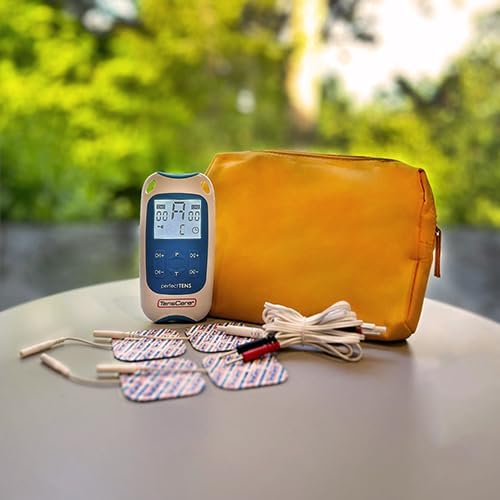
Figure 2: Contents of the Perfect TENS Pain Aide kit.
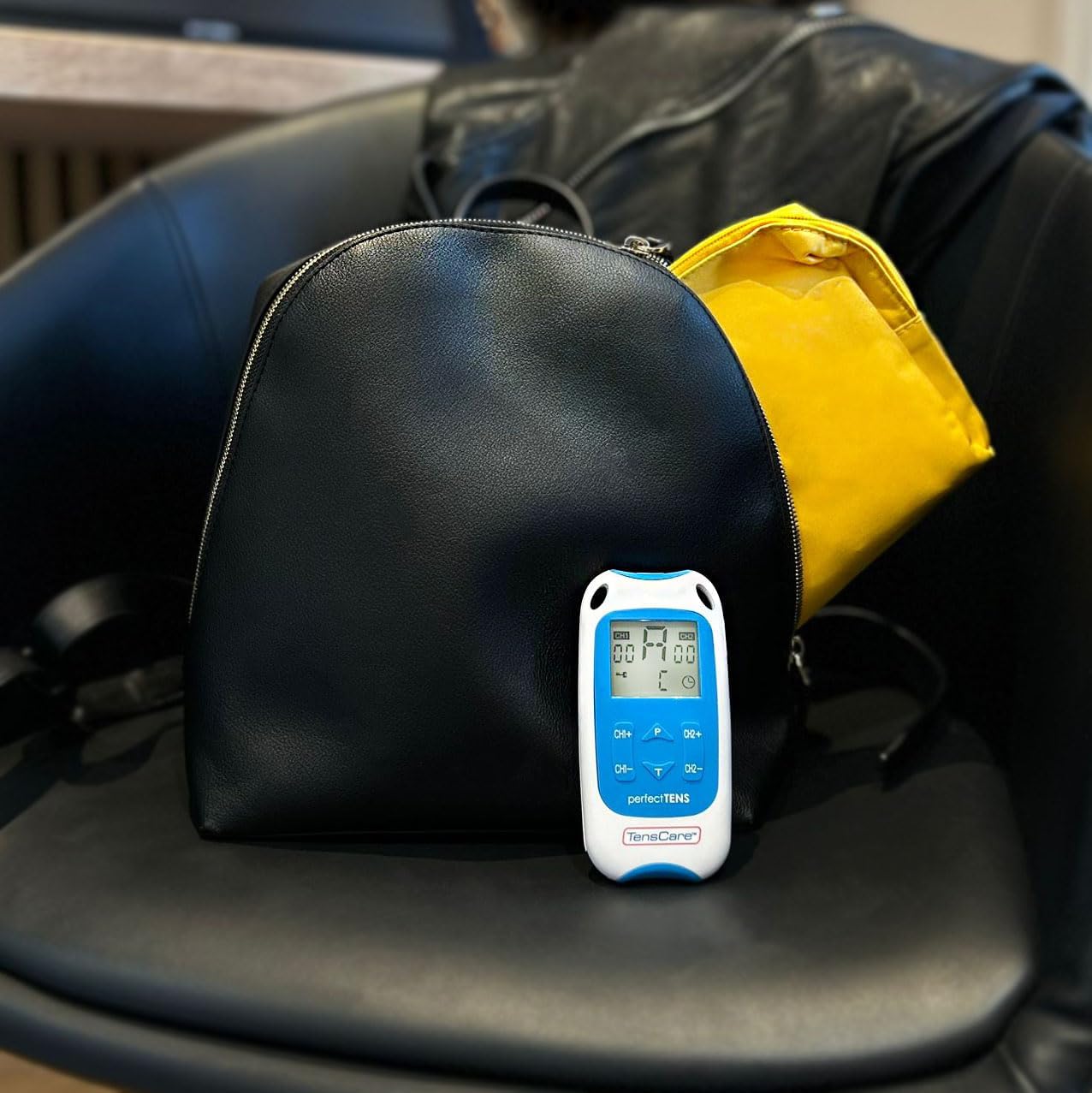
Figure 3: Perfect TENS unit with its soft storage pouch.
4. انتهى المنتجview
The TensCare Perfect TENS Pain Aide is a compact and lightweight device designed for ease of use and portability. It features a clear digital display and intuitive controls.
4.1 مكونات الجهاز

الشكل 4: الجبهة view of the Perfect TENS unit.
- عرض رقمي: Shows program number, intensity levels for Channel 1 (CH1) and Channel 2 (CH2), and remaining treatment time.
- زر التشغيل/الإيقاف: يقوم بتشغيل الجهاز أو إيقاف تشغيله.
- P Button (Program): Selects between the 8 preset programs and 1 manual program.
- T Button (Time): Adjusts the treatment duration.
- CH1+/CH1- Buttons: Increase or decrease intensity for Channel 1.
- CH2+/CH2- Buttons: Increase or decrease intensity for Channel 2.
- Lead Wire Ports: Located at the top of the device for connecting electrode leads.
- حجرة البطارية: يقع في الجزء الخلفي من الجهاز.
- مشبك الحزام: Attached to the back for convenient portability.
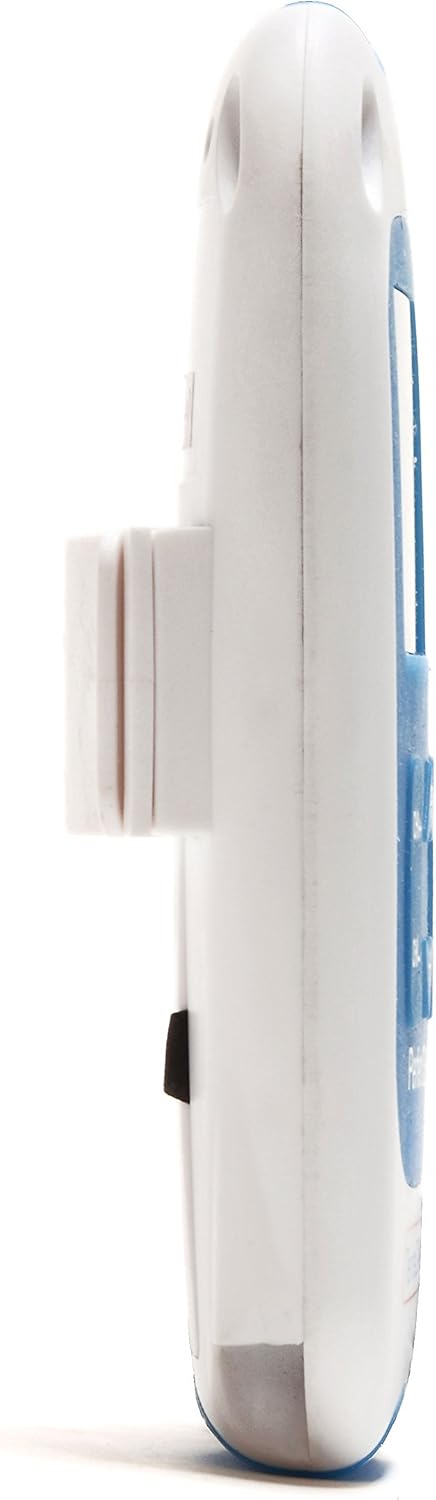
الشكل 5: الجانب view showing the integrated belt clip.

الشكل 6: العودة view من الجهاز.

Figure 7: The Perfect TENS unit held in hand, illustrating its portable design.
5. الإعداد
5.1 تركيب البطارية
- افتح غطاء حجرة البطارية الموجود في الجزء الخلفي من الجهاز.
- أدخل بطاريتي AA، مع التأكد من صحة القطبية (+/-).
- أغلق غطاء حجرة البطارية جيدًا.
5.2 توصيل أسلاك التوصيل وأقطاب التوصيل
- Insert the pin connectors of the lead wires into the ports at the top of the TENS unit.
- Connect the other end of the lead wires to the electrode pads. Ensure a secure connection.
- Peel the electrode pads from their protective backing.
- Apply the electrode pads firmly to clean, dry skin over the area requiring treatment. Ensure the pads are not touching each other.
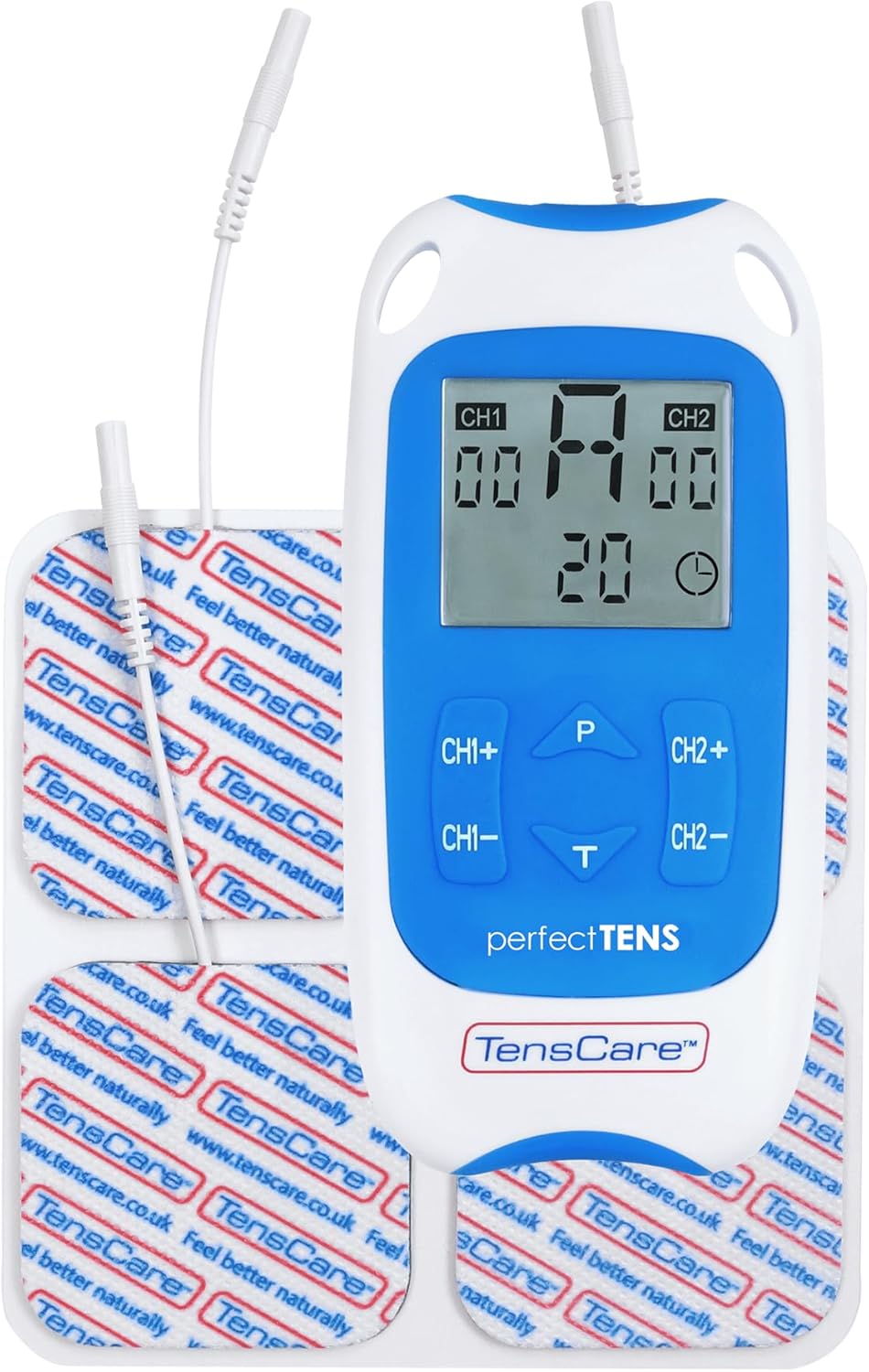
Figure 8: TENS unit with connected lead wires and electrode pads.
6. تعليمات التشغيل
6.1 تشغيل وإيقاف التشغيل
- لتشغيل الجهاز: اضغط على تشغيل/إيقاف الزر. سوف تضيء الشاشة.
- لإيقاف التشغيل: اضغط مع الاستمرار على تشغيل/إيقاف الزر حتى تنطفئ الشاشة.
6.2 اختيار البرنامج
The Perfect TENS offers 8 preset programs and 1 manual program. Press the P button to cycle through the available programs (P1-P8, then P9 for manual). The selected program number will be displayed.
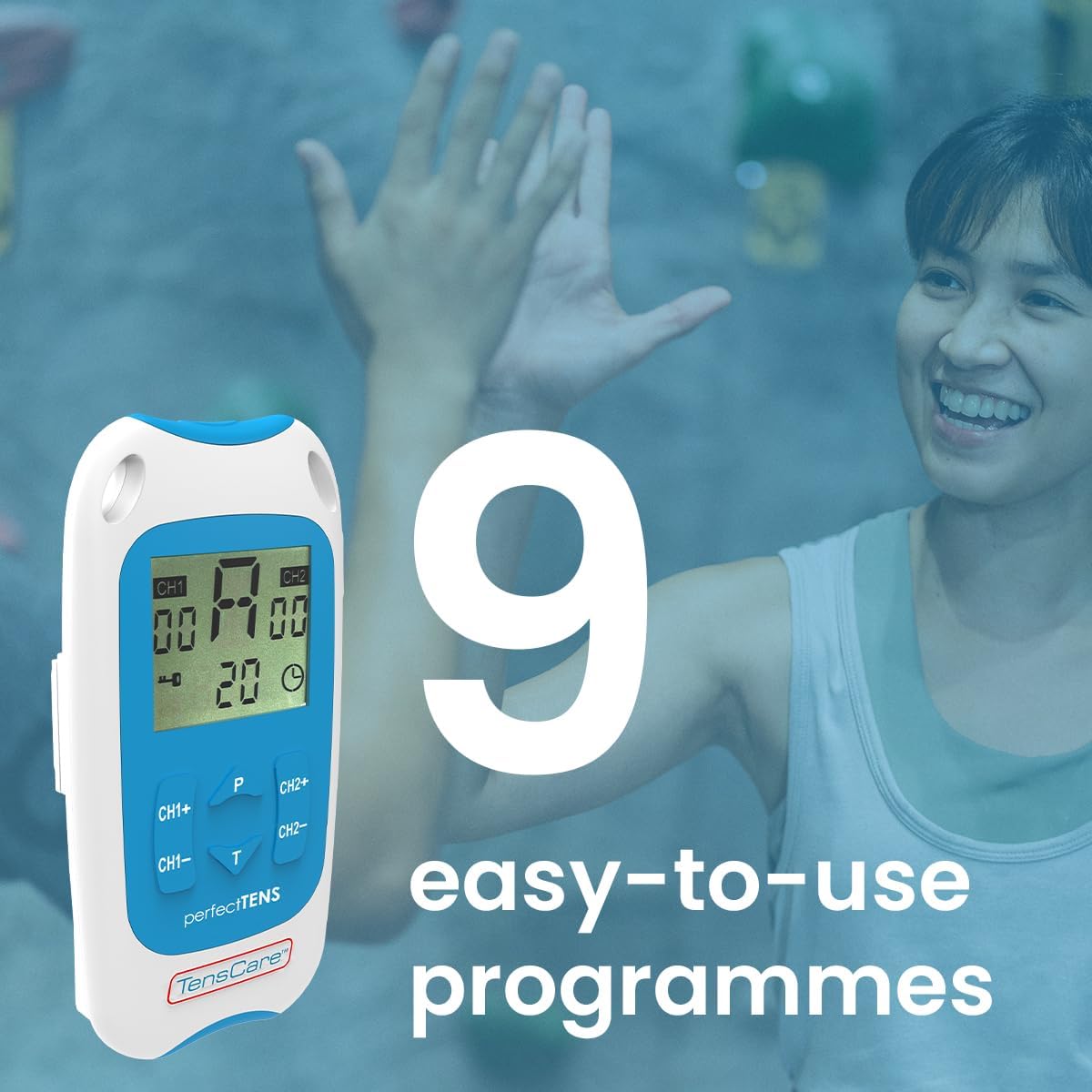
Figure 9: The device features 9 programs for various pain relief needs.
6.3 Adjusting Intensity (Dual Channel)
The device features dual channels, allowing you to treat two different areas or use four pads for a larger area. Each channel's intensity can be adjusted independently.
- To increase intensity for Channel 1: Press the سي إتش 1+ زر.
- To decrease intensity for Channel 1: Press the CH1- زر.
- To increase intensity for Channel 2: Press the سي إتش 2+ زر.
- To decrease intensity for Channel 2: Press the CH2- زر.
- Adjust the intensity until you feel a strong, comfortable tingling sensation. Avoid increasing it to a painful level.

Figure 10: Dual-channel stimulation allows for treatment of multiple areas.

الشكل 11: مثالample of dual-channel electrode placement for back pain.
6.4 تحديد وقت العلاج
اضغط على T button to adjust the treatment duration. Refer to the display for the selected time. Typical treatment sessions range from 20 to 60 minutes.

Figure 12: Personalized treatment options including adjustable intensity and time.
6.5 Understanding TENS Operation
TENS therapy works primarily through two mechanisms:
- Pain Gate Theory: High-frequency TENS stimulation activates nerve fibers that block pain signals from reaching the brain, effectively "closing the pain gate."
- Endorphin Release: Low-frequency TENS stimulation promotes the body's natural production of endorphins, which are natural pain-relieving chemicals.
Video 1: An animated explanation of how TENS therapy works, illustrating both the pain gate theory and endorphin release mechanisms.
6.6 Targeted Pain Relief Areas
The Perfect TENS is designed to provide relief for various pain types and body areas:
- ألم الورك
- ألم الركبة
- ألم الكوع
- Dental & Facial pain (TMJ)
- Back pain (Lumbago)
- عرق النسا
- صداع نصفي
- التهاب المفاصل
- التهاب اللفافة الأخمصية
- Wrist pain (Carpal Tunnel Syndrome)

Figure 13: Target problem areas for TENS therapy.

Figure 14: Detailed list of pain types and body areas treatable with Perfect TENS.

Figure 15: The device is effective for acute, chronic, and musculoskeletal pain.
7. الصيانة
7.1 تنظيف الجهاز
- امسح الجهاز بقطعة ناعمة ، دamp قطعة قماش. لا تستخدم المنظفات الكاشطة أو تغمرها في الماء.
- تأكد من أن الجهاز جاف تمامًا قبل تخزينه.
7.2 العناية بوسادات الأقطاب الكهربائية
- After each use, reattach the electrode pads to their protective backing.
- إذا فقدت الضمادات لزوجتها، امسح سطحها اللاصق برفق بمادة لاصقة.amp cloth and allow to air dry. Replace pads when they no longer adhere well to the skin, as this can affect treatment effectiveness and comfort.
- Store pads in a sealed bag to prevent drying out.
7.3 استبدال البطارية
- When the battery indicator on the display is low, replace both AA batteries.
- استخدم دائمًا بطاريات AA جديدة وعالية الجودة.
8. استكشاف الأخطاء وإصلاحها
| مشكلة | السبب المحتمل | حل |
|---|---|---|
| انعدام الإحساس أو ضعف الإحساس |
|
|
| الجهاز لا يعمل |
|
|
| Pads losing stickiness quickly |
|
|
9. المواصفات
- نموذج: Perfect TENS Pain Aide (B07S75CTN3)
- الشركة المصنعة: تنس كير
- مصدر الطاقة: 2 × بطاريات AA (مضمنة)
- القنوات: Dual independent channels
- البرامج: 8 preset, 1 manual
- مستويات الشدة: 60 مستويات
- ميزة السلامة: كشف الدائرة المفتوحة
- أبعاد: حوالي 7.95 × 5.98 × 1.61 بوصة
- وزن: يبلغ وزنها حوالي 11.57 أونصة (مع البطاريات)
- تاريخ التوفر الأول: 23 مايو 2019
10. الضمان والدعم
For warranty information, technical support, or to purchase replacement parts (such as electrode pads or lead wires), please refer to the TensCare official webالموقع الإلكتروني أو تواصل مع قسم خدمة العملاء. احتفظ بإثبات الشراء لطلبات الضمان.
TensCare Contact Information: Please visit the official TensCare webللحصول على أحدث تفاصيل الاتصال وموارد الدعم، تفضل بزيارة الموقع.


