1. المقدمة
This manual provides essential information for setting up, operating, and maintaining your Transcend StoreJet 25M3C 2TB Rugged Portable External Hard Drive. Designed for durability and high-speed data transfer, this device offers reliable storage for your important files.

Figure 1: Transcend StoreJet 25M3C 2TB Rugged Portable External Hard Drive in Iron Gray.
2. ماذا يوجد في الصندوق
Upon unboxing your Transcend StoreJet 25M3C, please ensure all the following items are included:
- Transcend StoreJet 25M3C Portable Hard Drive
- كابل USB من النوع C إلى النوع C
- كابل USB من النوع C إلى النوع A

Figure 2: The retail packaging for the Transcend StoreJet 25M3C, showing the drive and its key features.
3. الإعداد
The Transcend StoreJet 25M3C is designed for plug-and-play convenience. Follow these steps to connect your device:
- Identify the appropriate USB cable for your computer:
- استخدم كابل USB Type-C إلى Type-C if your computer has a USB Type-C port.
- استخدم كابل USB من النوع C إلى النوع A if your computer has a standard USB Type-A port.
- Connect the smaller end of the chosen USB cable to the port on the Transcend StoreJet 25M3C.
- قم بتوصيل الطرف الآخر من كابل USB بمنفذ USB المتوفر على جهاز الكمبيوتر الخاص بك (كمبيوتر شخصي أو جهاز Mac).
- The drive should be automatically recognized by your operating system. No additional drivers are typically required for basic functionality.

Figure 3: The external hard drive connected to a laptop, illustrating the use of both USB Type-A and Type-C cables for broad compatibility.
4. تشغيل الجهاز
نقل البيانات
Once connected, your Transcend StoreJet 25M3C will appear as a removable drive in your computer's file explorer (Windows) or Finder (Mac). You can transfer files by simply dragging and dropping them to and from the drive.
One Touch Auto-Backup Button
The drive features a convenient One Touch Auto-Backup Button for quick data synchronization. To utilize this feature, you must install Transcend Elite Data Management Software on your computer.
- الوظائف: Pressing this button will instantly back up your data according to your pre-configured settings in the Transcend Elite software. It also allows you to reconnect the hard drive to your PC without physically unplugging and reinserting it.
- متطلبات البرنامج: Download and install Transcend Elite Data Management Software from the official Transcend website for full functionality of the auto-backup button.
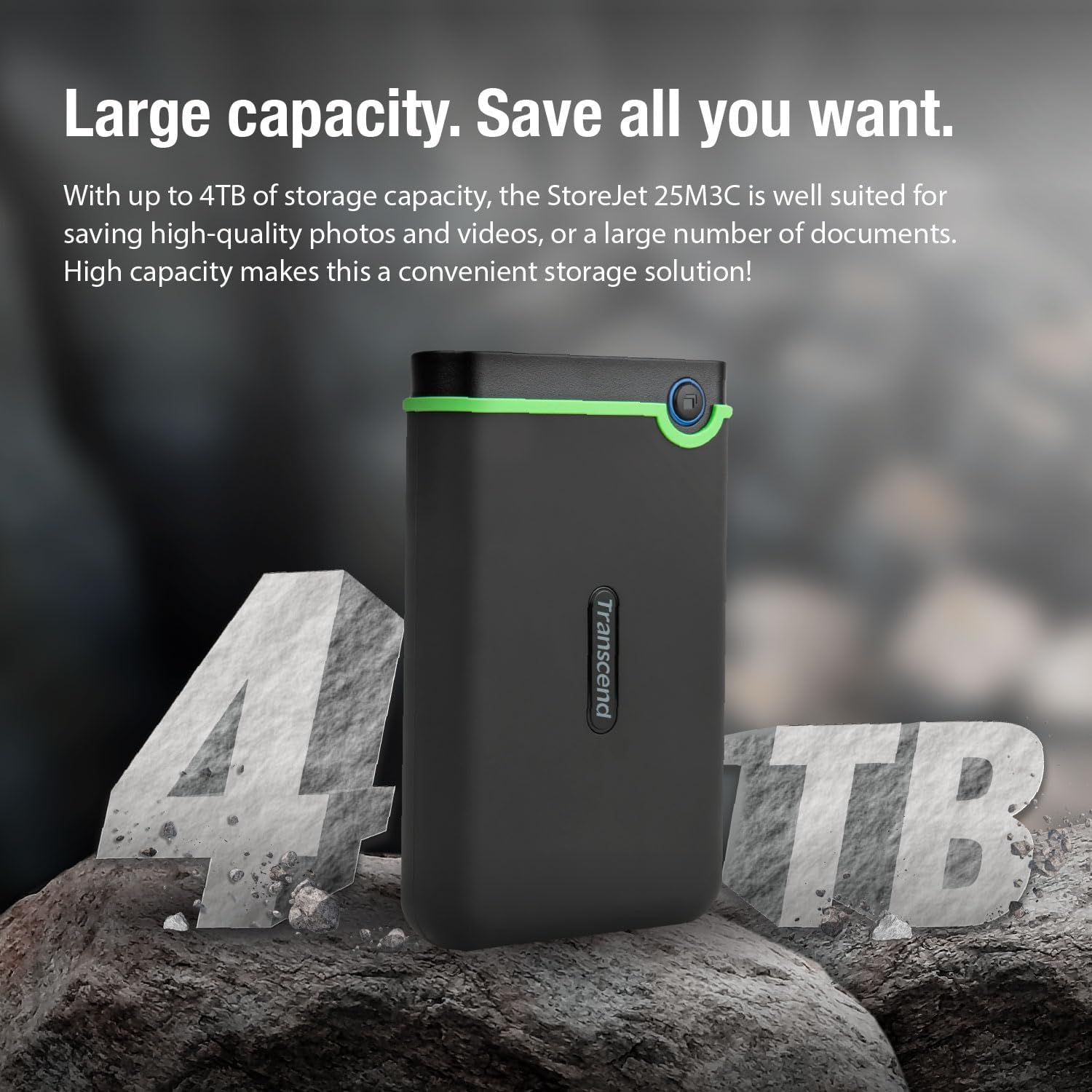
Figure 4: A user's hand interacting with the one-touch auto-backup button on the Transcend StoreJet 25M3C.
Official Product Video: Transcend Rugged Video
Video 1: An official product video from Transcend USA showcasing the rugged features and capabilities of the Transcend StoreJet series.
5. الميزات والمواصفات
الميزات الرئيسية
- واجهة USB 3.1 من الجيل الأول: Provides lightning-fast transfer rates of up to 5Gbps.
- Three-Level Impact Protection System: Meets U.S. military drop-test standards (MIL-STD-810G) for superior shock resistance. This includes a silicone rubber case, an internal shock-absorbing suspension damper, and a reinforced hard casing.
- One Touch Auto Backup Button: Instantly backs up your data with a single press (requires Transcend Elite software).
- وشملت البرامج: Comes with Transcend Elite Data Management Software and RecoveRx Data Recovery Software for enhanced data management and recovery.

Figure 5: A detailed breakdown of the three-stage anti-shock protection system, highlighting the silicone rubber case, internal suspension damper, and reinforced hard casing.
المواصفات الفنية
| مواصفة | التفاصيل |
|---|---|
| نوع القرص الصلب | قرص صلب ميكانيكي سعة 2 تيرابايت |
| رقم الموديل | TS2TSJ25M3C |
| سعة التخزين الرقمية | 2 تيرابايت |
| واجهة الاتصال | USB 3.1 الجيل الثاني (متوافق مع USB 3.0) |
| سرعة دوران القرص الصلب | 5200 دورة في الدقيقة |
| حجم التشغيلtage | يو اس بي تيار مستمر 5 فولت |
| توافق نظام التشغيل | Windows, Mac, PC |
| وزن العنصر | 6.5 أونصة (حوالي 184 جرامًا) |
| أبعاد المنتج (الطول × العرض × الارتفاع) | 5.1 × 3.18 × 0.63 بوصة (حوالي 129.5 × 80.8 × 16.1 مم) |
| لون | رمادي حديدي |
Table 1: Technical specifications for the Transcend StoreJet 25M3C.
6. الصيانة
To ensure the longevity and optimal performance of your Transcend StoreJet 25M3C, consider the following maintenance tips:
- الطرد الآمن: Always safely eject the hard drive from your computer before disconnecting it to prevent data corruption.
- الحماية الجسدية: While rugged, avoid unnecessary drops or impacts. The built-in protection is for accidental incidents.
- التحكم في درجة الحرارة: Store and operate the drive within recommended temperature ranges (5°C to 55°C / 41°F to 131°F) to prevent damage.
- حافظ على نظافة: امسح الجزء الخارجي بقطعة قماش ناعمة وجافة. تجنب استخدام المواد الكيميائية القاسية أو المواد الكاشطة.
7. استكشاف الأخطاء وإصلاحها
If you encounter issues with your Transcend StoreJet 25M3C, try the following solutions:
- لم يتم التعرف على محرك الأقراص:
- تأكد من توصيل كابل USB بشكل آمن بكل من محرك الأقراص والكمبيوتر.
- حاول الاتصال بمنفذ USB مختلف على جهاز الكمبيوتر الخاص بك.
- قم بإجراء الاختبار باستخدام كابل USB مختلف إذا كان متاحًا.
- أعد تشغيل الكمبيوتر الخاص بك.
- سرعات نقل بطيئة:
- Ensure you are using a USB 3.0 or 3.1 compatible port on your computer for optimal speeds.
- أغلق أي تطبيقات غير ضرورية تعمل في الخلفية.
- Check your computer's drivers for USB ports and update if necessary.
- One Touch Auto-Backup Button Not Working:
- Verify that Transcend Elite Data Management Software is installed and running on your computer.
- Ensure the drive is properly connected and recognized by the software.
8. الضمان والدعم
The Transcend StoreJet 25M3C comes with a ضمان لمدة 3 سنوات, ensuring peace of mind regarding product defects and malfunctions under normal use.
For further assistance, technical support, or to download the latest software and drivers, please visit the official Transcend webموقع:
You can also refer to the Transcend Store on Amazon for additional product information and accessories:


