1. المقدمة
This manual provides detailed instructions for the safe and efficient use of your UGREEN Portable Wireless Magnetic Apple Watch Charger (Model 50944). This MFi certified charger is designed for convenience and compatibility with various Apple Watch Series models. Please read this manual thoroughly before use and retain it for future reference.
2. محتويات العبوة
- 1 x UGREEN Portable Wireless Magnetic Apple Watch Charger
- 1 × دليل المستخدم
3. مواصفات المنتج
- معتمد من MFi: Ensures full compatibility and safe charging for Apple Watch.
- تصميم محمول: صغير الحجم وخفيف الوزن، مثالي للسفر.
- Magnetic Charging Module: Integrates MagSafe technology with inductive charging.
- موصل USB-A: Plugs directly into any standard USB-A port for power.
- حماية متعددة: Built-in safeguards against over-current, over-voltage، قصر الدائرة، وارتفاع درجة الحرارة.
- تصميم الحبل: Allows for easy attachment to bags or keychains.
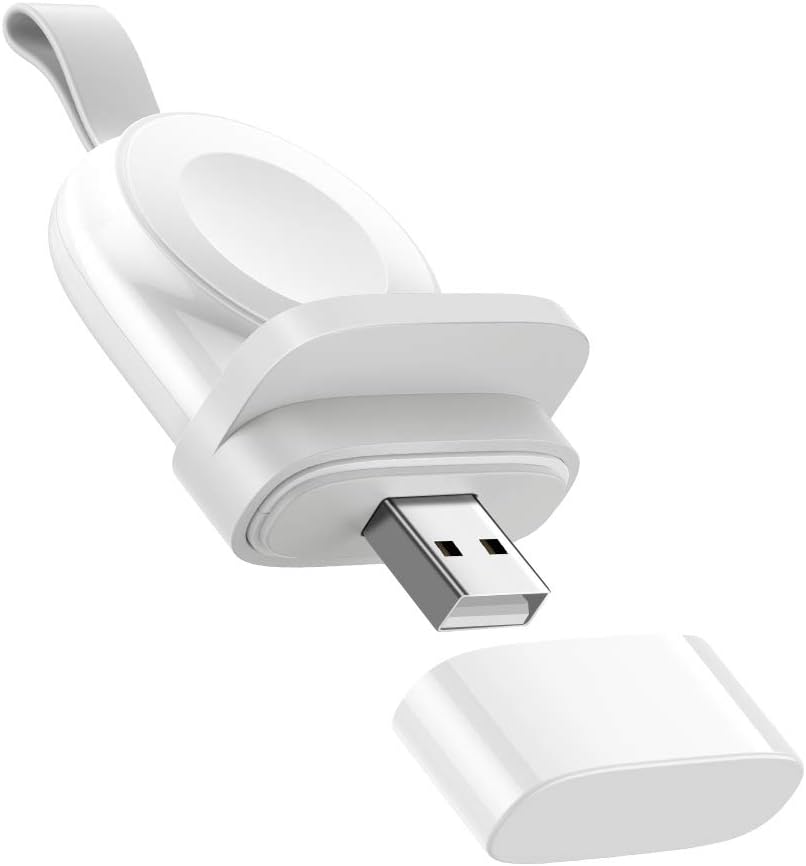
Image 3.1: The UGREEN Portable Wireless Magnetic Apple Watch Charger, showing its compact design and USB-A connector.

Image 3.2: A diagram illustrating the MFi certification and broad compatibility with various Apple Watch models, including Series 1 through 8 and SE.

Image 3.3: An exploded diagram illustrating the internal components and multiple protection layers of the charger, including over-current, over-voltagهـ، الحماية من ماس كهربائي، وارتفاع درجة الحرارة.
4. الإعداد
- أفرغ: قم بإزالة الشاحن من عبوته بعناية.
- إزالة الغطاء: Take off the protective cap from the USB-A connector.
- الاتصال بالطاقة: Insert the USB-A connector into a powered USB port (e.g., wall adapter, power bank, laptop, desktop computer). Ensure the power source provides sufficient output (e.g., 5V/2A for optimal charging).
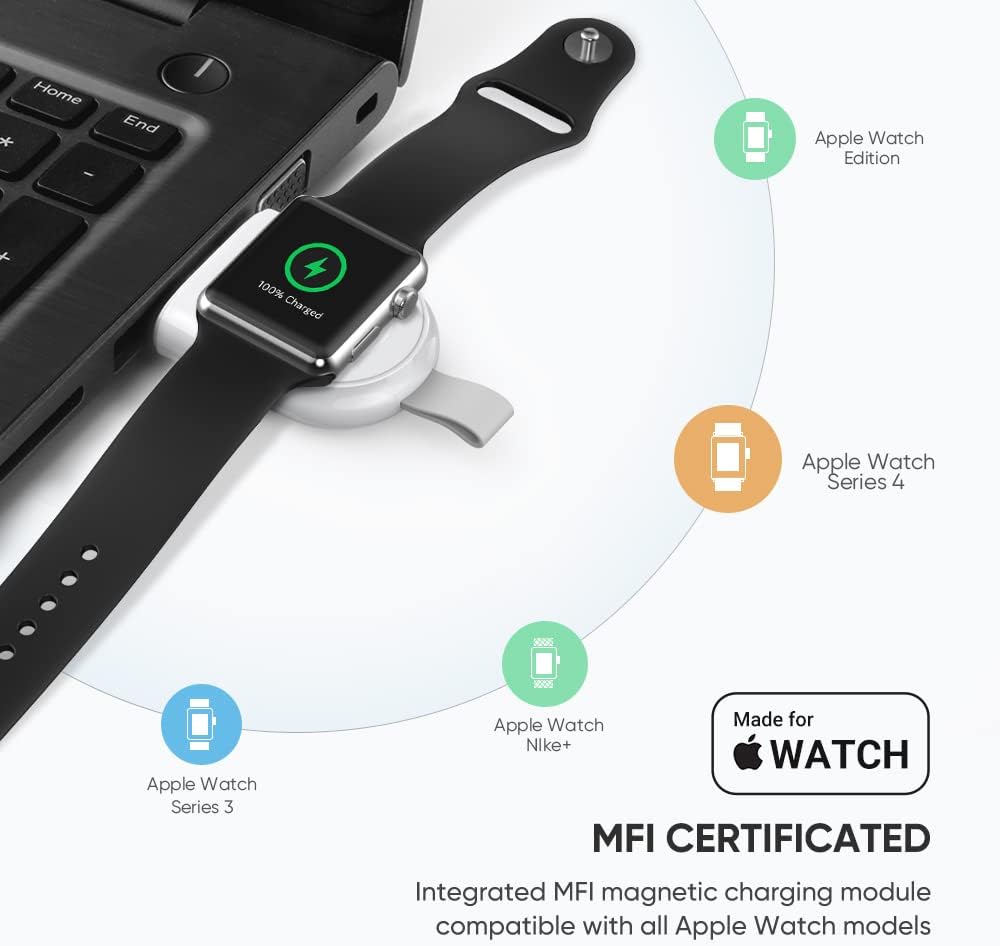
Image 4.1: An Apple Watch placed on the UGREEN portable charger, which is plugged into a laptop's USB port, demonstrating a typical setup.
5. تعليمات التشغيل
- Place Apple Watch: Gently place your Apple Watch onto the magnetic charging module. The watch will automatically align and begin charging.
- مؤشر الشحن: Your Apple Watch screen will display a charging icon and battery percentage.
- وقت الشحن: The charger is designed to fully charge your Apple Watch within approximately 2 hours, similar to the original charger.
- توجيه: The charger can be used in various orientations depending on the USB port. If the watch hangs downwards, ensure it is securely attached to prevent accidental dislodgement. The included anti-slip component can help stabilize the watch if needed.

Image 5.1: An Apple Watch charging on the UGREEN portable charger, which is plugged into a wall outlet, illustrating the fast charging capability.
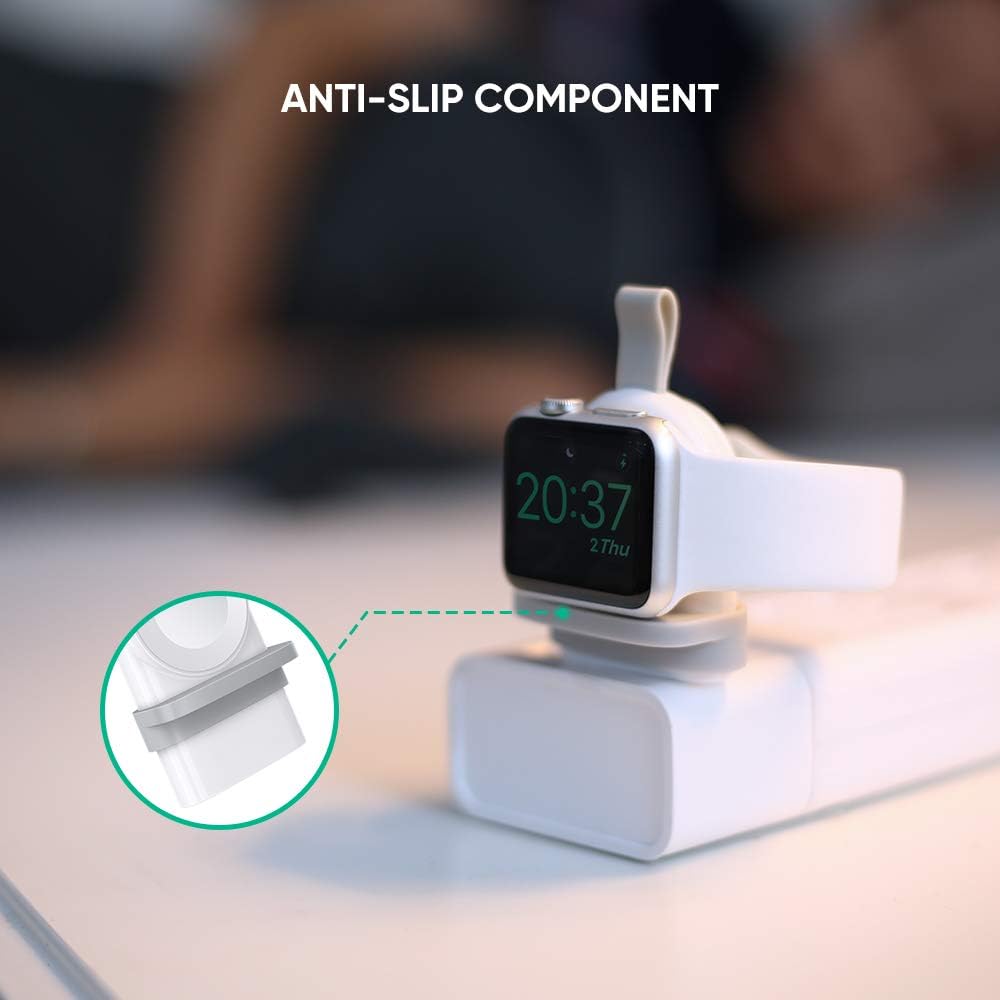
الصورة 5.2: لقطة مقربة view of the anti-slip component on the UGREEN charger, designed to provide stability for the Apple Watch during charging.
Video 5.1: This video demonstrates the UGREEN Apple Watch Charger in use, showing how to connect it to a power source and place the Apple Watch for charging. It highlights the charger's portability and ease of use in various scenarios, including charging from a laptop, power strip, and power bank.
6. الصيانة
- تنظيف: استخدم قطعة قماش ناعمة وجافة لتنظيف الشاحن. لا تستخدم المنظفات السائلة أو البخاخات.
- تخزين: When not in use, store the charger in a cool, dry place. Replace the protective cap over the USB-A connector to prevent dust and damage.
- التعامل: تجنب إسقاط الشاحن أو تعريضه لصدمات قوية.
7. استكشاف الأخطاء وإصلاحها
| مشكلة | السبب المحتمل | حل |
|---|---|---|
| ساعة أبل لا تشحن. |
|
|
| الشحن البطيء. |
|
|
| يصبح الشاحن دافئًا أثناء الاستخدام. |
|
|
8. المواصفات
| ميزة | التفاصيل |
|---|---|
| رقم الموديل | 50944 |
| ماركة | يوجرين |
| تكنولوجيا الاتصال | لاسلكي ، USB |
| نوع الموصل | USB Type A (Note: Product images and video show USB-A, despite some specifications listing USB Type C) |
| الأجهزة المتوافقة | Apple Watch Series 1/2/3/4/5/6/7/8/SE |
| المميزات الخاصة | Portable, Magnetic Charger, Lightweight, Wireless, Travel |
| وزن العنصر | 0.81 أونصات |
| أبعاد الحزمة | 5.4 × 3.1 × 0.7 بوصة |
| Ampإيراج | 2 Amps |
| واتtage | 10 واط |
| لون | أبيض |
9. الضمان والدعم
للحصول على معلومات الضمان أو الدعم الفني، يرجى الرجوع إلى موقع UGREEN الرسمي website or contact their customer service directly. Details can typically be found on the product packaging or the manufacturer's official channels.


