مقدمة
This manual provides detailed instructions for the installation, operation, and maintenance of your SimpliSafe 8 Piece Wireless Home Security System. Designed for ease of use and robust protection, this system offers comprehensive security for your home.
The SimpliSafe system is built with unprecedented safeguards to keep your home protected against power outages, downed Wi-Fi, cut landlines, and physical attacks. It is compatible with Alexa and Google Assistant for smart home integration.
مكونات النظام
Your SimpliSafe 8 Piece Wireless Home Security System includes the following components:
- 1 محطة أساسية
- 1 لوحة مفاتيح
- 4 أجهزة استشعار للدخول
- 1 مستشعر الحركة
- 1 زر الذعر

الشكل 1: زيادةview of SimpliSafe 8 Piece Wireless Home Security System components including Base Station, Keypad, Entry Sensors, Motion Sensor, and Panic Button.
الإعداد والتثبيت
The SimpliSafe system is designed for easy, DIY installation without the need for professional tools or wiring. Follow these steps to set up your system:
- Plug in the Base Station: Place the Base Station in a central location in your home. Plug it into a standard electrical outlet. The Base Station has a battery backup that lasts up to 24 hours and cellular backup (with professional monitoring plan) to ensure continuous protection.
- Download the SimpliSafe App: Download the SimpliSafe App from your phone's app store (available on Google Play and Apple App Store).
- Place Your Sensors:
- مجسات الدخول: Attach Entry Sensors to windows, doors, and cabinets. These sensors alert you when an entry point is opened. They can be customized to send "Secret Alerts" for private areas without sounding an alarm.
- مستشعر الحركة: Place Motion Sensors in corners of rooms for optimal coverage. They detect motion within 35 feet and have a 90-degree field of view. These sensors are designed to ignore pets under 60 lbs to prevent false alarms.
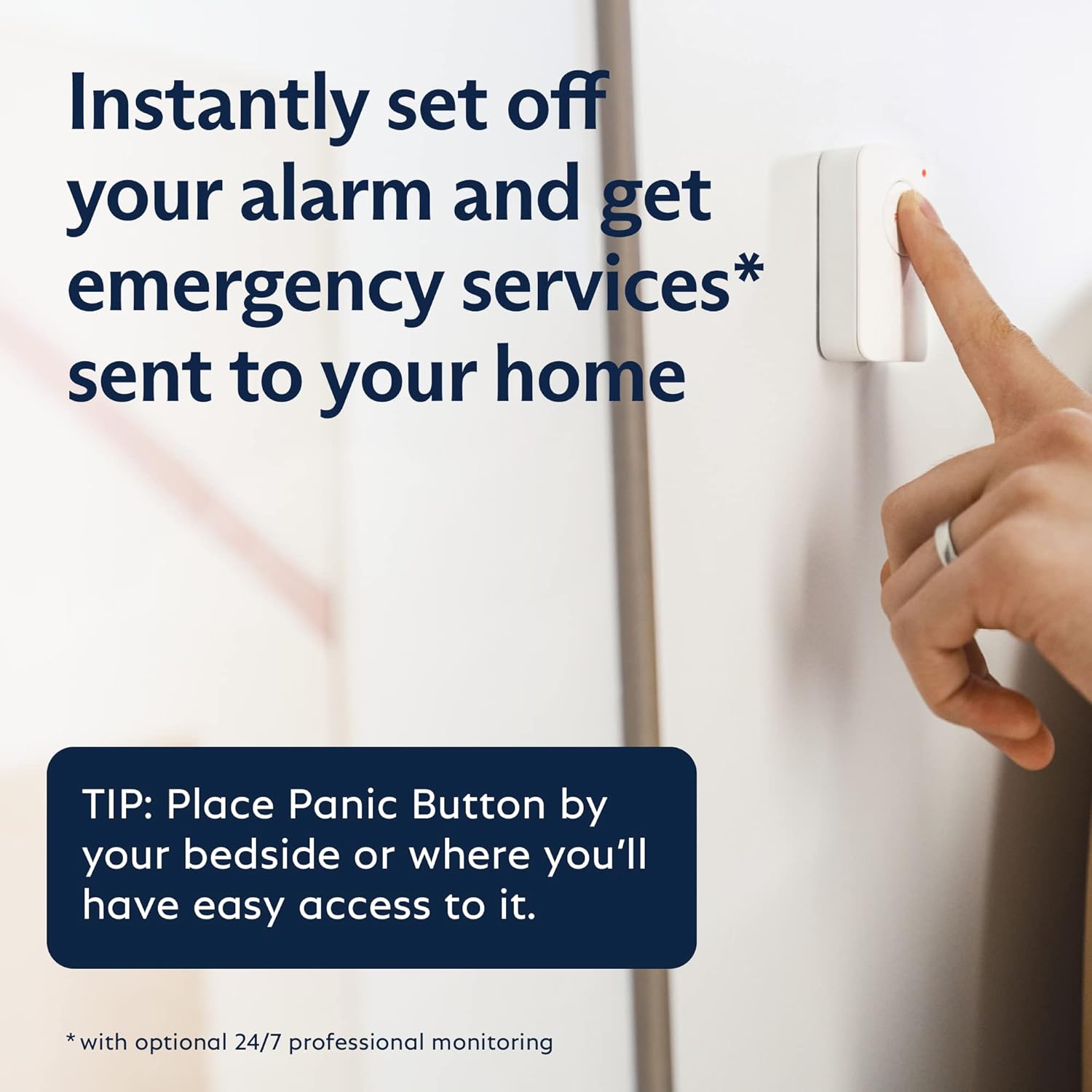
- زر الذعر: Strategically place the Panic Button in an easily accessible location, such as by your bedside. This button triggers the alarm and dispatches police quickly, with an optional silent panic feature.

الشكل 3: An Entry Sensor installed on a window frame, demonstrating its discreet placement and function.

الشكل 4: A Motion Sensor installed in a room corner, illustrating its wide coverage area.

الشكل 5: A hand pressing the SimpliSafe Panic Button, highlighting its immediate alarm activation.
- Activate Your System: Follow the in-app instructions to activate your system and connect all sensors.
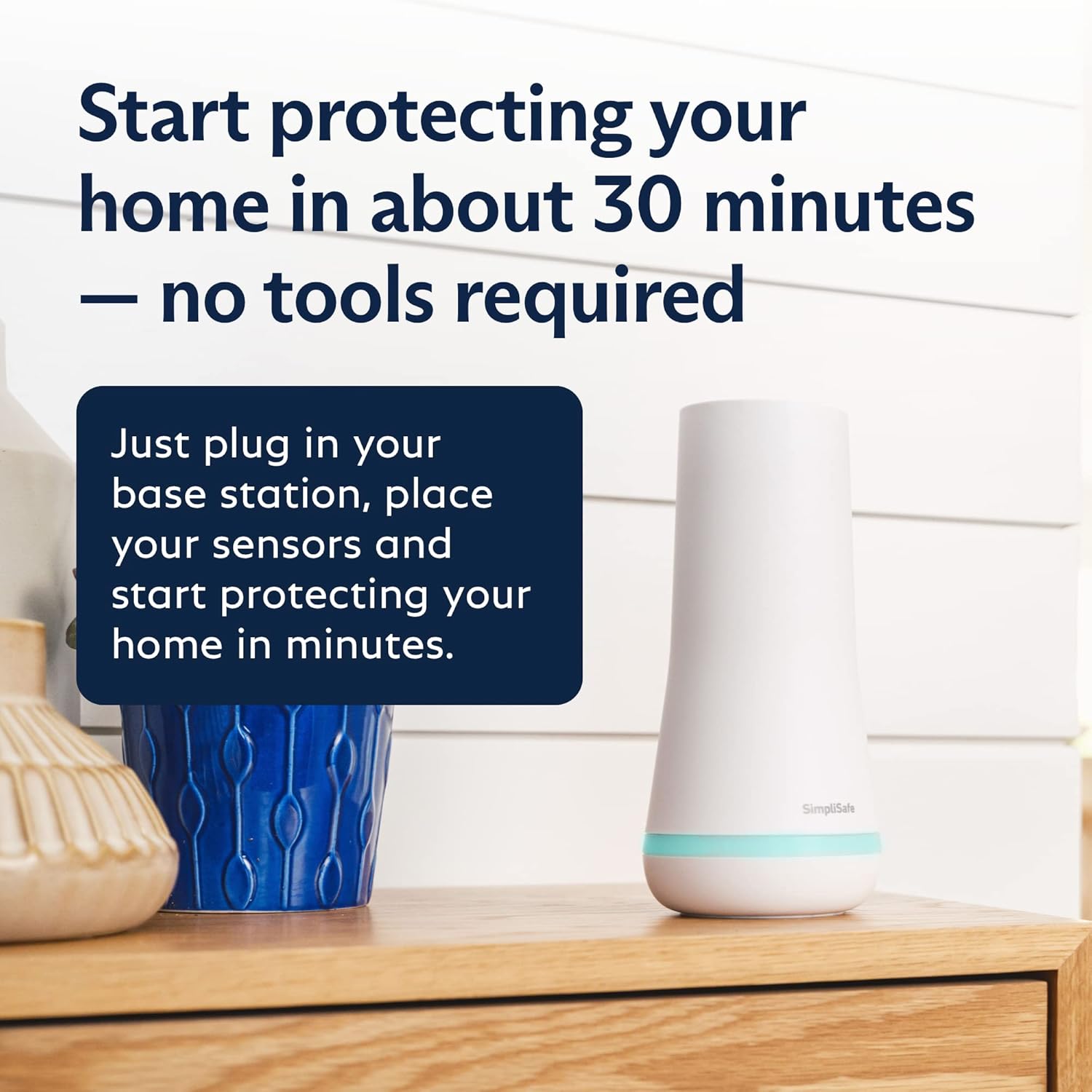
الشكل 2: SimpliSafe Base Station plugged into an outlet, ready for setup. The base station is the central hub for the system.
تشغيل النظام الخاص بك
The SimpliSafe system can be controlled via the Keypad or the SimpliSafe App.
باستخدام لوحة المفاتيح
The wireless Keypad allows you to arm and disarm your system easily. Its backlit buttons illuminate when approached, making it convenient to use in low light conditions.
الشكل 6: A hand interacting with the SimpliSafe Keypad, showing its illuminated buttons for easy operation.
Using the SimpliSafe App
The SimpliSafe App provides complete control of your system from anywhere, allowing you to arm, disarm, and monitor your home remotely. It also provides real-time status updates and alerts.

الشكل 7: A smartphone displaying the SimpliSafe App interface, showing options to arm/disarm the system and view حالة.
تكامل المنزل الذكي
The SimpliSafe system is compatible with popular smart home platforms like Google Assistant and Amazon Alexa, allowing for voice control and integration into your existing smart home ecosystem.
Professional Monitoring (Optional)
SimpliSafe offers optional 24/7 professional monitoring services. With a monitoring plan, agents are ready to instantly alert emergency responders (police, fire department, emergency medical care) when an alarm is triggered. This service provides fast response when you need it most, even if you are away from home.
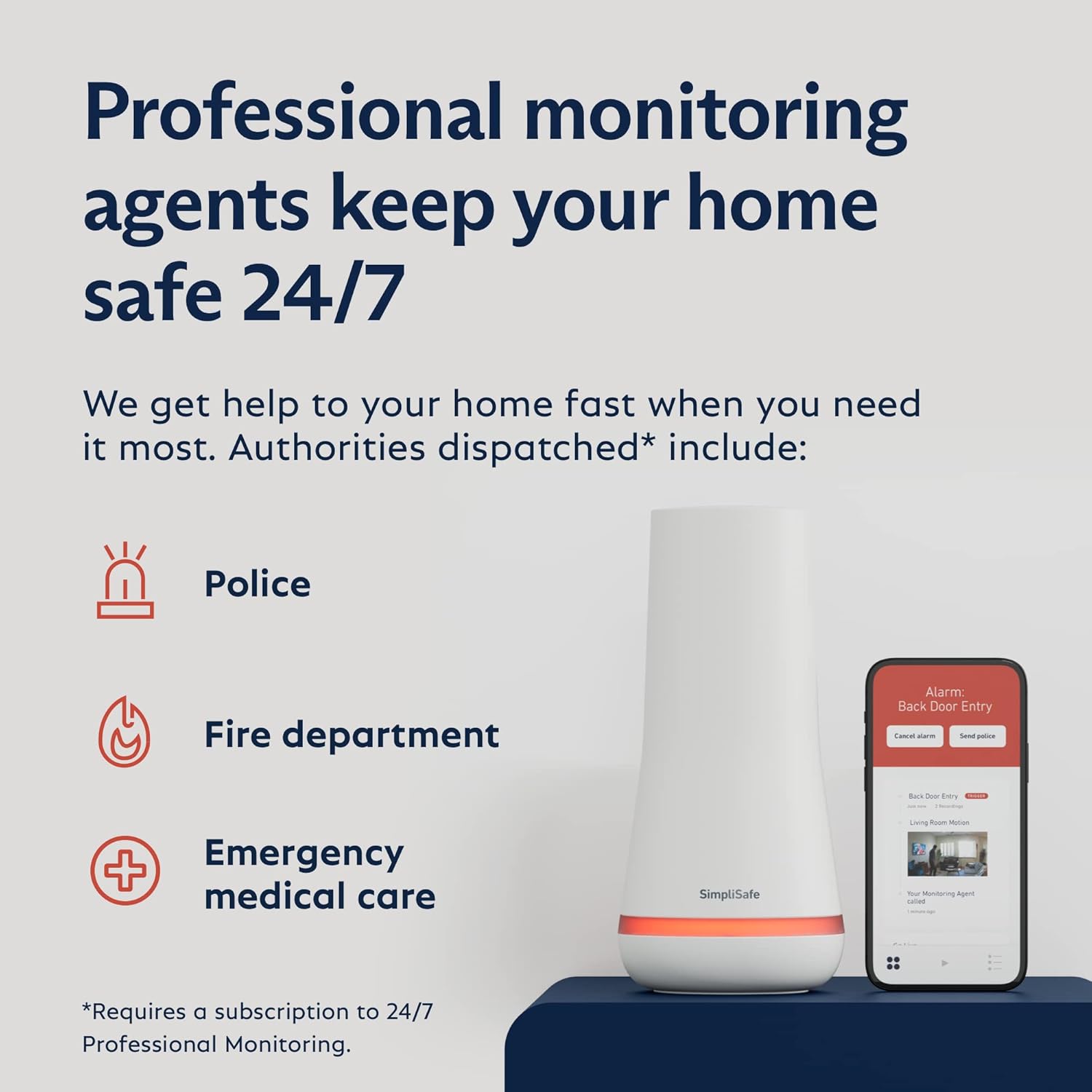
الشكل 8: Visual representation of SimpliSafe's 24/7 professional monitoring, showing dispatch of police, fire, and medical services.
Monitoring plans start at less than $1/day with no long-term contracts or hidden fees. Your first month of Core Monitoring is often included.
صيانة
To ensure optimal performance of your SimpliSafe system, regular maintenance is recommended:
- استبدال البطارية: The Base Station has a 24-hour battery backup. Individual sensors are battery-powered (8 AAA batteries included with the system). Replace batteries as indicated by the system or app notifications.
- تنظيف: Periodically wipe down sensors and the Keypad with a soft, dry cloth to remove dust and debris.
- تحديثات البرامج: Ensure your SimpliSafe App and system firmware are up to date to benefit from the latest features and security enhancements.
استكشاف الأخطاء وإصلاحها
If you encounter issues with your SimpliSafe system, try the following troubleshooting steps:
| مشكلة | الحل المحتمل |
|---|---|
| المستشعر لا يستجيب | Check battery, ensure proper placement, or re-pair the sensor with the Base Station via the app. |
| Base Station offline | Verify power connection. If using Wi-Fi, check your internet connection. The cellular backup should activate if Wi-Fi is down (requires monitoring plan). |
| الإنذارات الكاذبة | Ensure motion sensors are placed correctly to avoid detecting pets or moving objects. Adjust sensitivity settings if available. |
| مشكلات اتصال التطبيق | Check your phone's internet connection. Ensure the SimpliSafe App is updated to the latest version. Restart the app or your phone. |
For further assistance, refer to the official SimpliSafe User Manual (PDF) linked in the product information or contact SimpliSafe customer support.
تحديد
| ميزة | التفاصيل |
|---|---|
| ماركة | سيمبلي سيف |
| رقم الموديل | 8 قطعة |
| لون | أبيض |
| مصدر الطاقة | Battery Powered (Base Station has plug-in power with battery backup) |
| تكنولوجيا الاتصال | لاسلكي |
| الأجهزة المتوافقة | Smartphone (Alexa, Google Assistant) |
| نطاق مستشعر الحركة | 35 feet, 90-degree field of view |
| Base Station Battery Life | حتى ساعتين |
| مستوى الضوضاء (صفارة الإنذار) | 95 ديسيبل |
| الأبعاد (الطول × العرض × الارتفاع) | 12.13 × 4.44 × 12.38 بوصة |
| وزن العنصر | 0.01 أونصة |
| رمز المنتج الموحد | 815017029568 |
الضمان والدعم
The SimpliSafe 8 Piece Wireless Home Security System comes with a ضمان محدود من الشركة المصنعة لمدة عام واحد. Warranty extensions are available with a professional monitoring plan.
For customer support, technical assistance, or warranty claims, please contact SimpliSafe directly. Purchase from unauthorized third parties may void the warranty.
For additional resources, you can refer to the official دليل المستخدم (PDF).


