مقدمة
This manual provides detailed instructions for the setup, operation, and maintenance of your Acer Predator Cestus 500 RGB Gaming Mouse. Please read this guide thoroughly to ensure proper use and to maximize your gaming experience.
مميزات المنتج
- Dual Omron Switch Design: Offers two options for click force adjustment and a total lifespan of 70 million clicks.
- Predator Quarter Master Software: Enables customization of color, lighting patterns, sensitivity (5 DPI modes), and button programming.
- Customizable Ambidextrous Design: Swappable side panels provide up to 4 different usage modes for optimal fit and ergonomic comfort.
- الذاكرة الموجودة على متن الطائرة: Stores up to 5 distinct profile إعدادات.
- كابل مضفر: Enhances durability and provides a premium aesthetic.
محتويات الحزمة
- Acer Predator Cestus 500 RGB Gaming Mouse
- Swappable Side Panels (various configurations)
يثبت
1. توصيل الماوس
Connect the USB cable of the Acer Predator Cestus 500 Gaming Mouse to an available USB port on your computer. The mouse is plug-and-play compatible, and basic functionality will be available immediately.
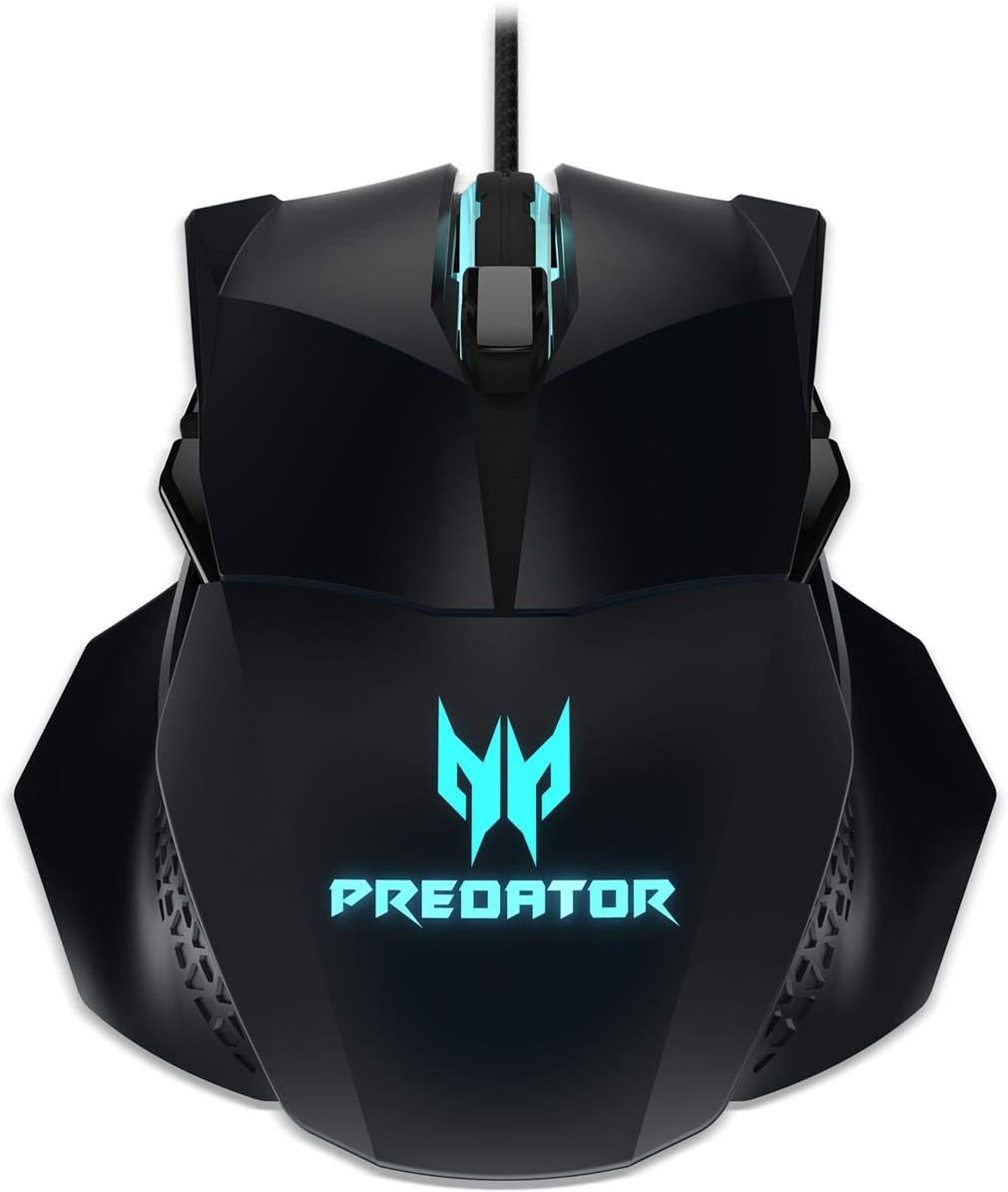
Image: The Acer Predator Cestus 500 RGB Gaming Mouse with its braided USB cable, ready for connection.
2. Installing Predator Quarter Master Software
To unlock the full customization potential of your mouse, download and install the Predator Quarter Master software from the official Acer support website. This software allows you to configure RGB lighting, DPI settings, and programmable buttons.
- قم بزيارة دعم Acer الرسمي webموقع.
- Navigate to the support page for the Predator Cestus 500 Gaming Mouse.
- Download the latest version of the Predator Quarter Master software.
- اتبع الإرشادات التي تظهر على الشاشة لإكمال التثبيت.
تعليمات التشغيل
وظائف الفأرة الأساسية
The Acer Predator Cestus 500 functions as a standard gaming mouse with left-click, right-click, and scroll wheel functionality. The scroll wheel also acts as a middle-click button.
Customizing Side Panels
The mouse features swappable side panels to adapt to different grip styles and hand sizes. Gently detach the current side panels and attach the desired alternative panels. Ensure they are securely seated.

الصورة: انفجار view of the Acer Predator Cestus 500, illustrating the detachable and interchangeable side panels for ergonomic customization.
Adjusting Click Force
The dual Omron switch design allows for adjustable click force. Refer to the Predator Quarter Master software for specific settings and instructions on how to switch between the two click force options (e.g., 50M or 20M click lifespan settings).
أزرار قابلة للبرمجة
The mouse includes multiple programmable buttons. Use the Predator Quarter Master software to assign custom functions, macros, or key binds to these buttons for enhanced control in games and applications.
Customization with Predator Quarter Master Software
The Predator Quarter Master software is essential for personalizing your Cestus 500 mouse. It provides comprehensive control over various settings:
- إضاءة RGB: Choose from millions of colors and various lighting effects to match your setup or mood.
- إعدادات DPI: Configure up to 5 different DPI sensitivity levels, allowing for quick switching between precision and speed.
- تعيين الزر: Remap any of the mouse buttons to perform specific actions, launch applications, or execute complex macros.
- محترفfile إدارة: وفر حتى 5 دولارات أمريكية على المنتجات الاحترافية المخصصةfiles directly to the mouse's on-board memory, allowing you to carry your settings to different computers without re-configuration.
صيانة
تنظيف
لتنظيف الماوس، استخدم قطعة قماش ناعمة وجافة. لإزالة الأوساخ المستعصية، افركها برفق.ampen the cloth with water. Avoid using harsh chemicals or abrasive materials, as these can damage the mouse's surface or internal components. Regularly clean the optical sensor to ensure accurate tracking.
العناية بالكابلات
The braided cable is designed for durability, but avoid sharp bends or excessive pulling to prevent internal wire damage. Store the cable neatly when not in use.
استكشاف الأخطاء وإصلاحها
- الماوس لا يستجيب: Ensure the USB cable is securely connected to your computer. Try a different USB port. Restart your computer.
- إضاءة RGB لا تعمل/غير صحيحة: Verify that the Predator Quarter Master software is installed and running. Check the lighting settings within the software.
- Buttons Not Functioning as Expected: Open the Predator Quarter Master software and check the button assignments for your active profile. Ensure no conflicts exist.
- مشاكل التتبع: نظّف المستشعر البصري أسفل الفأرة. تأكد من استخدام الفأرة على سطح مناسب (مثل وسادة الفأرة).
- البرنامج لا يتعرف على الماوس: Reinstall the Predator Quarter Master software. Ensure your operating system is up to date.
تحديد
| ماركة | أيسر |
| رقم الموديل | Cestus 500 |
| تكنولوجيا الاتصال | USB |
| تقنية كشف الحركة | بصري |
| ميزة خاصة | Ergonomic Design, Customizable Side Panels |
| لون | أسود |
| وزن العنصر | 14.1 أونصة (حوالي 400 جرامًا) |
| أبعاد المنتج (الطول × العرض × الارتفاع) | 4.9 × 3.8 × 1.59 بوصة (حوالي 12.4 × 9.7 × 4.0 سم) |
| منصة الأجهزة | PC |
الضمان والدعم
للحصول على معلومات الضمان أو الدعم الفني أو الاستفسارات المتعلقة بالخدمة، يرجى الرجوع إلى موقع Acer الرسمي website or contact Acer customer support directly. Keep your proof of purchase for warranty claims.


