1. المقدمة
This manual provides detailed instructions for the proper use and maintenance of your Baseus H08 Immersive Virtual 3D Gaming Headset. Please read this manual thoroughly before using the product to ensure optimal performance and safety. Keep this manual for future reference.
2. معلومات السلامة
- حماية السمع: Avoid using the headset at high volume levels for extended periods to prevent hearing damage.
- الظروف البيئية: لا تعرض سماعة الرأس لدرجات حرارة شديدة أو رطوبة عالية أو لأشعة الشمس المباشرة.
- تنظيف: Use a soft, dry cloth for cleaning. Avoid liquid cleaners or abrasive materials.
- التفكيك: لا تحاول تفكيك سماعة الرأس أو تعديلها. قد يؤدي ذلك إلى إلغاء الضمان والتسبب في تلفها.
- أطفال: Keep the headset and its accessories out of reach of small children to prevent choking hazards.
3. محتويات العبوة
تأكد من وجود جميع العناصر في العبوة:
- Baseus H08 Immersive Virtual 3D Gaming Headset
- كابل صوت 3.5 ملم
- حقيبة الحمل
- دليل المستخدم (هذا المستند)
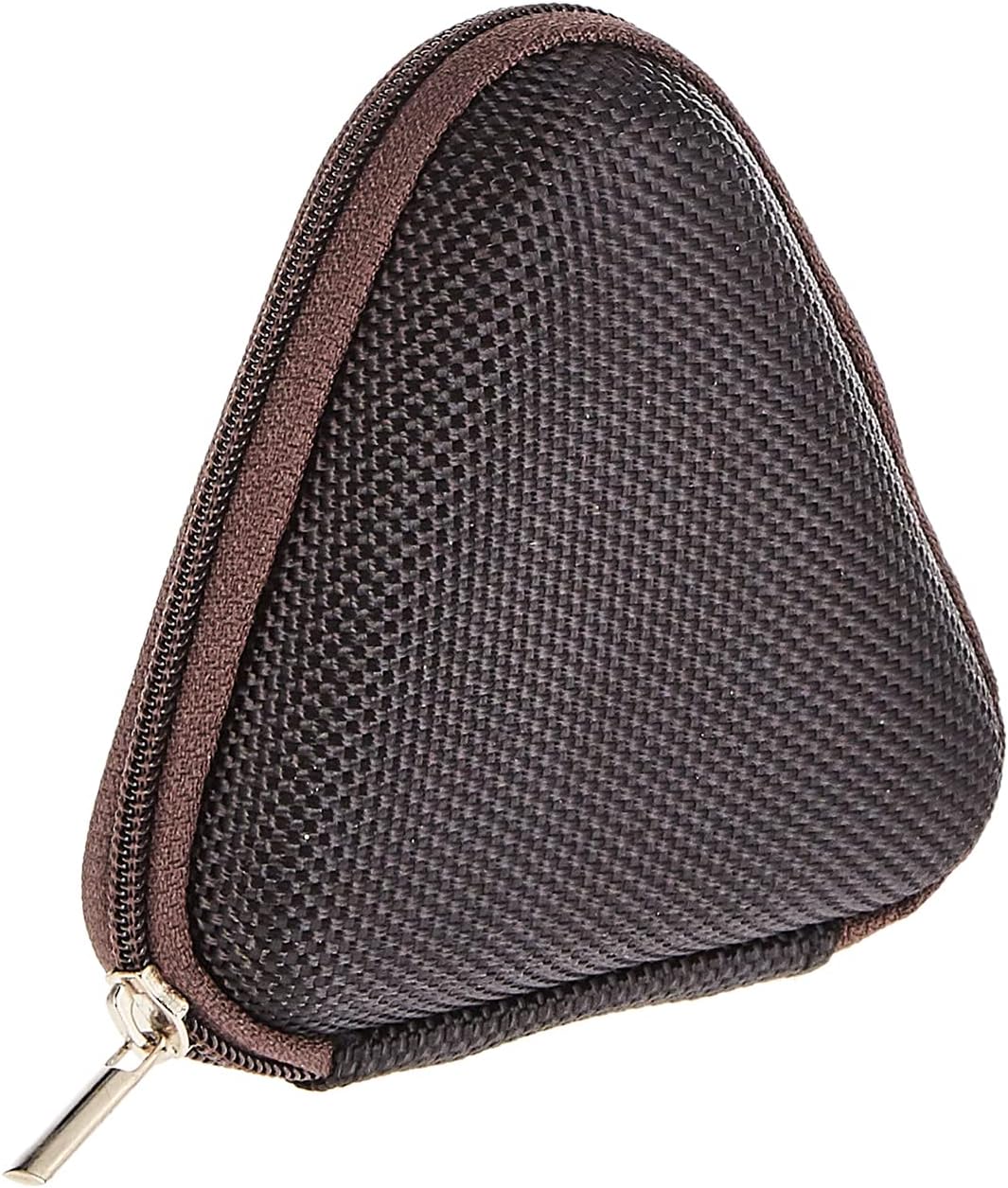
Image: The included triangular carrying case, designed for protecting and transporting the headset.
4. انتهى المنتجview
The Baseus H08 headset is designed for an immersive gaming audio experience. It features a comfortable over-ear design and integrated controls.

Image: The Baseus H08 Immersive Virtual 3D Gaming Headset, showcasinج- تصميمه ومكوناته.
عناصر:
- أغطية الأذن: Padded earcups for comfort and sound isolation.
- عصابة الرأس: Adjustable headband for a secure fit.
- ميكروفون: Integrated microphone for communication.
- كابل للصوت: Detachable 3.5mm audio cable for connection to devices.
- التحكم في مستوى الصوت: In-line or earcup-mounted volume adjustment.
5. الإعداد
- أفرغ: Carefully remove the headset and all accessories from the packaging.
- توصيل كابل الصوت: Insert the 3.5mm audio jack into the corresponding port on your gaming device (PC, console controller, smartphone, etc.). Ensure the connection is secure.
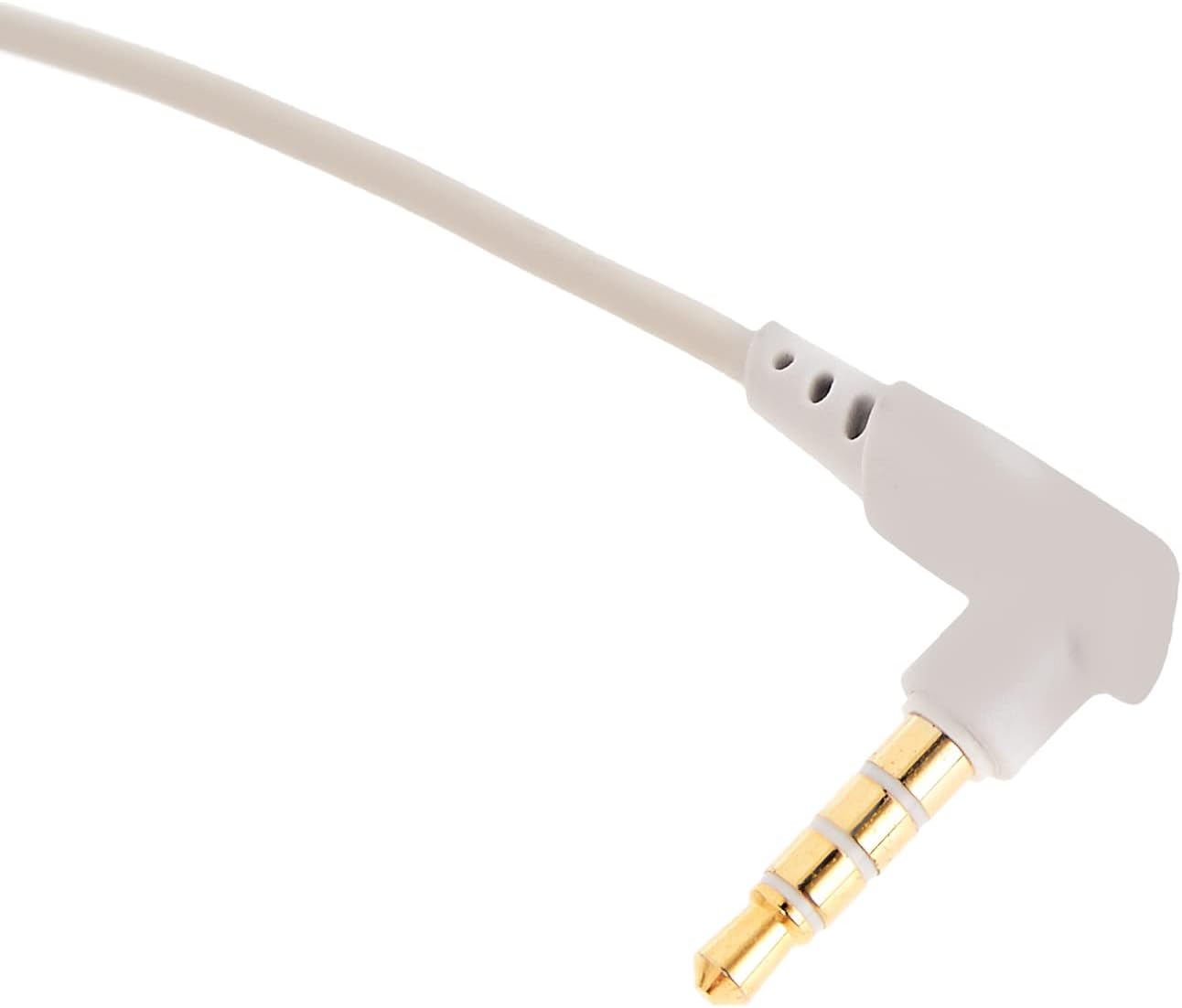
الصورة: لقطة مقربة view of the 3.5mm audio jack, used for connecting the headset to compatible devices.
- ضبط سماعة الرأس: Place the headset on your head and adjust the headband for a comfortable and secure fit. Position the earcups over your ears.
- تحديد موضع الميكروفون: If the microphone is adjustable, position it appropriately for clear voice capture, typically near the corner of your mouth.
6. تعليمات التشغيل
- التحكم في مستوى الصوت: Use the integrated volume control (if present on the cable or earcup) to adjust the audio output level. Rotate or slide the control to increase or decrease volume.
- ميكروفون كتم الصوت: If your headset features a microphone mute switch, use it to toggle the microphone on or off as needed during gameplay or calls.
- Virtual 3D Sound: The headset provides an immersive virtual 3D sound experience. This feature is typically active upon connection and enhances spatial audio cues in compatible games. No specific activation is usually required unless indicated by your device's audio settings.
7. الصيانة
- تنظيف: Wipe the headset with a soft, dry, lint-free cloth. Do not use harsh chemicals, cleaning solvents, or strong detergents.
- تخزين: When not in use, store the headset in its carrying case to protect it from dust, scratches, and physical damage. Keep it in a cool, dry place.
- العناية بالكابلات: Avoid sharp bends or excessive pulling on the audio cable to prevent internal damage.
8. استكشاف الأخطاء وإصلاحها
المشاكل الشائعة والحلول:
- لا يوجد صوت:
- Ensure the 3.5mm audio cable is fully plugged into both the headset and your device.
- Check the volume control on the headset and your device to ensure it is not muted or set too low.
- تأكد من تحديد جهاز إخراج الصوت الصحيح في إعدادات الصوت بجهازك.
- ضعف جودة الصوت:
- التحقق من الاتصالات الفضفاضة.
- اختبر سماعة الرأس بجهاز آخر لاستبعاد وجود مشكلة خاصة بالجهاز.
- تأكد من أن مصدر الصوت ذو جودة جيدة.
- الميكروفون لا يعمل:
- Ensure the microphone is not muted (if applicable).
- Check your device's sound settings to ensure the headset microphone is selected as the input device.
- اختبر الميكروفون باستخدام تطبيق أو جهاز آخر.
- عدم الراحة أثناء الاستخدام:
- اضبط وضعية عصابة الرأس وسماعات الأذن للحصول على ملاءمة أفضل.
- Take breaks during long gaming sessions.
9. المواصفات
| ميزة | التفاصيل |
|---|---|
| ماركة | باسيس |
| اسم الموديل | NGH08-2G |
| رقم موديل العنصر | B012LZLE1U |
| أبعاد المنتج | 5 × 3 × 10 سم |
| وزن العنصر | 200 جرام |
| لون | الأبيض + الرمادي |
| نوع التحكم | التحكم في مستوى الصوت |
| عدد العناصر | 1 |
| استخدامات المنتج المحددة | غير متاح |
| عامل شكل سماعة الرأس | غير متاح |
| مقبس سماعة الرأس | غير متاح |
| تكنولوجيا الاتصال | غير متاح |
| تكنولوجيا الاتصالات اللاسلكية | غير متاح |
| المكونات المضمنة | غير متاح |
| الفئة العمرية (الوصف) | غير متاح |
| مادة | غير متاح |
10. الضمان والدعم
For warranty information and technical support, please refer to the warranty card included with your product or visit the official Baseus website. You may also contact the retailer from whom you purchased the product for assistance.
باسيوس الرسمي Webموقع: www.baseus.com


