1. علىview
توفر بطاقة هدايا Xbox الرقمية طريقة سهلة لإضافة رصيد إلى حساب Microsoft الخاص بك. يمكن استخدام هذا الرصيد عبر مختلف منصات Microsoft، بما في ذلك أجهزة Xbox وأجهزة الكمبيوتر التي تعمل بنظام Windows، لشراء مجموعة واسعة من المحتوى الرقمي.
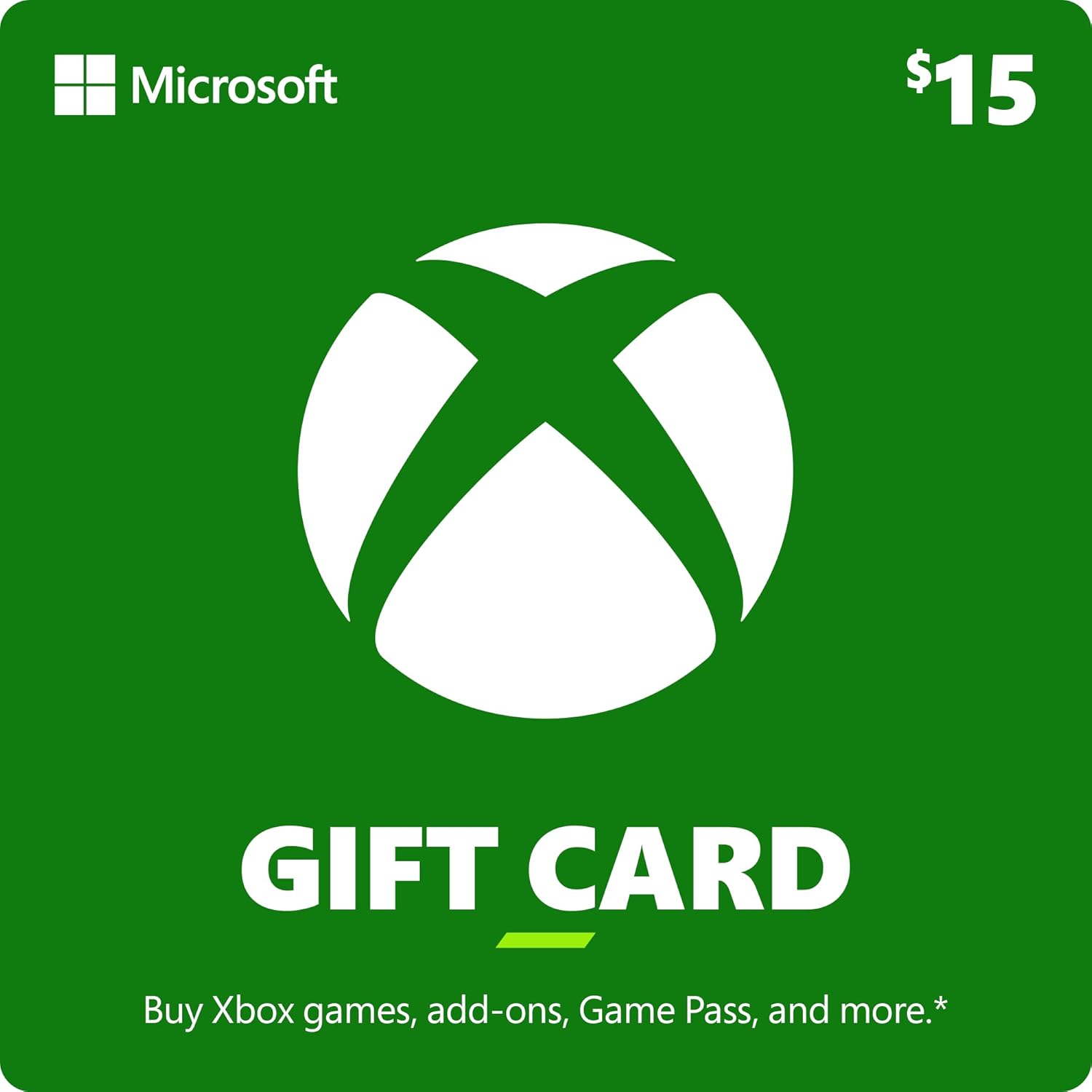
الصورة: الجبهة view بطاقة هدايا Xbox الرقمية بقيمة 15 دولارًا، تعرض شعار Xbox وقيمتها.
فيديو: فيديو رسمي من إكس بوكس يُبرز تعدد استخدامات بطاقة هدايا إكس بوكس، ويُظهرasinاستخدامها في الألعاب والإضافات والمحتوى الرقمي الآخر.
2. الإعداد والاسترداد
كيفية استرداد بطاقة هدايا Xbox الخاصة بك
اتبع هذه الخطوات لاسترداد بطاقة هدايا Xbox الرقمية بنجاح وإضافة الأموال إلى حساب Microsoft الخاص بك:
- حدد موقع رمزك الرقمي: في حال الشراء الرقمي، سيتم إرسال رمزك المكون من 25 حرفًا عادةً إلى بريدك الإلكتروني أو يمكنك الوصول إليه من خلال سجل مشترياتك على المنصة التي اشتريت منها المنتج. أما بالنسبة للبطاقات المادية، فقم بكشط الشريط الفضي الموجود على ظهرها برفق للكشف عن الرمز.
- الوصول إلى صفحة الاسترداد: اذهب الى redeem.microsoft.com في web استخدم المتصفح، أو انتقل إلى متجر مايكروسوفت على جهاز إكس بوكس أو جهاز الكمبيوتر الذي يعمل بنظام ويندوز.
- أدخل الرمز: أدخل الرمز المكون من 25 حرفًا بعناية في الحقل المخصص. تأكد من الدقة لتجنب الأخطاء.
- تأكيد الاسترداد: اتبع التعليمات التي تظهر على الشاشة لتأكيد عملية الاسترداد. سيتم بعد ذلك إضافة الأموال إلى رصيد حسابك في مايكروسوفت.

صورة: الجانب الخلفي لبطاقة هدايا Xbox، تشير إلى المنطقة التي يوجد بها رمز الاسترداد المكون من 25 حرفًا أسفل شريط قابل للخدش.
3. إدارة أموال بطاقة هدايا Xbox الخاصة بك
ما يمكنك شراؤه
بمجرد استرداد الأموال، يمكن استخدامها في حساب Microsoft الخاص بك لشراء مجموعة متنوعة من المنتجات الرقمية والمادية:
- ألعاب إكس بوكس: اشترِ النسخ الرقمية الكاملة من الإصدارات الجديدة والكتب الكلاسيكية.
- إضافات اللعبة: عزز تجربة اللعب الخاصة بك من خلال المحتوى القابل للتنزيل (DLC) وبطاقات الموسم والشخصيات الجديدة والعناصر داخل اللعبة.
- Xbox Game Pass: اشترك في Xbox Game Pass للوصول إلى مكتبة تضم مئات الألعاب عالية الجودة على أجهزة الألعاب المنزلية والكمبيوتر الشخصي والسحابة.
- ملحقات إكس بوكس: اشترِ أجهزة تحكم Xbox اللاسلكية وسماعات الرأس وغيرها من الملحقات المتوافقة.
- الأفلام والبرامج التلفزيونية: استأجر أو اشترِ الأفلام والمسلسلات التلفزيونية من متجر مايكروسوفت.
- العملة الافتراضية داخل اللعبة: استخدم الأموال للحصول على عملة افتراضية في الألعاب المدعومة لإجراء ترقيات وعمليات شراء أخرى.

صورة: تمثيل مرئي لعملية الشراءasinوتنزيل لعبة رقمية مباشرة إلى جهاز Xbox الخاص بك.
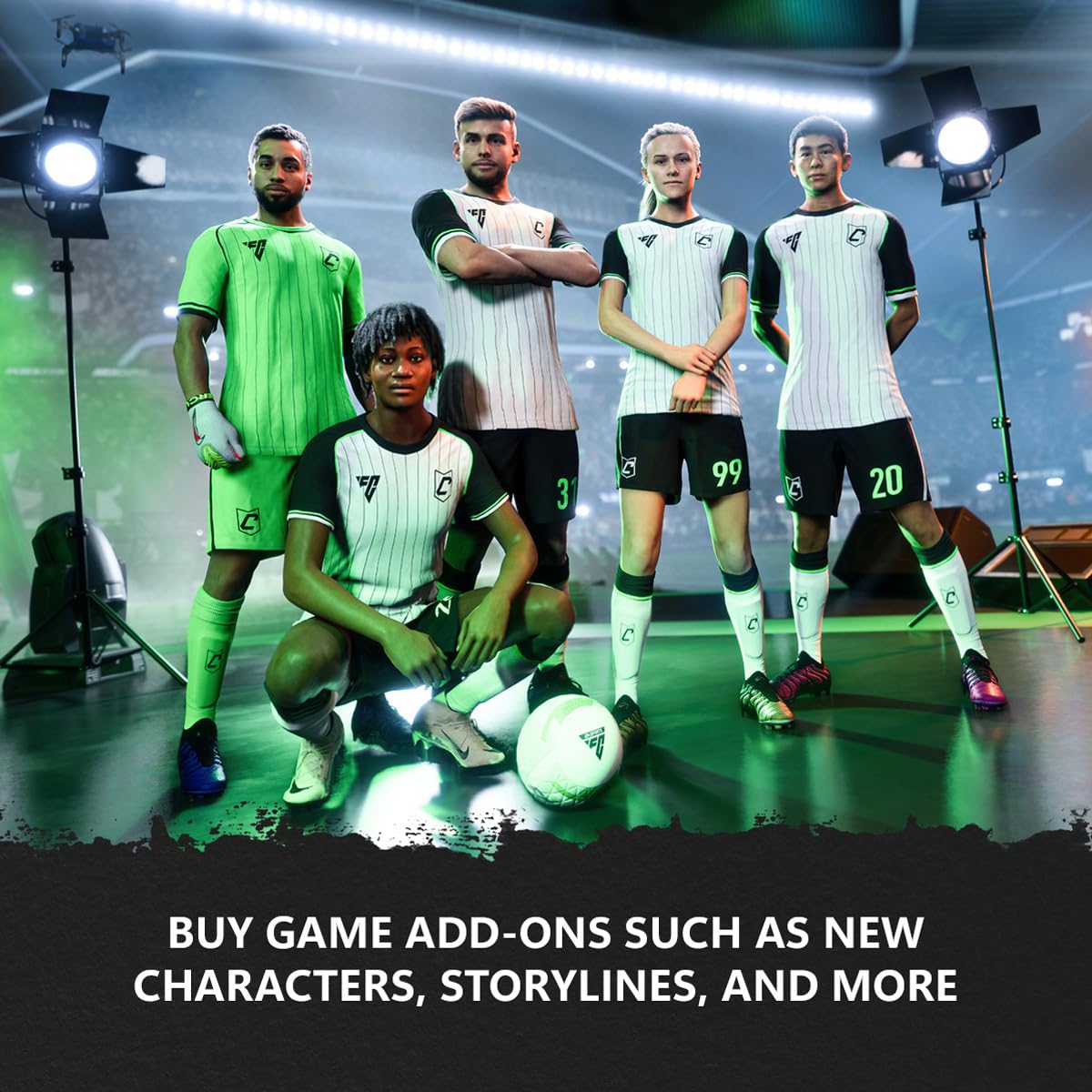
الصورة: السابقampتتوفر العديد من إضافات الألعاب، بما في ذلك المحتوى الجديد والعملة الافتراضية، للشراء.

صورة: رسم توضيحي للطلب المسبق الرقمي والتنزيل المسبق للألعاب القادمة.

صورة: رسم توضيحي لاستخدام العملة الافتراضية داخل الألعاب لإجراء عمليات شراء وترقيات متنوعة داخل اللعبة.

صورة: عرض لأجهزة التحكم اللاسلكية من Xbox، مع تسليط الضوء على تصميمها الذي يوفر الراحة والتحكم أثناء اللعب.
4. الصيانة وأفضل الممارسات
أمان الحساب
احرص دائمًا على حماية بيانات اعتماد حساب Microsoft الخاص بك. لا تُشارك كلمة مرورك أو رموز الاسترداد مع أي شخص غير مُصرّح له. فعّل خاصية المصادقة الثنائية لمزيد من الأمان.
التحقق من الرصيد
يمكنك التحقق من رصيد حساب Microsoft الخاص بك في أي وقت عن طريق تسجيل الدخول إلى حسابك على Microsoft webالموقع الإلكتروني أو من خلال متجر مايكروسوفت على جهاز إكس بوكس أو جهاز الكمبيوتر الذي يعمل بنظام ويندوز.
العناية ببطاقات الهدايا
بالنسبة للبطاقات المادية، احتفظ برمز الاسترداد في مكان آمن حتى استخدامه. أما بالنسبة للرموز الرقمية، فتأكد من تخزينها في مكان آمن، مثل بريدك الإلكتروني أو برنامج إدارة كلمات المرور، حتى يتم استردادها.
5. استكشاف الأخطاء وإصلاحها
القضايا الشائعة
- رمز غير صالح: تأكد من صحة الرمز المكون من 25 حرفًا. تأكد من إدخال الأحرف الصحيحة (مثلًا، '0' بدلًا من 'O'، '1' بدلًا من 'I').
- البطاقة غير مفعلة: إذا استلمت بطاقة فعلية، فتأكد من تفعيلها بشكل صحيح عند الشراء. أما الرموز الرقمية فعادةً ما تكون فعّالة فوراً.
- القيود الإقليمية: بطاقات هدايا Xbox مخصصة لمنطقة معينة. تأكد من أن منطقة بطاقة الهدية تتطابق مع منطقة حساب Microsoft الخاص بك.
- لم يتم تحديث الرصيد: بعد إتمام عملية الاسترداد بنجاح، انتظر بضع دقائق حتى يظهر الرصيد في حساب مايكروسوفت الخاص بك. إذا استمرت المشكلة، فحاول تسجيل الخروج ثم تسجيل الدخول مرة أخرى.
- تم استخدام الرمز مسبقًا: إذا تلقيت رسالة تفيد بأن الرمز قد تم استخدامه بالفعل، فتحقق من سجل رصيد حساب Microsoft الخاص بك. إذا كنت تعتقد أن هذا خطأ، فاتصل بدعم Xbox.
6. المواصفات
| يصف | التفاصيل |
|---|---|
| ASIN | B00F4CEOS8 |
| تاريخ الافراج عنه | 6 سبتمبر 2013 |
| رقم موديل العنصر | XBL15GIFTCRD090613 |
| الشركة المصنعة | مايكروسوفت |
| وزن العنصر | 1 رطل |
| نوع العنصر | تنزيل البرامج |
ملحوظة: هذا المنتج غير قابل للإرجاع أو الاسترداد. بإتمام عملية الشراء، فإنك توافق على شروط استخدام ألعاب وبرامج مايكروسوفت وأي شروط استخدام أخرى سارية للمطورين أو الناشرين.
7. الضمان والدعم
لأي استفسارات تتعلق ببطاقة هدايا Xbox الرقمية، بما في ذلك مشاكل الاسترداد أو الاستفسارات المتعلقة بالحساب، يرجى التواصل مباشرةً مع دعم Microsoft. بإمكانهم تقديم المساعدة في أي مشاكل محددة تتعلق بالحساب والرمز.
للحصول على معلومات مفصلة حول الشروط والأحكام، يرجى الرجوع إلى شروط استخدام Microsoft الرسمية، والتي تحكم استخدام جميع منتجات وخدمات Microsoft الرقمية.
مهم: احتفظ بإيصال الشراء كإثبات للشراء لأي استفسارات تتعلق بالدعم.


