مقدمة
This manual provides comprehensive instructions for the setup, operation, and maintenance of your Sonic Alert SBJ525SS Digital Alarm Clock. Please read this manual thoroughly before using the device to ensure proper function and longevity. This alarm clock is designed to provide reliable timekeeping and alarm functions, including a powerful vibrating bed shaker, loud audible alarm, and visual alert features.
معلومات السلامة
- Ensure the power adapter is connected to a standard electrical outlet.
- لا تعرض الوحدة للماء أو الرطوبة الزائدة.
- تجنب وضع الوحدة بالقرب من مصادر الحرارة أو في ضوء الشمس المباشر.
- يحفظ بعيدًا عن متناول الأطفال.
- Use only the provided power adapter and bed shaker.
محتويات الحزمة
تأكد من وجود جميع العناصر في الحزمة الخاصة بك:
- Sonic Alert SBJ525SS Digital Alarm Clock Unit
- 12-Volt Vibrating Bed Shaker
- محول الطاقة
- دليل التعليمات
المنتج انتهىview
تعرف على الأجزاء المختلفة وعناصر التحكم في ساعة المنبه الخاصة بك.
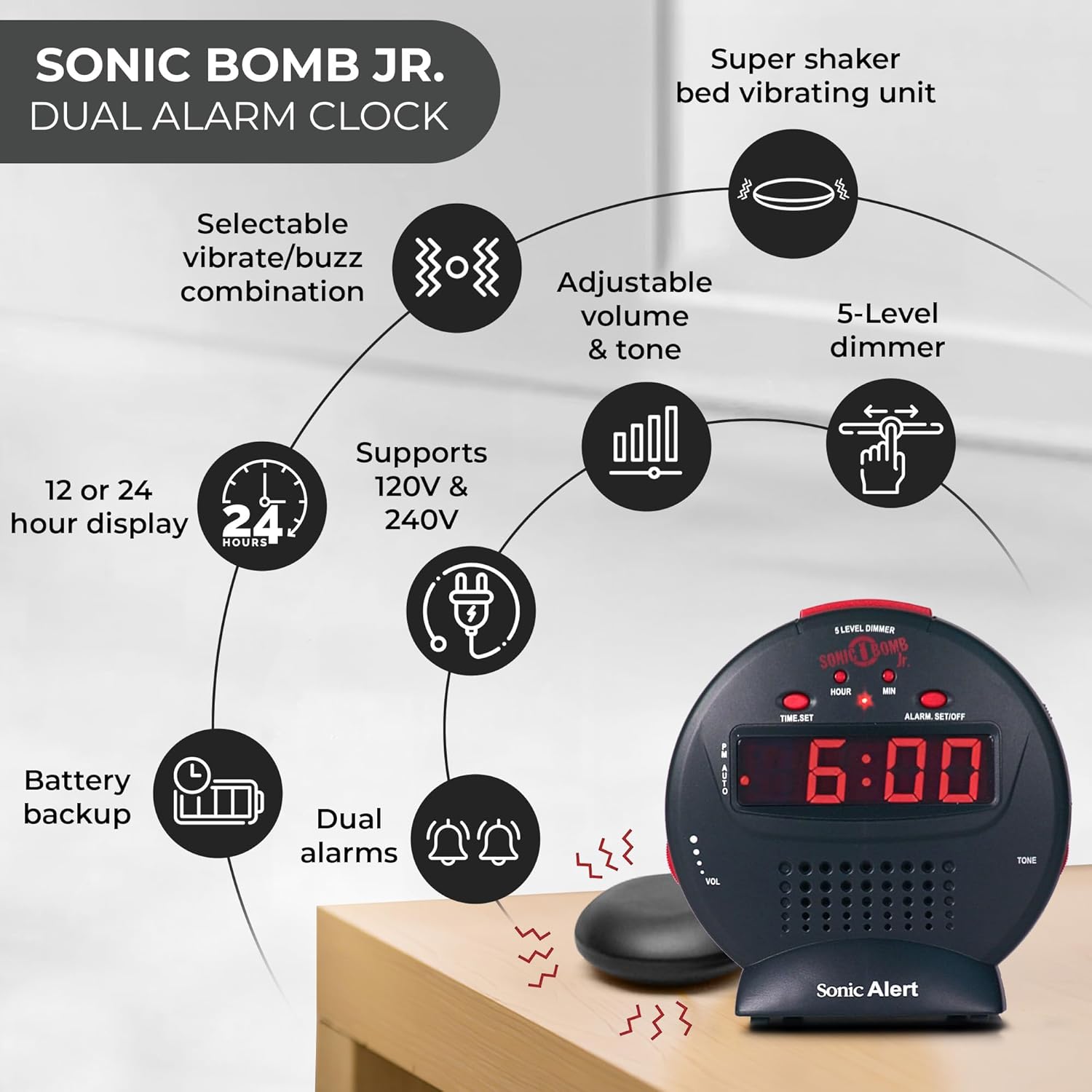
وصف الصورة: A diagram illustrating the Sonic Alert SBJ525SS Digital Alarm Clock. Key features highlighted include the 12 or 24-hour display, battery backup, dual alarms, selectable vibrate/buzz combination, adjustable volume and tone, 5-level dimmer, and the super shaker bed vibrating unit. The clock supports 120V & 240V power.
The clock features a large digital display, control buttons for time and alarm settings, and adjustment knobs for volume and tone. A dedicated port is available for the bed shaker connection.
يثبت
1. توصيل الطاقة
- Connect the power adapter to the DC IN jack on the back of the alarm clock.
- Plug the power adapter into a standard electrical wall outlet. The display will illuminate.
2. تركيب البطارية الاحتياطية
The alarm clock requires 2 AA batteries (not included) for battery backup functionality. This ensures your time and alarm settings are retained during a power outage.
- حدد مكان حجرة البطارية في الجزء السفلي من الوحدة.
- افتح غطاء حجرة البطارية.
- Insert 2 AA batteries, observing the correct polarity (+/-).
- قم باستبدال غطاء حجرة البطارية.

وصف الصورة: A graphic illustrating the battery backup feature of the alarm clock. It shows the clock on a nightstand with a small circular battery icon (CR2032, 3V) next to it, indicating the type of battery used for backup. The text emphasizes that batteries are not included and are for retaining settings during power outagإِسْ
3 ضبط الوقت
- اضغط مع الاستمرار على الوقت المحدد اضغط على الزر. ستبدأ أرقام الساعة بالوميض.
- اضغط على ساعة اضغط على الزر بشكل متكرر لضبط الساعة. راقب مؤشر الفترة المسائية للتأكد من ضبط الفترة الصباحية/المسائية بشكل صحيح.
- اضغط على مين اضغط على الزر بشكل متكرر لضبط الدقائق.
- يضعط الوقت المحدد مرة أخرى لتأكيد الوقت.
- للتبديل بين تنسيق 12 ساعة وتنسيق 24 ساعة، اضغط على 12/24ساعة button (if available, otherwise it might be part of time set cycle).
4. Bed Shaker Connection
The vibrating bed shaker is an integral part of the Sonic Alert system, designed for heavy sleepers or individuals with hearing impairments.
- Locate the jack labeled SHAKER on the back of the alarm clock.
- Insert the plug of the bed shaker into this jack.
- Place the bed shaker under your pillow, between your mattress and box spring, or under a fitted sheet for optimal vibration.

وصف الصورة: A composite image showing three different methods for placing the super bed shaker: under a pillow, under a fitted sheet, and under a mattress. The image also highlights the 6ft long cable of the shaker.
تعليمات التشغيل
1. ضبط المنبهات (منبهات مزدوجة)
The SBJ525SS features dual alarms, allowing you to set two independent wake-up times.
- اضغط مع الاستمرار على ALARM SET/OFF button once for Alarm 1. The hour digits for Alarm 1 will flash.
- استخدم ساعة و مين أزرار لضبط وقت التنبيه المطلوب.
- يضعط ALARM SET/OFF again to confirm Alarm 1 and proceed to Alarm 2. The hour digits for Alarm 2 will flash.
- استخدم ساعة و مين buttons to set the desired time for Alarm 2.
- يضعط ALARM SET/OFF a third time to confirm Alarm 2 and exit alarm setting mode.
- To activate or deactivate an alarm, press the ALARM SET/OFF button briefly (not held). Each press cycles through Alarm 1 ON, Alarm 2 ON, Both Alarms ON, Both Alarms OFF. An indicator light on the display will show which alarm(s) are active.

وصف الصورة: A bedroom scene with a couple sleeping, and the Sonic Alert alarm clock prominently displayed on a nightstand. The text overlay emphasizes the "Dual Alarm Clock" feature, allowing two different alarms to be set for reliable wake-up times.
2. Alarm Modes (Vibrate, Sound, Both)
The alarm clock offers various alert modes:
- Vibrate Only: The bed shaker will activate without an audible alarm.
- الصوت فقط: The audible alarm will sound without bed shaker activation.
- كلاهما: Both the bed shaker and audible alarm will activate simultaneously.
To select the alarm mode, use the وضع التنبيه switch located on the side or back of the unit. Cycle through the options until your desired mode is selected.

وصف الصورة: A woman sleeping in bed with the Sonic Alert alarm clock and its bed shaker visible on the adjacent nightstand. The image highlights the clock's features: a powerful 6-volt bed shaker, 102dB loud alarm with adjustable tone and volume, alarm and bed shaker test mode, and built-in red flashing lights.
3. وظيفة الغفوة
عندما يصدر صوت التنبيه، اضغط على الزر الكبير غفوة button on top of the unit to temporarily silence the alarm. The alarm will sound again after the set snooze duration.
- The snooze duration is adjustable from 1 to 30 minutes. Refer to the full instruction manual for specific steps on adjusting the snooze time.
وصف الصورة: A man sleeping in bed with the Sonic Alert alarm clock on his bedside table. An overlay graphic shows a slider indicating the adjustable snooze duration from 1 to 30 minutes.
4. Brightness Dimmer
Adjust the display brightness to your preference using the 5-level dimmer function.
- حدد موقع ديمر control (often a slider or button) on the unit.
- Adjust the control to cycle through the 5 brightness levels, from brightest (5) to dimmest (1).

وصف الصورة: A woman sleeping in a bedroom with the Sonic Alert alarm clock on her nightstand. Below, a series of five clock images illustrate the different brightness levels of the display, from level 5 (brightest) to level 1 (dimmest), demonstrating the five-level dimmer feature.
5. ضبط مستوى الصوت والنغمة
Customize the audible alarm sound to your preference.
- استخدم المجلد (Volume) knob/slider to increase or decrease the alarm's loudness.
- استخدم نغمة knob/slider to adjust the pitch of the alarm sound.
وصف الصورة: لقطة مقرّبة view of the Sonic Alert alarm clock, specifically highlighting the volume control slider on its side. The accompanying text explains how to adjust the sound with ease using the knobs for volume and tone.

وصف الصورة: The Sonic Alert alarm clock on a white surface, with a graphic overlay demonstrating the adjustable tone feature. Sound waves emanate from the clock, and a slider indicates the range of tone adjustments available.
6. USB Charging Port Usage
The alarm clock includes a built-in USB port for charging compatible handheld devices.
- Locate the USB charging port on the side or back of the unit.
- Connect your device's USB charging cable to the port.
- Ensure your device begins charging. Note that charging speed may vary depending on the device and cable.

وصف الصورة: A woman reaching for her smartphone, which is connected and charging via the built-in USB port on the Sonic Alert alarm clock, placed on a nightstand next to her bed.
صيانة
- تنظيف: Wipe the unit with a soft, dry cloth. Do not use liquid cleaners or abrasive materials.
- استبدال البطارية: Replace backup batteries annually or when the battery low indicator appears to ensure continuous backup functionality.
- تخزين: في حالة تخزين الوحدة لفترة طويلة، قم بإزالة البطاريات الاحتياطية لمنع التسرب.
استكشاف الأخطاء وإصلاحها
| مشكلة | السبب المحتمل | حل |
|---|---|---|
| شاشة الساعة مطفأة أو تومض. | Power adapter not connected or faulty; power outage. | Ensure power adapter is securely plugged in. Check wall outlet. If power outage, battery backup should maintain time (display will be off). |
| لا يصدر جهاز الإنذار صوتاً أو يهتز. | Alarm not activated; incorrect alarm mode selected; volume too low; bed shaker not connected. | Verify alarm is ON (indicator light). Check alarm mode switch. Increase volume. Ensure bed shaker is securely plugged in. |
| تُفقد إعدادات الوقت/المنبه بعد انقطاع التيار الكهربائيtage. | البطاريات الاحتياطية ميتة أو غير مثبتة. | Install fresh AA batteries in the battery compartment. |
| شحن USB بطيء أو لا يعمل. | Device incompatibility; faulty USB cable; device requires higher power output. | Try a different USB cable. Ensure your device is compatible with standard USB charging. The clock's USB port provides standard charging output. |
تحديد
| ماركة | تنبيه صوتي |
| رقم الموديل | SBJ525SS |
| نوع العرض | رقمي |
| المميزات الخاصة | Alarm, Auto Dimmable, Snooze, Vibrating Bed Shaker, USB Charging Port, Red Flashing Alert Lights |
| مصدر الطاقة | Corded Electric with Battery Backup (2 AA batteries required, not included) |
| أبعاد المنتج | 5 بوصة عرض × 5 بوصة ارتفاع |
| مادة | بلاستيك |
| مستوى صوت المنبه | Up to 102dB (with bed shaker) |
الضمان والدعم
The Sonic Alert SBJ525SS Digital Alarm Clock comes with a Limited Warranty. For specific warranty terms and conditions, please refer to the warranty card included with your product or visit the official Sonic Alert webموقع.
For technical support, troubleshooting assistance, or to inquire about replacement parts, please contact Sonic Alert customer service:
- Webموقع: www.sonicalert.com
- معلومات الاتصال: الرجوع إلى المسؤول webقم بزيارة موقع الويب أو عبوة المنتج للحصول على تفاصيل الاتصال الحالية.
وصف الصورة: An open instruction manual for the Sonic Bomb Jr. alarm clock, showing detailed operational instructions and diagrams. This image signifies that a manual is included with the product for user guidance.


