مقدمة
شكرا لك على الشراءasing the GPX DH300B 1080p Upconversion DVD Player with HDMI. This device is designed to enhance your viewing experience by upconverting standard definition DVDs to near high-definition resolutions (720p, 1080i, or 1080p) for compatible HDTVs. It supports a variety of disc formats, including DVD, DVD+/-R/RW, CD, CD-R/RW, and JPEG CDs, and features multiple audio and video output options for versatile connectivity.
محتويات الحزمة
يرجى التأكد من أن جميع العناصر المدرجة أدناه موجودة في طردك:
- GPX DH300B DVD Player with built-in AC power cable
- Full-function Remote Control (requires 2 AAA batteries - not included)
- كابل صوت/فيديو من RCA
- دليل المستخدم (هذه الوثيقة)
- بطاقة الضمان
المنتج انتهىview
عناصر التحكم في اللوحة الأمامية
The front panel of your GPX DH300B DVD Player provides essential controls for basic operation:

الشكل 1: الجبهة view of the GPX DH300B DVD Player, showing the disc tray, control buttons, and USB port.
- علبة القرص: Insert DVDs or CDs here.
- زر الفتح/الإغلاق: فتح وإغلاق درج القرص.
- زر التشغيل/الإيقاف المؤقت: يبدأ أو يوقف تشغيل القرص مؤقتًا.
- زر التوقف: يوقف تشغيل القرص.
- زر الطاقة: يقوم بتشغيل الوحدة أو إيقاف تشغيلها.
- منفذ USB: For playing media from a USB flash drive.
توصيلات اللوحة الخلفية
The rear panel offers various ports for connecting the DVD player to your television or audio system:

الشكل 2: خلفي view of the GPX DH300B DVD Player, highlighting the HDMI, S-video, composite video, coaxial digital audio, and RCA stereo audio outputs.
- مخرج HDMI: For digital audio and video connection to an HDTV. Supports 720p, 1080i, 1080p upconversion.
- مخرج S-Video: For video connection to a TV.
- مخرج الفيديو المركب (RCA أصفر): For standard definition video connection.
- مخرج الصوت الرقمي المحوري: For digital audio connection to a compatible audio receiver.
- RCA Stereo Audio Output (Red/White): For analog stereo audio connection.
يثبت
1. الاتصال بالتلفزيون
Choose the appropriate connection method based on your television's available inputs:
HDMI Connection (Recommended for HDTVs)
- Ensure both the DVD player and your TV are powered off.
- قم بتوصيل أحد طرفي كبل HDMI (غير مضمن) بالجهاز مخرج HDMI port on the back of the DVD player.
- Connect the other end of the HDMI cable to an هدمي إن منفذ على جهاز التلفزيون الخاص بك.
- Power on your TV and select the corresponding HDMI input using your TV's remote control.
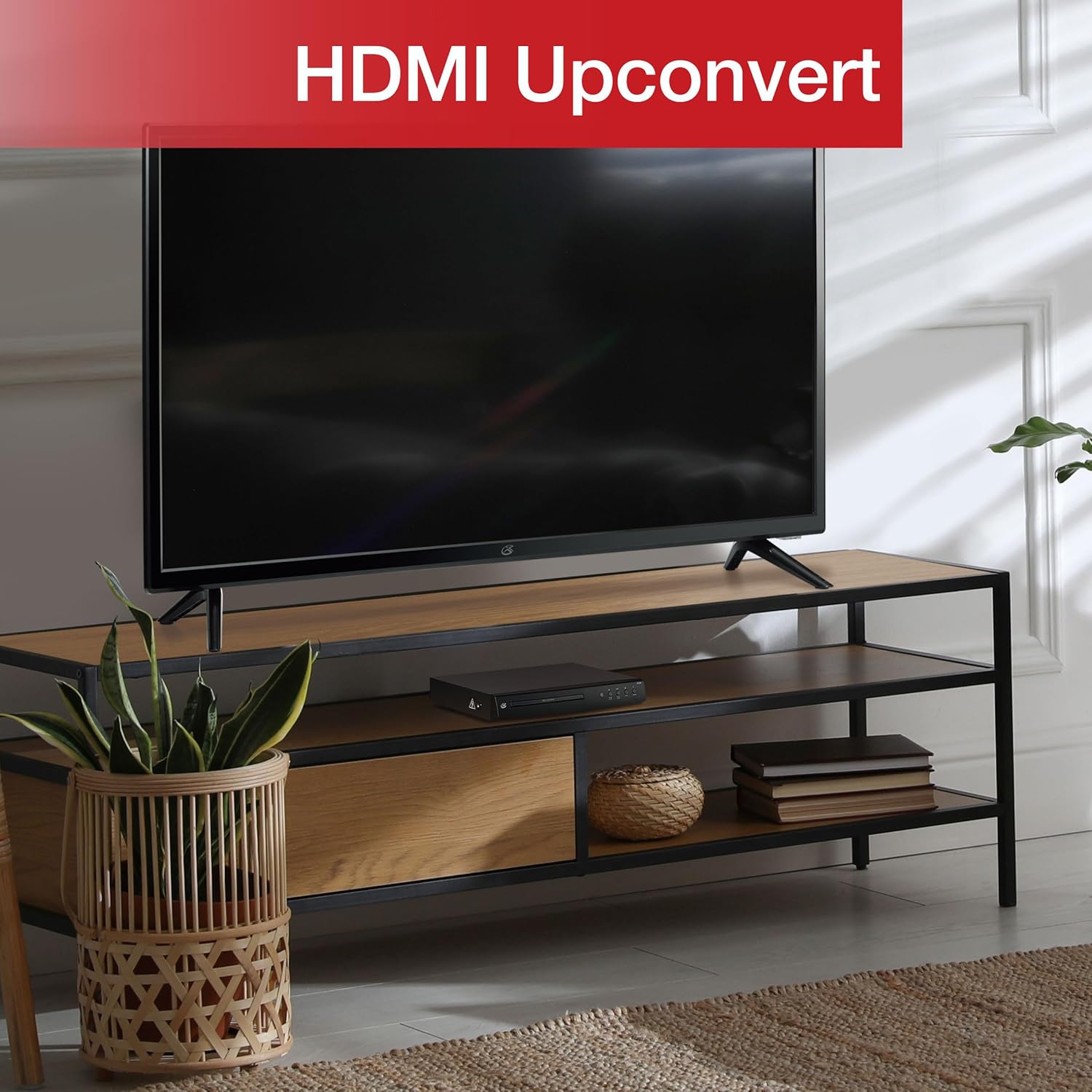
Figure 3: The GPX DH300B DVD Player connected to a television, demonstrating HDMI upconversion capabilities.
RCA Composite Video Connection
- Ensure both the DVD player and your TV are powered off.
- Connect the yellow plug of the RCA audio/video cable to the فيديو (yellow) port on the DVD player.
- Connect the red and white plugs of the RCA audio/video cable to the خرج الصوت R. (أحمر و خرج الصوت L. (white) ports on the DVD player.
- Connect the other ends of the RCA cables to the corresponding إدخال الفيديو و AUDIO IN (R/L) ports on your television.
- Power on your TV and select the corresponding AV input.
2. توصيل الطاقة
The DVD player has a built-in AC power cable. Plug this cable into a standard 120V AC wall outlet.
3. تركيب بطارية التحكم عن بعد
The remote control requires two AAA batteries (not included). Open the battery compartment on the back of the remote and insert the batteries, ensuring correct polarity (+/-).
تعليمات التشغيل
1. تشغيل / إيقاف التشغيل
اضغط على قوة button on the front panel of the DVD player or on the remote control to turn the unit on or off.
2. تشغيل القرص
- Power on the DVD player and your television.
- اضغط على فتح/إغلاق استخدم الزر الموجود على اللوحة الأمامية أو جهاز التحكم عن بعد لفتح درج القرص.
- ضع قرص DVD أو CD على درج الأقراص مع توجيه جانب الملصق لأعلى.
- اضغط على فتح/إغلاق button again to close the disc tray. The player will begin loading the disc.
- Playback should start automatically. If a menu appears, use the arrow buttons on the remote to navigate and the OK زر للاختيار.
- استخدم تشغيل/إيقاف مؤقت و قف أزرار للتحكم في التشغيل.

Figure 4: The GPX DH300B DVD Player, indicating its DVD playback capability.

Figure 5: The GPX DH300B DVD Player, indicating its CD playback capability.
3. تشغيل USB
The GPX DH300B supports media playback from a USB flash drive. Insert your USB drive into the USB port on the front panel. Use the remote control to navigate the on-screen menu and select your desired media files (e.g., JPEG images).
4. On-Screen Display (OSD) and Settings
The multi-language on-screen display allows you to adjust various video and audio settings. Press the يثبت button on the remote control to access the setup menu. Use the arrow buttons to navigate and OK لتأكيد التحديدات.
5. وظائف التحكم عن بعد
The included full-function remote control provides comprehensive control over the DVD player. Key functions include:

Figure 6: A user operating the GPX DH300B DVD Player with its remote control.
- تشغيل/إيقاف الطاقة
- فتح/إغلاق علبة القرص
- Play, Pause, Stop, Fast Forward, Rewind
- Chapter Skip (Next/Previous)
- التحكم في مستوى الصوت
- Setup Menu Access
- Navigation (Arrow buttons, OK)
- Subtitle, Audio, Angle selection
صيانة
تنظيف الوحدة
Wipe the exterior of the DVD player with a soft, dry cloth. Do not use liquid cleaners or abrasive materials, as they may damage the finish.
أقراص التنظيف
Wipe discs from the center outwards with a soft, lint-free cloth. Avoid touching the playback surface of the disc. Do not use solvents such as benzene, thinners, or commercially available cleaners, as they may damage the disc.
استكشاف الأخطاء وإصلاحها
| مشكلة | السبب المحتمل | حل |
|---|---|---|
| لا يوجد طاقة | كابل الطاقة غير موصول؛ المقبس غير نشط. | Ensure power cable is securely plugged into a working outlet. |
| لا يوجد صورة | Video cable not connected; incorrect TV input selected. | Check video cable connections (HDMI or RCA). Select the correct input source on your TV. |
| لا يوجد صوت | Audio cable not connected; TV/receiver volume too low or muted. | Check audio cable connections (HDMI or RCA). Adjust volume on TV/receiver. Ensure not muted. |
| القرص لا يعمل | القرص متسخ أو مخدوش أو غير متوافق مع التنسيق. | Clean the disc. Try a different disc. Ensure the disc format is supported (DVD, CD, JPEG CD). |
| جهاز التحكم عن بعد لا يعمل | البطاريات فارغة أو تم إدخالها بشكل غير صحيح؛ يوجد عائق بين جهاز التحكم عن بعد والمشغل. | Replace batteries, ensuring correct polarity. Remove any obstructions. Ensure remote is pointed at the player. |
تحديد
- نموذج: DH300B
- الوسائط المدعومة: DVD, DVD+/-R/RW, CD, CD-R/RW, JPEG CD
- إخراج الفيديو: HDMI (720p, 1080i, 1080p upconversion), S-Video, Composite Video
- مخرج الصوت: Coaxial Digital Audio, RCA Stereo Audio (2-channel)
- نسب: 16:9, 4:3LB, 4:3PS
- المميزات الخاصة: Progressive Scan, Multi-language On-Screen Display
- متطلبات الطاقة: 120 فولت تيار متردد
- أبعاد: حوالي 10.24 × 8.07 × 1.85 بوصة
- وزن: حوالي 2.38 رطل
الضمان والدعم
For detailed warranty information and customer support, please refer to the warranty card included in your product packaging or visit the official GPX webالموقع. احتفظ بإثبات الشراء الخاص بك لاستخدامه في أي مطالبات بالضمان.


