
مقدمة
The Thermalright MC-3 Digital RAM Cooler is an active memory cooling solution designed for desktop PC users seeking enhanced RAM cooling performance, a clean build aesthetic, and digital monitoring capabilities. Equipped with triple 40mm PWM fans, it delivers direct airflow over your memory modules to improve thermal performance during gaming, overclocking, and demanding workloads. This manual provides detailed instructions for installation, operation, maintenance, and troubleshooting to ensure optimal use of your MC-3 Digital RAM Cooler.

Image: The Thermalright MC-3 Digital RAM Cooler, a sleek black unit with a digital display.
يثبت
محتويات الحزمة
- MC-3 Digital Black Cooler Unit
التثبيت المادي
- Ensure your PC is powered off and disconnected from the power source.
- Locate the RAM modules on your motherboard. The MC-3 Digital is designed to clip onto the memory modules.
- Position the cooler over your RAM modules. The clip structure allows for quick, tool-free installation by securely fastening from both sides of the memory modules. Ensure the cooler is firmly attached and does not obstruct other components.

الصورة: عن قرب view of the MC-3 Digital showing its clip-on installation mechanism, designed for quick and straightforward setup.

Image: The MC-3 Digital RAM Cooler installed on a motherboard, demonstrating its placement above the RAM slots.
Software Installation (TRCC)
- Connect the cooler's USB cable to a 9-pin USB header on your motherboard. This connection provides power to the digital display and enables data communication for the software. Confirm the USB connection is complete before proceeding.
- Download the TRCC software from the official Thermalright support page.
- قم باستخراج ملف file and double-click the installer to begin the software installation process.
- Once installed, double-click the "TRCC" icon on your desktop to run the software.
عملية
Fan Control and Cooling Performance
The MC-3 Digital features three TL-B4010 PWM 40mm fans. These fans are controlled via a 4-pin PWM connector, allowing your motherboard to dynamically adjust fan speed based on temperature, optimizing cooling efficiency and noise levels. The fans can reach speeds of up to 4500 RPM, providing significant airflow to cool your RAM modules.
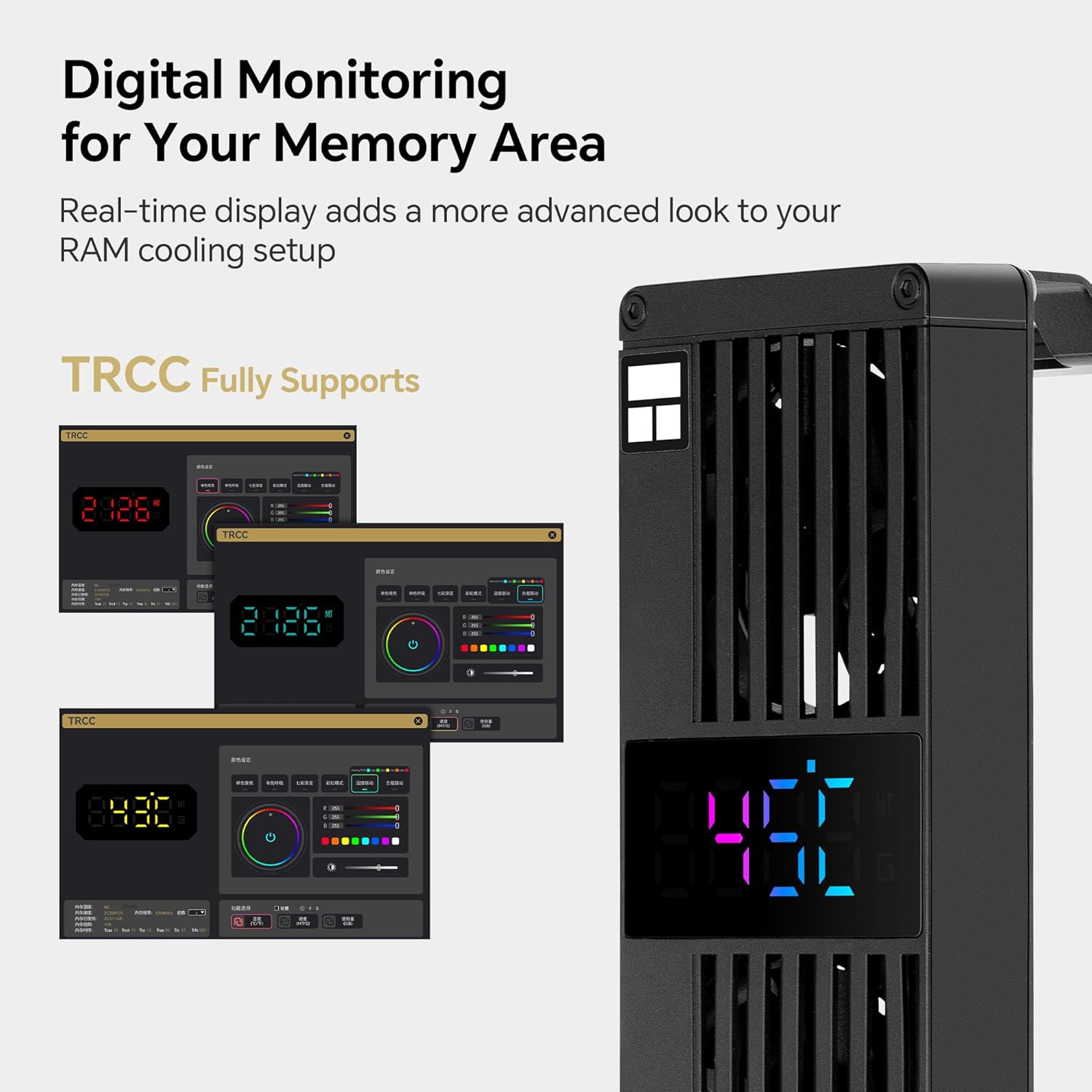
Image: The MC-3 Digital cooler positioned over RAM modules, illustrating the triple-fan active cooling design and airflow direction.
Digital Display and ARGB Functionality
The integrated ARGB digital display provides real-time monitoring of your memory area. The TRCC software controls real-time monitoring, data transfer, and the display's on/off functions. After installation, the TRCC program will start with your system and remain active in the background. It is recommended not to force close the application to maintain display and monitoring functionality.
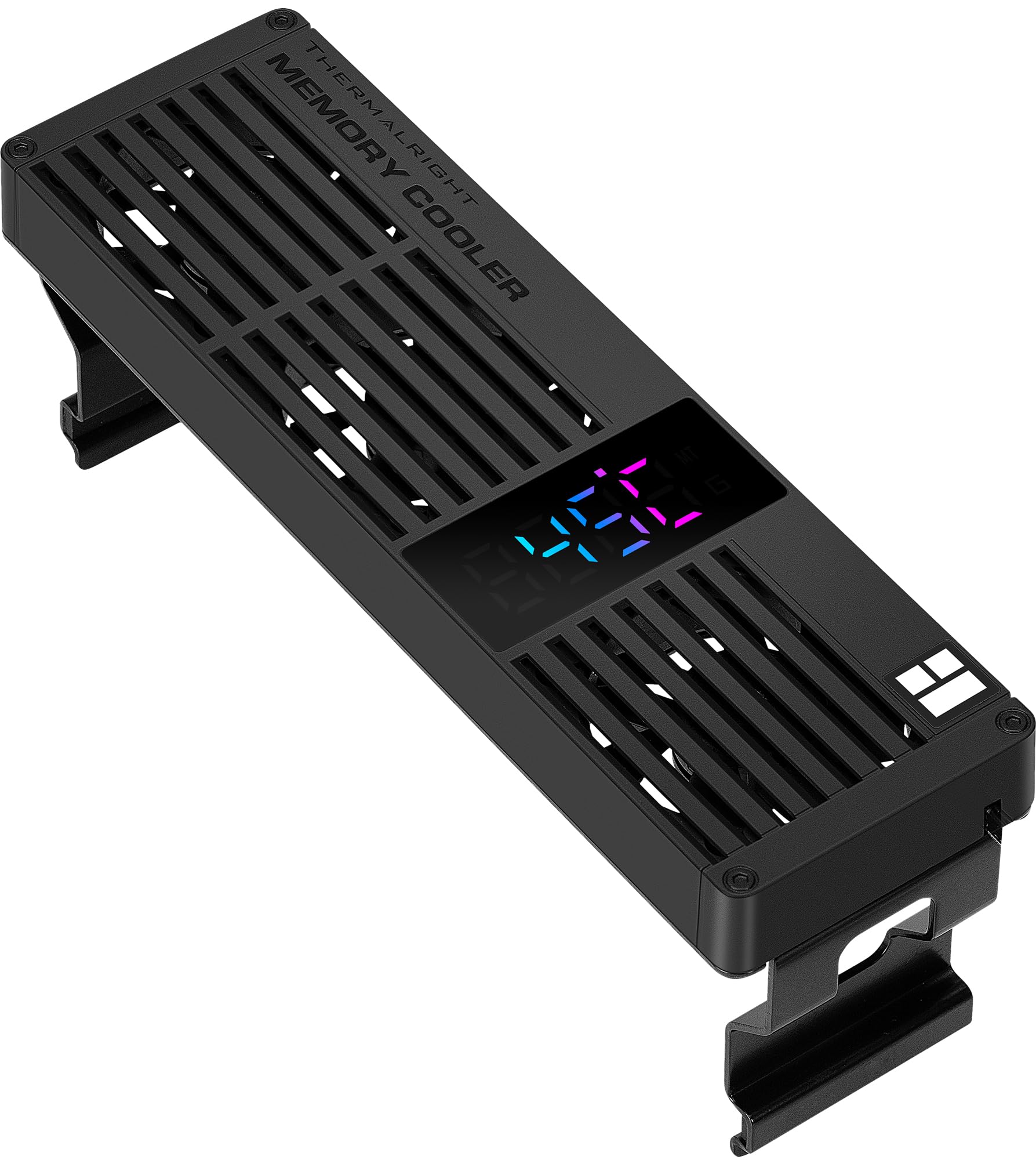
Image: The digital display on the MC-3 Digital cooler showing real-time data, alongside screenshots of the TRCC software interface for monitoring and ARGB control.
صيانة
To ensure optimal performance and longevity of your Thermalright MC-3 Digital RAM Cooler, periodic maintenance is recommended:
- إزالة الغبار: Regularly inspect the fans and heatsink fins for dust accumulation. Use compressed air or a soft brush to gently remove dust. Ensure the fans are not spinning while cleaning with compressed air to prevent damage.
- فحص الكابل: Periodically check all connected cables (PWM and USB) to ensure they are securely seated and free from damage.
- تحديثات البرامج: Check the official Thermalright website for any available TRCC software updates to ensure you have the latest features and bug fixes.
استكشاف الأخطاء وإصلاحها
- Software Not Responding or Display Not Working: If the digital display is blank or the TRCC software is not functioning correctly, try reconnecting the 9-pin USB cable to the motherboard header. If the issue persists, restart your system.
- Insufficient Cooling Performance: Ensure the fans are spinning correctly. Check the 4-pin PWM connection to the motherboard. Verify that the cooler is securely mounted over the RAM modules and that there is adequate airflow within your PC case. Consider adjusting fan curves in your motherboard's BIOS if temperatures remain high.
- Physical Interference: If the cooler does not fit or interferes with other components (e.g., large CPU coolers), check the dimensions of your components and case clearance. The MC-3 Digital has dimensions of 153 x 46 x 57.7 mm.
- Unexpected System Behavior: If any unexpected issues arise after installation, ensure all connections are secure and restart your system. If problems persist, temporarily remove the cooler to isolate the issue.
تحديد
Detailed specifications for the Thermalright MC-3 Digital RAM Cooler:
| ميزة | مواصفة |
|---|---|
| نموذج المنتج | MC-3 Digital Black |
| الأبعاد (الطول × العرض × الارتفاع) | 153 x 46 x 57.7 mm (including three fans) |
| حجم المروحة | 40 x 40 x 10 mm (TL-B4010) |
| سرعة المروحة | 4500 RPM ± 10% (Max) |
| ضغط الهواء للمروحة | 1.37 ممH2O (الحد الأقصى) |
| تدفق الهواء مروحة | 4.48 CFM (Max) x 3 |
| مستوى الضوضاء | ≤16.9 ديسيبل (أ) |
| موصل مروحة | 4-pin PWM |
| نوع المحمل | وإذ تضع الكرة المزدوجة |
| التوافق | DDR / DDR2 / DDR3 / DDR4 / DDR5 Desktop Memory |
| Digital Display Power/Data | Motherboard 9-pin USB header |
| مادة | الألومنيوم والبلاستيك |

Image: Diagram showing the compact size and key dimensions (153mm length, 46mm width, 57.7mm height) of the MC-3 Digital cooler.

Image: Two 40mm fans with specifications listed: 4500 RPM, 4.48 CFM (MAX)*3, 1.37mm H2O (MAX), and ≤16.9 dB(A) noise level.

Image: The MC-3 Digital cooler highlighting its broad compatibility with DDR, DDR2, DDR3, DDR4, and DDR5 memory platforms.
ضمان
The Thermalright MC-3 Digital RAM Cooler comes with a 1-year warranty from the date of purchase. This warranty covers manufacturing defects and ensures the product functions as intended under normal use. Please retain your proof of purchase for warranty claims.
يدعم
For further assistance, technical support, or to download the latest TRCC software and drivers, please visit the official Thermalright website. You can typically find support resources, FAQs, and contact information on their dedicated support pages.
Official Thermalright Webموقع: www.thermalright.com