
مقدمة
This manual provides essential information for the safe and effective use of your Hyper Tough 20V Max 2.0Ah Lithium-Ion Battery Pack. This battery pack is designed to power Hyper Tough 20V tools and features integrated USB-A and USB-C ports for charging compatible electronic devices. Please read these instructions carefully before use and retain them for future reference.
معلومات السلامة
تحذير: اقرأ جميع تحذيرات وتعليمات السالمة. قد يؤدي عدم اتباع التحذيرات والإرشادات إلى حدوث صدمة كهربائية و / أو حريق و / أو إصابة خطيرة.
سلامة حزمة البطارية
- RISK OF FIRE AND BURNS. لا تفتحه، أو تسحقه، أو تسخنه فوق 100 درجة مئوية (212 درجة فهرنهايت)، أو تحرقه.
- Follow manufacturer's instructions for charging and use.
- Store indoors in a cool, dry place, away from direct sunlight and moisture.
- خطر التعرض لصدمة كهربائية. لا تعرض مجموعة البطارية للماء أو المطر.
- No user-serviceable parts inside. Do not attempt to disassemble or repair the battery pack.
- Ambient temperature for charging should be between 41°F to 104°F (5°C to 40°C).
- Charge only with Hyper Tough chargers (e.g., JS-22055-117UN) or other chargers specifically approved by Hyper Tough for this model.
- لا تقم بتقصير أطراف البطارية.
- احتفظ بمجموعات البطاريات بعيدًا عن متناول الأطفال.
- تخلص من حزم البطاريات المستعملة بطريقة مسؤولة وفقًا للوائح المحلية.
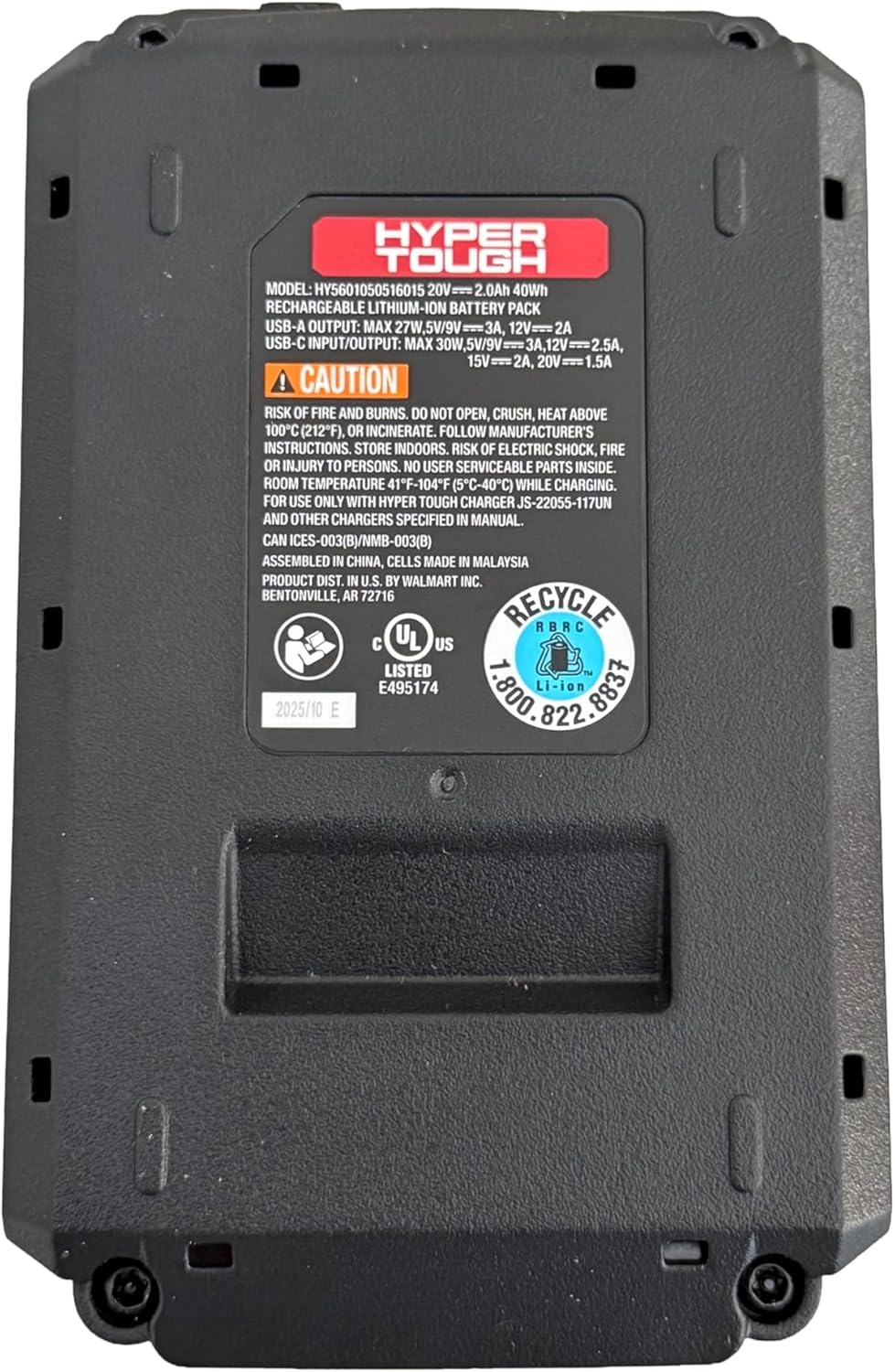
الصورة: أسفل view of the battery pack, displaying model information, USB port specifications, and critical safety warnings regarding fire, burns, and electric shock. It also shows recycling information and UL listing.
المنتج انتهىview
The Hyper Tough 20V Max 2.0Ah Lithium-Ion Battery Pack provides portable power for your Hyper Tough 20V tools and acts as a power bank for your electronic devices.
المكونات الرئيسية:
- علبة بطاريات: 20V Max 2.0Ah Lithium-Ion power source.
- واجهة الأداة: Connects to compatible Hyper Tough 20V power tools and garden tools.
- منفذ USB-A: For charging various electronic devices.
- 2-Way USB-C Port: For fast charging of electronic devices (30W Power Delivery) and potentially for charging the battery pack itself (if supported by a compatible charger).
- مؤشر سعة البطارية: Displays the current charge level of the battery.

الصورة: الجبهة view of the Hyper Tough battery pack, highlighting the 'HYPER TOUGH' branding and the clearly labeled USB-A and USB-C (IN/OUT PD) ports.
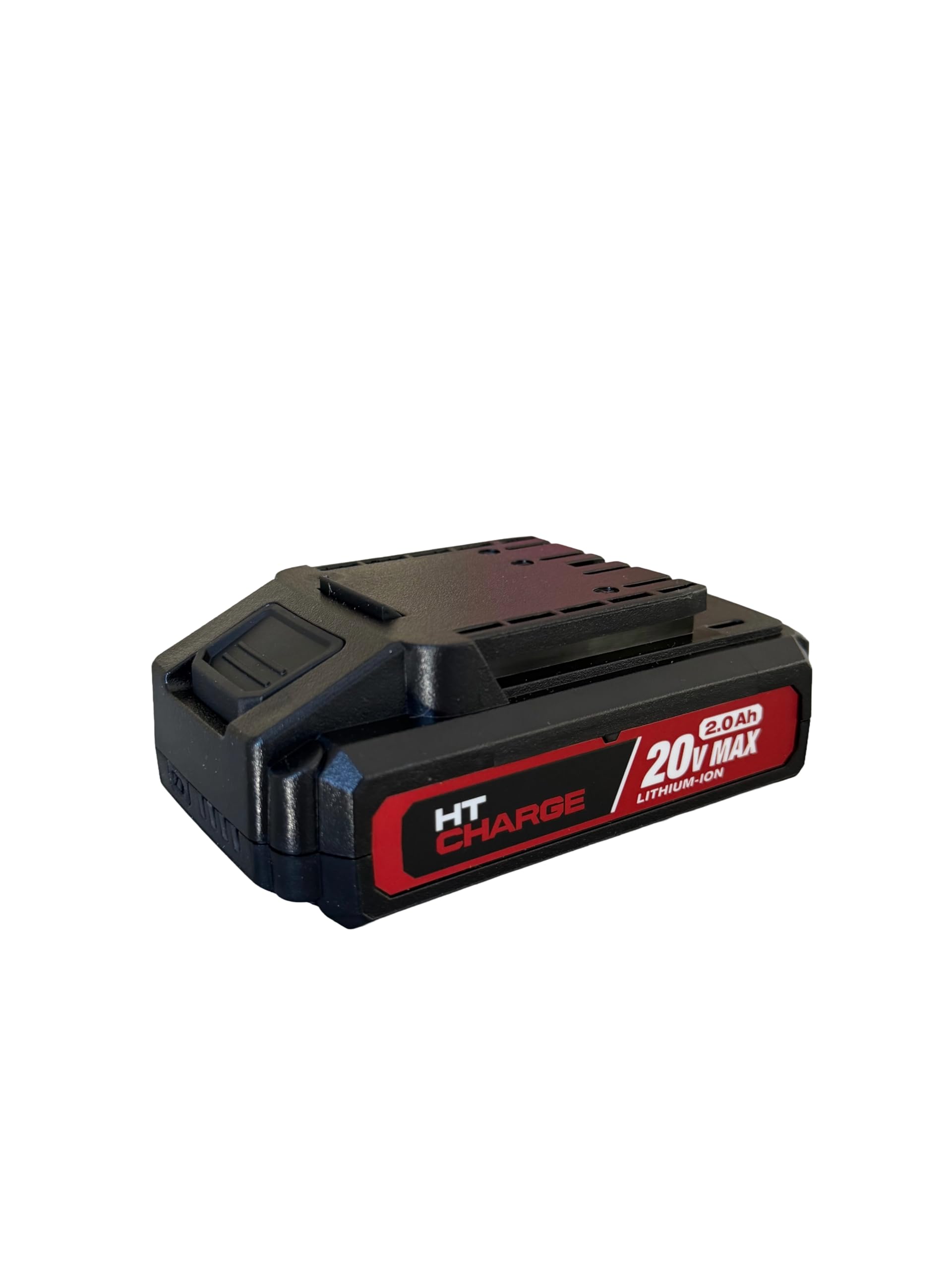
الصورة: أعلى view of the Hyper Tough battery pack, displaying the connection terminals and slide mechanism for attaching to compatible power tools.
يثبت
الشحن الأولي
- تأكد من شحن حزمة البطارية بالكامل قبل الاستخدام الأول.
- Connect the Hyper Tough 20V Max 2.0Ah Lithium-Ion Battery Pack to a compatible Hyper Tough 20V battery charger.
- قم بتوصيل الشاحن بمأخذ كهربائي قياسي.
- سيُظهر ضوء المؤشر في الشاحن حالة الشحن. راجع دليل الشاحن لمعرفة معاني المؤشرات بالتفصيل.
- بمجرد اكتمال الشحن، افصل الشاحن عن مأخذ الطاقة وأزل حزمة البطارية.
التثبيت على أداة
- Align the battery pack with the battery port on your Hyper Tough 20V power tool or garden tool.
- Slide the battery pack firmly into the tool until it clicks securely into place. Ensure it is fully seated to prevent accidental detachment during operation.
- To remove, press the battery release button (if present on the tool or battery) and slide the battery pack out.
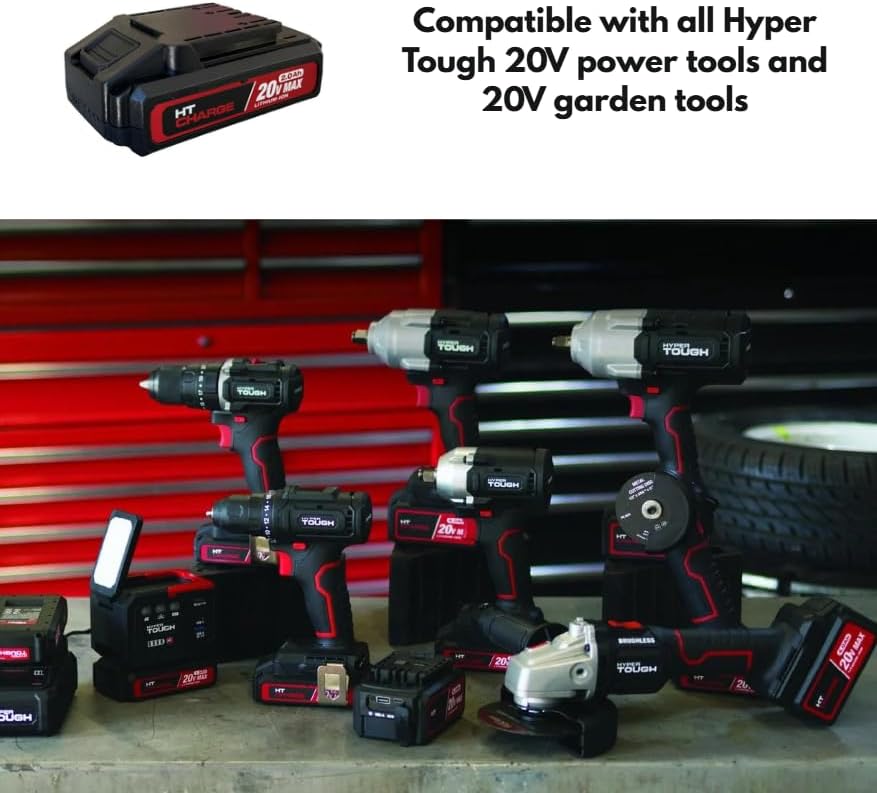
Image: The Hyper Tough 20V Max 2.0Ah Lithium-Ion Battery Pack displayed alongside a range of compatible Hyper Tough 20V power tools, including drills, impact wrenches, and grinders, illustrating its versatility.
التشغيل
Powering Tools
Once the battery pack is securely attached to a compatible Hyper Tough 20V tool, the tool is ready for operation. Refer to your specific tool's instruction manual for operating procedures.
Using USB Ports for Device Charging
The integrated USB-A and USB-C ports allow you to charge compatible electronic devices such as smartphones, tablets, or other USB-powered gadgets.
- منفذ USB-A: Connect your device's USB-A charging cable to the USB-A port on the battery pack.
- 2-Way USB-C Port: Connect your device's USB-C charging cable to the USB-C port on the battery pack. This port supports Power Delivery (PD) for faster charging of compatible devices.
- Ensure your device is compatible with the output specifications of the battery pack's USB ports.
مؤشر سعة البطارية
Press the battery capacity indicator button on the battery pack to view the current charge level. A series of LED lights will illuminate, indicating the remaining power. Refer to the specific LED pattern on your battery for detailed charge level interpretation.
صيانة
تنظيف
- Always remove the battery pack from any tool or charger before cleaning.
- Wipe the exterior of the battery pack with a clean, dry cloth.
- Do not use water, solvents, or harsh chemicals to clean the battery pack.
- Keep the battery terminals clean and free of debris.
تخزين
- Store the battery pack in a cool, dry place, away from direct sunlight, heat sources, and moisture.
- Avoid storing the battery pack in temperatures below 41°F (5°C) or above 104°F (40°C).
- For long-term storage, it is recommended to charge the battery pack to approximately 50% capacity.
- Do not store the battery pack with metal objects that could short-circuit the terminals.
استكشاف الأخطاء وإصلاحها
Battery Pack Not Charging
- تأكد من توصيل الشاحن بشكل صحيح بمأخذ كهربائي يعمل.
- Verify that the battery pack is securely connected to the charger.
- Check the ambient temperature; charging should occur between 41°F (5°C) and 104°F (40°C).
- Confirm you are using a compatible Hyper Tough charger.
Battery Pack Not Powering Tool
- Ensure the battery pack is fully charged. Check the battery capacity indicator.
- تأكد من تثبيت مجموعة البطارية بشكل آمن على الأداة.
- Confirm the tool is compatible with Hyper Tough 20V battery packs.
منافذ USB لا تشحن الأجهزة
- Ensure the battery pack has sufficient charge.
- Verify that the USB cable is functioning correctly and is securely connected to both the battery pack and the device.
- Confirm your device is compatible with the USB output specifications (voltagه / الحالي).
- Some devices may require specific charging protocols not supported by the battery pack.
تحديد
| اسم الموديل | حزمة بطارية 20 فولت 2.0 أمبير |
| رقم الموديل | HT-CHARGE-20V-2AH |
| نوع البطارية | ليثيوم أيون |
| المجلدtage | 20 فولت كحد أقصى |
| سعة | 2.0 أمبير (40 واط/ساعة) |
| إخراج USB-A | 27W Max, 5V/9V=3A, 12V=2A |
| مدخل/مخرج USB-C | 30W Max, 5V/9V=3A, 12V=2.5A, 15V=2A, 20V=1.5A |
| درجة حرارة الشحن الموصى بها | 41 درجة فهرنهايت إلى 104 درجة فهرنهايت (5 درجة مئوية إلى 40 درجة مئوية) |
| التوافق | All Hyper Tough 20V power tools and garden tools |
الضمان والدعم
For warranty information, please refer to the documentation provided with your original purchase or contact the retailer where the product was acquired. For technical support or further assistance, please contact Hyper Tough customer service through their official webالموقع أو معلومات الاتصال المقدمة مع منتجك.