
1. المقدمة
This manual provides essential information for the proper setup, operation, and maintenance of your MESWAO 15.6-inch Android 14 Tablet (Model MES-B3). Please read this manual thoroughly before using the device to ensure optimal performance and longevity. Keep this manual for future reference.
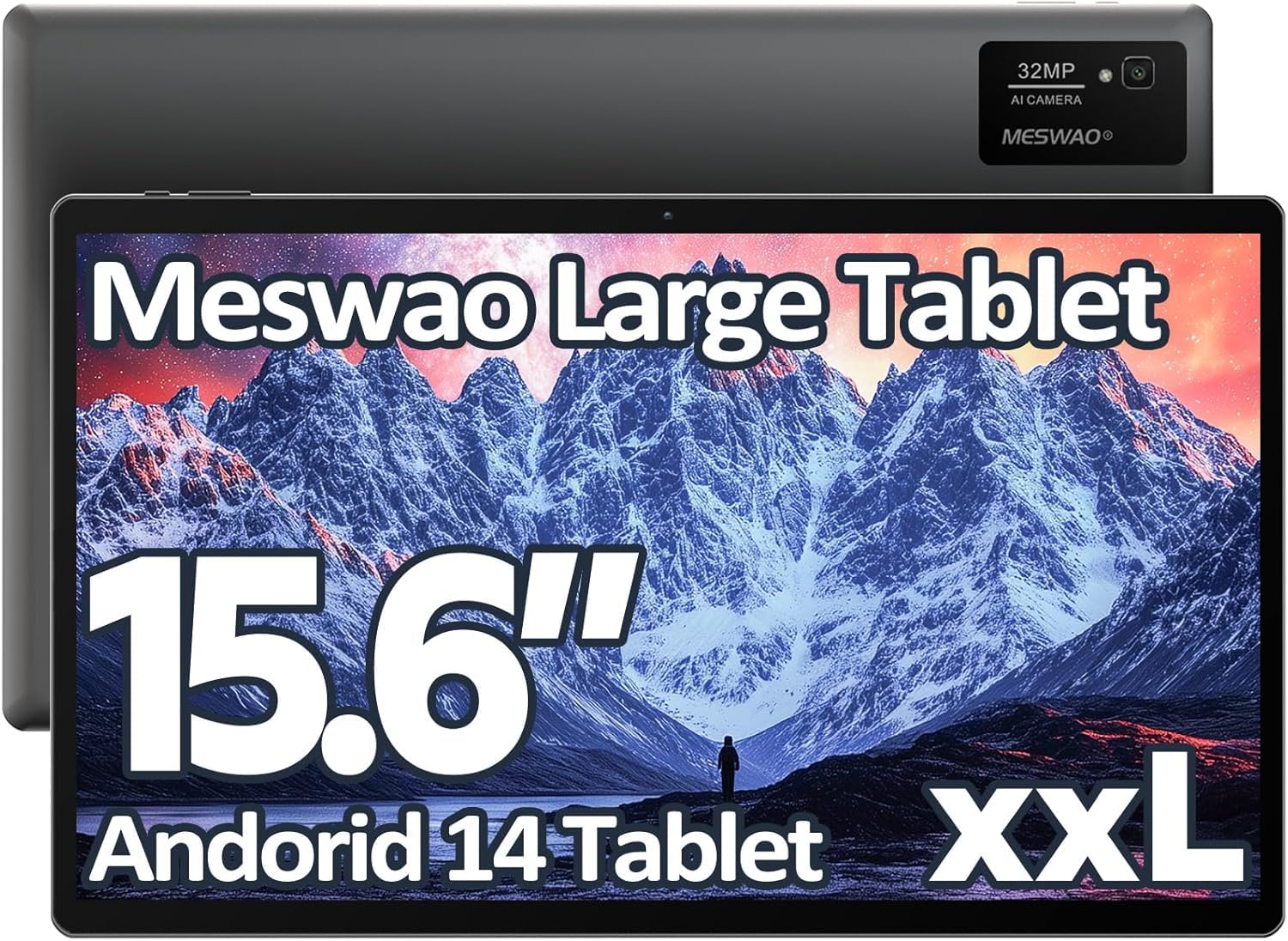
Image: The MESWAO 15.6-inch Android 14 Tablet, showcasinبفضل شاشته الكبيرة وتصميمه الأنيق.
2. الإعداد
2.1 فك الصندوق والفحص الأولي
أزل جميع المكونات من العبوة بعناية. تأكد من وجود جميع العناصر المذكورة في محتويات العبوة وأنها سليمة. في حال وجود أي عناصر مفقودة أو تالفة، يرجى الاتصال بخدمة العملاء فوراً.
2.2 شحن الجهاز اللوحي
Before first use, fully charge the tablet. Connect the provided USB-C cable to the tablet's charging port and the other end to the power adapter. Plug the power adapter into a wall outlet. The charging indicator will illuminate. A full charge typically takes approximately 3 hours with the 30W fast charging capability.
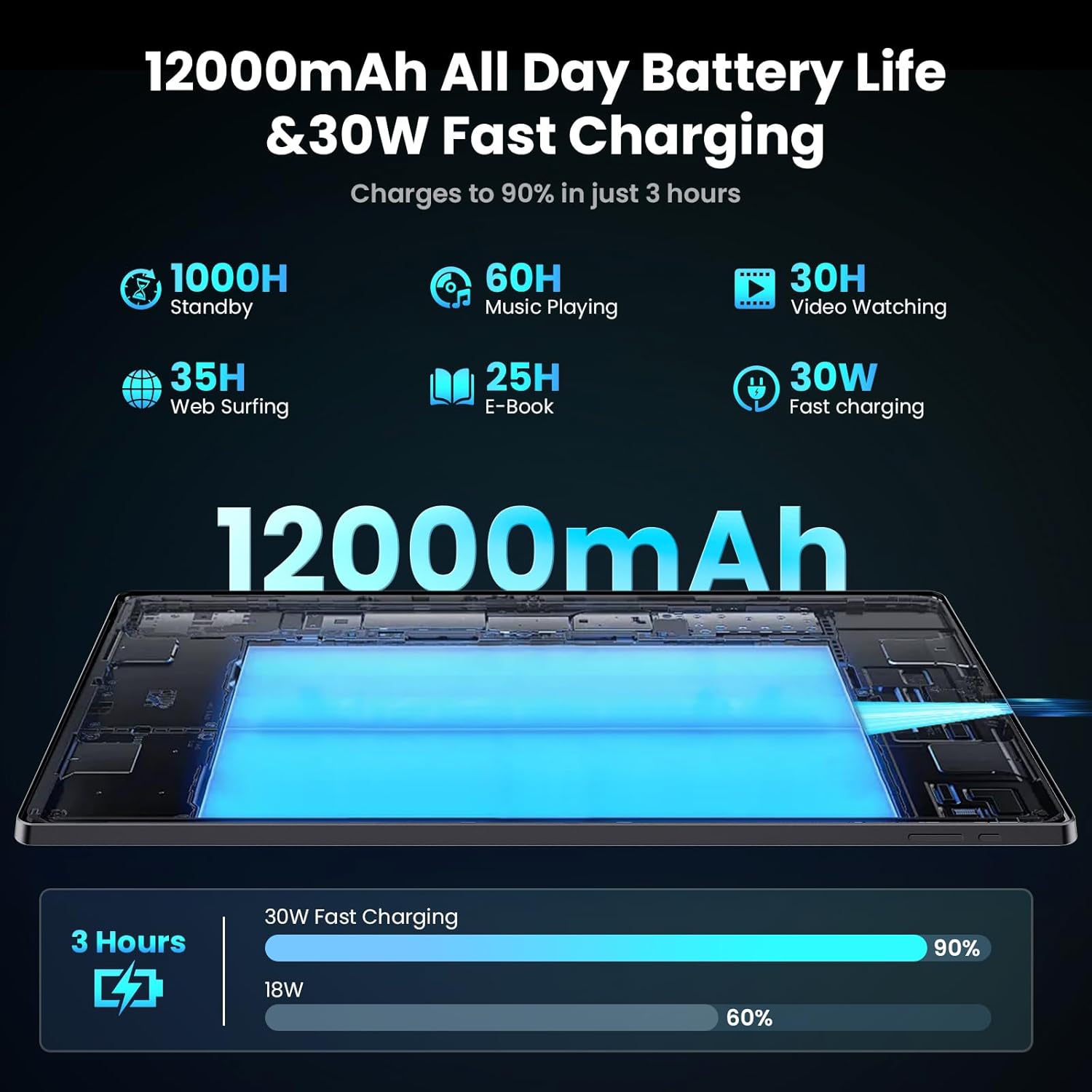
Image: Diagram illustrating the 12000mAh battery capacity and 30W fast charging feature, showing a charge to 90% in 3 hours.
2.3 التشغيل والتكوين الأولي
- اضغط مع الاستمرار على زر التشغيل حتى يظهر شعار MESWAO.
- اتبع التعليمات التي تظهر على الشاشة لتحديد اللغة والمنطقة والاتصال بشبكة Wi-Fi.
- قم بتسجيل الدخول باستخدام حسابك على جوجل أو أنشئ حسابًا جديدًا للوصول إلى متجر جوجل بلاي والخدمات الأخرى.
- Complete any remaining setup steps, such as setting up a screen lock (PIN, pattern, or password) and reviewإعدادات الخصوصية.
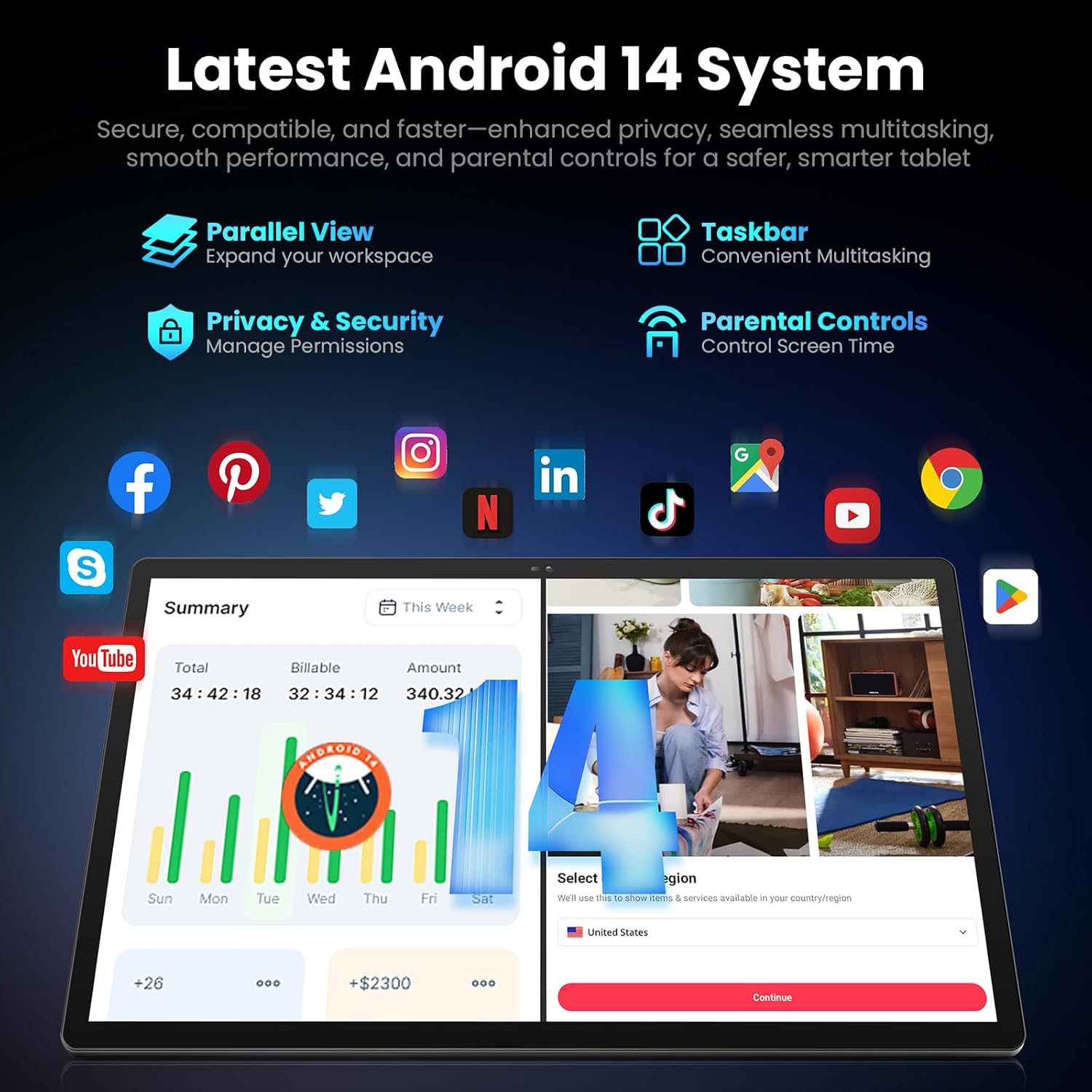
Image: Screenshot of the Android 14 system interface on the MESWAO tablet, highlighting features like Parallel View, Taskbar, Privacy & Security, and Parental Controls.
3. تعليمات التشغيل
3.1 الملاحة الأساسية
- إيماءات اللمس: اضغط لتحديد، واسحب للتمرير، واضغط للتكبير.
- الشاشة الرئيسية: الوصول إلى التطبيقات والأدوات والإشعارات.
- لوحة الإشعار: اسحب لأسفل من أعلى الشاشة إلى view الإشعارات والإعدادات السريعة.
- درج التطبيقات: مرر لأعلى من أسفل الشاشة للوصول إلى جميع التطبيقات المثبتة.
3.2 العرض والتجربة المرئية
The 15.6-inch Full HD (1920x1080) IPS display offers vivid colors and wide viewing angles. Adjust brightness and display settings in the Settings menu under "Display" for optimal viewing comfort. The large screen is ideal for multitasking and immersive media consumption.

Image: The MESWAO tablet displaying a high-definition image, emphasizing the 1920x1080P Full HD IPS display with eye protection features.
3.3 الأداء والتخزين
Equipped with an Octa-Core Helio G99 processor and Android 14, the tablet provides smooth performance for various applications. It includes 8GB RAM and 256GB internal storage, expandable up to 1TB via a TF (microSD) card. To insert a TF card, locate the card slot on the side of the tablet, open the tray, and carefully place the card into the designated slot before reinserting the tray.
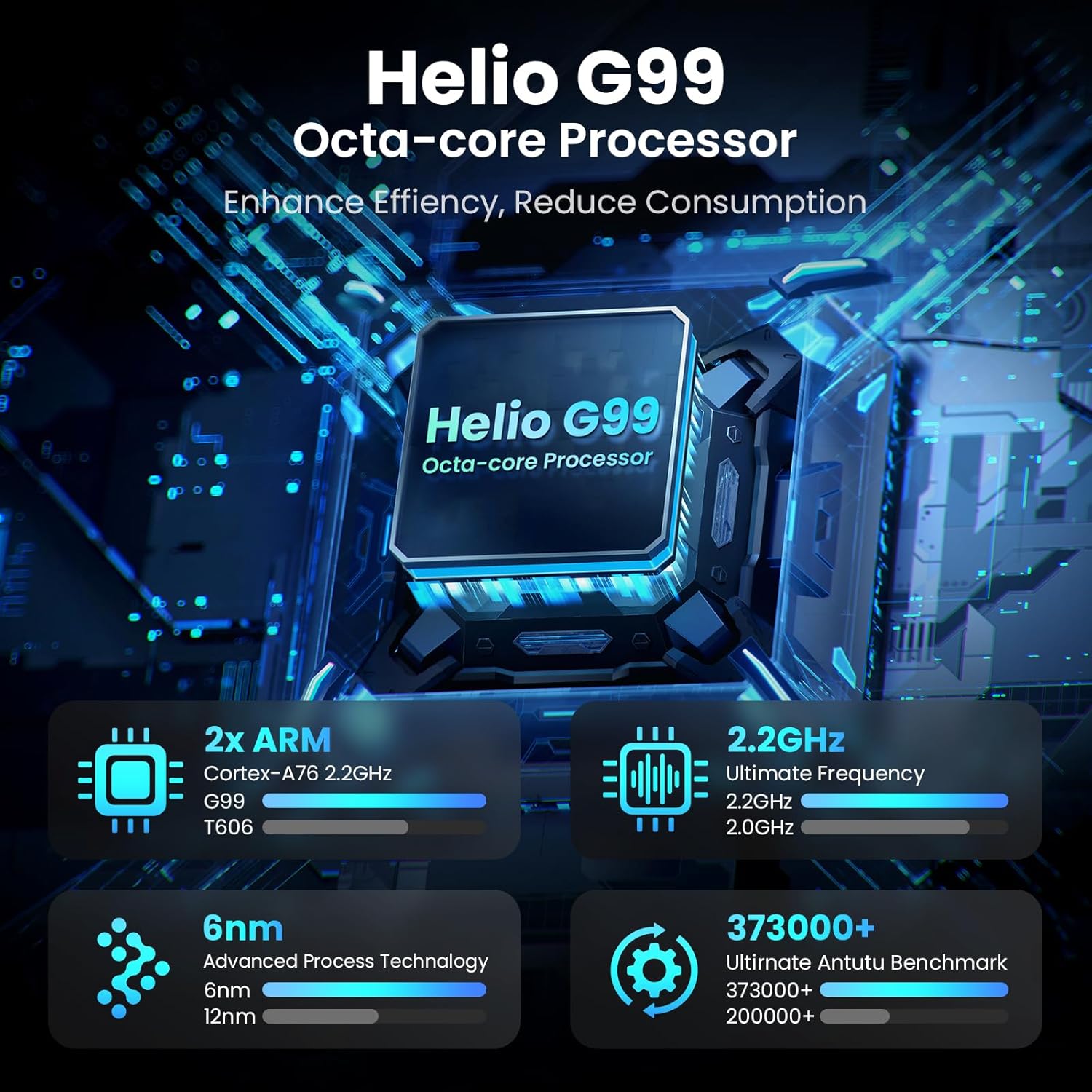
Image: Visual representation of the Helio G99 Octa-core Processor, detailing its architecture and performance metrics like 2.2GHz frequency and 6nm process technology.

Image: The MESWAO tablet screen showing multiple open applications and storage capacity details: 8GB RAM, 256GB ROM, and support for up to 1TB external storage.
3.4 استخدام الكاميرا
The tablet features a 32MP rear camera with flash and a 5MP front camera. Open the Camera application to capture photos, record videos, or engage in video calls. Ensure good lighting for best results.

Image: A visual demonstrating the MESWAO tablet's 5MP front camera and 32MP rear camera, showing a family photo being taken and a video call in progress.
3.5 الاتصال
The tablet supports dual-band Wi-Fi (2.4GHz & 5GHz) for stable internet connectivity. Bluetooth is also available for connecting wireless accessories. Access these settings via the Notification Panel or the main Settings app.
4. الصيانة
4.1 تنظيف الجهاز اللوحي
استخدم قطعة قماش ناعمة وخالية من الوبر لتنظيف شاشة وجسم الجهاز اللوحي. لإزالة البقع العنيدة، افركها برفق.ampبللي قطعة القماش بالماء أو بمحلول تنظيف آمن للشاشات. تجنبي استخدام المواد الكيميائية القاسية أو المواد الكاشطة.
4.2 تحديثات البرامج
تحقق بانتظام من وجود تحديثات للنظام وقم بتثبيتها لضمان حصول جهازك اللوحي على أحدث الميزات والتصحيحات الأمنية وتحسينات الأداء. انتقل إلى الإعدادات > النظام > تحديث النظام للتحقق من التحديثات.
4.3 العناية بالبطارية
- تجنب درجات الحرارة القصوى، لأنها قد تؤدي إلى تدهور عمر البطارية.
- لا تترك البطارية تنفد بالكامل بشكل متكرر.
- استخدم الشاحن المرفق فقط أو شاحنًا متوافقًا معتمدًا.
5. استكشاف الأخطاء وإصلاحها
5.1 الجهاز اللوحي لا يعمل
- تأكد من شحن جهازك اللوحي بشكل كافٍ. وصّله بالشاحن لمدة 30 دقيقة على الأقل قبل إعادة تشغيله.
- اضغط مع الاستمرار على زر الطاقة لمدة 10-15 ثانية لإجراء إعادة تشغيل قسرية.
5.2 مشاكل اتصال Wi-Fi
- Check if Wi-Fi is enabled in the Quick Settings or Settings menu.
- أعد تشغيل جهاز توجيه Wi-Fi والكمبيوتر اللوحي.
- قم بحذف الشبكة من إعدادات الواي فاي وأعد الاتصال بها.
- تأكد من أنك ضمن نطاق إشارة Wi-Fi.
5.3 الأداء البطيء
- أغلق التطبيقات الخلفية غير الضرورية.
- مسح بيانات ذاكرة التخزين المؤقت للتطبيقات المستخدمة بشكل متكرر (الإعدادات > التطبيقات > [اسم التطبيق] > التخزين والذاكرة المؤقتة > مسح الذاكرة المؤقتة).
- Ensure sufficient free storage space. Delete unused fileق أو تطبيقات.
- أعد تشغيل الجهاز اللوحي بشكل دوري.
5.4 الشاشة لا تستجيب
- قم بإعادة التشغيل القسري (اضغط باستمرار على زر الطاقة لمدة 10-15 ثانية).
- تأكد من أن الشاشة نظيفة وخالية من الرطوبة والحطام.
6. المواصفات
| ميزة | التفاصيل |
|---|---|
| اسم الموديل | ام اي اس-B3 |
| حجم العرض | 15.6 بوصة |
| أقصى دقة للشاشة | 1920 × 1080 بكسل (Full HD IPS) |
| نظام التشغيل | أندرويد 14 |
| المعالج | Octa-Core Helio G99 (up to 2.2 GHz) |
| كبش | 8 جيجا بايت |
| التخزين الداخلي (ROM) | 256 جيجا بايت |
| تخزين قابل للتوسيع | تصل سعتها إلى 1 تيرابايت (بطاقة TF) |
| سعة البطارية | 12000 مللي أمبير |
| الشحن | شحن سريع بقوة 30 واط |
| الكاميرا الخلفية | 32 ميجابكسل مع فلاش |
| الكاميرا الأمامية | 5 ميجا بكسل |
| الاتصال | Dual-band Wi-Fi (2.4GHz & 5GHz), Bluetooth |
| الأبعاد (الطول × العرض × الارتفاع) | 14.53 × 8.78 × 0.43 بوصة |
| وزن العنصر | 3.84 رطل |
7. الضمان والدعم
7.1 معلومات الضمان
MESWAO products are covered by a limited warranty. Please refer to the warranty card included in your product packaging for specific terms and conditions. Keep your proof of purchase for warranty claims.
7.2 دعم العملاء
For technical assistance, troubleshooting, or warranty inquiries, please contact MESWAO customer support. Contact information can typically be found on the official MESWAO webالموقع أو على بطاقة الضمان.
Online resources such as FAQs and support forums may also be available on the MESWAO webموقع.