
مقدمة
This manual provides essential information for setting up, operating, maintaining, and troubleshooting your HP 17.3" Touchscreen Laptop, model 17-cp3602nr. Please read this guide thoroughly to ensure proper use and to maximize the lifespan of your device.
محتويات الحزمة
تأكد من وجود جميع العناصر في العبوة:
- HP 17.3" Touchscreen Laptop (Model 17-cp3602nr)
- محول طاقة التيار المتردد وسلكه
- دليل البدء السريع (إذا كان متضمنًا)

Image: The HP 17.3" Touchscreen Laptop and its included power adapter.
يثبت
1. التشغيل الأولي والشحن
- Connect the AC power adapter to the laptop's AC smart pin port and then to a power outlet.
- افتح غطاء الكمبيوتر المحمول. قد يتم تشغيل الكمبيوتر المحمول تلقائيًا، أو قد تحتاج إلى الضغط على زر التشغيل الموجود على لوحة المفاتيح.
- Allow the battery to charge fully before initial use, though you can begin setup while charging.
2. إعداد Windows 11
Follow the on-screen instructions to complete the Windows 11 Home setup. This typically includes:
- تحديد منطقتك وتخطيط لوحة المفاتيح.
- الاتصال بشبكة Wi-Fi.
- تسجيل الدخول باستخدام حساب مايكروسوفت أو إنشاء حساب جديد.
- إعداد رقم تعريف شخصي أو كلمة مرور.
- ضبط إعدادات الخصوصية.
3. إعداد قارئ بصمات الأصابع
During or after Windows setup, you can configure the fingerprint reader for secure login. Navigate to الإعدادات > الحسابات > خيارات تسجيل الدخول and follow the prompts to add your fingerprint.

Image: Close-up of the backlit keyboard and the integrated fingerprint reader on the HP laptop.
تعليمات التشغيل
استخدام شاشة اللمس
The 17.3" HD+ (1600 x 900) display supports touch input. You can interact with Windows 11 and applications directly on the screen using gestures similar to a tablet or smartphone. Ensure your screen is clean for optimal touch responsiveness.
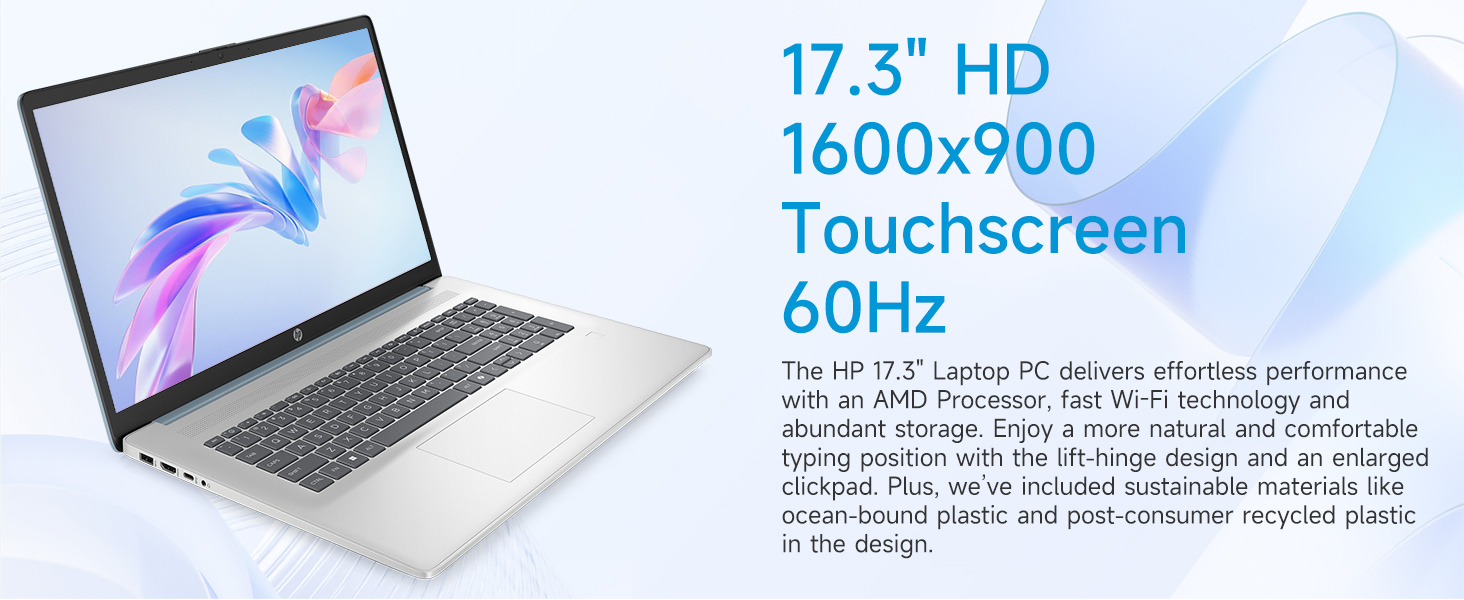
Image: The 17.3-inch touchscreen display of the HP laptop, illustrating its touch capabilities.
لوحة المفاتيح ولوحة اللمس
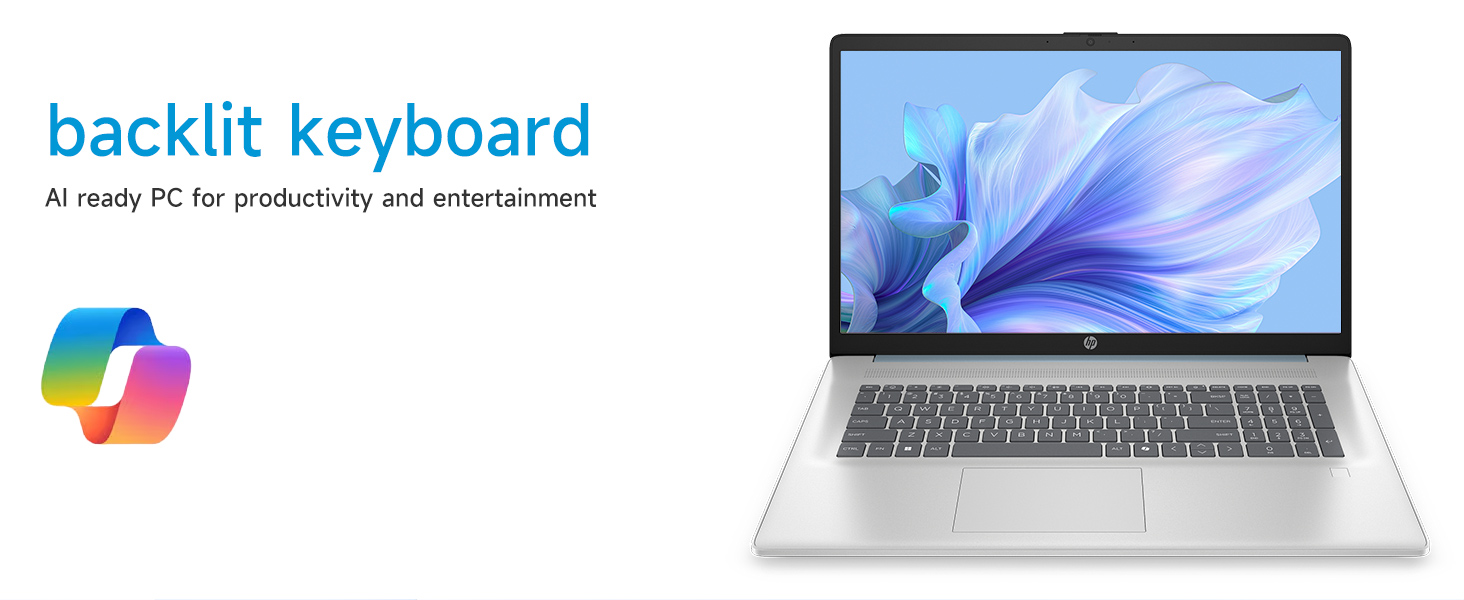
- لوحة مفاتيح ذات إضاءة خلفية: اضغط على فن + F5 (or similar function key with a keyboard backlight icon) to toggle the keyboard backlight on/off or adjust its brightness.
- المفاتيح العددية: Utilize the dedicated numeric keypad for efficient data entry.
- لوحة اللمس: The large click pad supports multi-touch gestures for navigation. Refer to Windows settings for customizing touchpad gestures.
Connecting External Devices (Ports)
يحتوي جهاز الكمبيوتر المحمول الخاص بك على منافذ متنوعة لتوصيل الأجهزة الطرفية:
- USB Type-C (معدل الإشارة 5 جيجابت في الثانية): لتوصيل أجهزة USB-C الحديثة.
- USB Type-A (معدل الإشارة 5 جيجابت في الثانية): Two ports for standard USB devices like mice, keyboards, or external drives.
- منفذ HDMI 1.4b: قم بالاتصال بشاشات خارجية أو أجهزة تلفزيون لعرض موسع.
- مقبس سماعة الرأس/الميكروفون المشترك: For audio input/output with a single jack.
- رمز الأمان الذكي AC: لتوصيل محول الطاقة.
الصورة: مفصلة view of the laptop's side ports, including USB-A, USB-C, HDMI, and audio jack.
اتصال Wi-Fi 6
The laptop supports Wi-Fi 6 (802.11ax) for fast and reliable wireless internet connectivity. To connect, click the Wi-Fi icon in the taskbar, select your network, and enter the password.
صيانة
تنظيف الكمبيوتر المحمول
- شاشة: استخدم قطعة قماش ناعمة وخالية من الوبر وامسحها برفق.ampاغسلها بالماء أو بمنظف الشاشة. تجنب المواد الكيميائية القاسية.
- لوحة المفاتيح والهيكل: استخدم قطعة قماش ناعمة وجافة. بالنسبة للأوساخ العنيدة، امسحها برفق.amp يمكن استخدام قطعة قماش لضمان عدم دخول أي سائل إلى الفتحات.
- الموانئ: Keep ports free of dust and debris using compressed air if necessary.
تحديثات البرامج
تحقق بانتظام من وجود تحديثات لنظام التشغيل Windows وقم بتثبيتها لضمان حصول نظامك على أحدث تصحيحات الأمان وتحسينات الأداء. انتقل إلى الإعدادات > تحديث Windows لإدارة التحديثات.
العناية بالبطارية
To prolong battery life, avoid extreme temperatures and fully discharging the battery frequently. For long-term storage, charge the battery to about 50%.
استكشاف الأخطاء وإصلاحها
يتناول هذا القسم المشكلات الشائعة التي قد تواجهها.
لا يعمل الكمبيوتر المحمول
- تأكد من توصيل محول التيار المتردد بشكل آمن بالكمبيوتر المحمول ومأخذ الطاقة العامل.
- تأكد من أن منفذ الطاقة يعمل عن طريق توصيل جهاز آخر.
- إذا تم استنزاف البطارية بالكامل، فقد يستغرق الأمر بضع دقائق من الشحن قبل أن يتمكن الكمبيوتر المحمول من التشغيل.
Screen Remains Blank
- تحقق مما إذا كان الكمبيوتر المحمول قيد التشغيل (ضوء مؤشر الطاقة).
- Try adjusting the screen brightness using the function keys (e.g., الجبهة الوطنية + F2 / F3).
- If an external monitor is connected, ensure it is properly configured in Windows display settings.
مشاكل الاتصال بشبكة Wi-Fi
- تأكد من تمكين Wi-Fi في إعدادات Windows.
- أعد تشغيل جهاز التوجيه والمودم.
- انسى الشبكة وأعد الاتصال بها، وأدخل كلمة المرور مرة أخرى.
- قم بتحديث برامج تشغيل Wi-Fi عبر إدارة الأجهزة.
System Restarts Unexpectedly
Unexpected restarts can be caused by software conflicts, outdated drivers, or hardware issues. Ensure all Windows updates are installed and drivers are current. If the issue persists, consider running Windows diagnostic tools or contacting HP Support.
تحديد
| ميزة | التفاصيل |
|---|---|
| ماركة | HP |
| اسم الموديل | 17-cp3602nr |
| حجم الشاشة | 17.3 بوصة |
| دقة العرض | HD+ (1600 × 900) |
| مميزات العرض | Touch, Anti-glare, 250 nits, 60% NTSC |
| المعالج | AMD Ryzen 5 7430U (6 أنوية، 12 خيطًا، حتى 4.3 جيجاهرتز) |
| الرسومات | رسومات AMD Radeon (متكاملة) |
| كبش | ذاكرة وصول عشوائي DDR4 SDRAM سعة 8 جيجابايت (3200 ميجاهرتز) |
| تخزين | قرص SSD PCIe NVMe M.2 بسعة 128 جيجابايت |
| نظام التشغيل | ويندوز 11 هوم |
| الموانئ | 1x USB Type-C 5Gbps, 2x USB Type-A 5Gbps, 1x HDMI 1.4b, 1x Headphone/Microphone Combo, 1x AC Smart Pin |
| الاتصال اللاسلكي | واي فاي 6 (802.11ax) |
| المميزات الخاصة | Backlit Keyboard, Fingerprint Reader, Numeric Keypad, Webكاميرا |
| الأبعاد (الطول × العرض × السماكة) | 15.78 بوصة طول × 10.15 بوصة عرض × 0.81 بوصة سمك |
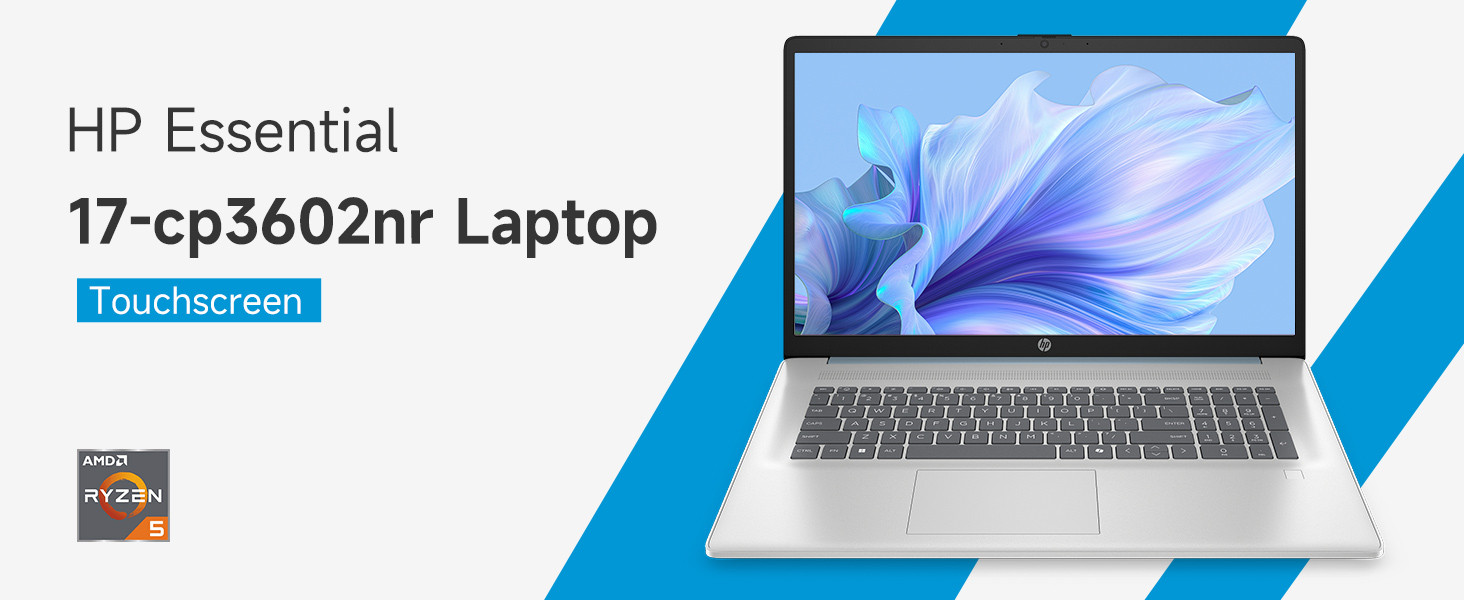
Image: An infographic highlighting key specifications such as the AMD Ryzen 5 processor, Windows 11 Home, storage, and connectivity options.
الضمان والدعم
ضمان الشركة المصنعة
Your HP laptop is covered by a standard manufacturer's warranty. For specific terms and conditions, please refer to the warranty documentation included with your product or visit the official HP support website. Warranty duration and coverage may vary by region.
الدعم الفني
للحصول على المساعدة التقنية، أو تنزيل برامج التشغيل، أو لمزيد من استكشاف الأخطاء وإصلاحها، يرجى زيارة موقع دعم HP الرسمي webموقع:
When contacting support, have your laptop's model number (17-cp3602nr) and serial number ready.