
Magcubic L018
Magcubic L018 Mini Portable Projector User Manual
الموديل: لنومك
العلامة التجارية: ماجكوبيك
مقدمة
Thank you for choosing the Magcubic L018 Mini Portable Projector. This device is designed to provide a high-quality home cinema experience with its advanced features and portable design. Please read this manual carefully to ensure proper setup and operation.
المميزات الرئيسية:
- دعم أصلي لدقة 1080P و4K: Enjoy crystal-clear images with native 1080p resolution and 4K decoding capabilities for a cinematic visual experience.
- 400 لومن ANSI: Bright and vivid projections suitable for various lighting conditions.
- نظام التشغيل أندرويد 14: Access a wide range of streaming apps and content directly from the projector.
- حامل قابل للدوران 180 درجة: Flexible projection angles, allowing you to project onto walls, ceilings, or screens with ease.
- واي فاي ثنائي النطاق 6 وبلوتوث 5.2: Ensures ultra-fast, stable wireless connectivity for streaming and audio.
- Auto Keystone Correction & Electric Focus: Automatically adjusts image shape and sharpness for a perfect picture every time.
- مكبر صوت مدمج: Integrated audio for an immersive experience.
ماذا يوجد في الصندوق
- Magcubic L018 Mini Portable Projector
- كابل الطاقة
- جهاز التحكم عن بعد
- دليل المستخدم
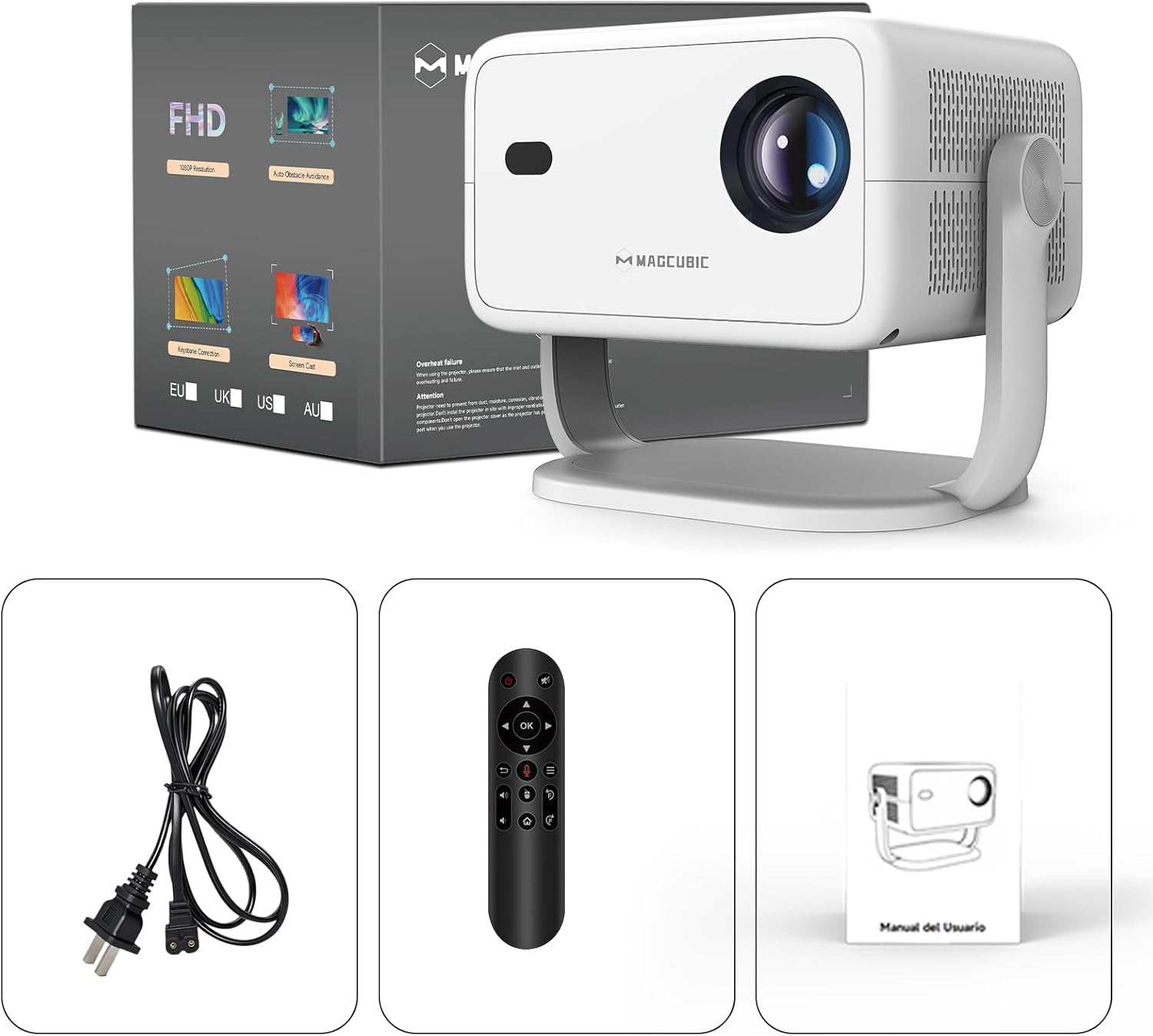
Image: The Magcubic L018 projector, power cable, remote control, and user manual are shown, illustrating the package contents.
يثبت
- توصيل الطاقة: Connect the provided power cable to the projector's power input and then to a power outlet.
- الموقع: Place the projector on a stable surface (floor mount or tabletop stand) or mount it as desired. The 180° rotatable stand allows for flexible positioning, including ceiling projection.
- تشغيل الطاقة: اضغط على زر الطاقة الموجود على جهاز العرض أو جهاز التحكم عن بعد لتشغيل الجهاز.
- التعديلات التلقائية: The projector features automatic keystone correction and electric focus. It will automatically adjust the image shape and sharpness. If needed, use the remote control for fine-tuning the focus.
- Initial Setup (Android OS): Follow the on-screen prompts to complete the initial setup, including language selection, Wi-Fi connection, and time zone settings.
- الاتصال:
- واي فاي: Connect to your home Wi-Fi network (2.4G or 5G) via the settings menu for internet access and streaming.
- بلوتوث: Pair Bluetooth devices like external speakers or headphones through the Bluetooth settings.
- HDMI: Connect external devices (e.g., laptop, game console) using an HDMI cable to the HDMI port.
- USB: أدخل محرك أقراص USB في منفذ USB لتشغيل الوسائط المحلية files.
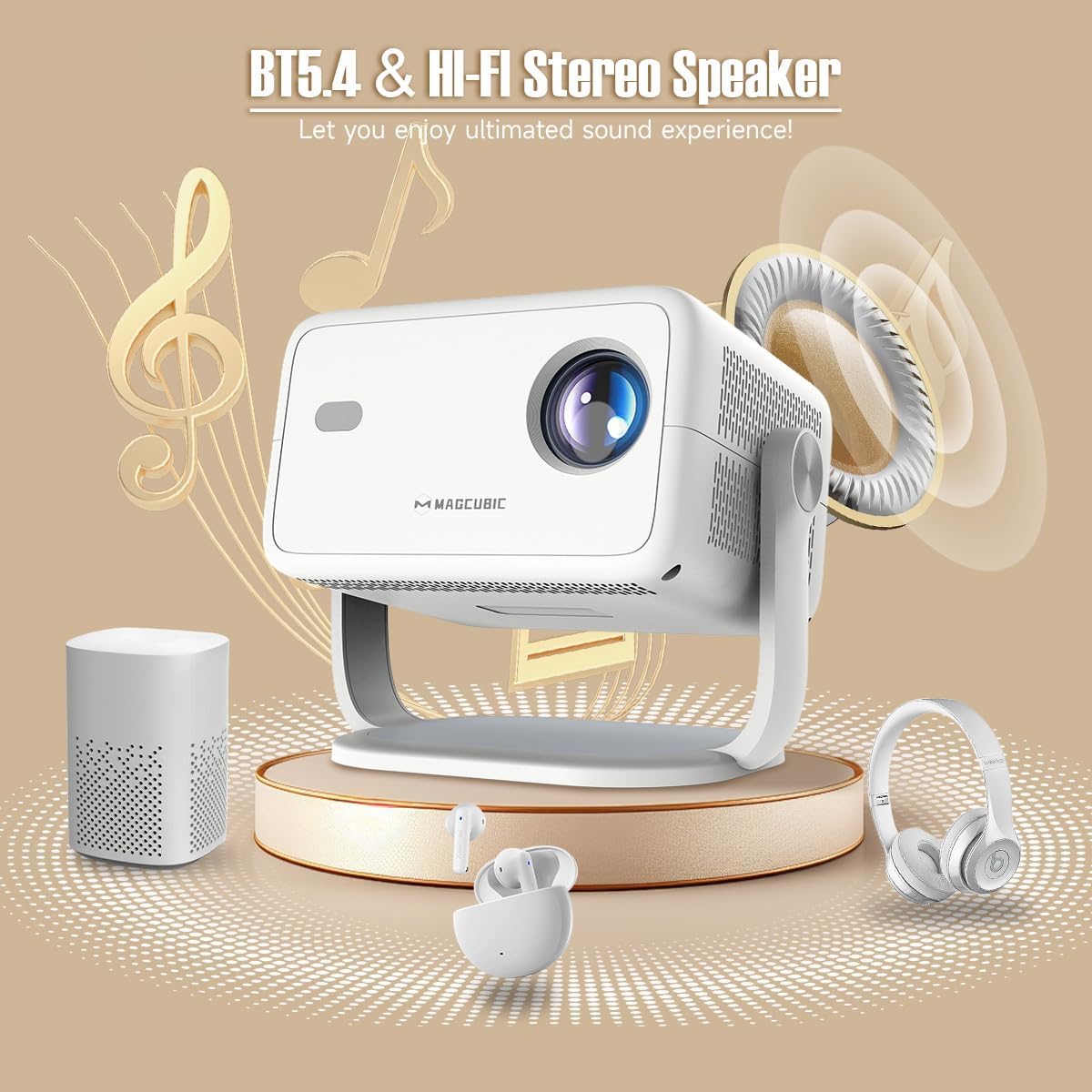
Image: The rear panel of the projector displays the HDMI, USB, and 3.5mm audio ports for connecting various devices.

Image: The projector is shown on a coffee table, projecting an image onto a wall, with on-screen indicators for auto keystone correction and auto focus.
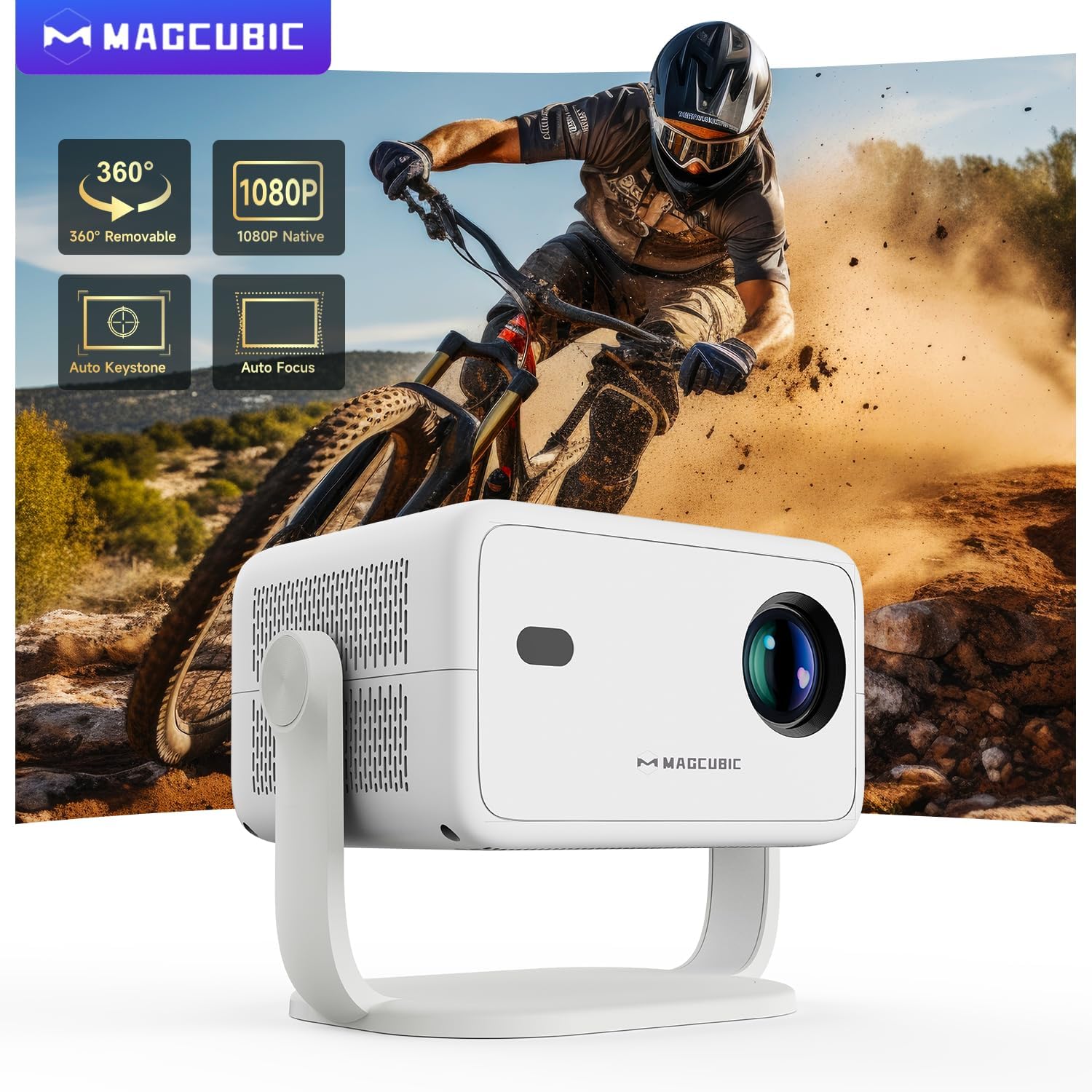
Image: The projector is shown rotating 180 degrees on its integrated stand, demonstrating its flexible projection capabilities.
تعليمات التشغيل
- ملاحة: Use the remote control to navigate the Android 14 OS interface. The remote supports both standard button navigation and an air mouse function for easier control.
- الوصول إلى التطبيق: From the home screen, select your desired streaming apps (e.g., Netflix, YouTube, Prime Video) or browse the app store to download more.
- شاشة النسخ المتطابق: Use the built-in screen mirroring function (compatible with Android and iOS devices) to project content from your smartphone or tablet wirelessly.
- تشغيل الوسائط: Play videos, photos, or music from connected USB drives or HDMI sources.
- مخرج الصوت: The projector has a built-in speaker. For enhanced audio, connect external Bluetooth speakers or headphones.
- إعدادات الصورة: Adjust brightness, contrast, color, and sharpness through the projector's settings menu to optimize your viewتجربة رائعة.
Video: This video demonstrates the features of the Mini Projector HY350Max Black, including its design, performance, auto-focus, auto-keystone, wireless mirroring, and audio capabilities.
Video: This video showcases the Portable Projector with 4K support and 180° rotatable stand, highlighting its versatility and ease of use for various projection scenarios.
Video: This video presents the Android 11 L018 projector, demonstrating its native 1080P resolution, 650 ANSI lumens, and 4K capabilities.
Video: This video highlights the WiMiUS P61 Pro Portable Projector with Official Netflix support, showcasing its smart features and entertainment options.
Video: This video features the Magcubic HY310 Portable Projector, demonstrating its compact design and projection capabilities.
صيانة
- تنظيف العدسة: امسح عدسة جهاز العرض برفق بقطعة قماش ناعمة وخالية من الوبر. لا تستخدم منظفات أو مذيبات كاشطة.
- تهوية: تأكد من أن فتحات التهوية في جهاز العرض خالية من العوائق لمنع ارتفاع درجة الحرارة.
- تخزين: عند عدم الاستخدام، قم بتخزين جهاز العرض في مكان بارد وجاف، بعيدًا عن أشعة الشمس المباشرة ودرجات الحرارة القصوى.
- حماية الغبار: Use a dust cover when the projector is not in use for extended periods.
استكشاف الأخطاء وإصلاحها
| مشكلة | السبب المحتمل | حل |
|---|---|---|
| لم يتم عرض أي صورة | Power cable disconnected, projector off, input source not selected. | Check power connection, turn on projector, select correct input source (HDMI, USB, Screen Mirroring). |
| الصورة ضبابية | صورة غير واضحة، مسافة إسقاط غير صحيحة. | Use the remote control to adjust electric focus. Ensure the projector is within the recommended projection distance (1.05m - 4m). |
| الصورة مشوهة (شكل شبه منحرف) | جهاز العرض ليس عموديًا على الشاشة. | The projector has auto keystone correction. If manual adjustment is needed, check settings. |
| لا يوجد صوت | Volume too low, external speaker not connected/paired, incorrect audio output selected. | Increase volume. Check Bluetooth connection for external speakers. Ensure internal speaker is selected or correct audio output is chosen. |
| مشاكل اتصال Wi-Fi | كلمة مرور غير صحيحة، خارج نطاق التغطية، مشاكل في جهاز التوجيه. | Verify Wi-Fi password. Move projector closer to the router. Restart router. |
تحديد
- ماركة:
- ماجكوبيك
- اسم الموديل:
- ل018
- الاستخدامات الموصى بها:
- الصفحة الرئيسية سينما
- المميزات الخاصة:
- Automatic screen alignment, Built-in speaker, Digital keystone correction, Auto focus, Wi-Fi enabled
- تقنية الاتصال:
- HDMI، USB، واي فاي
- دقة الشاشة:
- 1920 × 1080 (أصلي)
- الحد الأقصى لدقة العرض:
- 3840 × 2160 (يدعم 4K)
- نوع العرض:
- قاد
- عامل الشكل:
- محمول
- نوع التركيب:
- Floor mount, Tabletop stand
- سطوع:
- 400 lm (ANSI)
- لون:
- أبيض
- واتtage:
- 80 واط
- Control Unit Type:
- Voice control, Remote control
- الأجهزة المتوافقة:
- Television (and other HDMI/USB devices)
- نسبة التباين:
- 10000 : 1
- أقصى مسافة الإسقاط:
- 4 مترا
- الحد الأدنى لمسافة الإسقاط:
- 1.05 مترا
- واجهة الأجهزة:
- 3.5mm Audio, Bluetooth 5, HDMI, USB 2.0
- ترميز الفيديو:
- H.264 أو H.265
- وزن السلعة:
- 1.3 كيلوغرام
- بلد المنشأ:
- الصين
الضمان والدعم
Your Magcubic L018 Mini Portable Projector comes with a ضمان المنتج لمدة 2 عامًانحن ملتزمون بتقديم خدمة عملاء ممتازة.
- تم التحقق من الشفافية: Each item has a unique code verified before shipment.
- إمكانية الإرجاع أو الاستبدال خلال 30 يومًا: لراحة بالك.
- الدعم الفني مدى الحياة: Our professional support team is available to assist you.
- 24/7 Service Professional: دعم متخصص لأي استفسارات أو مشاكل.
For further assistance, please refer to the contact information provided with your purchase or visit the official Magcubic support webموقع.
المستندات ذات الصلة - ل018
 |
دليل مستخدم جهاز العرض المحمول Magcubic L018 - الإعداد والميزات والخصائص دليل المستخدم الشامل لجهاز العرض المحمول Magcubic L018. تعرّف على الإعداد، ومحتويات العبوة، ووظائف جهاز التحكم عن بُعد، والتنقل بين الإعدادات، ونصائح استكشاف الأخطاء وإصلاحها، وتعليمات السلامة. |
 |
دليل التثبيت السريع لجهاز العرض الذكي Magcubic HY450 دليل موجز لتثبيت وإعداد جهاز العرض الذكي Magcubic HY450، يغطي احتياطات السلامة ووظائف التحكم عن بعد وإعدادات النظام وعكس الشاشة لاسلكيًا ومعلومات الدعم. |
 |
دليل مستخدم جهاز العرض Magcubic L018 دليل مستخدم شامل لجهاز العرض Magcubic L018، والذي يغطي تعليمات السلامة ومحتويات العبوة، وأكثر من ذلكview، الإعداد، والتشغيل، والإعدادات، واستكشاف الأخطاء وإصلاحها، والمعلومات التنظيمية. |
 |
دليل مستخدم جهاز العرض الذكي Magcubic HY300 توفر هذه الوثيقة دليل مستخدم شامل لجهاز العرض الذكي Magcubic HY300، ويغطي الإعداد والميزات وتعليمات السلامة واستكشاف الأخطاء وإصلاحها. |
 |
Magcubic HY350 3D LED LCD Projector Overview المواصفات الفنية وأكثرview of the Magcubic HY350 3D LED LCD projector, featuring 1080p resolution, Android TV, and wireless connectivity. |
 |
دليل المستخدم ودليل استخدام جهاز العرض الذكي Magcubic HY350 Pro دليل مستخدم شامل لجهاز العرض الذكي Magcubic HY350 Pro، يغطي الإعداد والميزات والإعدادات وتعليمات السلامة واستكشاف الأخطاء وإصلاحها. يتميز بنظام Android 11، ودعم دقة 4K، وتقنية Wi-Fi 6، والتحكم الصوتي. |
Ask a question about this manual
Ask about setup, troubleshooting, compatibility, parts, safety, or missing instructions. Manuals+ will review the question and use this page’s manual context to help answer it.