
مقدمة
Thank you for choosing the Salange 2026 Mini Projector. This portable smart projector is designed to deliver a high-quality visual experience with its 4K support, Android 14 operating system, and advanced connectivity features like WiFi 6 and Bluetooth 5.4. This manual provides essential information for safe and efficient use of your device. Please read it thoroughly before operation and retain it for future reference.
معلومات السلامة
- لا تنظر مباشرة إلى عدسة جهاز العرض عندما يكون الضوءamp هو على.
- تأكد من التهوية المناسبة حول جهاز العرض لمنع ارتفاع درجة الحرارة.
- استخدم فقط محول الطاقة المرفق مع جهاز العرض.
- أبقِ جهاز العرض بعيدًا عن الماء والرطوبة والمواد القابلة للاشتعال.
- تجنب وضع جهاز العرض على الأسطح غير المستقرة.
- لا تحاول تفكيك جهاز العرض أو إصلاحه بنفسك. اتصل بفنيي الصيانة المؤهلين.
يثبت
1. فك الصندوق والتركيب الأولي
Carefully remove the projector and all accessories from the packaging. Place the projector on a stable, flat surface. For optimal viewing, position the projector perpendicular to the projection surface. The projector features a 270° rotatable design for flexible placement.
2. توصيل الطاقة
Connect the power cord to the projector's power input port and then plug it into a power outlet. The projector will typically power on automatically or can be turned on using the power button on the device or remote control.

الصورة: الخلفية view of the Salange 2026 Mini Projector with power, HDMI, and USB ports.
3. ضبط التركيز وتصحيح الانحراف
The Salange 2026 Mini Projector supports manual focus adjustment. Rotate the focus ring on the projector to achieve a sharp image. It also features automatic vertical keystone correction (±45°) to eliminate image distortion, ensuring a rectangular picture even when the projector is not perfectly aligned. For more precise adjustments, 4-point correction may be available in the settings.

Image: Automatic vertical keystone correction and manual focus adjustment.
4. اتصال الشبكة (واي فاي 6)
Navigate to the settings menu on the projector. Select 'Network' or 'Wi-Fi' and choose your desired network from the list. Enter the password if prompted. The projector supports dual-band (2.4 GHz + 5 GHz) Wi-Fi 6 for stable and fast connections.
5. اقتران بلوتوث
To connect Bluetooth audio devices, go to the settings menu and select 'Bluetooth'. Turn on Bluetooth and search for available devices. Select your device from the list to pair. This allows for wireless audio output to speakers or headphones.
تعليمات التشغيل
1. تشغيل/إيقاف التشغيل
Press the power button on the projector or the remote control to turn the device on or off. A short press typically puts the projector into standby mode, while a long press performs a full shutdown.
2. التنقل في واجهة نظام أندرويد 14
The projector runs on Android 14.0, providing access to a wide range of applications. Use the remote control to navigate through the home screen, app drawer, and settings. The interface is similar to a smart TV, allowing for intuitive use.
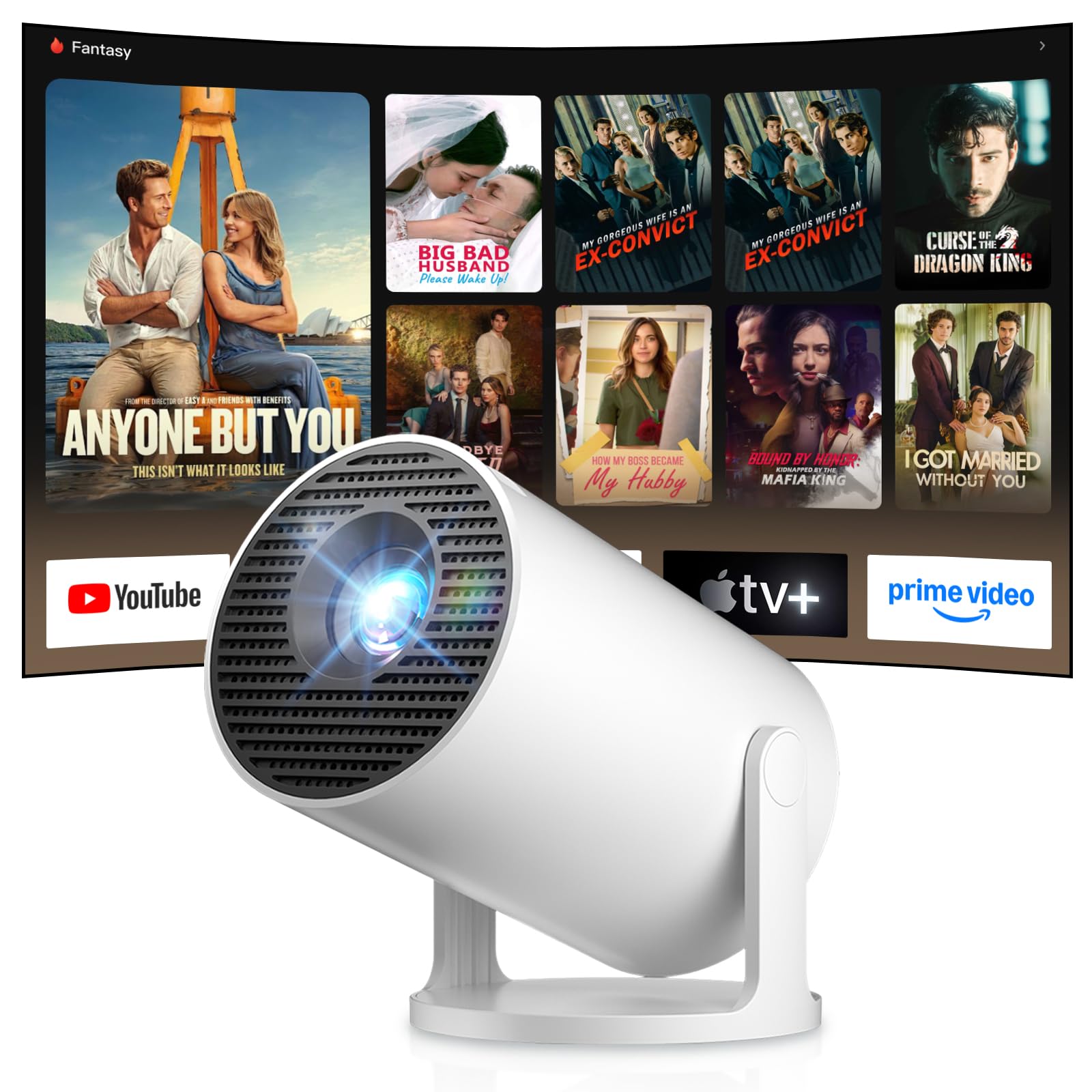
Image: Android TV 14.0 interface with streaming applications.
3. تثبيت التطبيق
With Android 14, you can install over 8,000 applications directly onto the projector. Access the app store (e.g., Google Play Store) from the home screen, search for desired apps (video players, games, office software), and install them.
4. عكس الشاشة (iOS/Android)
The projector supports screen mirroring for both iOS and Android devices. Ensure your mobile device and the projector are connected to the same Wi-Fi network. On your mobile device, activate the screen mirroring function (e.g., AirPlay for iOS, Cast for Android) and select the projector from the list of available devices.

Image: Wireless casting from mobile devices to the projector.
5. Connecting External Devices (HDMI, USB)
Use the HDMI port to connect devices such as laptops, game consoles (PS5, Switch), or TV sticks. Use the USB port to connect USB drives for media playback or other peripherals. Select the appropriate input source from the projector's input menu.
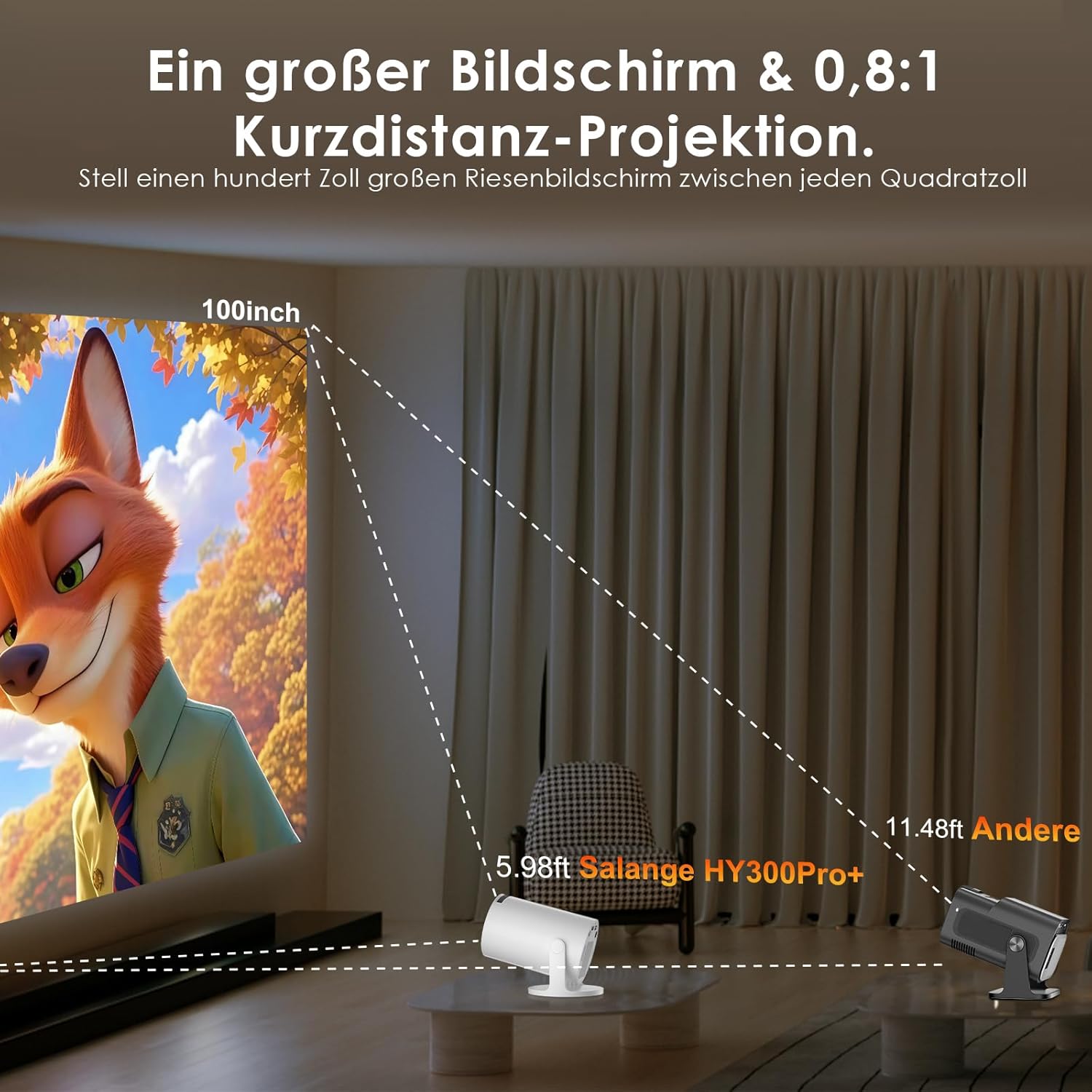
Image: Connectivity options for HDMI, Audio, and USB devices.
6. مخرج الصوت
The projector has built-in speakers. For enhanced audio, connect external speakers or headphones via Bluetooth or the 3.5mm audio jack.
صيانة
1. تنظيف العدسة
Use a soft, lint-free cloth specifically designed for optical lenses to gently wipe the projector lens. Avoid using abrasive cleaners or excessive pressure, which can scratch the lens.
2. تنظيف الجزء الخارجي
امسح الجزء الخارجي من جهاز العرض بقطعة قماش ناعمة وجافة. لإزالة الأوساخ المستعصية، استخدم منظفًا خفيفًا.amp يمكن استخدام قطعة قماش، ثم قطعة قماش جافة. تجنب استخدام المواد الكيميائية القاسية أو المذيبات.
3. التخزين
عند عدم استخدام جهاز العرض لفترات طويلة، يُرجى تخزينه في مكان بارد وجاف وخالٍ من الغبار. استخدم العبوة الأصلية أو حافظة واقية لمنع التلف.
استكشاف الأخطاء وإصلاحها
- لا يوجد طاقة: تأكد من توصيل سلك الطاقة بإحكام بجهاز العرض ومقبس الطاقة. جرّب مقبسًا آخر.
- لا توجد صورة: Check if the projector is powered on. Verify the input source is correctly selected (e.g., HDMI 1, USB). Ensure the lens cap is removed.
- صورة غير واضحة: Adjust the manual focus ring until the image is sharp. Check if the projector is too close or too far from the screen.
- تشوه الصورة (شبه منحرف): The projector has automatic keystone correction. If manual adjustment is needed, check the display settings for keystone correction options.
- لا يوجد صوت: Check the volume level on both the projector and the connected source device. Ensure external audio devices are correctly connected and selected as the output.
- مشاكل الاتصال بشبكة الواي فاي/البلوتوث: Ensure the projector is within range of your router or Bluetooth device. Restart the projector and your network devices. Re-pair Bluetooth devices.
- جهاز التحكم عن بعد لا يستجيب: تحقق من بطاريات جهاز التحكم عن بعد. تأكد من عدم وجود أي عوائق بين جهاز التحكم عن بعد وجهاز استقبال الأشعة تحت الحمراء الخاص بجهاز العرض.
مواصفات المنتج
| ميزة | مواصفة |
|---|---|
| الشركة المصنعة | سالانج |
| ASIN | B0G43FF84L |
| بلد المنشأ | الصين |
| الاستخدامات الموصى بها | الأعمال، السينما المنزلية، الألعاب، التعليم |
| المميزات الخاصة | Wi-Fi Compatible, Digital Keystone Correction, Lightweight, Portable |
| تكنولوجيا الاتصال | بلوتوث، HDMI، USB، واي فاي |
| دقة العرض الأصلية | 1280 × 720 بكسل |
| الحد الأقصى لدقة العرض | 3840 x 2160 pixels (4K supported) |
| نوع العرض | شاشة الكريستال السائل |
| أبعاد المنتج (الطول × العرض × الارتفاع) | 10.1 × 10.1 × 17 سم |
| عامل الشكل | محمول |
| نوع التركيب | حامل الطاولة |
| سطوع | 8000 لومن |
| لون | أبيض |
| الأجهزة المتوافقة | Game Console, Speaker, Laptop, Smartphone, Television |
| نسبة التباين | 1500:1 |
| الحد الأقصى لحجم الصورة | 150 بوصة |
| الحد الأدنى لحجم الصورة | 30 بوصة |
| ترميز الفيديو | ح.265 |
| تقنية تحسين الصورة | النطاق الديناميكي العالي |
| محتويات الصندوق | 1 Projector, 1 Power Cord, 1 Remote Control, 1 User Manual |
معلومات الضمان
The Salange 2026 Mini Projector comes with a standard manufacturer's warranty. Please refer to the warranty card included in your product packaging for specific terms, conditions, and duration. Keep your proof of purchase for warranty claims.
دعم العملاء
For technical assistance, troubleshooting, or any questions regarding your Salange 2026 Mini Projector, please contact Salange customer support. Contact details can typically be found on the official Salange website or in the warranty information provided with your product.