
Introduction to Your IC-7300 Guide
This guide serves as an independent reference resource designed to assist users of the ICOM IC-7300 HF/50 MHz transceiver. It provides comprehensive, hands-on instructions for operating this groundbreaking software-defined radio (SDR) transceiver. Whether you are new to high-frequency (HF) radio operation or an experienced amateur radio operator, this manual aims to clarify complex features and enhance your operating skills.
The ICOM IC-7300 introduced advanced SDR architecture, making features like real-time spectral displays, precision digital filters, and firmware updates accessible to everyday operators. This guide is structured to make the transition to advanced operation effortless, offering practical, friendly, and clear explanations with real-world exampليز.
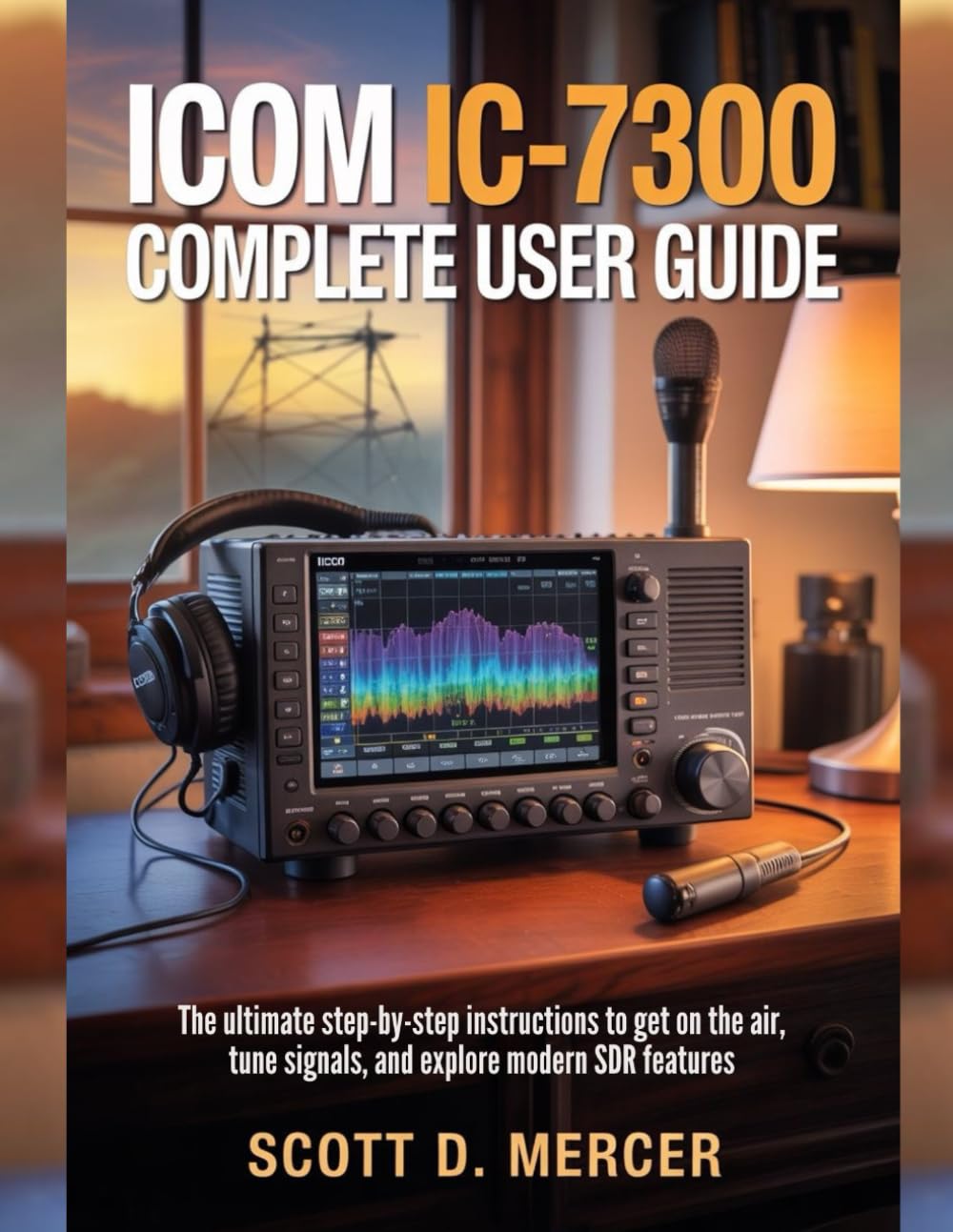
Image: Front cover of the ICOM IC-7300 Complete User Guide book. This image displays the book's cover, featuring the ICOM IC-7300 radio on a desk, indicating the subject matter of the guide.
1. الإعداد الأولي والتوصيلات
Proper setup is crucial for safe and efficient operation of your IC-7300 transceiver. This section details the necessary steps for connecting power, antennas, and ensuring proper grounding.
1.1 توصيلات الطاقة
Connect the transceiver to a stable DC power supply capable of providing the required voltage and current. Ensure correct polarity to prevent damage.
1.2 توصيلات الهوائي
Attach your HF/50 MHz antenna to the appropriate connector on the rear panel. Use high-quality coaxial cable and ensure all connections are secure.
1.3 التأريض
Establish a robust station ground to minimize RF interference and ensure operator safety. Connect the transceiver's ground terminal to your station's common ground point.
2. Operating Your IC-7300
This section covers the fundamental aspects of operating your IC-7300, including tuning, transmitting, and utilizing its software-defined radio capabilities.
2.1 التشغيل الأساسي
- تشغيل الطاقة: Press the power button to turn on the transceiver.
- ضبط التردد: Use the main dial to select your desired operating frequency.
- اختيار الوضع: Select the appropriate operating mode (e.g., USB, LSB, CW, AM, FM) using the dedicated buttons or touchscreen.
- ضبط مستوى الصوت: Adjust the audio output level for comfortable listening.
2.2 SDR Architecture and Digital Modes
The IC-7300's SDR architecture allows for advanced signal processing. Learn to decode digital modes such as FT8 and PSK31, often requiring only a single USB cable for setup and control (CAT/CI-V).
2.3 Display and Filtering
Utilize the 4.3-inch color touchscreen to navigate menus, view the waterfall display for spectral analysis, and adjust DSP filtering for optimal signal reception.
3. الصيانة واستكشاف الأخطاء وإصلاحها
Regular maintenance and knowing how to troubleshoot common issues will ensure the longevity and reliable performance of your IC-7300.
3.1 الصيانة الروتينية
- تنظيف: Keep the transceiver clean, especially the display and ventilation openings. Use a soft, dry cloth.
- تحديثات البرامج الثابتة: Periodically check for and install the latest firmware updates from ICOM to ensure optimal performance and access to new features.
- SD Card Backup: Regularly back up your settings and memories to an SD card. This is crucial for recovery in case of data loss or when performing major updates.
3.2 استكشاف الأخطاء وإصلاحها للمشكلات الشائعة
راجع الجدول التالي للاطلاع على المشكلات الشائعة وحلولها المحتملة:
| مشكلة | السبب المحتمل | حل |
|---|---|---|
| لا يوجد طاقة | Loose power cable, power supply off, blown fuse. | Check connections, verify power supply, inspect fuse. |
| لا يوجد إخراج صوتي | Volume too low, speaker/headphone issue, squelch too high. | Adjust volume, check speaker/headphones, lower squelch level. |
| استقبال ضعيف | Antenna issue, incorrect mode, high noise level. | Check antenna connections, select correct mode, adjust DSP filters. |
4. السلامة والامتثال
Adhering to safety guidelines and regulatory compliance is paramount for legal and efficient amateur radio operation.
4.1 الامتثال لهيئة الاتصالات الفيدرالية
Ensure all operations comply with your local amateur radio regulations, such as those set by the FCC in the United States. This includes proper licensing and adherence to power limits and band plans.
4.2 General Safety Practices
- التعرض للترددات اللاسلكية: Maintain safe distances from antennas during transmission to avoid excessive RF exposure.
- السلامة الكهربائية: Always disconnect power before working on internal components or making significant wiring changes.
- تركيب الهوائي: Install antennas securely and away from power lines.
5. Field Operation and Advanced Techniques
The IC-7300 is well-suited for portable operations and offers advanced features for experienced users.
5.1 Portable Operations (SOTA, Field Day)
Tips for setting up and operating your IC-7300 in portable environments, such as Summits On The Air (SOTA) or Field Day events. Consider battery power solutions and portable antenna systems.
5.2 Exploring Advanced SDR Features
Delve deeper into the capabilities of the IC-7300's SDR, including advanced DSP settings, custom filter configurations, and integration with external software for enhanced control and analysis.
6. Specifications of This Guide Book
This section provides details regarding the physical and publication specifications of the ICOM IC-7300 Complete User Guide book, which this manual is based upon.
- ASIN: B0G2X41QMD
- الناشر: نُشرت بشكل مستقل
- تاريخ النشر: 18 نوفمبر 2025
- لغة: إنجليزي
- طول الطباعة: 207 صفحة
- رقم ISBN-13: 979-8275088212
- وزن السلعة: 1.09 رطل
- أبعاد: 8.5 × 0.47 × 11 بوصة
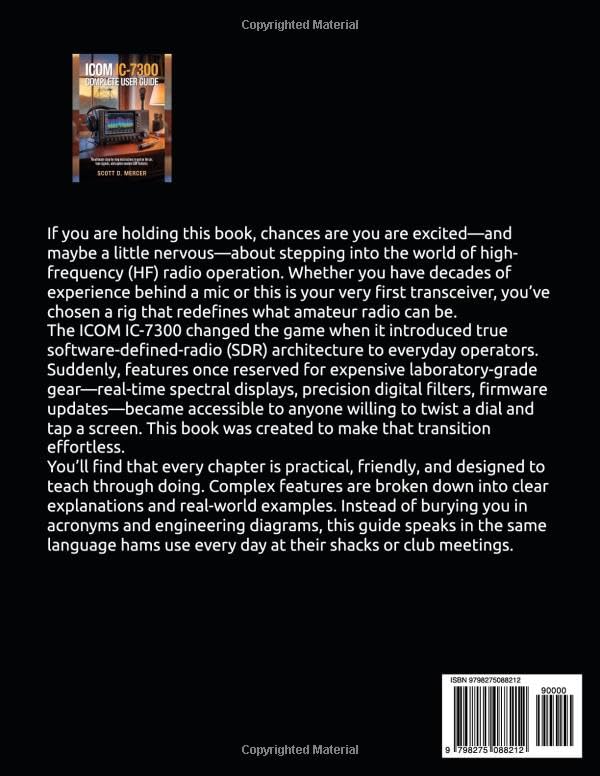
Image: Back cover of the ICOM IC-7300 Complete User Guide book. This image displays the rear of the book, featuring additional descriptive text and the ISBN barcode.
7. الضمان والدعم
This user guide is an independent publication and is not affiliated with, authorized by, sponsored by, or endorsed by Icom Incorporated. For warranty information, technical support, or service related to your ICOM IC-7300 transceiver, please refer to the official documentation provided by Icom Incorporated or visit their official website. This guide does not provide warranty services or direct product support for the transceiver itself.