
1. المقدمة
This manual provides essential information for setting up, operating, maintaining, and troubleshooting your HP Pavilion 16-inch 2K Laptop. Please read this guide thoroughly to ensure optimal performance and longevity of your device.
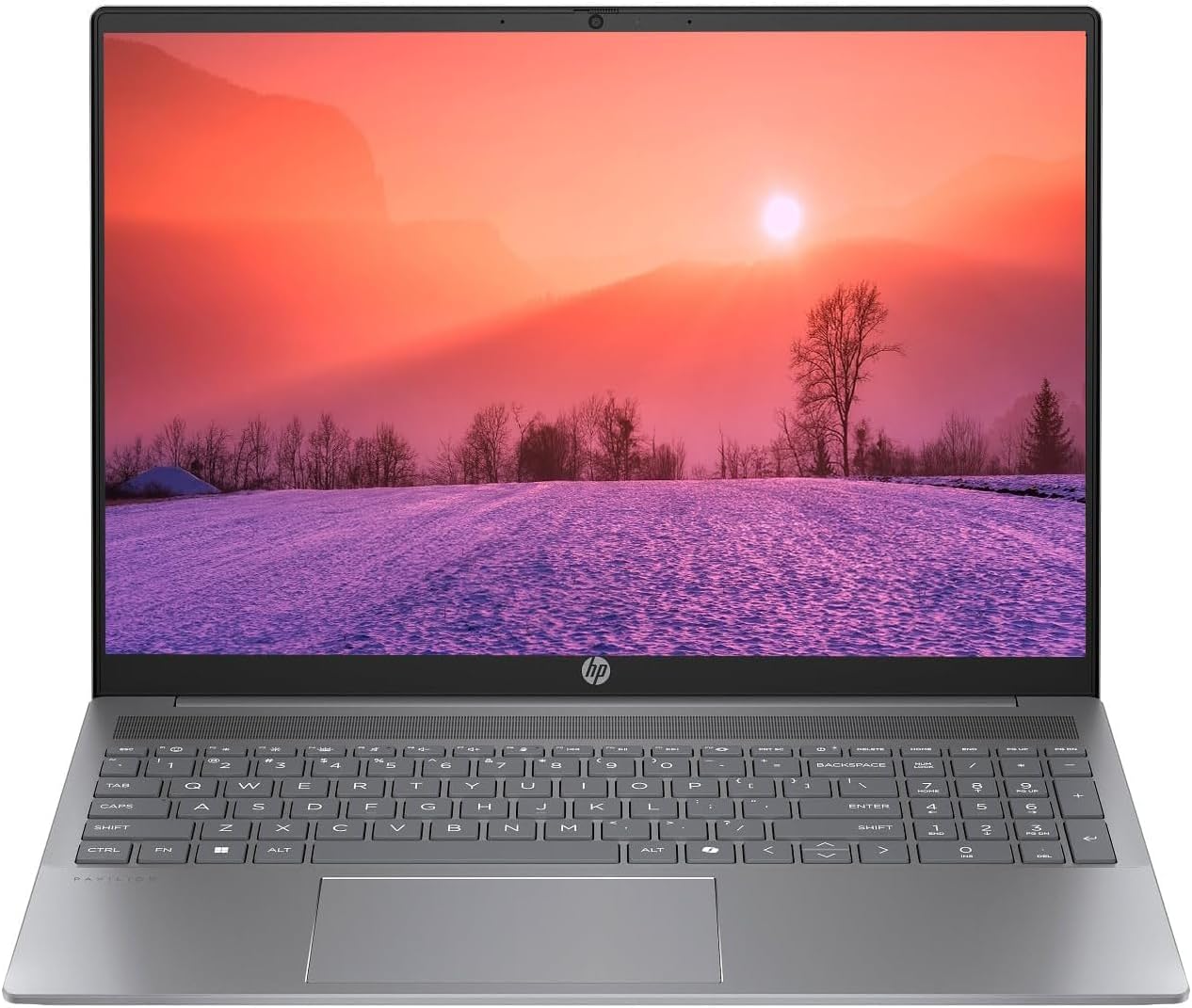
Figure 1.1: HP Pavilion 16-inch Laptop (Angled View)
This image displays the HP Pavilion 16-inch laptop in an open, angled position, highlighting its display and keyboard layout.
2. الإعداد
2.1 فك العبوة والفحص الأولي
Carefully remove the laptop and all accessories from the packaging. Inspect for any signs of damage. If any components are missing or damaged, contact your retailer or HP support immediately.
2.2 توصيل الطاقة
- قم بتوصيل محول التيار المتردد بموصل الطاقة الموجود على جانب جهاز الكمبيوتر المحمول الخاص بك.
- قم بتوصيل سلك الطاقة بالمأخذ الكهربائي.
- Allow the laptop to charge for at least 30 minutes before initial use, especially if the battery is completely drained.
2.3 بدء التشغيل الأولي وإعداد نظام التشغيل Windows 11
Press the power button to turn on your laptop. Follow the on-screen instructions to complete the Windows 11 Home OS setup, including language selection, network connection, and user account creation.
2.4 توصيل الأجهزة الطرفية
يحتوي جهاز الكمبيوتر المحمول الخاص بك على منافذ متعددة لتوصيل الأجهزة الخارجية:
- USB Type-C Ports (2): For data transfer, charging compatible devices, and video output.
- USB Type-A Ports (2): لتوصيل أجهزة USB القياسية مثل الفئران أو لوحات المفاتيح أو محركات الأقراص الخارجية.
- منفذ HDMI (1): للاتصال بالشاشات أو أجهزة العرض الخارجية.
- Headphone/Microphone Combo Jack (1): لتوصيل سماعات الرأس أو مكبرات الصوت الخارجية أو سماعة الرأس المزودة بميكروفون.
3. تعليمات التشغيل
3.1 تشغيل/إيقاف التشغيل ووضع السكون
- تشغيل الطاقة: اضغط على زر الطاقة الموجود على لوحة المفاتيح.
- اغلق: انقر فوق زر البدء في نظام التشغيل Windows، ثم حدد الطاقة > إيقاف التشغيل.
- وضع السكون: أغلق غطاء الكمبيوتر المحمول أو انقر فوق زر البدء، ثم حدد الطاقة > وضع السكون.
3.2 استخدام لوحة المفاتيح ولوحة اللمس
The laptop features a full-size keyboard and a precision touchpad.
- لوحة مفاتيح ذات إضاءة خلفية: To activate or adjust the keyboard backlight, use the dedicated function key (usually F5 or F4, look for a keyboard icon).
- إيماءات لوحة اللمس: Refer to Windows 11 settings for customizable touchpad gestures (e.g., two-finger scroll, pinch-to-zoom).
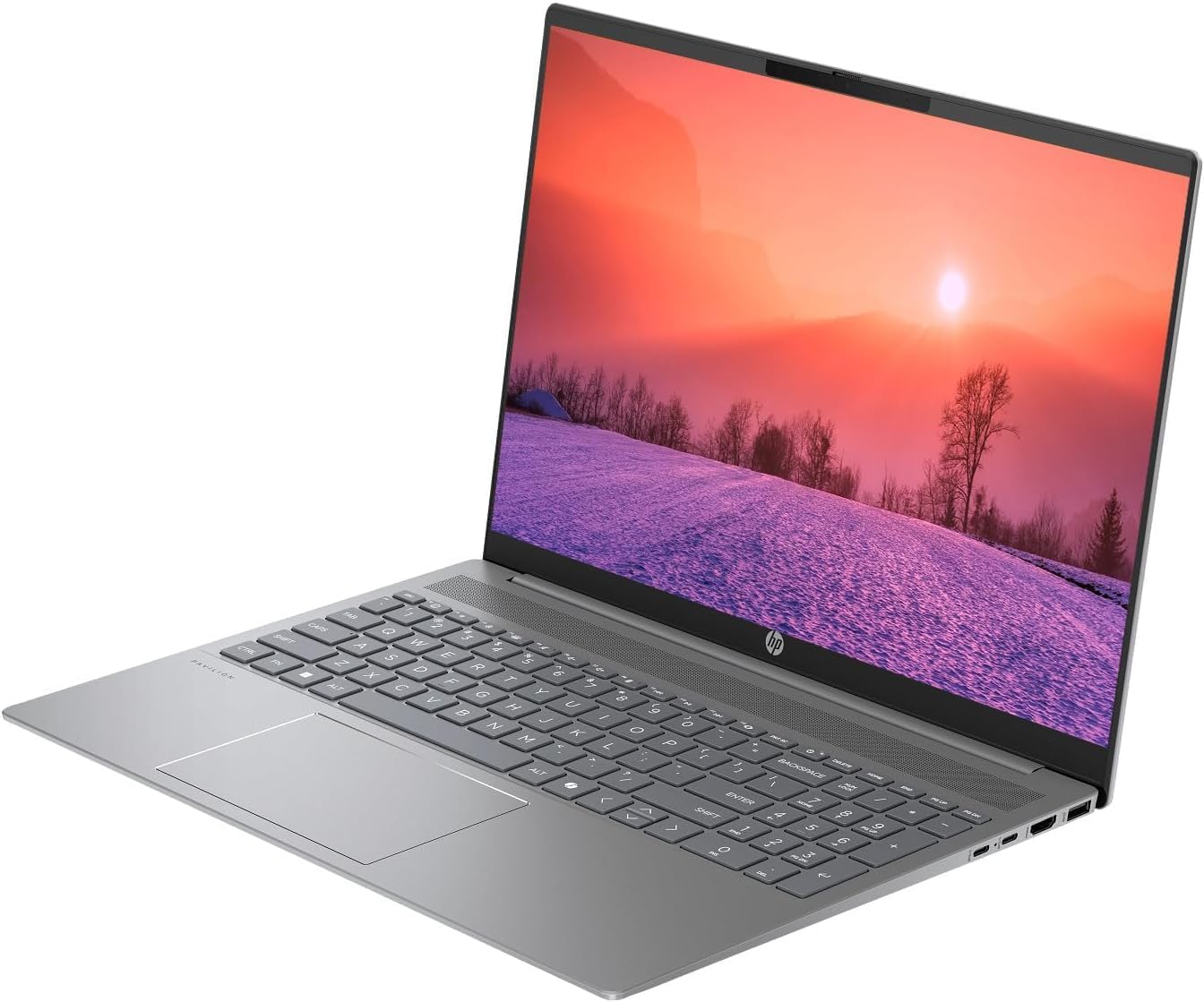
Figure 3.1: HP Pavilion 16-inch Laptop (Front View)
This image shows the HP Pavilion 16-inch laptop from a direct front view, highlighting the screen and keyboard.
3.3 الاتصال اللاسلكي
- واي فاي 6: للاتصال بشبكة لاسلكية، انقر فوق أيقونة Wi-Fi في شريط المهام، وحدد شبكتك، وأدخل كلمة المرور.
- بلوتوث: To pair Bluetooth devices, go to Windows Settings > Bluetooth & devices, and turn on Bluetooth.
3.4 باستخدام ملف Webكاميرا
الدقة العالية المدمجة webcam can be used for video calls and conferences. Access it through applications like Camera, Microsoft Teams, or Zoom.
4. الصيانة
4.1 تنظيف الكمبيوتر المحمول
- استخدم قطعة قماش ناعمة وخالية من الوبر وامسحها برفق.ampاغسلها بالماء أو بمنظف الشاشة.
- لتنظيف لوحة المفاتيح والهيكل، استخدم قطعة قماش ناعمة. تجنب المواد الكيميائية القاسية.
- استخدم الهواء المضغوط لتنظيف الغبار من فتحات التهوية بشكل دوري.
4.2 العناية بالبطارية
- تجنب تفريغ البطارية بالكامل بشكل متكرر.
- قم بتخزين الكمبيوتر المحمول في مكان بارد وجاف إذا لم تستخدمه لفترات طويلة.
- للحفاظ على صحة البطارية المثلى، تجنب الشحن المستمر بنسبة 100% لفترات طويلة.
4.3 تحديثات البرامج
Regularly check for and install Windows updates to ensure system stability, security, and performance. Go to Windows Settings > Windows Update.
4.4 إدارة التخزين
قم بتنظيف الأشياء غير الضرورية بشكل دوري files and applications to maintain optimal performance of the 512GB SSD. Use Windows built-in tools like Disk Cleanup or Storage Sense.
5. استكشاف الأخطاء وإصلاحها
This section addresses common issues you might encounter with your HP Pavilion laptop.
5.1 الكمبيوتر المحمول لا يعمل
- تأكد من توصيل محول التيار المتردد بشكل آمن بالكمبيوتر المحمول ومأخذ الطاقة العامل.
- تأكد من أن منفذ الطاقة يعمل عن طريق توصيل جهاز آخر.
- إذا كانت البطارية فارغة تمامًا، اتركها تشحن لمدة 30 دقيقة على الأقل قبل محاولة تشغيلها.
5.2 مشاكل الاتصال بشبكة Wi-Fi
- تحقق مما إذا كان تم تمكين Wi-Fi في إعدادات Windows.
- أعد تشغيل جهاز التوجيه والمودم.
- تأكد من أنك ضمن نطاق شبكة Wi-Fi.
- حاول نسيان الشبكة وإعادة الاتصال بها.
5.3 Keyboard Backlight Not Working
- Press the dedicated keyboard backlight function key (e.g., F5 or F4) to toggle or adjust the brightness.
- Check Windows Mobility Center settings (search for it in the Start menu) for backlight options.
5.4 الأداء البطيء
- أغلق التطبيقات غير الضرورية التي تعمل في الخلفية.
- تأكد من تحديث نظام التشغيل ويندوز.
- قم بتشغيل برنامج تنظيف القرص وتحقق من وجود برامج ضارة.
- Verify that the laptop is not overheating.
6. المواصفات
| ميزة | مواصفة |
|---|---|
| اسم الموديل | HP 16" Laptop |
| المعالج | AMD Ryzen 5 8540U (Up to 4.89GHz) |
| كبش | 8 جيجابايت LPDDR5 |
| تخزين | 512 جيجابايت SSD |
| عرض | 16-inch WUXGA 2K (1920 x 1200 pixels) LED |
| الرسومات | AMD Radeon Graphics (Dedicated) |
| نظام التشغيل | Windows 11 Home OS |
| الموانئ | 2x USB Type-C, 2x USB Type-A, 1x HDMI, 1x Headphone/Microphone Combo Jack |
| الاتصال اللاسلكي | واي فاي 6 (802.11ax)، بلوتوث |
| لوحة المفاتيح | مضاءة من الخلف |
| Webكاميرا | نعم |
| الأبعاد (الطول × العرض × السماكة) | 14.17 بوصة × 9.2 بوصة × 0.7 بوصة |
| بطارية | Lithium Ion, 4 Watt Hours |
| رمز المنتج الموحد | 197961359091 |
7. الضمان والدعم
7.1 معلومات الضمان
This HP Pavilion laptop comes with a الضمان 30-يوم. Please retain your proof of purchase for any warranty claims. The warranty covers manufacturing defects under normal use conditions.
7.2 دعم العملاء
للحصول على مزيد من المساعدة أو الدعم الفني أو الاستفسارات المتعلقة بالضمان، يرجى زيارة موقع دعم HP الرسمي website or contact their customer service. You can typically find contact information and support resources by searching for "HP Support" online.