
مقدمة
This manual provides detailed instructions for the setup, operation, and maintenance of your Oilsky M305 MP3 Player. Please read this manual thoroughly before using the device to ensure optimal performance and longevity.

الصورة: أكثر منview of the Oilsky M305 MP3 Player's key features.
1. دليل الإعداد
1.1 فك الصندوق ومحتويات العبوة
Carefully unpack your Oilsky M305 MP3 Player and verify all components are present.

Image: Contents of the Oilsky M305 MP3 Player box.
يجب أن تحتوي العبوة على:
- 1x Oilsky M305 Music Player
- 1x 128GB TF Card (pre-installed or separate)
- 1x USB Cable (for charging and data transfer)
- سماعة أذن سلكية واحدة
- غشاء واقٍ واحد
- 1 × حافظة حماية
- 1 × دليل المستخدم
1.2 شحن الجهاز
Before first use, fully charge the device. Connect the provided USB cable to the player's charging port and to a USB power adapter (not included) or a computer's USB port. The charging indicator will show the charging status.
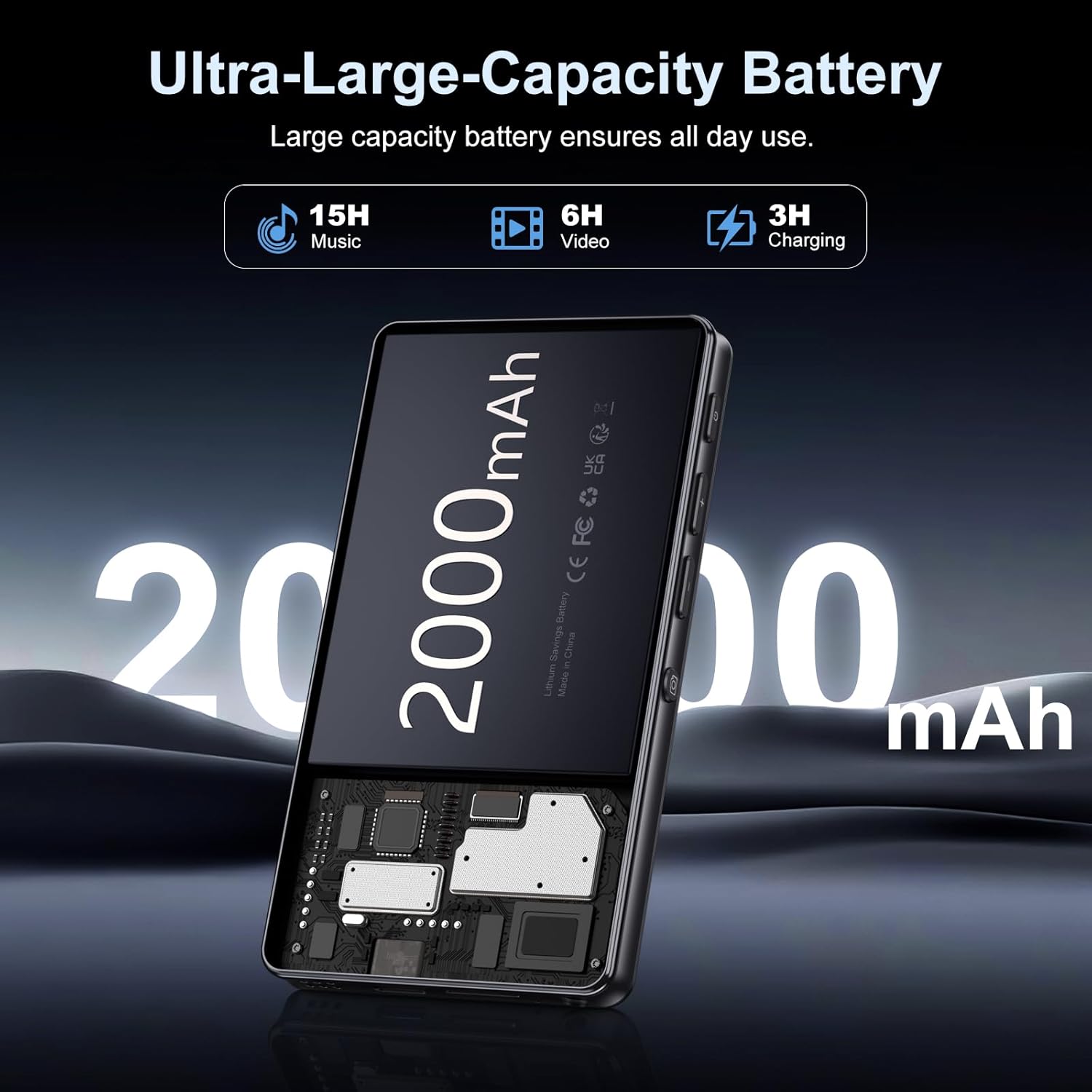
Image: Illustration of the 2000mAh battery and its charging/usage capabilities.
The 2000mAh battery provides approximately 15 hours of music playback and 6 hours of video playback on a full charge, which takes about 3 hours.
1.3 تشغيل/إيقاف التشغيل
- لتشغيل: اضغط مع الاستمرار على زر الطاقة الموجود على جانب الجهاز حتى تضيء الشاشة.
- لإيقاف التشغيل: Press and hold the power button, then select 'Power Off' from the options that appear on the screen.
1.4 الإعداد الأولي
عند تشغيل الجهاز لأول مرة، اتبع الإرشادات التي تظهر على الشاشة لـ:
- اختر اللغة المفضلة لديك.
- Connect to a Wi-Fi network for internet access and app downloads.
- حدد التاريخ والوقت.
2. تعليمات التشغيل
2.1 Basic Navigation (Touchscreen)
The Oilsky M305 features a 4.02-inch HD touchscreen for intuitive control. Use gestures similar to a smartphone:
- مقبض: لتحديد عنصر أو فتح تطبيق.
- انتقاد: للتنقل بين القوائم أو التبديل بين الشاشات.
- الضغط للتكبير: In supported applications like image galleries.

Image: The 4.02-inch HD touchscreen in use, displaying video content.
2.2 تشغيل الموسيقى
The device supports various music formats including MP3, WAV, APE, FLAC, and AAC. You can play music through the built-in speaker or connected headphones/Bluetooth devices.

Image: Music playback interface showing supported audio formats.
- Accessing Music: Open the pre-installed music player app or any downloaded streaming service (e.g., Spotify, Audible).
- إنشاء قوائم التشغيل: Use the music player app to organize your songs into custom playlists.
- التعادل: Adjust audio settings via the built-in equalizer for a personalized listening experience.

Image: Features for music management, including playlist creation and equalizer settings.
2.3 تشغيل الفيديو
The device supports various video formats including AVI, MKV, MP4, MPG, and MOV. Videos can be viewed on the 4.02-inch HD screen.

Image: Supported video and music formats for the device.
2.4 استخدام الكاميرا
The M305 is equipped with a 13MP rear camera and a 5MP front camera for capturing photos and videos.
- التقاط الصور: افتح تطبيق الكاميرا، وقم بتحديد إطار اللقطة، ثم اضغط على زر الغالق.
- تسجيل مقاطع الفيديو: Switch to video mode in the Camera app and tap the record button to start/stop.

Image: Illustration of the 5MP front and 13MP rear cameras.
2.5 Connectivity (Bluetooth & Wi-Fi)
The device features dual-band Wi-Fi for fast internet access and Bluetooth 5.0 for stable wireless connections.
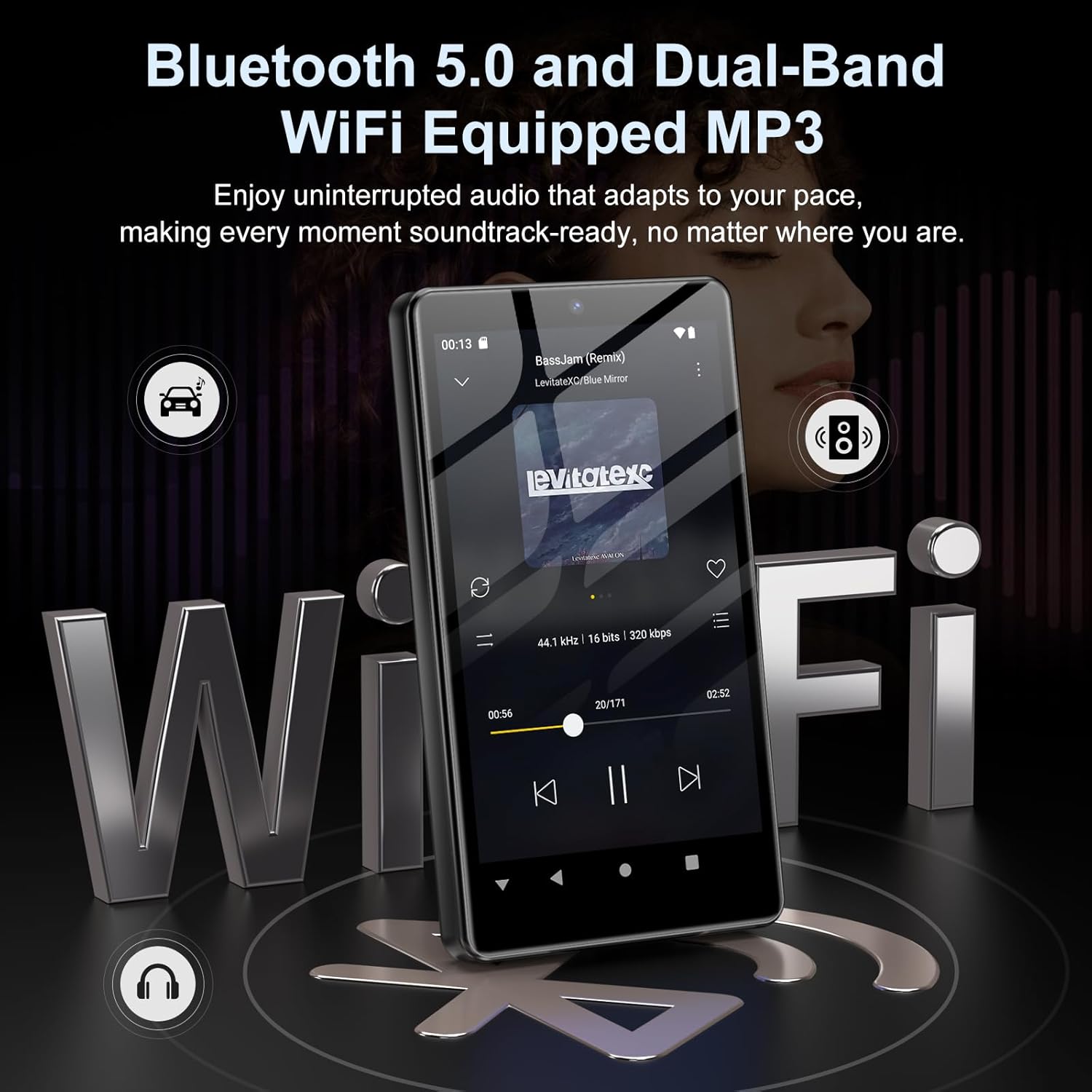
Image: Visual representation of Bluetooth and Wi-Fi connectivity.
- واي فاي: انتقل إلى الإعدادات > الشبكة والإنترنت > Wi-Fi للاتصال بالشبكات المتاحة.
- بلوتوث: Go to Settings > Connected devices > Bluetooth to pair with headphones, speakers, or other Bluetooth-enabled devices.
2.6 إدارة التخزين
The M305 comes with 32GB of internal ROM and includes a 128GB TF card, supporting external storage expansion up to 1TB.

Image: Storage capacity details including internal ROM and TF card expansion.
- Viewing Storage: Navigate to Settings > Storage to see internal and external storage usage.
- نقل Files: Connect the device to a computer using the USB cable to transfer music, videos, and photos.
2.7 App Installation (Google Play Store)
Running on Android 13.0, the device allows you to install and uninstall applications from the Google Play Store.
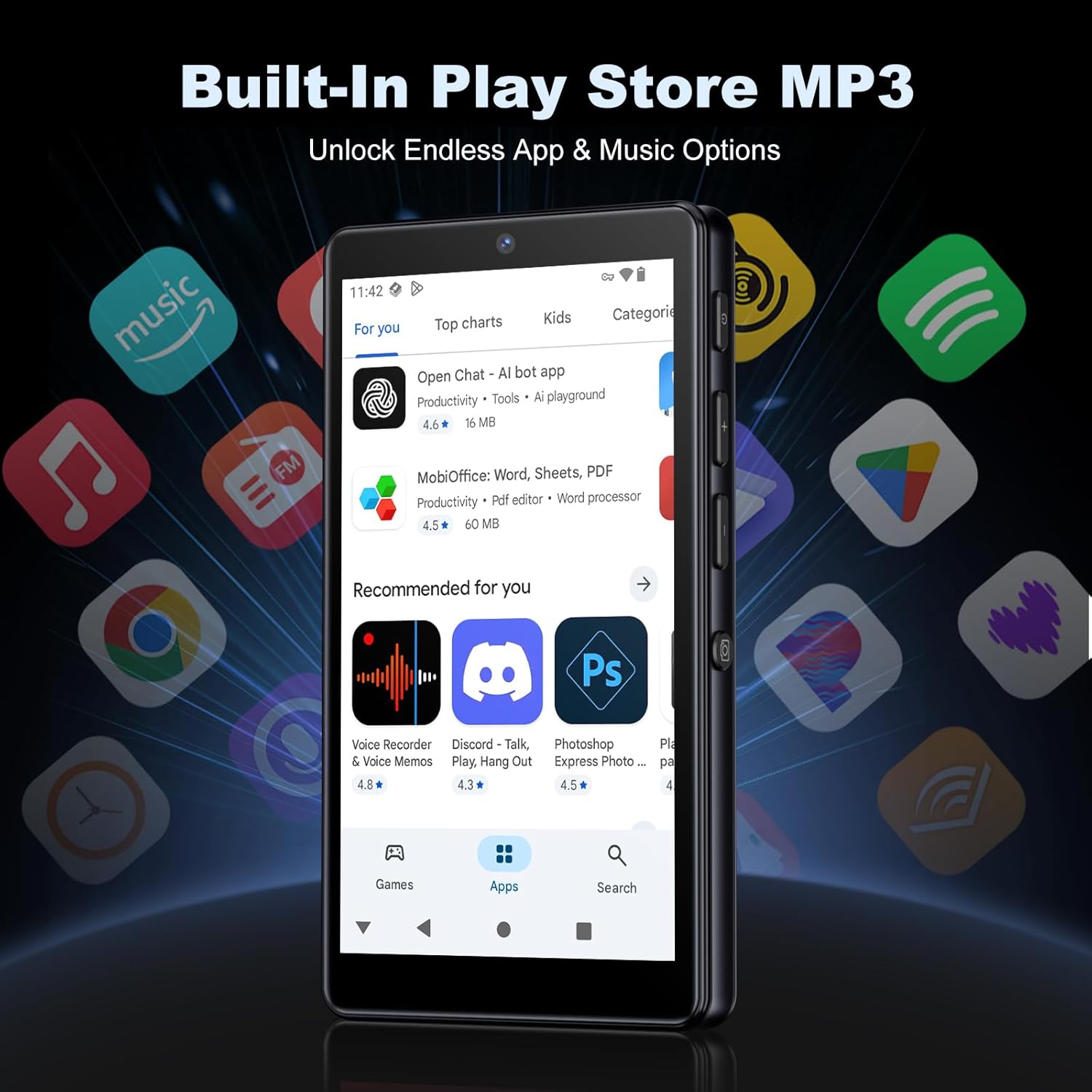
Image: The Google Play Store interface on the device.
- تثبيت تطبيقات: Open the Play Store app, search for your desired application, and tap 'Install'.
- إلغاء تثبيت التطبيقات: Go to Settings > Apps, select the app, and tap 'Uninstall'.
3. الصيانة
3.1 التنظيف
To clean the device, use a soft, dry, lint-free cloth. Avoid using abrasive cleaners, solvents, or aerosol sprays, which may damage the screen or finish.
3.2 العناية بالبطارية
- تجنب تعريض الجهاز لدرجات حرارة شديدة.
- لا تسمح للبطارية بالتفريغ الكامل بشكل متكرر.
- استخدم فقط كابل USB المرفق للشحن.
3.3 تحديثات البرامج
تحقق دوريًا من وجود تحديثات للبرامج لضمان حصول جهازك على أحدث الميزات والتصحيحات الأمنية. انتقل إلى الإعدادات > النظام > تحديث النظام.
4. استكشاف الأخطاء وإصلاحها
4.1 الجهاز لا يعمل
- تأكد من شحن البطارية. قم بتوصيل الجهاز بالشاحن لمدة 30 دقيقة على الأقل.
- Try a forced restart by holding the power button for 10-15 seconds.
4.2 مشاكل الاتصال (واي فاي/بلوتوث)
- واي فاي: Check if the Wi-Fi network is active and you have entered the correct password. Try restarting your router.
- بلوتوث: Ensure the device you are trying to connect to is in pairing mode and within range. Try turning Bluetooth off and on again on both devices.
4.3 تعطل التطبيقات أو تجميدها
- أغلق التطبيق ثم أعد فتحه.
- Clear the app's cache: Settings > Apps > [App Name] > Storage & cache > Clear cache.
- إذا استمرت المشكلة، فحاول إلغاء تثبيت التطبيق ثم إعادة تثبيته.
4.4 جودة صوت رديئة
- Check your earphones or Bluetooth speaker connection.
- تأكد من الصوت file غير تالف.
- Adjust the equalizer settings in your music player.
5. المواصفات
| ميزة | التفاصيل |
|---|---|
| ماركة | أويلسكي |
| رقم الموديل | م305 |
| نظام التشغيل | أندرويد 13.0 |
| المعالج | MTK 8-core |
| كبش | 4 جيجا بايت |
| التخزين الداخلي (ROM) | 32 جيجا بايت |
| التخزين الخارجي | 128GB TF Card included, expandable up to 1TB |
| حجم الشاشة | شاشة لمس عالية الدقة مقاس 4.02 بوصات |
| الكاميرا الخلفية | 13 ميجا بكسل |
| الكاميرا الأمامية | 5 ميجا بكسل |
| بلوتوث | بلوتوث 5.0 |
| واي فاي | واي فاي ثنائي النطاق |
| سعة البطارية | بطارية ليثيوم بوليمر 2000 مللي أمبير |
| وقت تشغيل الموسيقى | تصل إلى 15 ساعة |
| وقت تشغيل الفيديو | تصل إلى 6 ساعة |
| وقت الشحن | حوالي 3 ساعات |
| تنسيقات الصوت المدعومة | MP3, WAV, APE, FLAC, AAC, etc. |
| تنسيقات الفيديو المدعومة | AVI, MKV, MP4, MPG, MOV, etc. |
| تنسيقات الصور المدعومة | JPEG, BMP, GIF, PNG, etc. |
6. معلومات الضمان
The Oilsky M305 MP3 Player comes with a manufacturer's warranty. Please refer to the warranty card included in your package or contact Oilsky customer support for specific terms and conditions. Keep your proof of purchase for warranty claims.
7. دعم العملاء
If you encounter any issues not covered in this manual or require further assistance, please contact Oilsky customer support. Contact details can typically be found on the official Oilsky webالموقع أو على بطاقة الضمان.