
1. المقدمة
This manual provides essential information for the safe and efficient use of your DOOGEE Fire 3 Rugged Phone. The Fire 3 is designed for durability and performance, featuring the Android 16 operating system, a large 8350mAh battery, and a compact 5.5-inch HD+ IPS display. It is built to withstand challenging environments while offering modern smartphone functionalities.

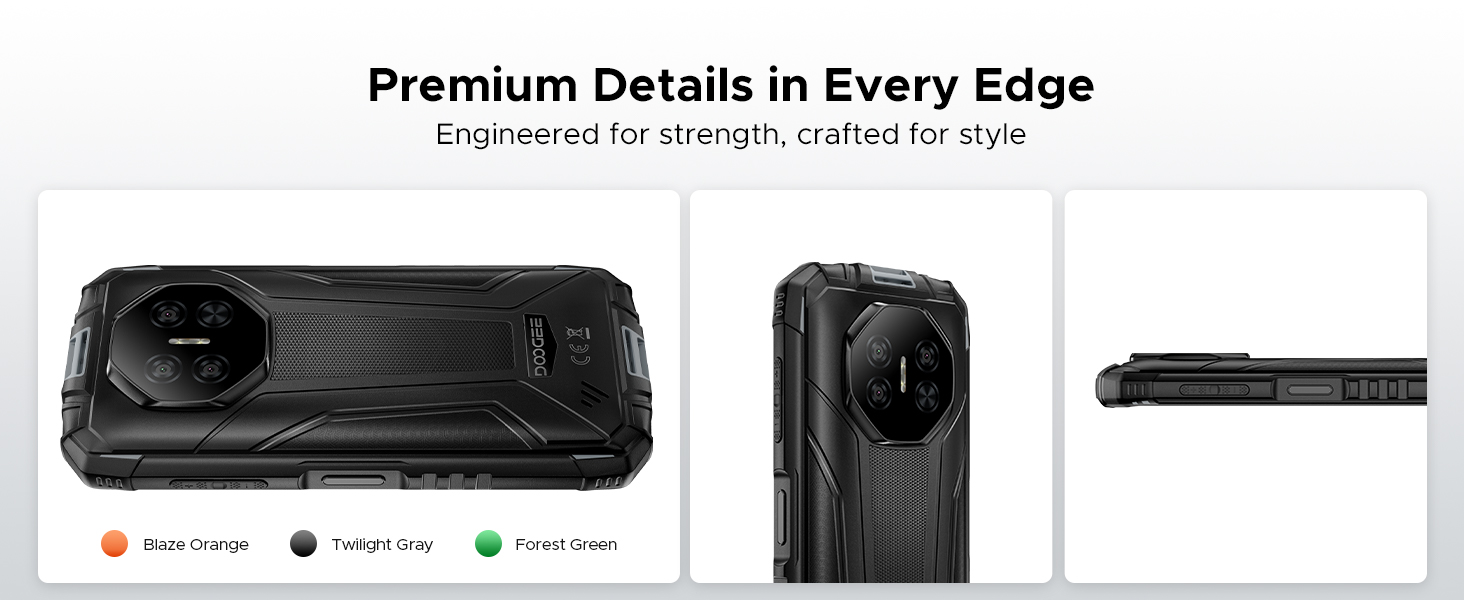
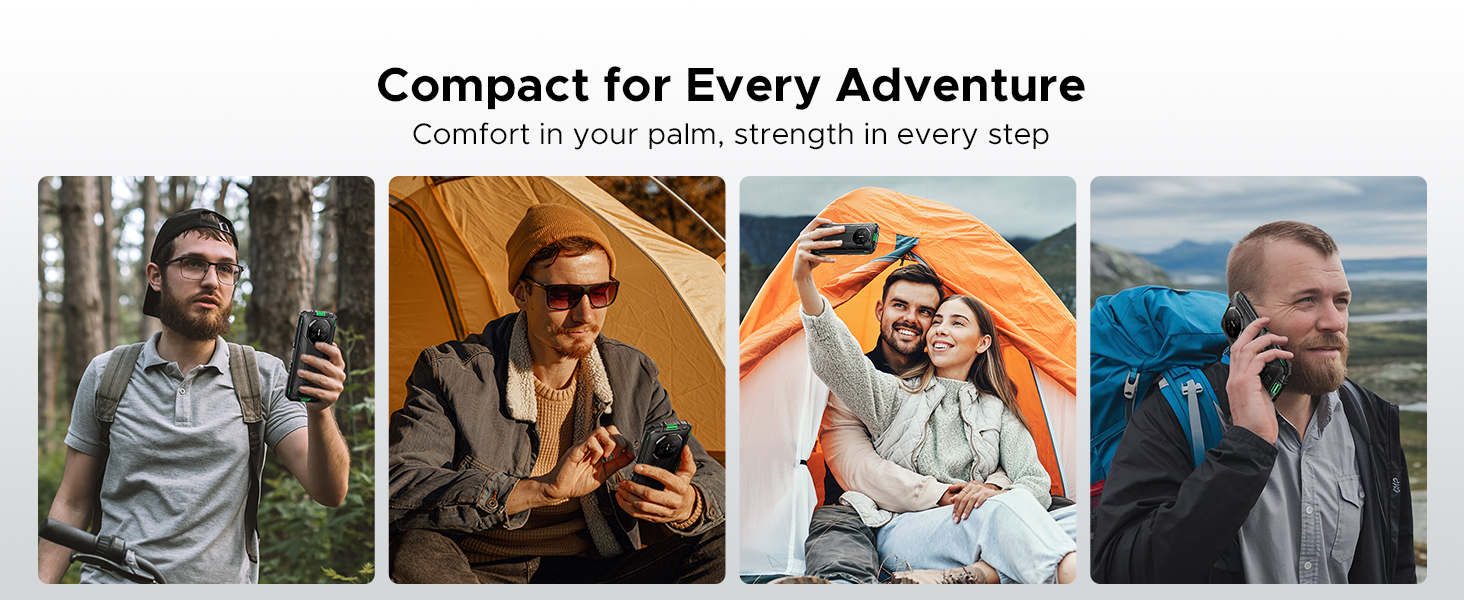
The DOOGEE Fire 3 Rugged Phone, showcasing its compact design and core features.
محتويات الحزمة
- DOOGEE Fire 3 Rugged Phone
- شاحن
- كابل يو اس بي
- أداة قاذف SIM
- دليل البدء السريع
- بطاقة الضمان
2. الإعداد الأولي
2.1 تركيب بطاقة SIM وبطاقة MicroSD
The DOOGEE Fire 3 supports dual SIM cards and a microSD card for expandable storage. Ensure the phone is powered off before inserting or removing cards.
- حدد مكان درج بطاقة SIM على جانب الهاتف.
- قم بإدخال أداة إخراج بطاقة SIM في الفتحة الصغيرة الموجودة بجوار الدرج واضغط بقوة حتى يخرج الدرج.
- Place your Nano-SIM cards and/or microSD card into the designated slots on the tray. Ensure the gold contacts face downwards and the cards are correctly oriented.
- قم بدفع الدرج بعناية إلى داخل الهاتف حتى يستقر في مكانه.
2.2 تشغيل/إيقاف التشغيل
- لتشغيل: اضغط مع الاستمرار على زر الطاقة (الموجود على الجانب الأيمن) حتى يظهر شعار DOOGEE.
- لإيقاف التشغيل: Press and hold the Power button, then select 'Power off' from the options displayed on the screen.
- لإعادة التشغيل: اضغط مع الاستمرار على زر الطاقة، ثم حدد "إعادة التشغيل" من الخيارات.
2.3 التكوين الأولي
Upon first power-on, the phone will guide you through the Android 16 setup wizard. Follow the on-screen prompts to:
- حدد لغتك ومنطقتك.
- الاتصال بشبكة Wi-Fi.
- قم بتسجيل الدخول باستخدام حساب Google الخاص بك أو قم بإنشاء حساب جديد.
- Set up screen lock (PIN, pattern, password, or biometric).
- Review وقبول الشروط والأحكام.
3. تشغيل هاتفك
3.1 الملاحة الأساسية
The DOOGEE Fire 3 uses a capacitive touchscreen. Navigate by tapping, swiping, pinching, and spreading fingers on the display.
3.2 مميزات نظام أندرويد 16
The phone operates on the Android 16 system, offering enhanced security and various features:
- استنساخ التطبيق: Duplicate certain applications to use multiple accounts simultaneously.
- استشعار الحركة الذكي: Utilize gestures for quick actions.
- لوحة كتابة فائقة: وظائف محسّنة للحافظة لإدارة المحتوى المنسوخ.
- تقسيم الشاشة: Run two applications side-by-side for multitasking.
- تحسين الفيديو: Improve video playback quality.
- شرح مباشر: Automatically caption media playing on your device (English only).
- وضع القفازات: يسمح بتشغيل الشاشة اللمسية أثناء ارتداء القفازات.
- الوعي بالشاشات: Keeps the screen on while you are looking at it.
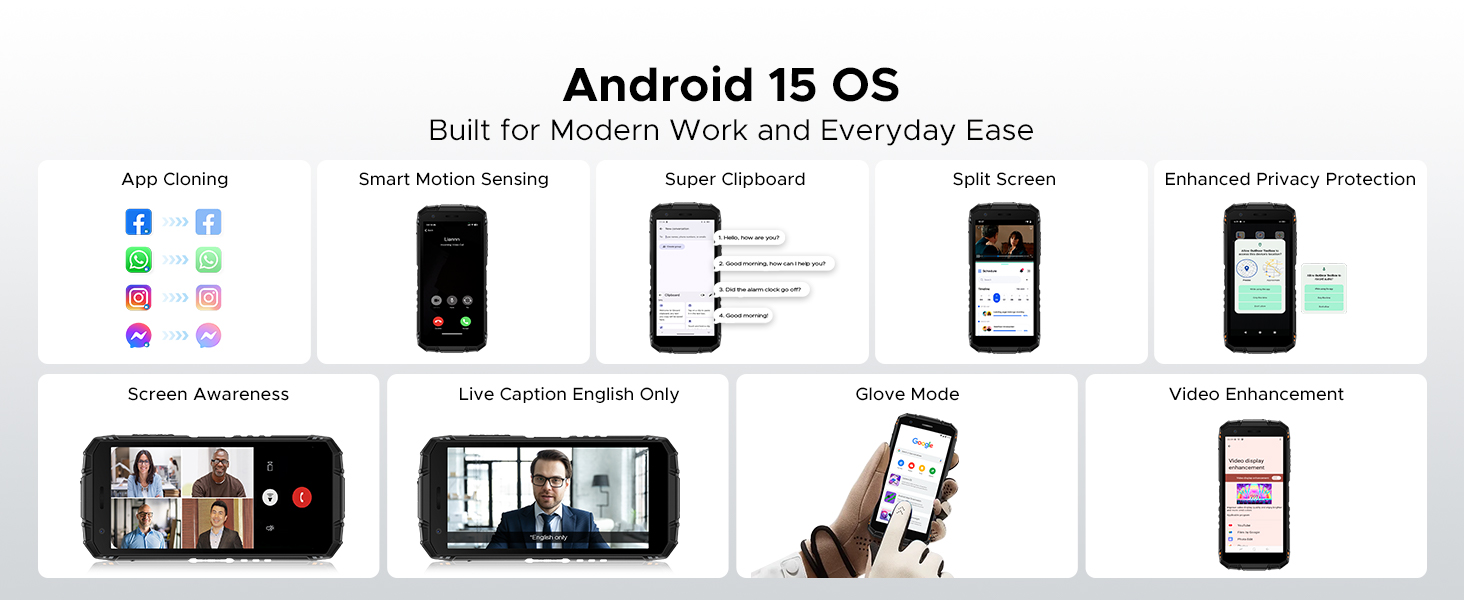
الميزات الرئيسية لنظام التشغيل أندرويد 16.
3.3 تقنية الاتصال قريب المدى (NFC)
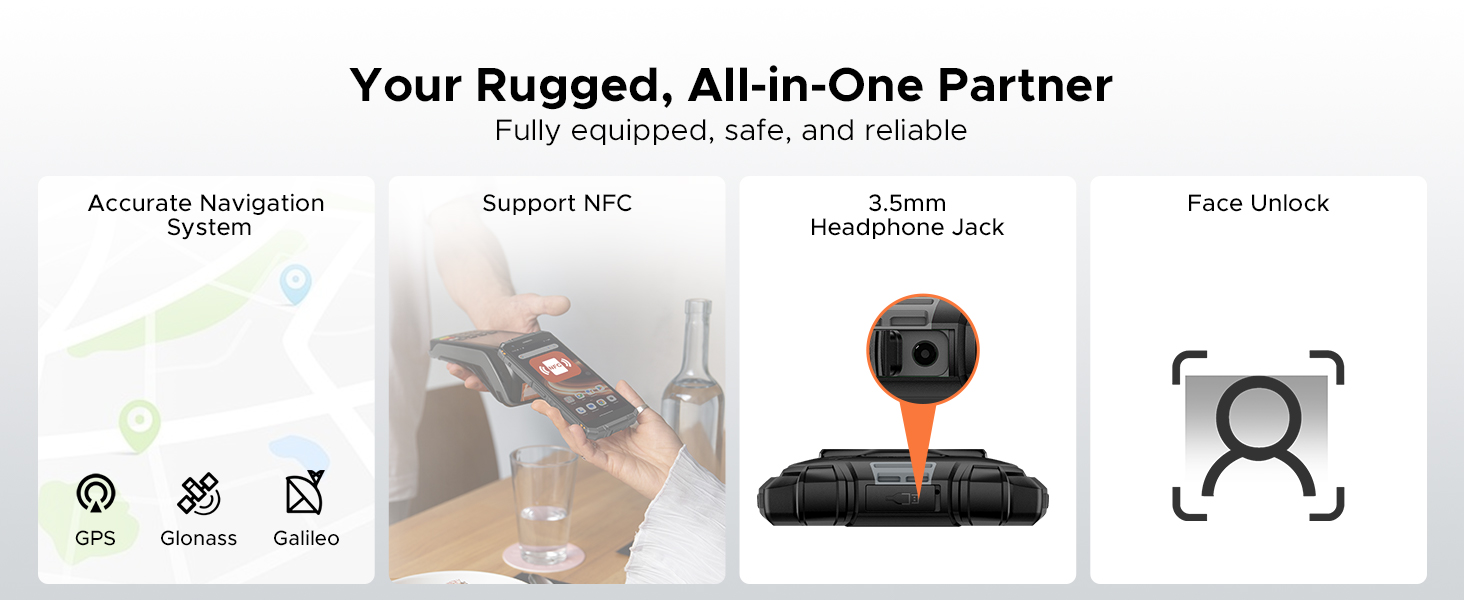
The phone supports NFC for contactless payments, quick data transfer, and connecting to compatible devices. To use NFC, ensure it is enabled in Settings and hold the phone near an NFC reader or tag.
3.4 فتح الوجه
Set up Face Unlock in the Security settings to conveniently unlock your phone using facial recognition.
3.5 مجموعة الأدوات الرقمية
The DOOGEE Fire 3 includes a suite of practical tools for outdoor and professional use:
- بوصلة: For navigation and direction.
- مقياس الصوت: Measures ambient noise levels.
- Pic Hanging: Assists in aligning objects.
- المكبر: Enlarges small text or objects.
- منقلة: يقيس الزوايا.
- بلوم بوب: يحدد المحاذاة الرأسية.
- جرس الانذار: وظيفة إنذار بصوت عالٍ.
- Gradienter: Measures slopes and angles.
- Height Measure: Estimates object heights.
The integrated Digital Toolkit for various utility functions.
4. إدارة البطارية
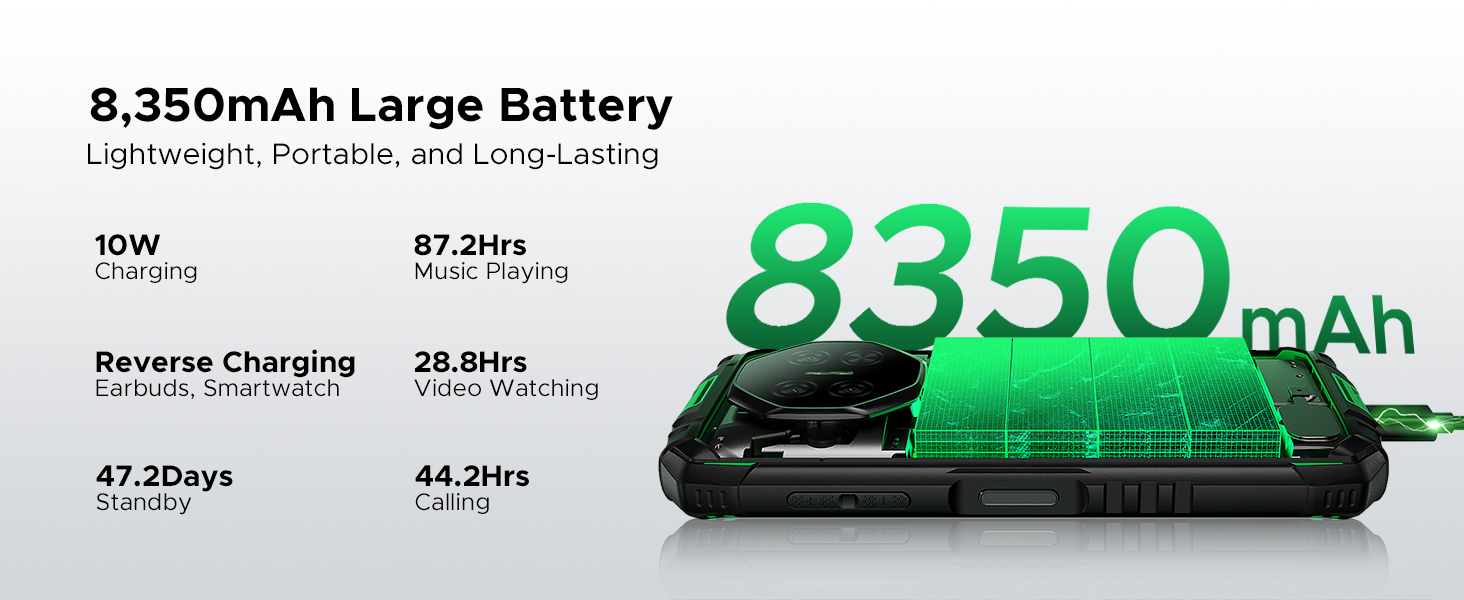
4.1 8350mAh Massive Battery
The DOOGEE Fire 3 is equipped with an 8350mAh battery, providing extended usage times. Expected battery life includes:
- Up to 47 days standby time.
- ما يصل إلى 87 ساعة من تشغيل الموسيقى.
- ما يصل إلى 28 ساعات من مشاهدة الفيديو.
- تصل مدة المكالمات إلى 44 ساعة.
4.2 الشحن
The phone supports 10W charging. Use the provided charger and USB cable for optimal charging performance. Avoid using damaged chargers or cables.
4.3 الشحن العكسي
The DOOGEE Fire 3 can function as a power bank to charge other devices such as earbuds or smartwatches using a compatible USB cable (not included).

Details on the 8350mAh battery and its performance.
5. ميزات المتانة
The DOOGEE Fire 3 is engineered for resilience in harsh environments.
5.1 IP68/IP69K Ratings
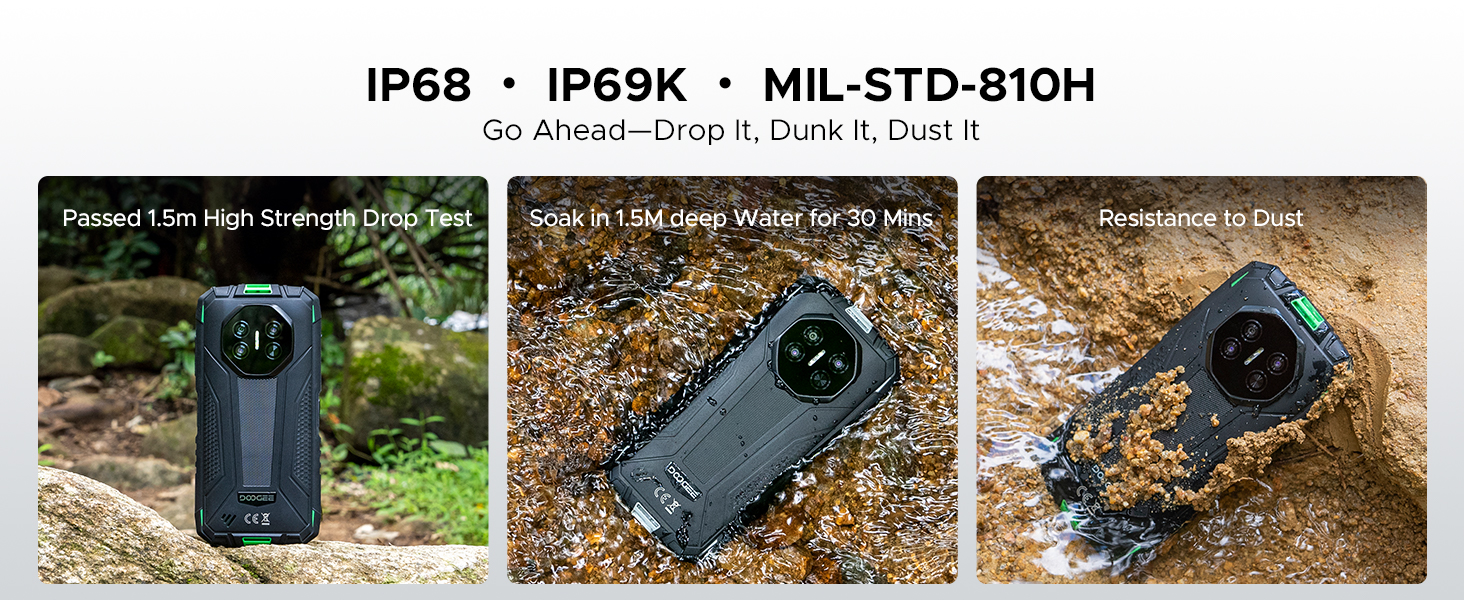
The phone is certified with IP68 and IP69K ratings, indicating high levels of water and dust resistance. It can withstand:
- Submersion in water up to 4 feet (1.2 meters) for 30 minutes.
- Protection against high-pressure, high-temperature water jets.
- Complete protection against dust ingress.
5.2 MIL-STD-810H Certification
The DOOGEE Fire 3 meets MIL-STD-810H military standards for durability, ensuring it can withstand:
- Drops from up to 5 feet (1.5 meters).
- Resistance to extreme temperatures, humidity, and vibrations.
The DOOGEE Fire 3 demonstrating its resistance to drops, water, and dust.
6. وظائف الكاميرا
Capture moments with the integrated camera system.
6.1 كاميرا خلفية
The phone features a 13MP AI triple rear camera, designed to capture clear and detailed photos in various conditions.
الكاميرا الأمامية 6.2
An 8MP front camera is available for selfies and video calls.
6.3 AI Scene Recognition
The AI scene recognition feature automatically detects the subject and optimizes camera settings for the best possible shot across 12 distinct scenes.
The 13MP main camera and 8MP front camera in action.
AI Scene Recognition for optimized photography.
7. العرض
7.1 5.5-inch HD+ IPS Display
The DOOGEE Fire 3 features a 5.5-inch HD+ IPS display with a resolution of 1280x720 pixels. It offers 400 nits (typical) brightness and supports 16.7 million colors, providing clear visuals.
7.2 Eye Care Mode
An Eye Care mode is available to reduce blue light emission, helping to minimize eye strain during prolonged use.
The 5.5-inch HD+ IPS display specifications.
Eye Care mode for comfortable viewعمل.
8. الأداء والتخزين
8.1 المعالج
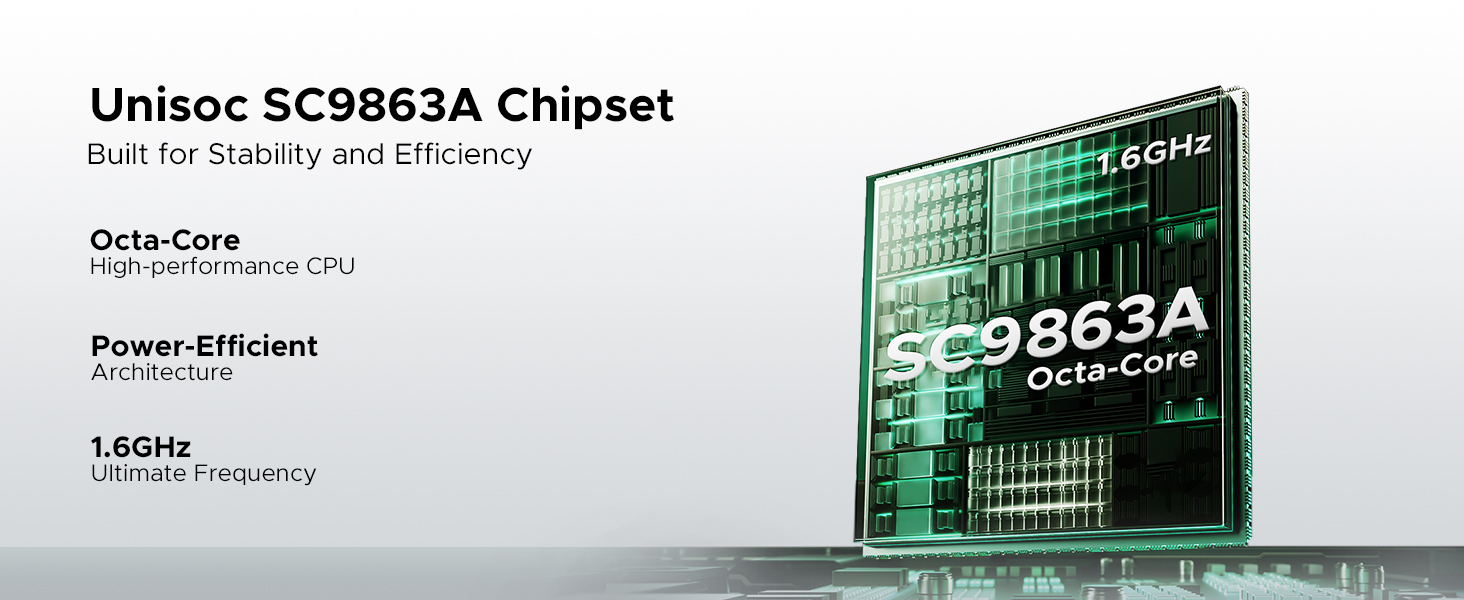
The DOOGEE Fire 3 is powered by an Octa-Core Unisoc SC9863A chipset, providing stable and efficient performance for daily tasks and applications.
The Unisoc SC9863A Octa-Core chipset for stable performance.
8.2 الذاكرة والتخزين
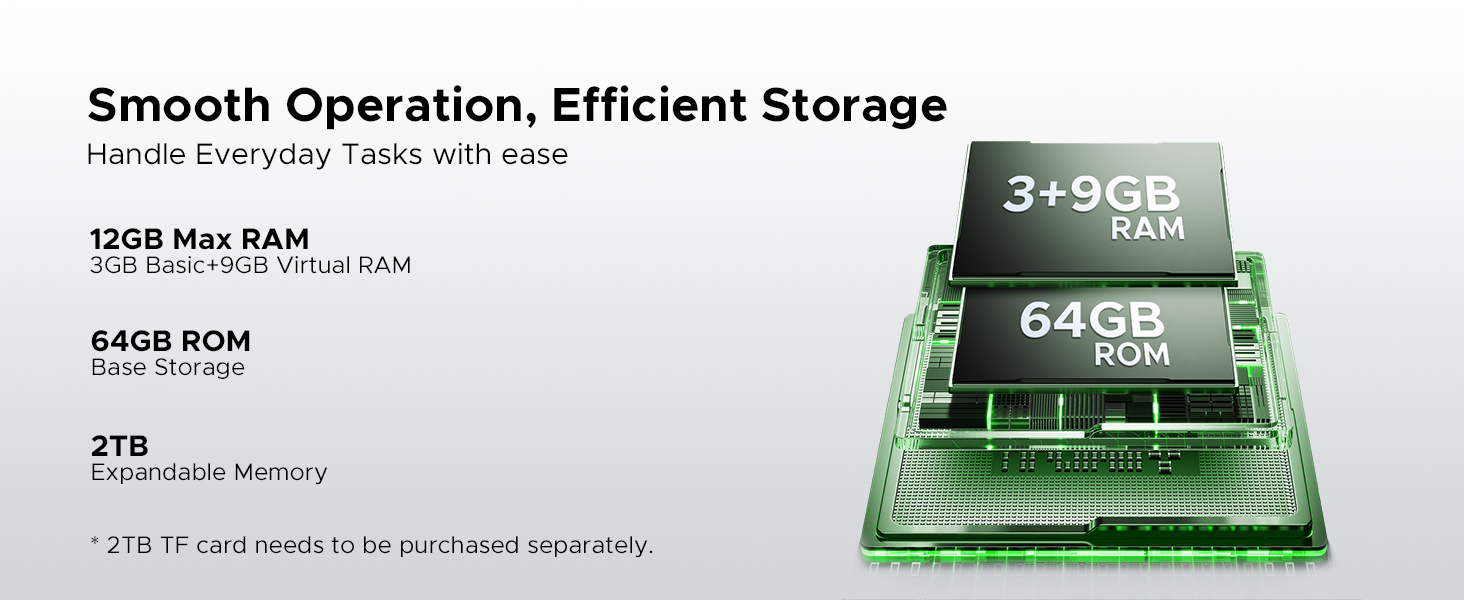
The phone comes with 12GB of RAM (3GB physical + 9GB virtual expansion) and 64GB of internal storage (ROM). Storage can be expanded up to 2TB using a microSD card (sold separately).
Memory and storage configuration of the DOOGEE Fire 3.
9. الاتصال
9.1 توافق الشبكة
The DOOGEE Fire 3 is an unlocked dual SIM phone compatible with GSM networks, including T-Mobile. It does not support AT&T, new Cricket, or Verizon networks. Please verify compatibility with your local frequency bands before purchase.
نطاقات التردد المدعومة:
- جي إس إم: ب2/3/5/8
- WCDMA: B1/2/4/5/8
- تد: B34/38/39/40/41
- FDD: B1/2/3/4/5/7/8/18/19/20/25/26/28A/28B/66
- Supports EDGE/GPRS.
9.2 اتصالات أخرى
- واي فاي: يدعم بروتوكولات الواي فاي القياسية.
- بلوتوث: لتوصيل الملحقات اللاسلكية.
- نظام تحديد المواقع العالمي (GPS): Integrated GPS, GLONASS, and Galileo for accurate navigation.
- USB: Type-C port for charging and data transfer.
- مقبس سماعة رأس مقاس 3.5 ملم: للإكسسوارات الصوتية السلكية.
10. الصيانة
10.1 التنظيف
To clean your DOOGEE Fire 3, wipe it with a soft, damp cloth. For stubborn dirt or mud, rinse under low-pressure fresh water and ensure all ports are dry before charging or using accessories. Avoid using harsh chemicals or abrasive materials.
10.2 Water and Dust Exposure
While the phone is IP68/IP69K rated, it is important to ensure all port covers are securely closed before exposure to water or dust. After exposure to saltwater or other liquids, rinse the phone with fresh water and dry thoroughly.
10.3 درجة الحرارة
Avoid exposing the phone to extreme temperatures (below -20°C or above 60°C) for extended periods, as this can affect battery life and overall performance.
11. استكشاف الأخطاء وإصلاحها
If you encounter issues with your DOOGEE Fire 3, try the following basic troubleshooting steps:
- الهاتف لا يعمل: Ensure the battery is charged. Connect the phone to its charger for at least 15 minutes, then try powering it on.
- Phone freezing or unresponsive: اضغط مع الاستمرار على زر الطاقة لمدة 10-15 ثانية لفرض إعادة التشغيل.
- قضايا الشحن: Check if the charger and USB cable are securely connected and undamaged. Try a different charger or cable if available.
- مشاكل الاتصال بالشبكة: Ensure your SIM card is correctly inserted. Check network settings and ensure airplane mode is off. Restart the phone.
- تعطل التطبيق: امسح ذاكرة التخزين المؤقت وبيانات التطبيق الذي به المشكلة من خلال الإعدادات > التطبيقات. إذا استمرت المشكلة، فقم بإلغاء تثبيت التطبيق ثم أعد تثبيته.
- ضعف جودة المكالمة: Check network signal strength. Ensure the microphone and speaker are not obstructed.
- ارتفاع درجة الحرارة: Close background applications and reduce screen brightness. Avoid using the phone while charging in hot environments.
في حال استمرار المشاكل، يرجى مراجعة قسم الدعم أو الاتصال بخدمة العملاء.
12. المواصفات الفنية
| ميزة | مواصفة |
|---|---|
| ماركة | دوجي |
| اسم الموديل | حريق 3 |
| نظام التشغيل | أندرويد 16 |
| حجم ذاكرة الوصول العشوائي المثبتة | 12 جيجابايت (3 جيجابايت فعلي + 9 جيجابايت افتراضي) |
| نموذج وحدة المعالجة المركزية | MediaTek_MT8127 (Unisoc SC9863A) |
| سعة تخزين الذاكرة | 64 جيجا بايت |
| الحد الأقصى لحجم ذاكرة الفلاش المدعومة | 2 TB (microSD, card not included) |
| حجم الشاشة | 5.5 بوصة |
| الحد الأقصى لدقة العرض | 1280x720 (HD+) |
| سطوع | 400 نت (نموذجي) |
| لون الشاشة | 16.7 مليون |
| Rear Facing Camera Photo Sensor Resolution | 13 MP (Triple AI Camera) |
| Front Photo Sensor Resolution | 8 ميجا بكسل |
| سعة البطارية | 8350 مليamp ساعات |
| شركة نقل لاسلكية | مفتوح |
| تكنولوجيا الخلوية | 4G |
| تكنولوجيا الاتصال | GSM, WCDMA, TDD, FDD, NFC |
| عدد فتحات بطاقة SIM | شريحتين اتصال |
| مستوى مقاومة الماء | Waterproof (IP68/IP69K) |
| معيار المتانة | المعيار العسكري 810H |
| Biometric Security Feature | التعرف على الوجه |
| لون | رمادي |
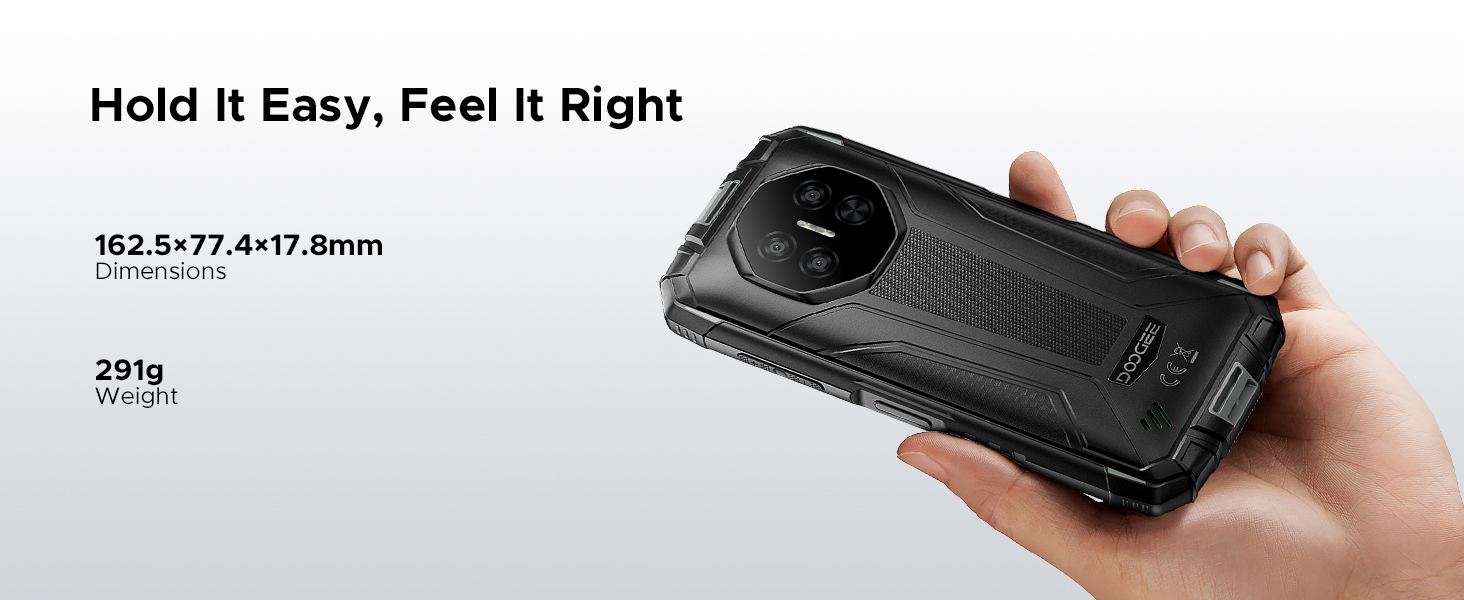
| أبعاد | 162.5 × 77.4 × 17.8 ملم |
| وزن | 291 جرام |
13. معلومات الضمان
The DOOGEE Fire 3 Rugged Phone comes with a 2-year free warranty from the date of purchase. Additionally, a 30-day money-back guarantee is offered for returns without reason. Please retain your proof of purchase for warranty claims.
14. دعم العملاء
For any problems or inquiries regarding your DOOGEE Fire 3, a professional support team is available 24/7 to assist you. Please refer to the contact information provided with your product packaging or visit the official DOOGEE webموقع للحصول على تفاصيل الدعم.