
مقدمة
Thank you for choosing the Dyurwa ZY02 Portable Bluetooth Speaker. This manual provides essential information for setting up, operating, and maintaining your speaker to ensure optimal performance and longevity. Please read these instructions carefully before using the product.
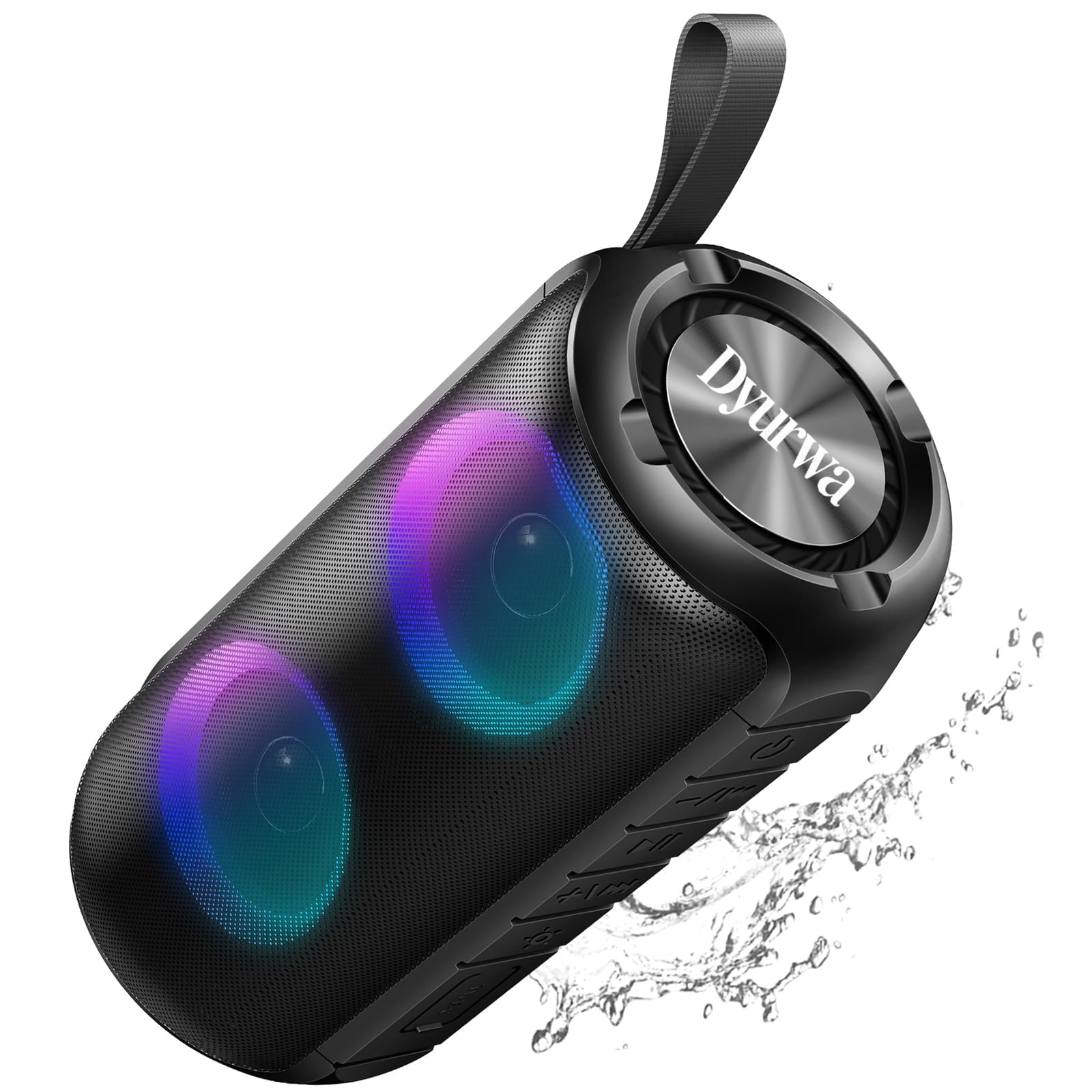
The Dyurwa ZY02 Portable Bluetooth Speaker, showcasinتصميمها الأنيق.
ماذا يوجد في الصندوق:
- 1 x Dyurwa ZY02 Portable Bluetooth Speaker
- 1 × كابل شحن من النوع C
- 1 × دليل المستخدم
المنتج انتهىview
The Dyurwa ZY02 speaker features advanced Bluetooth 5.3 connectivity, 360-degree HD stereo sound, dynamic RGB lights, and an IPX7 waterproof design. It is built for portability and offers up to 12 hours of playtime.

The speaker's dynamic RGB light show, which syncs with music.

Illustration of the speaker's 24W super loud sound capability with powerful audio.

The speaker demonstrating a rock-solid Bluetooth 5.3 connection for seamless audio streaming.

The speaker submerged in water, illustrating its IPX7 waterproof and dustproof capabilities.

The speaker highlighting its 12-hour battery life for extended use.
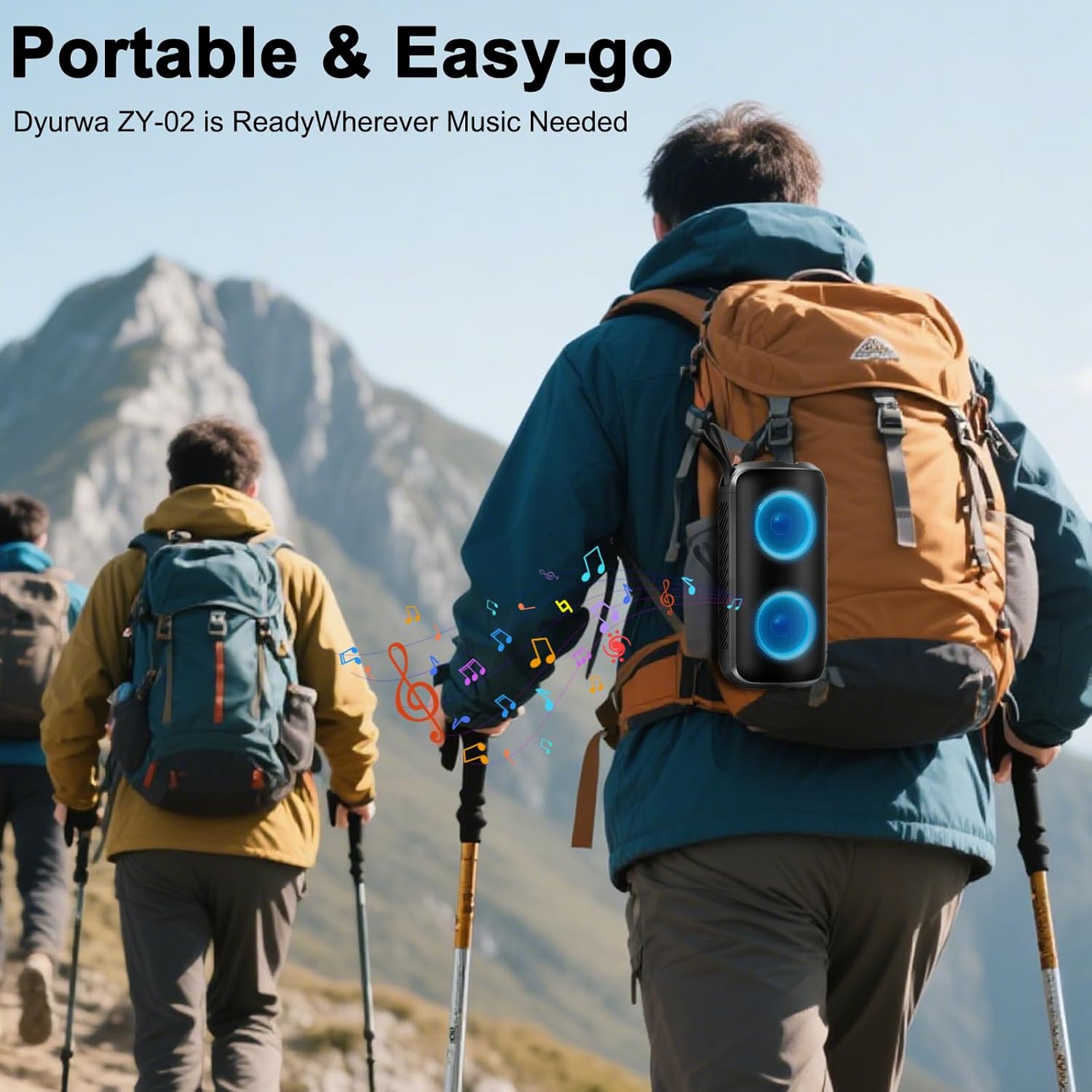
A person hiking with the portable Dyurwa ZY02 speaker attached to their backpack, emphasizing its easy-go design.
فيديو المنتج الرسمي:
عرض فيديو رسميasing the Dyurwa Bluetooth Speaker with loud sound and its features.
يثبت
1. شحن السماعة:
Before first use, fully charge the speaker. Connect the included Type-C charging cable to the speaker's charging port and the other end to a USB power adapter (not included). The charging indicator light will show the charging status. A full charge typically takes 2-3 hours.
2. تشغيل / إيقاف التشغيل:
- لتشغيل الجهاز: اضغط مع الاستمرار على زر التشغيل (O) for 2-3 seconds until you hear an audible prompt and the RGB lights activate.
- لإيقاف التشغيل: اضغط مع الاستمرار على زر الطاقة (O) لمدة 2-3 ثوانٍ حتى تسمع إشارة صوتية وتنطفئ الأنوار.
3. الاقتران بالبلوتوث:
- تأكد من تشغيل مكبر الصوت ووضعه في وضع الاقتران عبر البلوتوث (يُشار إليه بواسطة ضوء LED وامض).
- على جهازك (الهاتف الذكي، الجهاز اللوحي، الكمبيوتر)، قم بتمكين البلوتوث وابحث عن الأجهزة المتاحة.
- Select "ZY02" from the list of devices.
- Once connected, you will hear a confirmation sound, and the LED light will become solid or change pattern.
4. إقران TWS (ستيريو لاسلكي حقيقي):
To achieve a true stereo sound experience, you can pair two Dyurwa ZY02 speakers together:
- تأكد من تشغيل كلا السماعتين وعدم توصيلهما بأي جهاز بلوتوث آخر.
- اضغط مرتين على زر الطاقة في أحد مكبرات الصوت (سيكون هذا هو مكبر الصوت الرئيسي) (Oسيدخل مكبر الصوت في وضع الاقتران اللاسلكي (TWS).
- سيقوم مكبر الصوت الرئيسي بالبحث تلقائيًا عن مكبر الصوت الثاني والاتصال به.
- Once successfully paired, you will hear a confirmation sound. The LED lights on both speakers will synchronize.
- الآن، قم بتوصيل جهازك بالسماعة الأساسية عبر البلوتوث كما هو موضح في الخطوة 3.
تعليمات التشغيل
1. تشغيل الموسيقى:
- تشغيل/إيقاف مؤقت: اضغط على زر الطاقة (O) once to play or pause music.
- رفع الصوت: اضغط على + زر.
- اخفض الصوت: اضغط على - زر.
- المسار التالي: اضغط مع الاستمرار على + زر.
- المسار السابق: اضغط مع الاستمرار على - زر.
2. RGB Light Modes:
اضغط على زر الإضاءة (☀) to cycle through various dynamic multi-color light modes. The lights can sync to the beat of the music, enhancing your listening experience. Press the button repeatedly to find your preferred light effect or to turn the lights off.
3. الاتصال بدون استخدام اليدين:
With the built-in microphone, you can manage calls directly from the speaker when connected to your smartphone:
- الرد على المكالمة: اضغط على زر الطاقة (O) مرة واحدة.
- إنهاء المكالمة: اضغط على زر الطاقة (O) مرة واحدة أثناء المكالمة.
- رفض المكالمة: اضغط مع الاستمرار على زر التشغيل (O) لمدة 2 ثواني.
4. وضع AUX:
For devices without Bluetooth, connect them using an AUX cable (not included) to the speaker's AUX jack. The speaker will automatically switch to AUX mode. Use your connected device to control music playback.
صيانة
1. التنظيف:
امسح السماعة بقطعة ناعمة ، دamp cloth. Do not use harsh chemicals, cleaning solvents, or strong detergents. Ensure the charging port cover is securely closed before cleaning.
2. Waterproof Care (IPX7):
The speaker is IPX7 waterproof, meaning it can be submerged in up to 1 meter of water for 30 minutes. However, ensure the charging port cover is tightly sealed before exposing it to water. After exposure to water, dry the speaker thoroughly before charging or using it again.
3. التخزين:
Store the speaker in a cool, dry place away from extreme temperatures, direct sunlight, and corrosive materials. If storing for an extended period, charge the battery periodically to maintain its lifespan.
استكشاف الأخطاء وإصلاحها
- لا يتم تشغيل مكبر الصوت:
- تأكد من شحن البطارية. قم بتوصيل السماعة بمصدر الطاقة باستخدام كابل Type-C.
- اضغط مع الاستمرار على زر التشغيل (O) لمدة 2-3 ثوان.
- لا يمكن الاقتران بجهاز بلوتوث:
- تأكد من أن السماعة في وضع الاقتران (وميض مؤشر LED).
- Make sure Bluetooth is enabled on your device and it is within 10 meters of the speaker.
- Forget or delete "ZY02" from your device's Bluetooth list and try pairing again.
- أعد تشغيل كل من مكبر الصوت وجهازك.
- لا يوجد صوت أو صوت مشوه:
- اضبط مستوى الصوت على كل من مكبر الصوت وجهازك المتصل.
- تأكد من أن مكبر الصوت مشحون بالكامل.
- قرّب مكبر الصوت من جهازك لتجنب التداخل.
- If using AUX mode, ensure the cable is securely connected and not damaged.
- فشل اقتران سماعات الأذن اللاسلكية (TWS):
- تأكد من تشغيل كلا السماعتين وعدم توصيلهما بأي جهاز بلوتوث آخر.
- Follow the TWS pairing instructions carefully, ensuring you double-press the Power button on only one speaker to initiate pairing.
تحديد
| ميزة | مواصفة |
|---|---|
| اسم الموديل | زي واي 02 |
| ماركة | Dyurwa |
| نوع السماعة | في الهواء الطلق |
| المميزات الخاصة | Built-in Microphone, Dustproof, LED Light, Lightweight, Portable |
| تكنولوجيا الاتصال | بلوتوث 5.3 |
| الحد الأقصى لقوة خرج السماعة | 180 واط |
| مستوى مقاومة الماء | IPX7 |
| أبعاد المنتج | 2.54 بوصة عمق × 5 بوصة عرض × 4 بوصة ارتفاع |
| وزن العنصر | 1.41 رطل |
| البطاريات | 1 بطارية مطلوبة (متضمنة) |
| وقت اللعب | Up to 12 hours (varies by volume and light settings) |
الضمان والدعم
The Dyurwa ZY02 Portable Bluetooth Speaker comes with a standard manufacturer's warranty. For detailed warranty information, please refer to the warranty card included in your product packaging or contact Dyurwa customer support.
If you encounter any issues or have questions regarding your speaker, please contact our customer support team for assistance. Our dedicated team is ready to help you with any technical support or service needs.
دعم العملاء: Please refer to the contact information provided on the product packaging or the official Dyurwa webموقع.