
مقدمة
This manual provides instructions for the installation, operation, and maintenance of your Luqeeg Smart Sprinkler Timer Automatic. This device allows for automated and remote control of your garden irrigation system via a mobile application and voice commands, enhancing watering efficiency and convenience.
محتويات الحزمة
- 1 x WiFi Water Timer
- 1 × محول
- 1 × برغي
- 1 × دليل باللغة الإنجليزية
يثبت
1. تركيب البطارية
The Luqeeg Smart Sprinkler Timer requires 4 x AA batteries (not included) for operation. Open the battery compartment, insert the batteries according to the polarity markings, and securely close the compartment.
2. التثبيت المادي
Attach the sprinkler timer to your outdoor faucet. Ensure the connection is secure to prevent leaks. The timer features a 3/4 inch NPT thread specification for standard hose connections. Connect your garden hose to the outlet of the sprinkler timer.
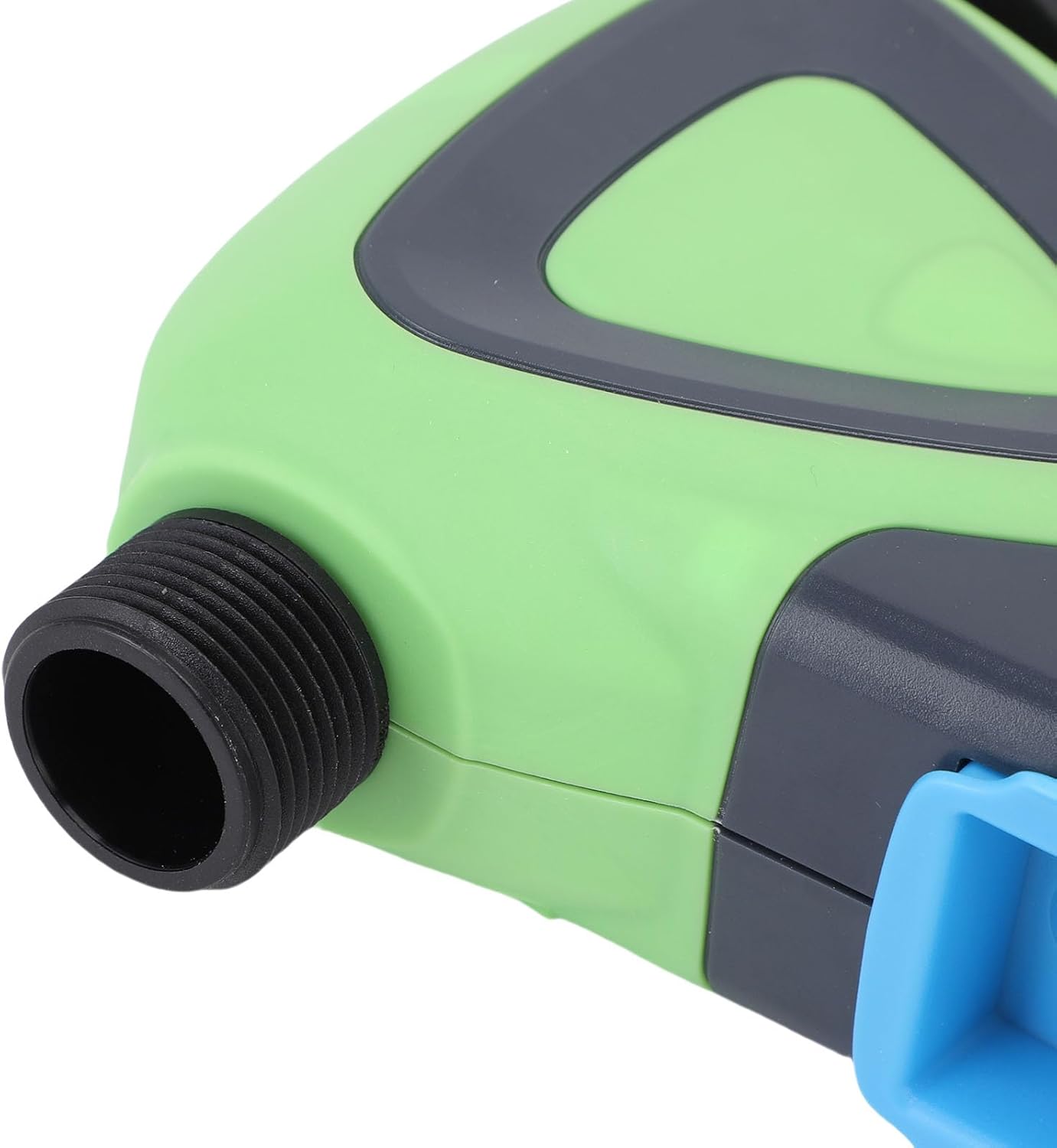
الصورة: عن قرب view of the Luqeeg Smart Sprinkler Timer's threaded inlet and outlet for hose connection.
3. تنزيل التطبيق وإقران الجهاز
Download the compatible mobile application (refer to the included English Manual for specific app details). Follow the in-app instructions to add your Luqeeg Smart Sprinkler Timer. The device connects via a Zigbee hub to your 2.4GHz WiFi network. Ensure your WiFi network is 2.4GHz for successful pairing.
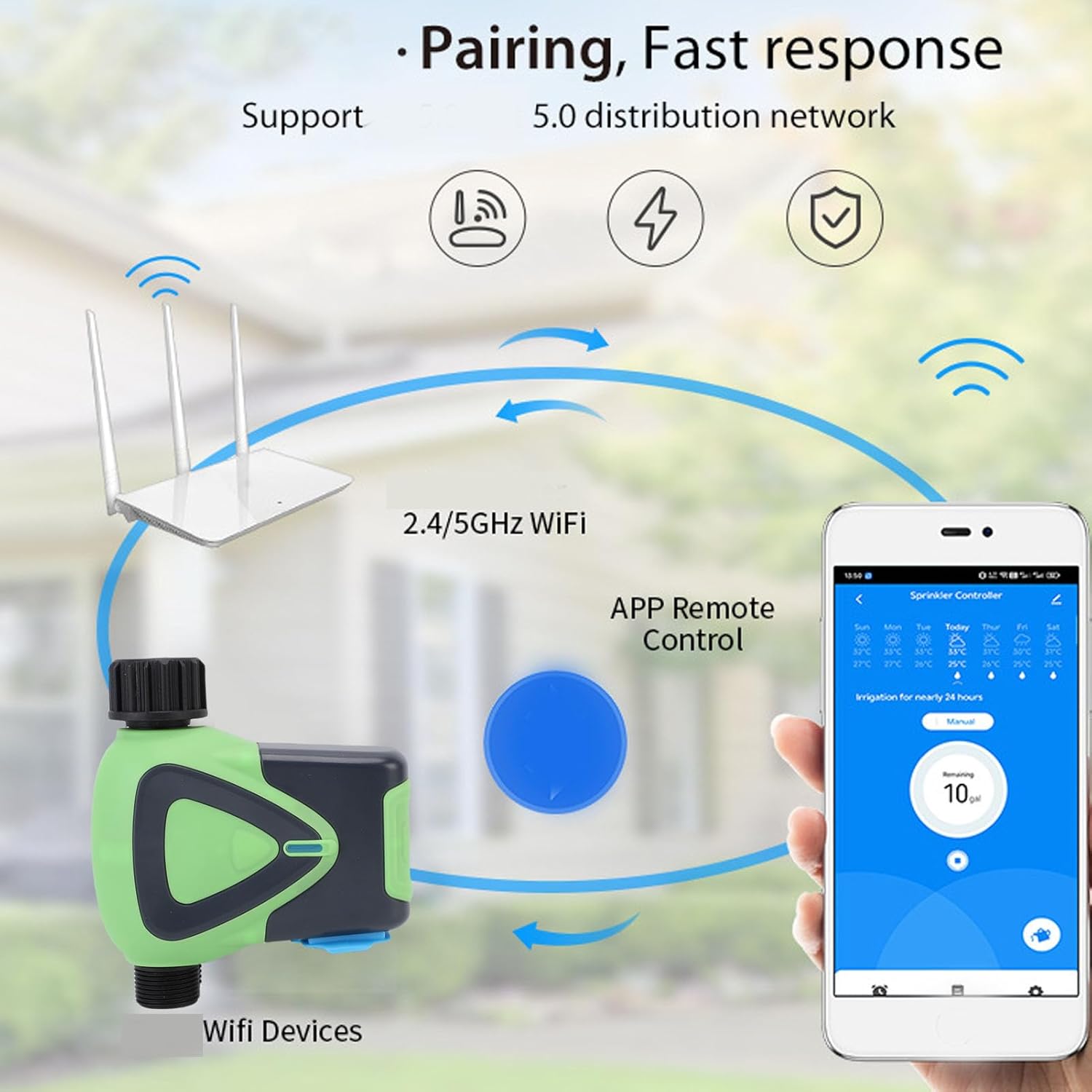
Image: Diagram illustrating the pairing process, showing the smart sprinkler timer, a WiFi router, and a smartphone displaying the control app.
تعليمات التشغيل
1. التحكم عن بعد عبر التطبيق
Once paired, you can manage your irrigation schedules and settings remotely using the mobile application. This includes setting watering times, durations, and activating manual watering modes.

Image: A smartphone displaying the app interface for remote watering control, with an icon representing a watering can.
2. التحكم الصوتي
The sprinkler timer supports voice activation through compatible smart assistants. Link your device to your preferred voice assistant (e.g., Google Assistant) to control watering with voice commands.
3. Scheduling and Rain Delay
Set up customized watering schedules within the app. The system also supports a rain delay function, allowing you to pause watering during rainy periods to conserve water and prevent overwatering.
4. Family Collaboration
The app allows you to add family members for shared management of the sprinkler timer. This enables multiple users to monitor and adjust watering settings.
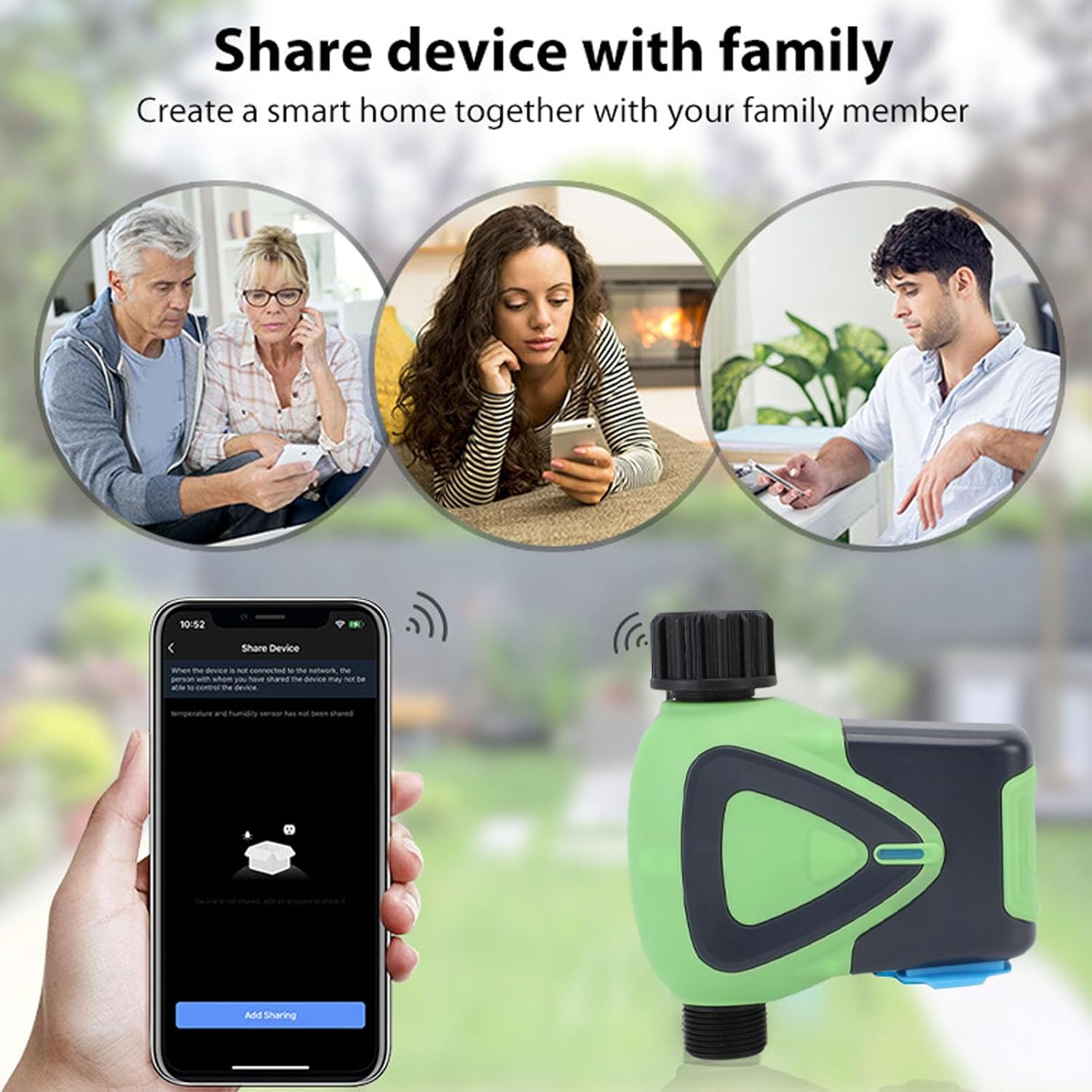
Image: Illustration depicting family members sharing control of the smart device via their smartphones.
5. Watering Records
The application maintains a record of past watering activities, including irrigation amounts and times. This feature helps in monitoring water usage and optimizing schedules.

Image: A smartphone screen showing the "Watering Records" section of the app, listing irrigation amounts and dates.
صيانة
To ensure optimal performance and longevity of your Luqeeg Smart Sprinkler Timer, follow these maintenance guidelines:
- استبدال البطارية: Replace the 4 x AA batteries when the low battery indicator appears in the app or on the device.
- تنظيف: Periodically clean the exterior of the device with a soft, damp قماش. لا تستخدم مواد كيميائية قاسية أو منظفات كاشطة.
- فصل الشتاء: في المناطق ذات درجات الحرارة المتجمدة، افصل مؤقت الرشاش عن الصنبور وقم بتخزينه في الداخل لتجنب التلف الناتج عن تجمد الماء.
- تصنيف مقاومة الماء: The device has an IP65 waterproof rating, meaning it is protected against low-pressure water jets from any direction. However, avoid submerging the device in water.
استكشاف الأخطاء وإصلاحها
- الجهاز لا يقترن:
- Ensure your WiFi network is 2.4GHz.
- Verify the Zigbee hub is properly connected and functioning.
- Check if the device is within the 45m wireless distance range of the hub/router.
- Restart the device and attempt pairing again.
- لا تدفق المياه:
- Check if the faucet is fully open.
- Ensure batteries are charged and correctly installed.
- Verify the watering schedule in the app is active and correctly configured.
- Check for any blockages in the hose or timer.
- مشكلات اتصال التطبيق:
- تأكد من أن هاتفك الذكي لديه اتصال نشط بالإنترنت.
- تحديث التطبيق إلى الإصدار الأحدث.
- Restart your smartphone and the sprinkler timer.
- الري غير الدقيق:
- Review your watering schedule and settings in the app.
- Check for any rain delay settings that might be active.
تحديد
| مواصفة | قيمة |
|---|---|
| نوع العنصر | مؤقت ماء واي فاي |
| مادة | نظام ABS |
| مزود الطاقة | 4 بطاريات AA (غير متضمنة) |
| حجم الخرطوم | 3/4 بوصة |
| مواصفات الخيط | معاهدة حظر الانتشار النووي |
| استهلاك الطاقة في وضع الاستعداد | 200 ميكرو أمبير |
| المعيار اللاسلكي | IEEE802.11b، g، n |
| التردد اللاسلكي | 2.4 جيجاهرتز |
| المسافة اللاسلكية | 45م |
| مستوى مقاومة الماء | IP65 |
| ضغط المياه العاملة | 0.03MPa إلى 1MPa |
| درجة حرارة العمل | -10 درجة مئوية إلى 60 درجة مئوية (14 درجة فهرنهايت إلى 140 درجة فهرنهايت) |
| رطوبة العمل | 1% to 95%RH (non condensing) |
| حجم المنتج | Approx. 137x126x54mm (5.4x5.0x2.1in) |
| رقم الموديل | Luqeegfzgw1dqgay |
| ماركة | لوقيج |

Image: The Luqeeg Smart Sprinkler Timer with its approximate dimensions indicated.