
1. المقدمة
This manual provides detailed instructions for the installation, operation, and maintenance of your CP PLUS EZ-P34Q 3MP Smart Wi-Fi CCTV Camera. Please read this manual thoroughly before using the product to ensure proper functionality and safety. Keep this manual for future reference.
2. انتهى المنتجview
The CP PLUS EZ-P34Q is a 3MP Smart Wi-Fi CCTV Camera designed for indoor home surveillance. It features 360° pan and 60° tilt capabilities, providing comprehensive coverage. The camera supports 2K clarity video recording with H.265 compression, ensuring clear footage and efficient storage. Advanced features include motion detection, human body detection, motion tracking, sound alerts, dual-vision night mode, two-way communication, and cloud recording options. It is equipped with CTC Cyber Secure Tech for data privacy.

Figure 2.1: CP PLUS EZ-P34Q Camera with highlighted features.
3. ماذا يوجد في الصندوق
تأكد من تضمين جميع العناصر التالية في الحزمة الخاصة بك:
- CP PLUS EZ-P34Q Camera Unit
- محول الطاقة
- كابل الشحن (USB Type-C)
- دليل التعليمات
- مسامير التثبيت
4. الإعداد
4.1 التثبيت المادي
The camera is designed for indoor use and tabletop mounting. Ensure the camera is placed on a stable, flat surface with a clear view of the area you wish to monitor. For wall or ceiling mounting, use the provided mounting screws and follow the instructions in the separate mounting guide (if applicable).
- Choose a suitable indoor location for the camera.
- Connect the charging cable to the camera's USB Type-C port and the power adapter.
- قم بتوصيل محول الطاقة بمأخذ كهربائي قياسي. ستعمل الكاميرا وتبدأ عملية التشغيل.
4.2 تثبيت التطبيق وإقرانه
To operate the camera and access its features, you need to download and install the compatible mobile application on your smartphone.
- Download the official CP PLUS mobile application from your device's app store (e.g., Google Play Store or Apple App Store).
- قم بالتسجيل للحصول على حساب جديد أو قم بتسجيل الدخول إذا كان لديك حساب بالفعل.
- Follow the in-app instructions to add your new EZ-P34Q camera. This typically involves scanning a QR code on the camera or manually entering its device ID.
- Connect the camera to your Wi-Fi network as prompted by the application. Ensure your Wi-Fi network is 2.4GHz for optimal compatibility.
- بمجرد الاقتران بنجاح، يمكنك view the live feed and configure camera settings through the app.
5. التشغيل
5.1 التحكم في الحركة الأفقية والرأسية
The camera offers a 360° horizontal pan and 60° vertical tilt range, allowing you to adjust the viewing angle remotely via the mobile application.
- افتح البث المباشر view في تطبيق الهاتف المحمول.
- Use the directional controls (usually an on-screen joystick or arrows) to move the camera lens horizontally (pan) and vertically (tilt).

Figure 5.1: Illustrates the 360° pan and tilt capability for comprehensive coverage.
مجموعة الكشف الذكي 5.2
The camera is equipped with advanced detection features to enhance security and reduce false alarms.
- كشف الحركة: تكتشف الكاميرا الحركة داخل مجالها view.
- الكشف عن جسم الإنسان: Specifically identifies human shapes, minimizing alerts from pets or inanimate objects.
- حركة تابعة: When motion is detected, the camera can automatically track the moving object.
- التنبيهات الصوتية: The camera can detect unusual sounds and send notifications.
- الردع النشط: Features a built-in siren and warm LED flash light that can be activated automatically upon detection of unexpected motion to deter intruders.
Configure these settings in the mobile application's detection settings menu to receive instant notifications on your smartphone.

Figure 5.2: Motion tracking feature in action, following movement.
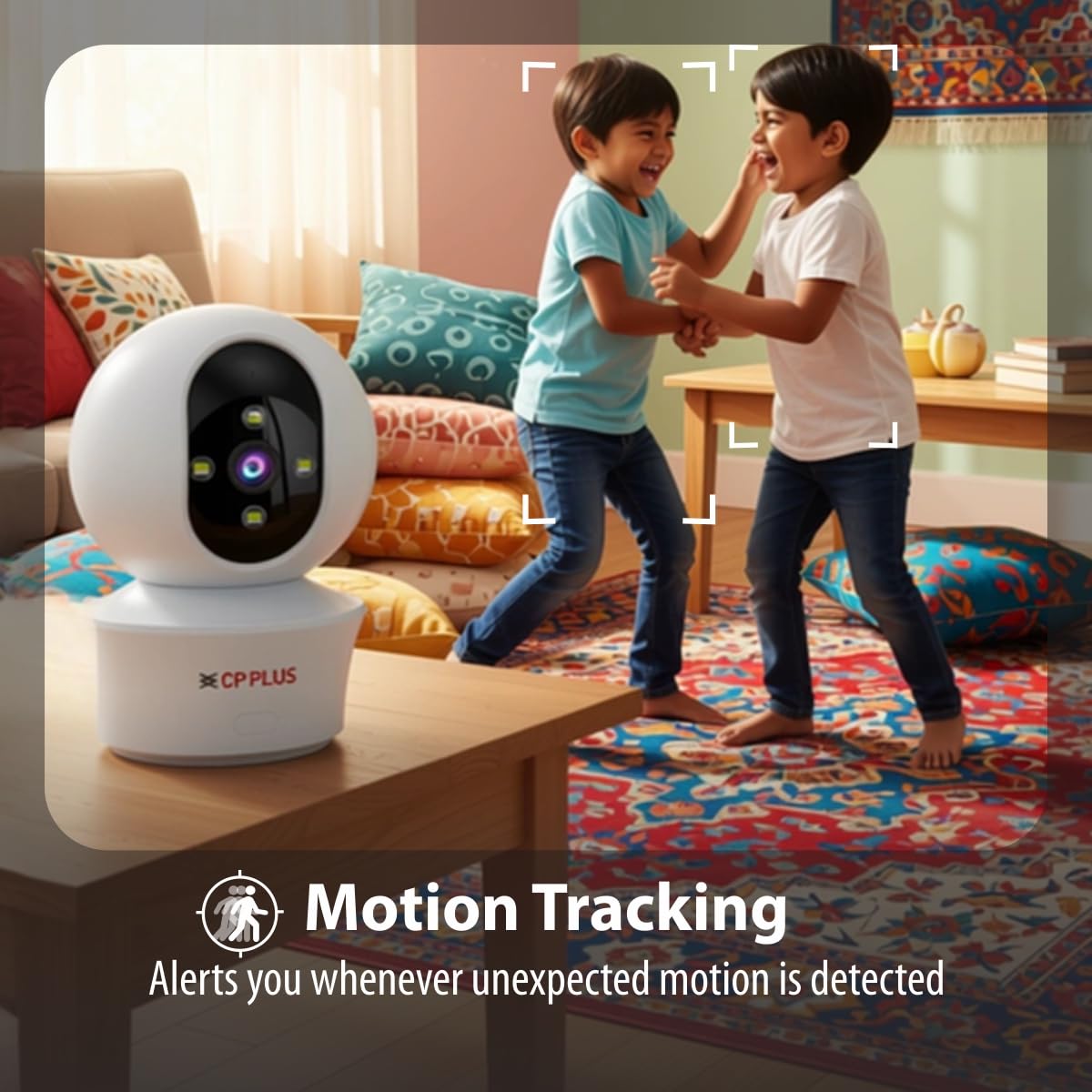
Figure 5.3: Human body detection providing real-time alerts.

Figure 5.4: Active deterrence using siren and LED flash light.
5.3 الرؤية الليلية
The camera offers dual-vision night mode for clear surveillance in low-light conditions.
- الرؤية الليلية بالأشعة تحت الحمراء (IR): يوفر طعامًا أبيض وأسود واضحًاtage up to 20-30 meters in complete darkness.
- White LED Color Night Vision: Utilizes built-in white LEDs to deliver full-color video up to 15-20 meters at night, also serving as a deterrent.
You can switch between these modes or set them to activate automatically based on ambient light conditions through the app.

Figure 5.5: Full-color night vision capturing details in low light.
5.4 الاتصال ثنائي الاتجاه
The built-in microphone and speaker allow for two-way audio communication.
- من الحي view in the mobile app, tap the microphone icon to speak through the camera's speaker.
- The camera's microphone will pick up audio from the monitored area, which you can hear through your smartphone.
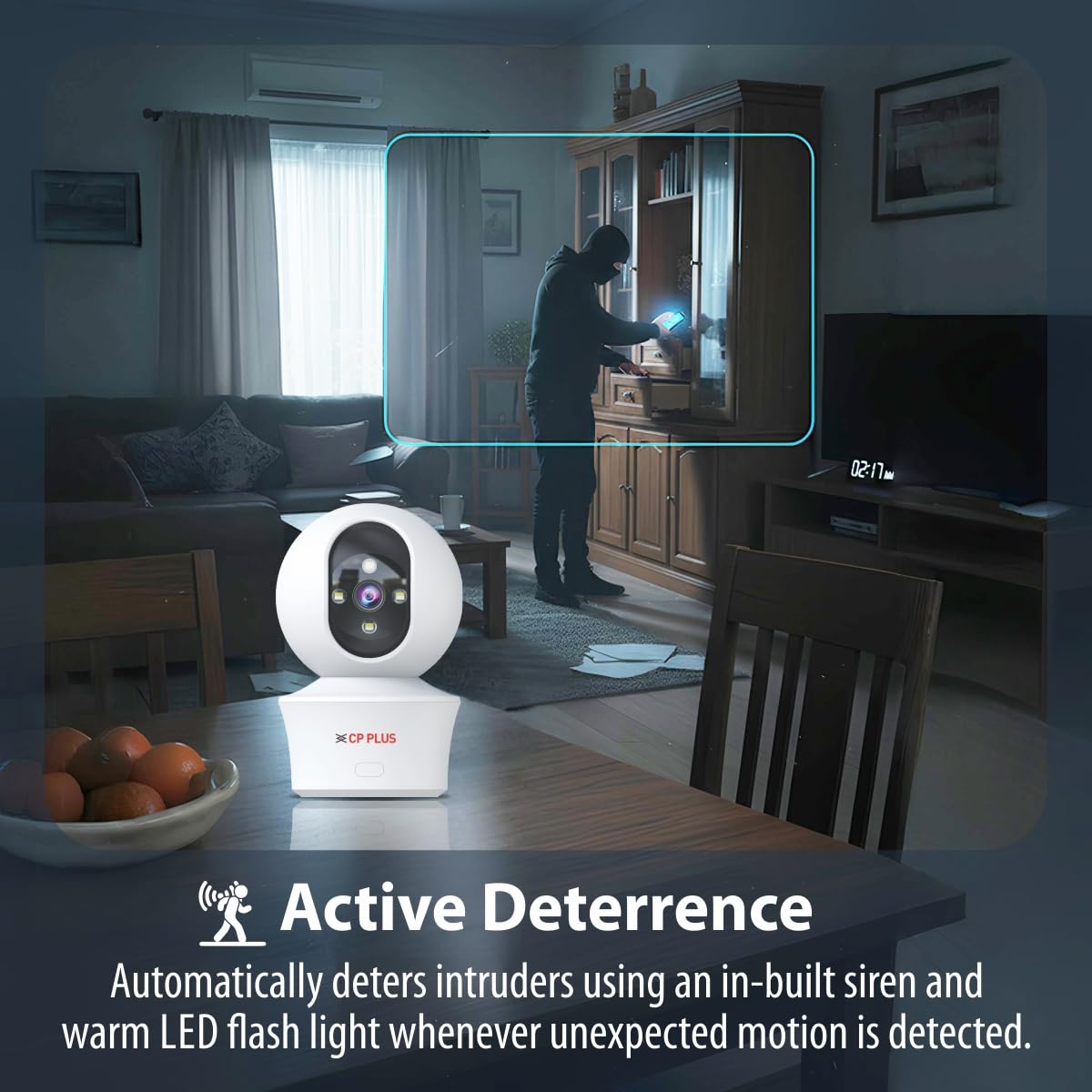
Figure 5.6: Two-way communication feature for interacting with the monitored area.
5.5 تسجيل الفيديو وتخزينه
The camera supports both local and cloud storage options for your video recordings.
- تخزين بطاقة مايكرو اس دي: Insert a MicroSD card (up to 256GB, not included) into the designated slot on the camera for local storage. Recordings will be saved directly to the card.
- التسجيل السحابي: The camera supports cloud recording services (subscription may be required). Refer to the mobile application for details on activating and managing cloud storage.
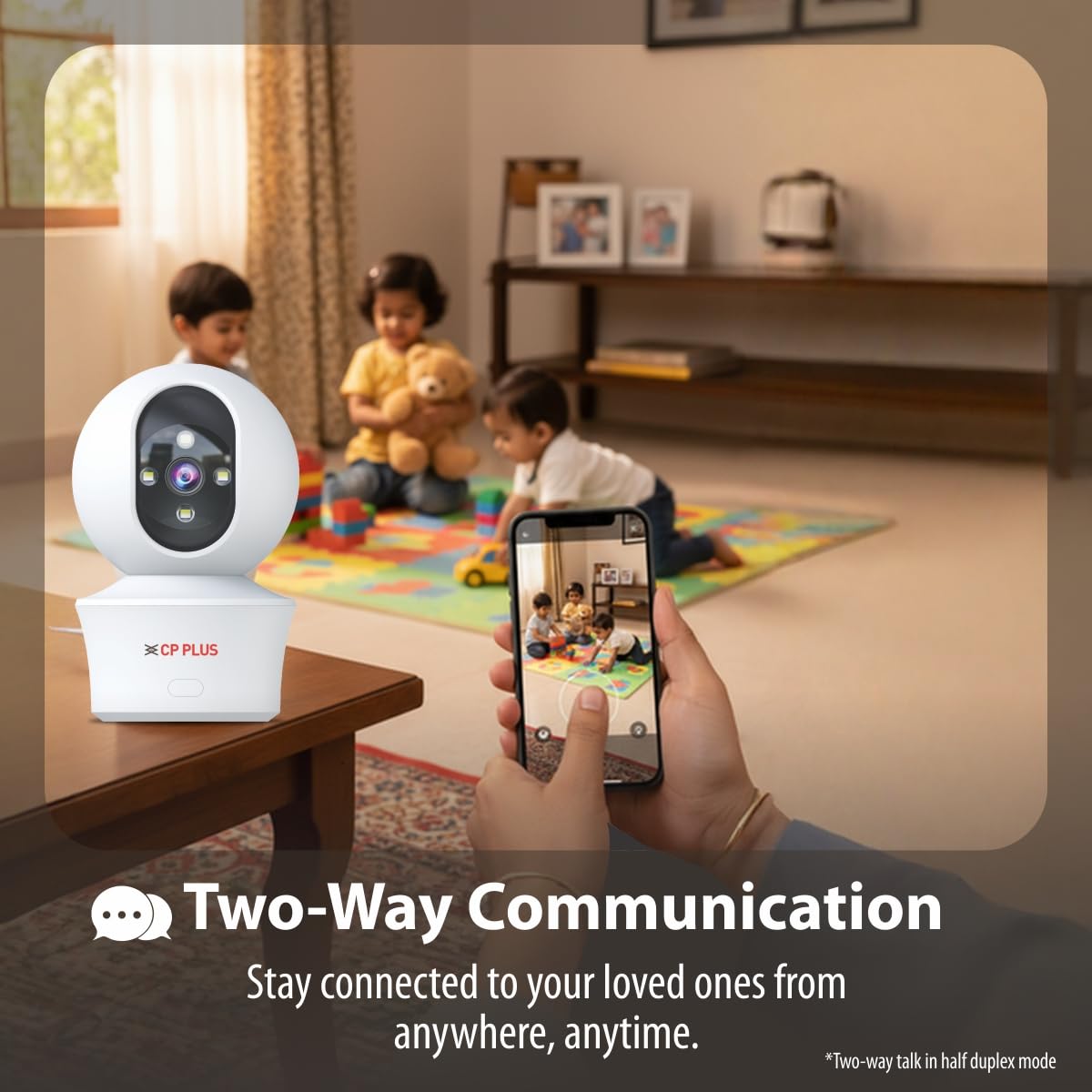
Figure 5.7: Cloud recording feature for remote access to footage.
5.6 CTC Cyber Secure Tech
Your CP PLUS camera incorporates CTC Cyber Secure Tech to ensure your video data remains encrypted, private, and protected from cyber threats.
6. المواصفات
| ميزة | مواصفة |
|---|---|
| رقم الموديل | EZ-P34Q |
| دقة | 3 ميجابكسل (2304 × 1296) |
| ضغط الفيديو | ح.265 |
| مجموعة عموم | 360° |
| مدى الإمالة | 60° |
| نطاق الأشعة تحت الحمراء للرؤية الليلية | 20-30 متر |
| White LED Night Vision Range | 15-20 meters (Full Color) |
| معدل الإطارات | 20 إطارًا في الثانية |
| تخزين | بطاقة microSD (حتى 256 جيجابايت)، تخزين سحابي |
| الاتصال | واي فاي (2.4 جيجا هرتز) |
| مدخلات الطاقة | 5 فولت يو اس بي من النوع سي |
| الأبعاد (الطول × العرض × الارتفاع) | 7.7 × 7.7 × 10.9 سم |
| وزن | 330 جرام |
| الاستخدام الداخلي والخارجي | داخلي فقط |
| المميزات الخاصة | 2-Way Audio, Motion Sensor, Night Vision, Human Detection, Auto Tracking, Built-in Siren |
7. استكشاف الأخطاء وإصلاحها
إذا واجهت مشكلات مع الكاميرا، فراجع المشكلات والحلول الشائعة التالية:
- الكاميرا غير متصلة بشبكة Wi-Fi:
- تأكد من أن شبكة Wi-Fi لديك هي 2.4 جيجاهرتز.
- تحقق من قوة إشارة Wi-Fi في موقع الكاميرا.
- تأكد من إدخال كلمة مرور Wi-Fi الصحيحة في التطبيق.
- أعد تشغيل جهاز توجيه Wi-Fi والكاميرا.
- جودة الفيديو رديئة:
- تحقق من سرعة اتصالك بالإنترنت.
- تأكد من أن عدسة الكاميرا نظيفة.
- Adjust video resolution settings in the app if your network bandwidth is limited.
- لا توجد تنبيهات لكشف الحركة:
- Verify motion detection and notification settings are enabled in the app.
- Check the detection sensitivity settings.
- تأكد من أن الكاميرا view لا يتم إعاقة.
- الصوت ثنائي الاتجاه لا يعمل:
- تحقق من أذونات الميكروفون ومكبر الصوت للتطبيق على هاتفك.
- تأكد من ضبط مستويات الصوت بشكل صحيح في التطبيق وعلى هاتفك.
8. معلومات السلامة
- صُممت هذه الكاميرا لـ للاستخدام الداخلي فقطلا تعرضه للماء أو الرطوبة أو درجات الحرارة القصوى.
- Use only the provided power adapter and charging cable. Using unauthorized accessories may damage the product and void the warranty.
- احتفظ بالكاميرا وملحقاتها بعيدًا عن متناول الأطفال.
- لا تحاول تفكيك الكاميرا أو إصلاحها بنفسك. تواصل مع خدمة دعم العملاء للحصول على المساعدة.
- تأكد من وجود تهوية مناسبة حول الكاميرا لمنع ارتفاع درجة حرارتها.
9. فيديو المنتجview
شاهد هذا الفيديو القصير للحصول على نظرة سريعةview of the CP PLUS EZ-P34Q camera's features and capabilities.
Video 9.1: A brief introduction to the CP PLUS 3MP Camera features.
10. الضمان والدعم
For warranty information, technical support, or service inquiries, please refer to the official CP PLUS webالموقع أو تواصل مع خدمة العملاء. احتفظ بإيصال الشراء كإثبات للشراء.