
ميسواو MES-B3 برو
دليل مستخدم جهاز MESWAO اللوحي بنظام أندرويد مقاس 15.6 بوصة
الموديل: MES-B3 Pro
مقدمة
Thank you for choosing the MESWAO 15.6 Inch Android Tablet, Model MES-B3 Pro. This tablet is designed to provide a powerful and immersive experience with its large display, robust performance, and long-lasting battery. This manual provides essential information for setting up, operating, maintaining, and troubleshooting your device to ensure optimal performance and longevity.
ماذا يوجد في الصندوق
يرجى التأكد من وجود جميع العناصر في الحزمة:
- 1x MESWAO 15.6 inch Android Tablet
- 1 × محول الطاقة
- 1 × كابل من النوع C
- محول واحد من النوع C إلى USB
- 1x Stuck Pin (for SIM/SD card tray)

Image: The MESWAO 15.6 Inch Android Tablet displayed with its power adapter, Type-C cable, Type-C to USB adapter, and stuck pin.
يثبت
1. الشحن الأولي
Before first use, fully charge your tablet. Connect the Type-C cable to the tablet's charging port and the power adapter. Plug the adapter into a wall outlet. The tablet supports 30W fast charging.

Image: The MESWAO tablet connected to a 30W fast charger, displaying charging status.
2. تشغيل / إيقاف التشغيل
- لتشغيل: Press and hold the Power button located on the side of the tablet until the MESWAO logo appears.
- لإيقاف التشغيل: اضغط مع الاستمرار على زر الطاقة، ثم حدد "إيقاف التشغيل" من الخيارات الموجودة على الشاشة.
- لإعادة التشغيل: اضغط مع الاستمرار على زر الطاقة، ثم حدد "إعادة التشغيل" من الخيارات التي تظهر على الشاشة.
3. معالج الإعداد الأولي
عند تشغيل الجهاز لأول مرة، اتبع التعليمات التي تظهر على الشاشة لإكمال الإعداد الأولي:
- اختر اللغة المفضلة لديك.
- الاتصال بشبكة Wi-Fi.
- قم بتسجيل الدخول باستخدام حساب Google الخاص بك أو قم بإنشاء حساب جديد.
- إعداد قفل الشاشة (رقم التعريف الشخصي، النمط، كلمة المرور).
- Review وقبول الشروط والأحكام.
4. إدخال بطاقة MicroSD
The tablet supports MicroSDXC cards up to 1TB for expanded storage.
- حدد مكان درج بطاقة SIM/SD على جانب الجهاز اللوحي.
- Insert the provided stuck pin into the small hole next to the tray to eject it.
- Place the MicroSD card into the designated slot on the tray, ensuring correct orientation.
- ادفع الدرج برفق إلى داخل الجهاز اللوحي حتى يستقر في مكانه.
تعليمات التشغيل
1. التنقل الأساسي (أندرويد 14)
Your MESWAO tablet runs on Android 14, offering a clean and intuitive user interface. Use touch gestures for navigation:
- مقبض: حدد عنصرًا أو افتح تطبيقًا.
- انتقاد: Scroll through pages, menus, or content.
- التكبير والتصغير: تكبير أو تصغير الصور و web الصفحات.
- ضغطة طويلة: الوصول إلى القوائم السياقية أو نقل أيقونات التطبيق.
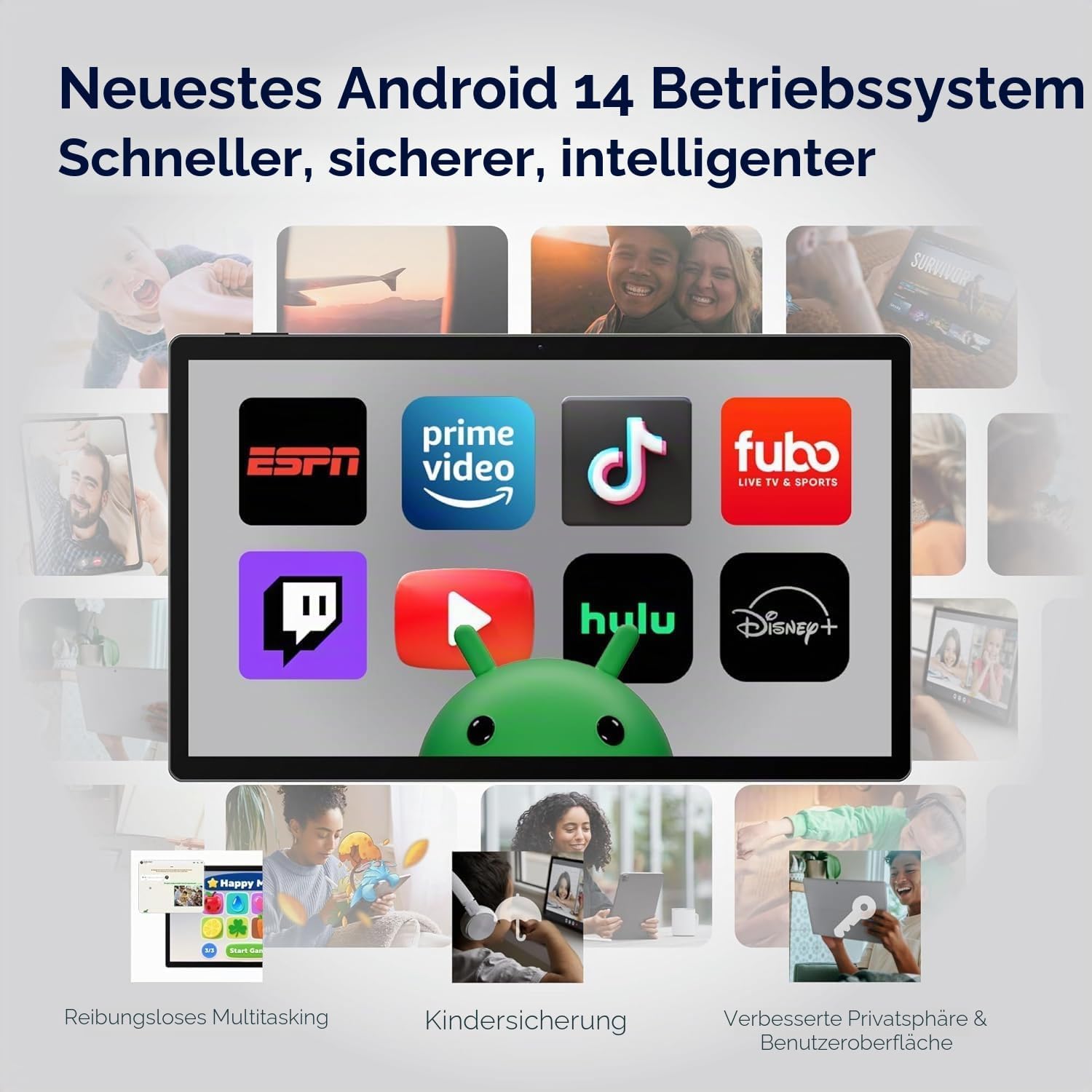
Image: The MESWAO tablet screen showing the Android 14 operating system with popular streaming and productivity applications.
2. اتصال واي فاي وبلوتوث
- واي فاي: اذهب الى الإعدادات > الشبكة والإنترنت > Wi-Fi. Turn Wi-Fi on and select your desired network. Enter the password if prompted. The tablet supports 2.4G and 5G Wi-Fi.
- بلوتوث: اذهب الى الإعدادات> الأجهزة المتصلة> تفضيلات الاتصال> Bluetooth. Turn Bluetooth on and pair with compatible devices like headphones or keyboards. The tablet features Bluetooth 5.0.
3. استخدام الكاميرا
الجهاز اللوحي مزود بكاميرا خلفية بدقة 32 ميجابكسل وكاميرا أمامية بدقة 5 ميجابكسل.
- افتح تطبيق الكاميرا من الشاشة الرئيسية أو درج التطبيقات.
- اضغط على زر الغالق لالتقاط الصور.
- يمكنك التبديل بين الكاميرا الأمامية والخلفية باستخدام رمز تبديل الكاميرا.
- Select video mode to record videos in FHD 1080p resolution.
4. الصوت والوسائط المتعددة
Experience immersive audio with the tablet's quad-speaker system. You can also connect external audio devices:
- صوت USB-C: Connect USB-C headphones or adapters to the Type-C port.
- صوت بلوتوث: Pair Bluetooth headphones or speakers as described above.

Image: The MESWAO tablet highlighting its quad-speaker system and various connectivity ports.
5. إدارة التخزين
Your tablet comes with 256GB of internal storage, expandable up to 1TB via a MicroSD card. To manage storage:
- اذهب الى الإعدادات > التخزين ل view استخدام مساحة التخزين وتحرير المساحة.
- يتحرك files to the MicroSD card to optimize internal storage.

Image: The MESWAO tablet illustrating its 256GB internal storage and the option for 1TB expandable storage.
6. عرض الشاشة لاسلكيًا
Share your tablet's screen wirelessly to a compatible smart TV or monitor for presentations, movies, or fitness applications.
- Ensure your tablet and the display device are connected to the same Wi-Fi network.
- اذهب الى الإعدادات > الأجهزة المتصلة > تفضيلات الاتصال > البث.
- Select your desired display device from the list to begin casting.
صيانة
1. تنظيف جهازك اللوحي
- استخدم قطعة قماش ناعمة وخالية من الوبر لتنظيف الشاشة والجسم.
- بالنسبة للبقع العنيدة، استخدمي القليل منampامسح القماش بالماء أو بمنظف الشاشة.
- تجنب استخدام المواد الكيميائية القاسية، أو المواد الكاشطة، أو الرطوبة الزائدة.
2. العناية بالبطارية
لتحقيق أقصى عمر ممكن لبطاريتك سعة 12000 مللي أمبير:
- تجنب درجات الحرارة القصوى.
- لا تترك البطارية تنفد بالكامل بشكل متكرر.
- استخدم الشاحن المرفق للحصول على أفضل النتائج في عملية الشحن.
3. تحديثات البرامج
قم بالتحقق من تحديثات النظام وتثبيتها بانتظام للتأكد من أن جهازك اللوحي يحتوي على أحدث الميزات وتصحيحات الأمان وتحسينات الأداء.
- اذهب الى الإعدادات > النظام > تحديث النظام.
- اتبع الإرشادات التي تظهر على الشاشة لتنزيل أي تحديثات متوفرة وتثبيتها.
استكشاف الأخطاء وإصلاحها
If you encounter issues with your MESWAO tablet, refer to the following common solutions:
| مشكلة | حل |
|---|---|
| الجهاز اللوحي لا يعمل. | Ensure the tablet is sufficiently charged. Connect it to the power adapter and wait a few minutes before attempting to power on again. |
| مشاكل في الاتصال بشبكة Wi-Fi. | Check if Wi-Fi is enabled in Settings. Restart your router and the tablet. Ensure you are within range of the Wi-Fi signal. |
| التطبيقات تتعطل أو تتجمد. | أغلق التطبيق وأعد فتحه. امسح ذاكرة التخزين المؤقت للتطبيق (الإعدادات > التطبيقات > [اسم التطبيق] > التخزين والذاكرة المؤقتة > مسح الذاكرة المؤقتة). Restart the tablet. |
| الأداء بطيء. | أغلق التطبيقات التي تعمل في الخلفية والتي لا تحتاج إلى صيانة. امسح ذاكرة التخزين المؤقت والملفات المؤقتة. files. Consider uninstalling unused apps. Ensure sufficient free storage space. |
| شاشة اللمس لا تستجيب. | أعد تشغيل الجهاز اللوحي. إذا استمرت المشكلة، فتأكد من أن الشاشة نظيفة وخالية من أي شوائب. |
تحديد
| ميزة | التفاصيل |
|---|---|
| ماركة | ميسواو |
| اسم الموديل | MES-B3 Pro |
| نظام التشغيل | أندرويد 14 |
| المعالج | MediaTek Helio G99 Octa-Core (up to 2.2 GHz) |
| كبش | 8 جيجا بايت |
| التخزين الداخلي | 256 جيجا بايت |
| تخزين قابل للتوسيع | Up to 1 TB (MicroSDXC) |
| حجم العرض | 15.6 بوصة |
| دقة العرض | 1920 x 1080 Pixels (IPS HD Display) |
| معدل التحديث | 60 هرتز |
| الكاميرا الخلفية | 32 ميجا بكسل |
| الكاميرا الأمامية | 5 ميجا بكسل |
| دقة التقاط الفيديو | دقة كاملة 1080 بكسل |
| سعة البطارية | 12000 مللي أمبير |
| عمر البطارية (متوسط) | 10 ساعة |
| الشحن | شحن سريع بقوة 30 واط (من النوع C) |
| الاتصال | Wi-Fi (802.11ac, 2.4G/5G), Bluetooth 5.0, USB 3.1 Type-C |
| دعم تنسيق الصوت | APE, M4A, MIDI, OGG, MP3, MP2, AMR, AWB, WAV, FLAC, 3GP (AAC, WMA with license) |
| الأبعاد (الطول × العرض × العمق) | 36.9 سم طول × 22.3 سم عرض × 0.9 سم عمق |
| وزن | 1100 جرام |
الضمان والدعم
1. ضمان المنتج
The MESWAO 15.6 Inch Android Tablet comes with a ضمان لمدة سنة واحدة, covering manufacturing defects. Please retain your proof of purchase for warranty claims.
2. دعم العملاء
For any questions, technical assistance, or warranty claims, please contact MESWAO customer support. We offer 24-hour customer support and have local after-sales centers in EU/US/UP regions to provide responsive service.
- دعم العملاء على مدار 24 ساعة: فريق الدعم لدينا متوفر لمساعدتك.
- Local Service Centers: Located in Europe, the US, and other regions for convenient local care.
- Responsive Resolution: Issues reported are typically addressed within 24 hours, leading to problem resolution or replacement.

Image: Visual representation of MESWAO's customer support, including 12-month warranty, 24-hour support, and local service centers.
Ask a question about this manual
Ask about setup, troubleshooting, compatibility, parts, safety, or missing instructions. Manuals+ will review the question and use this page’s manual context to help answer it.