
Fachixy FC-200
دليل مستخدم سماعة الألعاب اللاسلكية Fachixy FC-200
الموديل: FC-200
مقدمة
This manual provides detailed instructions for the proper use and maintenance of your Fachixy FC-200 Wireless Gaming Headset. Please read this manual thoroughly before using the product to ensure optimal performance and longevity. The FC-200 headset offers versatile connectivity via 2.4GHz wireless and Bluetooth 5.4, designed for a wide range of gaming and multimedia devices.
معلومات هامة حول السلامة
- تجنب الاستماع إلى مستويات صوت عالية لفترة طويلة لمنع تلف السمع.
- لا تعرض سماعة الرأس لدرجات الحرارة العالية أو الرطوبة أو السوائل.
- Keep the headset away from strong magnetic fields.
- لا تحاول تفكيك سماعة الرأس أو تعديلها. سيؤدي ذلك إلى إلغاء الضمان.
- استخدم كابل الشحن المرفق فقط للشحن.
محتويات الحزمة
تأكد من وجود جميع العناصر في الحزمة الخاصة بك:
- سماعة الألعاب اللاسلكية Fachixy FC-200
- 2.4G دونجل USB
- كابل شحن USB
- دليل المستخدم (هذا المستند)
المنتج انتهىview والضوابط
Familiarize yourself with the headset's components and control buttons.
صورة: Diagram showing the control buttons on the left earcup of the Fachixy FC-200 headset. Labels indicate buttons for RGB control, microphone mute/mode switch, power/play/pause/call, and volume control.
- RGB/Re-pair Button (1): Press for 3 seconds to turn RGB lighting on/off. In Bluetooth mode, press for 3 seconds to re-pair.
- Microphone/Mode Switch Button (2): Press for 3 seconds to turn the microphone on/off. Press for 2 seconds to switch between Bluetooth and 2.4G modes.
- Power/Play/Pause/Call Button (3): Press for 3 seconds to turn the headset on/off. Press to play/pause audio or answer/end calls.
- Volume Control (4): Scroll forward or backward to adjust volume.
- ميكروفون: Detachable or retractable microphone for voice communication.
- منفذ شحن USB-C: لشحن سماعة الرأس.
دليل الإعداد
1. شحن سماعة الرأس
Before first use, fully charge the headset. Connect the provided USB charging cable to the headset's USB-C port and the other end to a USB power source (e.g., computer, wall adapter). A full charge takes approximately 2.5 hours and provides up to 50 hours of battery life (with RGB off). A voice alert will notify you when the battery charge drops below 10%.
2. 2.4GHz Wireless Connection (for PC, PS4, PS5, Laptop)
- Insert the 2.4G USB dongle into an available USB port on your PC, PS4, PS5, or laptop.
- Power on the headset by pressing and holding the Power button (3) for 3 seconds.
- The headset should automatically connect to the dongle. A successful connection is indicated by a stable light on the headset or a voice prompt.
- On your device, ensure the Fachixy FC-200 is selected as the audio input and output device in your sound settings.

صورة: The Fachixy FC-200 wireless gaming headset shown alongside its 2.4G USB dongle, illustrating the wireless connectivity method.
3. Bluetooth 5.4 Connection (for PC, Tablets, Mobile Phones, Switch)
- تأكد من تشغيل سماعة الرأس.
- Press and hold the Microphone/Mode Switch button (2) for 2 seconds to switch to Bluetooth mode. The headset will enter pairing mode, indicated by a flashing light or voice prompt.
- On your device (PC, tablet, mobile phone, Switch), enable Bluetooth and search for "FC-200" in the list of available devices.
- Select "FC-200" to pair. Once connected, the headset's indicator light will become stable.
ملاحظات التوافق الهامة:
- Neither 2.4G nor Bluetooth modes are compatible with Xbox consoles (all Series).
- The microphone is not supported when using the headset with Nintendo Switch.
- Bluetooth mode is not compatible with PS4 or PS5 consoles.
تعليمات التشغيل
تشغيل/إيقاف الطاقة
- To power on: Press and hold the Power button (3) for 3 seconds.
- To power off: Press and hold the Power button (3) for 3 seconds.
Mode Switching (Bluetooth / 2.4G)
- To switch between 2.4G and Bluetooth modes: Press and hold the Microphone/Mode Switch button (2) for 2 seconds.
التحكم في مستوى الصوت
- Adjust volume: Use the Volume Control wheel (4) by scrolling it forward to increase volume or backward to decrease volume.
التحكم في الميكروفون
- To turn microphone on/off: Press and hold the Microphone/Mode Switch button (2) for 3 seconds.
رغب التحكم في الإضاءة
- To turn RGB lighting on/off: Press and hold the RGB/Re-pair button (1) for 3 seconds.
تشغيل الصوت وإدارة المكالمات
- Play/Pause: Press the Power button (3) once.
- Answer/End Call: Press the Power button (3) once during an incoming call or an active call.
صيانة
- تنظيف: استخدم قطعة قماش ناعمة وجافة لتنظيف سماعة الرأس. لا تستخدم المنظفات الكاشطة أو المذيبات.
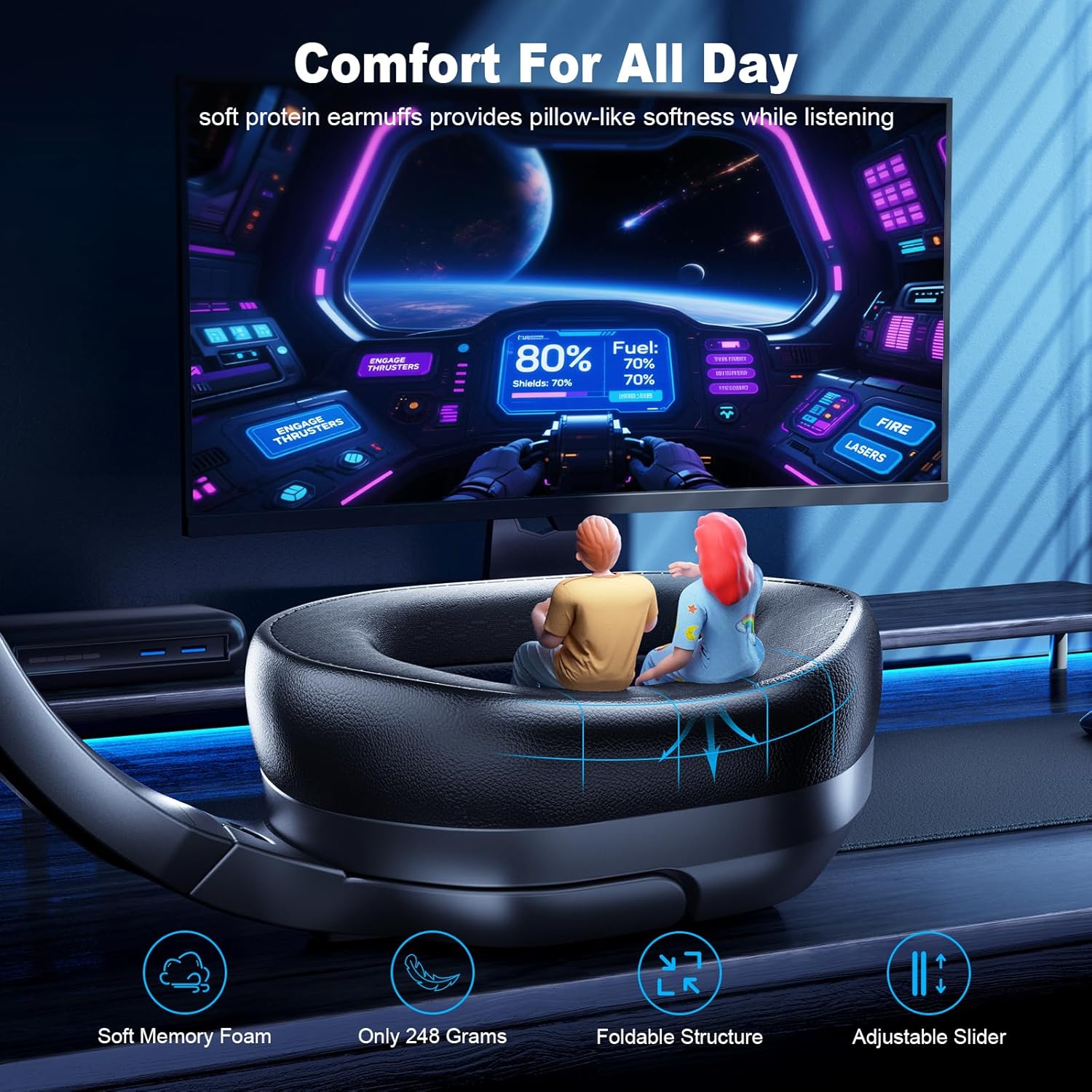
- تخزين: خزّن سماعة الرأس في مكان بارد وجاف بعيدًا عن أشعة الشمس المباشرة ودرجات الحرارة القصوى. يتيح تصميمها القابل للطي تخزينها بشكل مضغوط.
- العناية بالبطارية: للحفاظ على عمر البطارية، اشحن سماعة الرأس بانتظام، حتى لو لم تكن تستخدمها بكثرة. تجنب تفريغ البطارية بالكامل لفترات طويلة.
استكشاف الأخطاء وإصلاحها
| مشكلة | الحل المحتمل |
|---|---|
| سماعة الرأس لا تعمل. | Ensure the headset is charged. Connect it to a power source using the USB charging cable. |
| لا يوجد صوت أو جودة الصوت رديئة. |
|
| الميكروفون لا يعمل. |
|
| Cannot connect via 2.4GHz. |
|
| لا يمكن الاتصال عبر البلوتوث. |
|
تحديد
| اسم الموديل | إف سي-200 |
| تكنولوجيا الاتصال | لاسلكي (2.4 جيجاهرتز، بلوتوث 5.4) |
| تكنولوجيا الاتصالات اللاسلكية | لاسلكي بتردد 2.4 جيجاهرتز، بلوتوث 5.4 |
| التحكم في الضوضاء | إلغاء الضجيج السلبي |
| عمر البطارية | Up to 50 Hours (RGB off) |
| وقت الشحن | حوالي ساعتين |
| السائقين | 50mm High-Density Dual Neodymium Audio Drivers |
| مادة | Acrylonitrile Butadiene Styrene (ABS), Leather, Polycarbonate (PC) |
| المميزات الخاصة | Foldable, Lightweight, Microphone Included, Volume Control |
| وزن العنصر | 13.7 أونصات |
| رمز المنتج الموحد | 673658101209 |
معلومات الضمان
Fachixy products are covered by a limited warranty from the date of purchase. This warranty covers manufacturing defects in materials and workmanship. It does not cover damage caused by misuse, accidents, unauthorized modifications, or normal wear and tear. Please retain your proof of purchase for warranty claims.
دعم العملاء
For technical assistance, warranty claims, or general inquiries, please contact Fachixy customer support. Refer to the official Fachixy webللحصول على أحدث معلومات الاتصال، يرجى زيارة الموقع الإلكتروني أو الاطلاع على وثائق الشراء الخاصة بك.
الدعم عبر الإنترنت: قم بزيارة Fachixy Store on Amazon للاطلاع على الأسئلة الشائعة ومعلومات المنتج.
Ask a question about this manual
Ask about setup, troubleshooting, compatibility, parts, safety, or missing instructions. Manuals+ will review the question and use this page’s manual context to help answer it.