
1. المقدمة
This user manual provides detailed instructions for the Tangxi Portable 4G/5G Mobile Hotspot, model Tangxiwbt2r4vmkc. It covers everything from initial setup and operation to maintenance and troubleshooting, ensuring you can maximize your device's potential for reliable, high-speed internet access wherever you are.
2. معلومات السلامة
- لا تعرض الجهاز لدرجات حرارة قصوى أو لأشعة الشمس المباشرة أو للرطوبة.
- تجنب إسقاط الجهاز أو تعريضه لصدمات قوية.
- استخدم فقط كابل الشحن المرفق أو المعتمد.
- يحفظ بعيدًا عن متناول الأطفال.
- لا تحاول تفكيك الجهاز أو إصلاحه بنفسك.
3. محتويات العبوة
تأكد من وجود جميع العناصر في الحزمة الخاصة بك:
- 1 x Tangxi Portable 4G/5G Mobile Hotspot
- 1 x USB Supply Cable (Type-C)
- 1 × دليل المستخدم (هذه الوثيقة)
4. انتهى المنتجview
The Tangxi Portable 4G/5G Mobile Hotspot is a compact and powerful device designed to provide high-speed internet connectivity on the go. It supports 4G/5G networks, offering speeds up to 300Mbps, and can connect up to 10 devices simultaneously. Its built-in 3200mAh battery ensures over 10 hours of continuous use.
المميزات الرئيسية:
- 4G/5G Connectivity: Enjoy fast internet without broadband, simply by inserting a SIM card.
- High-Speed Network: Supports LTE CAT4 standard with speeds up to 300Mbps.
- عمر بطارية طويل: Integrated 3200mAh Lithium-ion battery provides over 10 hours of usage.
- دعم الأجهزة المتعددة: Connect up to 10 devices simultaneously.
- التوصيل والتشغيل: Easy setup with USB-C power supply and SIM card insertion.
مكونات الجهاز:

الشكل 1: الجبهة view of the hotspot highlighting key features like Type-C interface, 4G/5G high-speed internet, and battery capacity.

Figure 2: The mobile hotspot demonstrating its high-performance battery, capable of over 10 hours of continuous use.
5. الإعداد
5.1 إدخال بطاقة SIM
- Carefully remove the back cover of the hotspot device.
- حدد موقع فتحة بطاقة SIM.
- Insert your 4G/5G SIM card into the designated slot, ensuring correct orientation.
- أعد تركيب الغطاء الخلفي بشكل آمن.
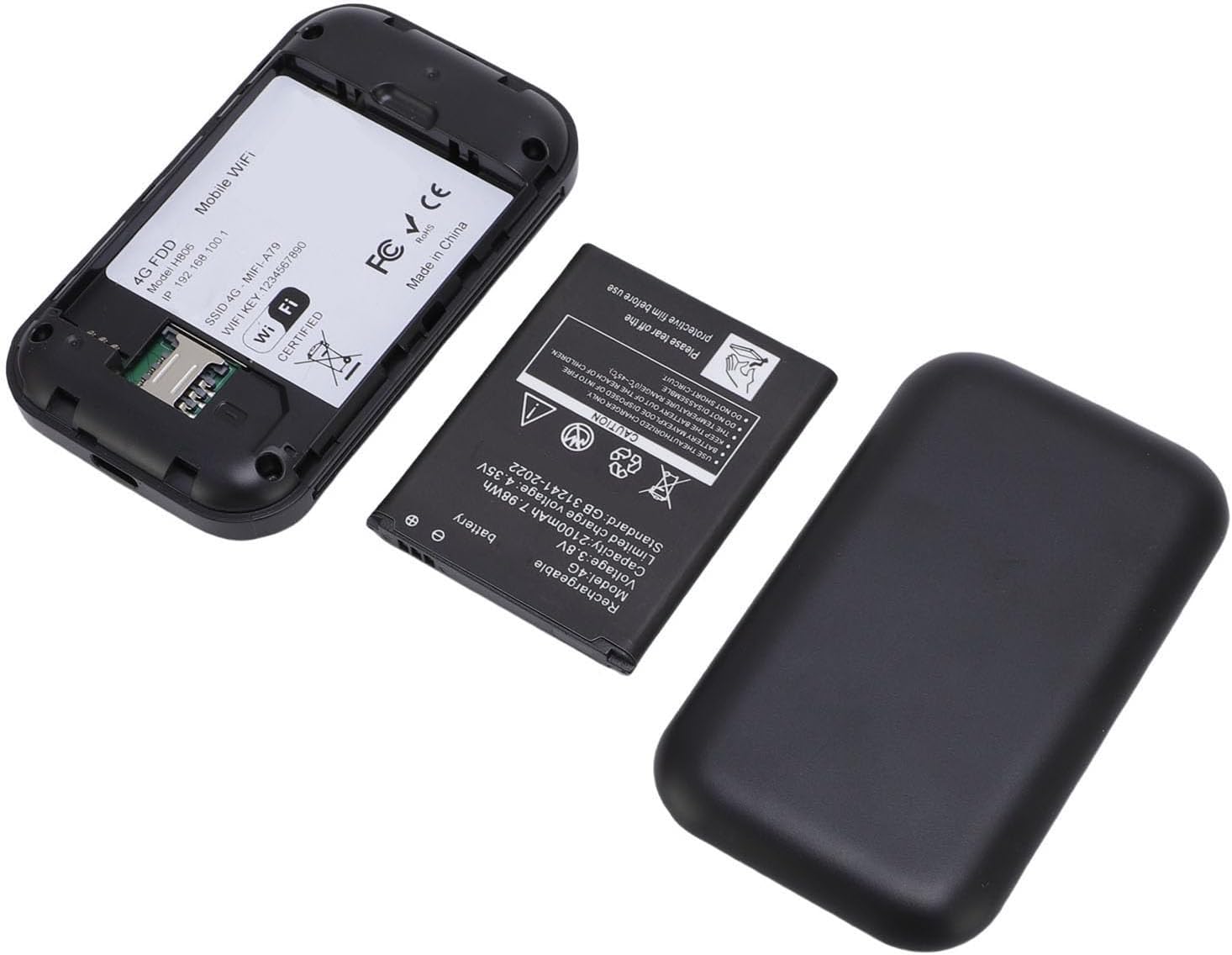
الشكل 3: الداخلي view of the hotspot, showing the battery removed and the SIM card slot for easy insertion.
5.2 التشغيل والتوصيل الأولي
- Press and hold the power button on the device until the screen illuminates.
- The device will begin registering with the network. This may take a few moments.
- Once registered, the screen will display network status, remaining data, and Wi-Fi details.
- ابحث عن شبكات الواي فاي المتاحة على هاتفك الذكي أو جهازك اللوحي أو حاسوبك المحمول.
- Select the network name (SSID) displayed on your hotspot's screen.
- Enter the Wi-Fi password (Key) shown on the hotspot's screen to connect.
Video 1: A short demonstration of unboxing the mobile hotspot and inserting the SIM card, followed by powering on the device.
6. تعليمات التشغيل
6.1 توصيل أجهزة متعددة
The hotspot supports simultaneous connections for up to 10 devices. Follow the initial connection steps (Section 5.2) for each device you wish to connect.
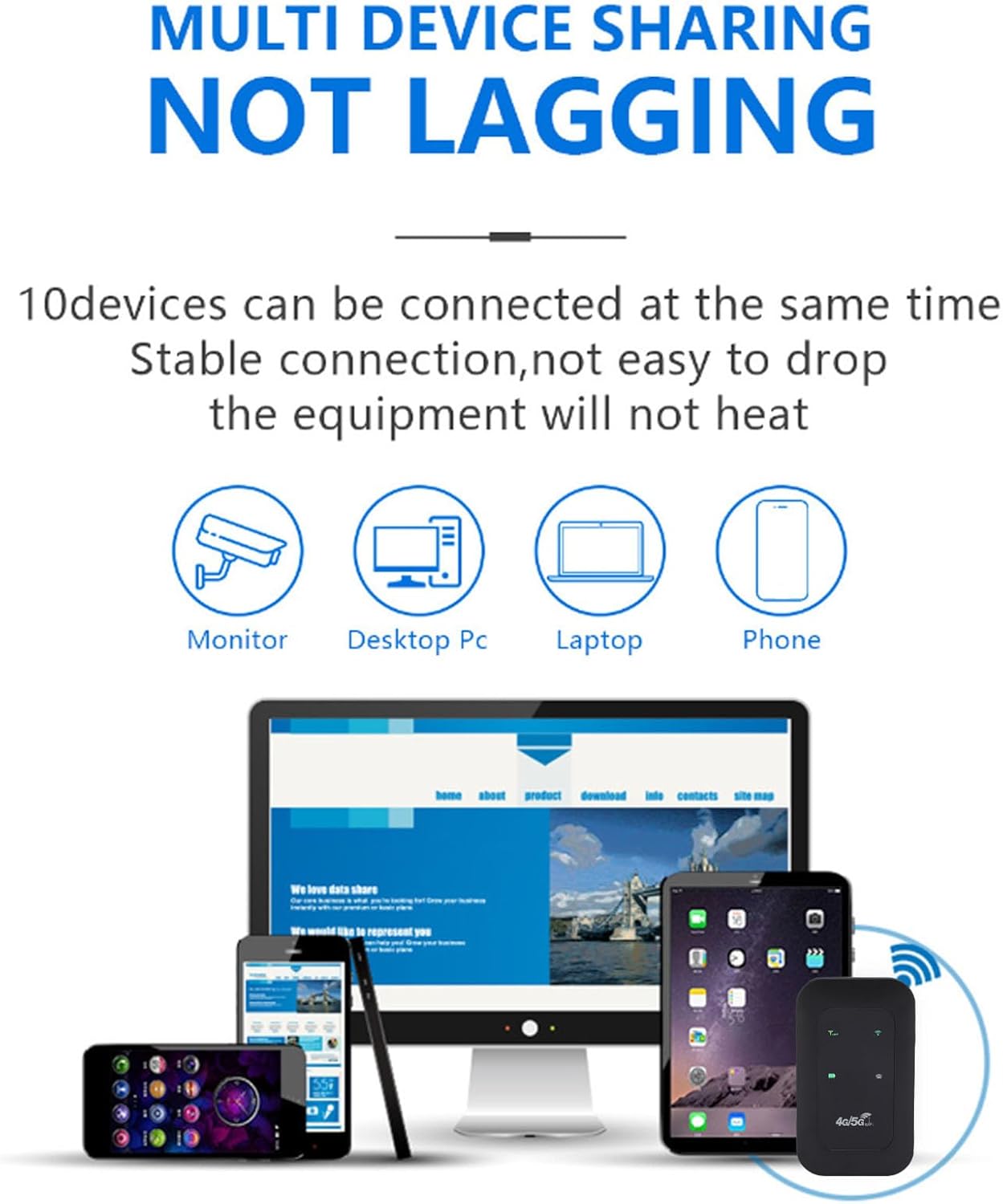
Figure 4: The hotspot providing stable internet to various devices including a monitor, desktop PC, laptop, and smartphone.
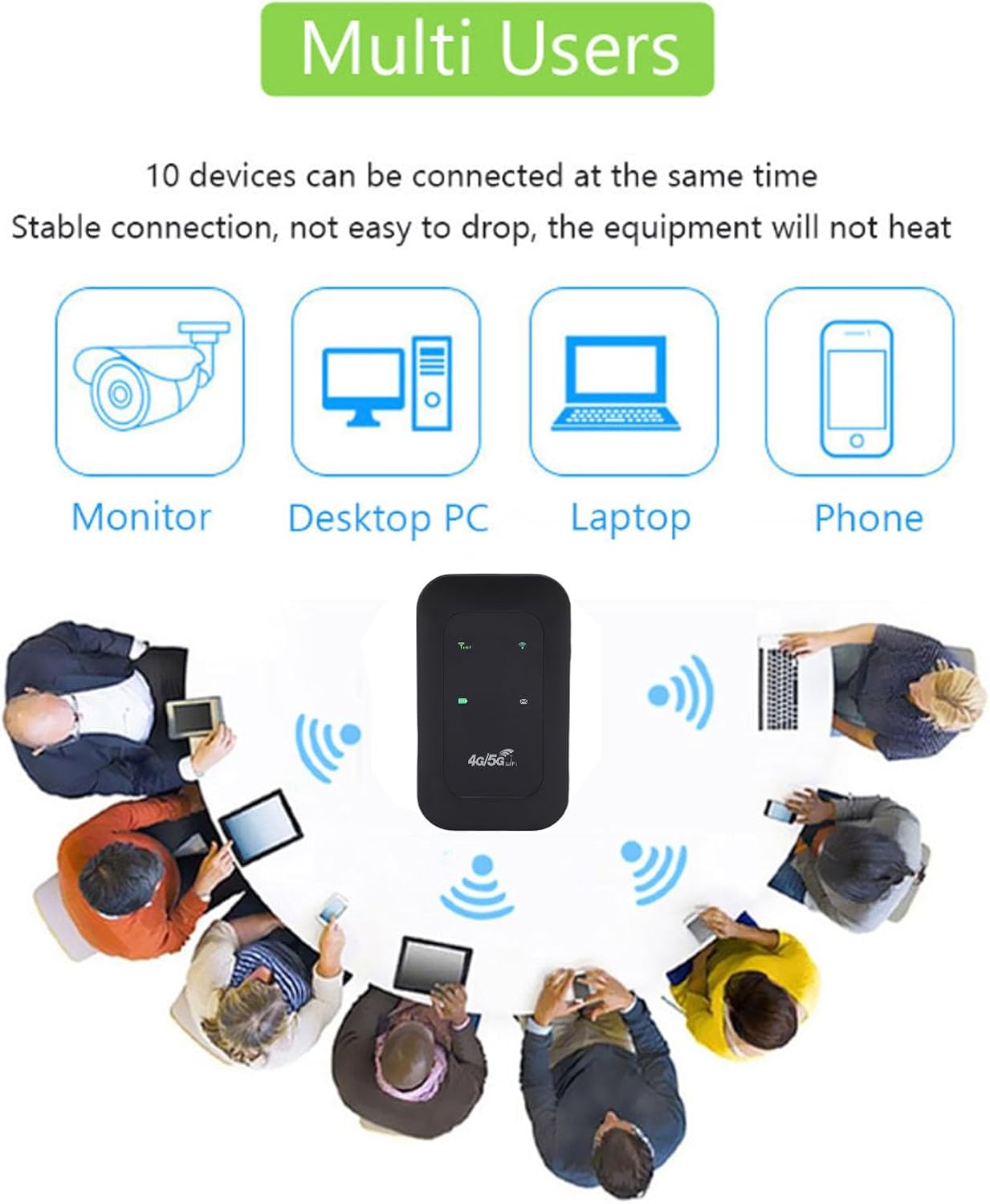
Figure 5: The mobile hotspot facilitating internet access for several individuals and their devices, emphasizing its multi-user capability.
6.2 فهم المؤشرات
The device's display provides real-time information about its status:
- قوة الإشارة: Bars indicate the strength of the 4G/5G cellular signal.
- حالة Wi-Fi: An icon indicates if Wi-Fi is active and broadcasting.
- مستوى البطارية: تظهر أيقونة توضح مستوى شحن البطارية الحالي.
- استخدام البيانات: Displays remaining and total data usage (if applicable to your SIM plan).

Figure 6: The hotspot's ability to provide smooth network speed and accurate reception of high-frequency signals within a home environment.
7. الصيانة
7.1 العناية بالبطارية
- اشحن الجهاز بالكامل قبل استخدامه لأول مرة.
- تجنب استنزاف البطارية بالكامل بانتظام لإطالة عمرها.
- إذا كنت ستقوم بتخزين الجهاز لفترة طويلة، قم بشحنه إلى حوالي 50% وقم بتخزينه في مكان بارد وجاف.
7.2 التنظيف والتخزين
- Wipe the device with a soft, dry cloth. Do not use liquid cleaners.
- Store the hotspot in a protective pouch or case when traveling to prevent scratches or damage.
8. استكشاف الأخطاء وإصلاحها
8.1 لا يوجد اتصال بالإنترنت
- تأكد من إدخال بطاقة SIM بشكل صحيح وتفعيلها باستخدام باقة بيانات.
- Check the signal strength indicator on the hotspot. If signal is weak, move to an area with better reception.
- Restart the hotspot device and your connected device.
- Verify that your data plan has not been exhausted.
8.2 سرعة اتصال بطيئة
- تقليل عدد الأجهزة المتصلة.
- Ensure you are in an area with good 4G/5G coverage.
- Check for any background applications consuming bandwidth on connected devices.
8.3 الجهاز لا يعمل
- تأكد من شحن البطارية. قم بتوصيل الجهاز بمصدر طاقة باستخدام كابل USB-C.
- حاول استخدام كابل USB-C ومحول طاقة مختلفين.
Video 2: An instructional video demonstrating how to set up tethering, which can be a useful alternative connection method or troubleshooting step.
9. المواصفات
| ميزة | التفاصيل |
|---|---|
| نوع العنصر | اتصال محمولة |
| مادة | ABS + electronic components |
| نطاقات الشبكة | LTE: B1/B3/B5/B40, WCDMA: B1 |
| دعم الواي فاي | 802.11 b/g/n Wireless Network |
| تردد الإرسال | تصل إلى 300 ميجابايت في الثانية |
| فتحة بطاقة SIM | 1 (غير مدرج) |
| نوع البطارية | Built-in 3200mAh Lithium-ion Battery |
| بروتوكول الاتصال | 4G LTE، 5G |
| الأجهزة المتوافقة | الكمبيوتر المحمول والهاتف الذكي |
| بروتوكول الأمان | WPA2-PSK |
| رقم الموديل | Tangxiwbt2r4vmkc |
10. معلومات الضمان
This product comes with a manufacturer warranty for 90 days from the date of purchase. Please retain your proof of purchase for any warranty claims.
11. الدعم
For further assistance, product information, or to explore other Tangxi products, please visit the official Tangxi store:
Visit the Tangxi Store on Amazon
Manufacturer: Tangxi