
مقدمة
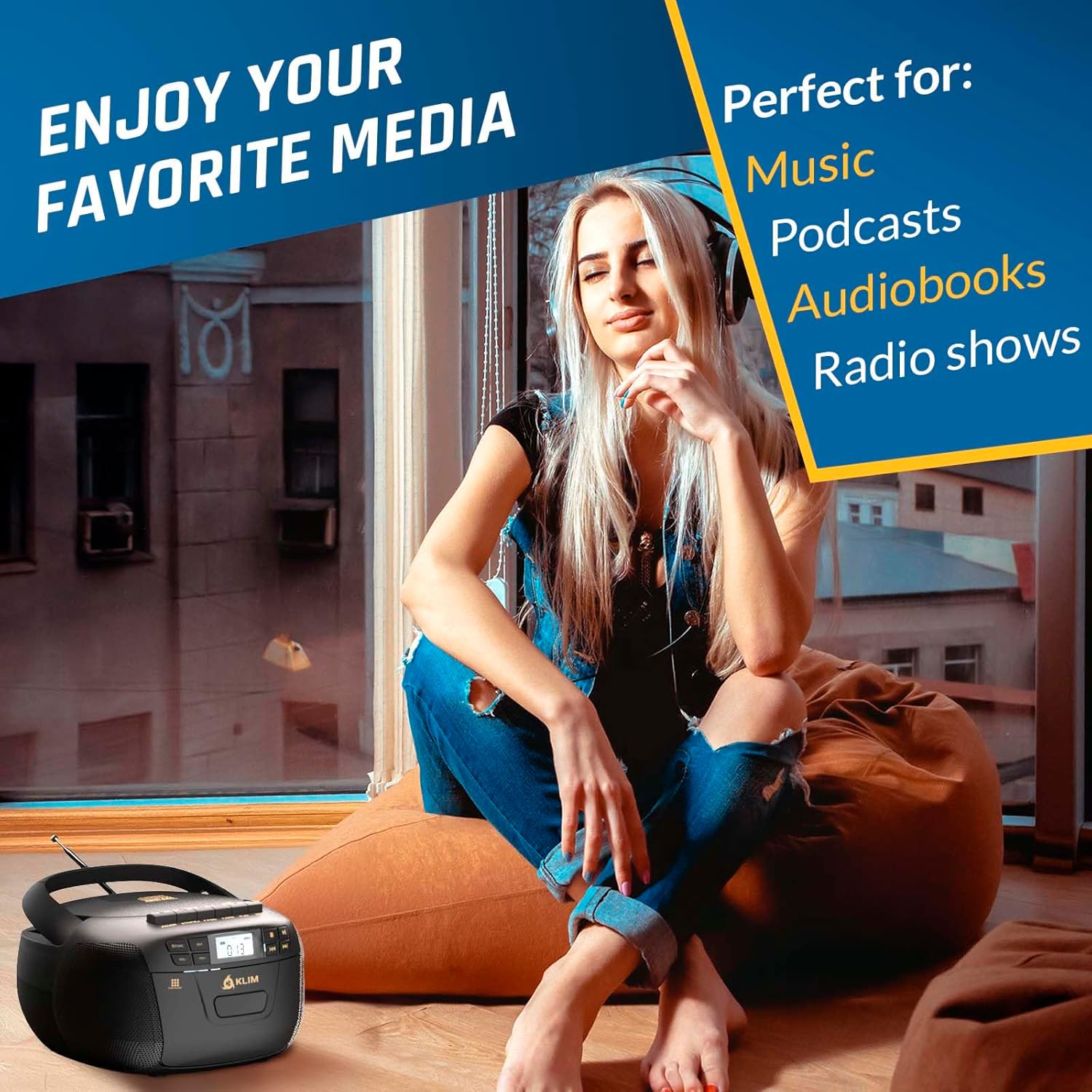
This manual provides instructions for the KLIM KLCD-3873 CD Player & Cassette Boombox. This versatile audio system offers multiple playback options including CD, cassette, Bluetooth, AM/FM radio, USB, and AUX input. It features dual 3W speakers for stereo sound and can be powered by AC or batteries for portable use. A remote control is included for convenient operation.

The KLIM KLCD-3873 boombox with its included remote control.
المنتج انتهىview
المكونات والضوابط
Familiarize yourself with the various parts and controls of your KLIM KLCD-3873 boombox:

قمة view of the boombox, highlighting the CD compartment and main control buttons.
- حجرة الأقراص المضغوطة: يوجد في الأعلى، لإدخال الأقراص الصوتية.
- باب الكاسيت: Located on the front, for inserting cassette tapes.
- شاشة LCD: يعرض الوضع الحالي، ورقم المسار، وتردد الراديو، وما إلى ذلك.
- زر الوظيفة/الوضع: Switches between CD, Cassette, Bluetooth, Radio, USB, and AUX modes.
- Volume Controls (VOL-, VOL+): يضبط مستوى إخراج الصوت.
- زر التشغيل/الإيقاف المؤقت: يبدأ التشغيل أو يوقفه مؤقتًا.
- زر التوقف: يوقف التشغيل.
- Skip/Search Buttons (Previous/Next): Skips tracks or fast forwards/rewinds.
- زر التكرار: يكرر المسار الحالي أو جميع المسارات.
- زر التسجيل: Initiates recording from radio or CD to cassette.
- هوائي AM/FM: Extendable antenna for radio reception.
- موجة الضبط: For manual tuning of AM/FM radio frequencies.
- منفذ USB: لتشغيل الصوت files من محرك أقراص USB.
- مدخلات AUX: لتوصيل أجهزة الصوت الخارجية عبر كابل 3.5 ملم.
- مقبس سماعة الرأس: للاستماع الخاص مع سماعات الرأس.
- مدخلات الطاقة AC: لتوصيل سلك الطاقة الكهربائية.
- حجرة البطارية: Located on the bottom, for C-size batteries.
جانب view of the boombox, illustrating the various input/output ports.
يثبت
تشغيل الجهاز
The KLIM KLCD-3873 can be powered using either AC power or batteries.
AC Power (Indoor Use)
- تأكد من إيقاف تشغيل الوحدة.
- Connect the supplied AC power cord to the AC input jack on the back of the boombox.
- Plug the other end of the AC power cord into a standard wall outlet (120V ~ 60Hz).
Battery Power (Portable Use)
- تأكد من إيقاف تشغيل الجهاز وفصله عن مصدر الطاقة الكهربائية.
- افتح غطاء حجرة البطارية الموجود في الجزء السفلي من الوحدة.
- أدخل 6 بطاريات من الحجم "C" (غير مرفقة)، مع التأكد من صحة القطبية (+/-) كما هو موضح داخل الحجرة.
- أغلق غطاء حجرة البطارية جيدًا.

مؤخرة view of the boombox, illustrating the battery compartment for portable power.
تعليمات التشغيل
Turn on the boombox by pressing the Power button. Use the Function/Mode button to select your desired audio source.

The KLIM KLCD-3873 boombox ready for operation.
تشغيل القرص المضغوط
- Press the Function/Mode button until 'CD' appears on the LCD display.
- افتح غطاء حجرة الأقراص المدمجة الموجودة أعلى الجهاز.
- Place an audio CD or MP3/WMA CD onto the spindle with the label side facing up.
- Close the CD compartment cover. The CD will begin playing automatically after reading.
- استخدم أزرار التشغيل/الإيقاف المؤقت، والإيقاف، والتخطي/البحث للتحكم في التشغيل.
- To program tracks: In stop mode, press the Program button, select a track using Skip/Search, press Program again. Repeat for up to 20 tracks. Press Play to start programmed playback.
تشغيل وتسجيل الكاسيت
- Press the Function/Mode button until 'TAPE' appears on the LCD display.
- Press the 'Push Close' button on the cassette door to open it.
- Insert a cassette tape with the open edge facing up and the side to be played facing forward.
- أغلق باب الكاسيت.
- Press the Play button to start playback. Use the Fast Forward/Rewind buttons to navigate the tape.
- لتسجيل: Select the desired source (CD or Radio). Insert a blank cassette. Press the Record button. Recording will begin. Press Stop to end recording.

أمام view of the boombox with the cassette door open, ready for tape insertion.
وضع بلوتوث
- Press the Function/Mode button until 'BT' appears on the LCD display. The unit will enter pairing mode, indicated by a flashing 'BT'.
- قم بتفعيل البلوتوث على جهازك الخارجي (الهاتف الذكي، الجهاز اللوحي، إلخ) وابحث عن الأجهزة المتاحة.
- Select 'KLIM Boombox' from the list of devices. Once paired, 'BT' will stop flashing.
- You can now play audio from your connected device through the boombox. Use the boombox controls or your device to manage playback and volume.
راديو AM/FM
- Press the Function/Mode button until 'RADIO' appears on the LCD display.
- Extend the telescopic antenna for optimal FM reception. For AM, rotate the unit for best reception.
- Use the Tuning knob to manually scan for radio stations. The frequency will be displayed on the LCD.
تشغيل USB
- أدخل محرك أقراص فلاش USB في منفذ USB.
- Press the Function/Mode button until 'USB' appears on the LCD display.
- ستقوم الوحدة تلقائيًا باكتشاف وتشغيل الصوت المتوافق files (MP3/WMA) from the USB drive.
- استخدم أزرار التشغيل/الإيقاف المؤقت، والإيقاف، والتخطي/البحث للتحكم في التشغيل.
مدخلات AUX
- قم بتوصيل أحد طرفي كابل الصوت 3.5 ملم (غير مرفق) بمقبس إدخال AUX الموجود على جهاز الراديو المحمول.
- قم بتوصيل الطرف الآخر من الكابل بمقبس سماعة الرأس أو مخرج الصوت الخاص بجهازك الخارجي.
- Press the Function/Mode button until 'AUX' appears on the LCD display.
- Play audio from your external device. Volume can be controlled via the boombox or the external device.
جهاز التحكم عن بعد
The included remote control allows for convenient operation from a distance of up to 20 feet.

The remote control for the KLIM KLCD-3873 boombox.
Functions include Power, Mute, Volume Up/Down, Mode selection, Play/Pause, Stop, Skip/Search, Repeat, and numeric track selection for CD/USB modes.
صيانة
تضمن العناية المناسبة طول عمر جهاز الراديو المحمول الخاص بك.
- تنظيف: امسح السطح الخارجي بقطعة قماش ناعمة وجافة. لا تستخدم منظفات أو مذيبات كاشطة.
- العناية بالأقراص المضغوطة/الكاسيت: Handle CDs by the edges to avoid fingerprints. Keep cassette tapes away from strong magnetic fields. Regularly clean the CD lens and cassette head with appropriate cleaning kits (not included).
- تخزين: عند عدم الاستخدام لفترات طويلة، قم بإزالة البطاريات وتخزين الجهاز في مكان بارد وجاف.
استكشاف الأخطاء وإصلاحها
إذا واجهت أي مشكلات، راجع المشكلات والحلول الشائعة التالية:
| مشكلة | الحل المحتمل |
|---|---|
| الوحدة لا تعمل بالطاقة. | Check if the AC power cord is securely connected. If using batteries, ensure they are inserted correctly and are not depleted. |
| لا يتم تشغيل القرص المضغوط أو تخطيه. | Ensure the CD is clean and free of scratches. Verify the CD is inserted correctly with the label side up. Make sure the unit is in CD mode. |
| Cassette tape does not play or record. | Check if the tape is inserted correctly. Ensure the correct mode is selected for playback or recording. Verify the tape is not damaged. |
| استقبال راديو ضعيف. | Fully extend the telescopic antenna for FM. For AM, try rotating the unit to improve signal. Move the unit away from other electronic devices that may cause interference. |
| لا يمكن لجهاز البلوتوث الاقتران. | Ensure the boombox is in Bluetooth mode and 'BT' is flashing. Make sure Bluetooth is enabled on your external device and it is within range (approx. 30 feet). Try restarting both devices. |
| لا يوجد إخراج صوت. | Check the volume level on both the boombox and the connected device (if applicable). Ensure headphones are not plugged in if you expect sound from the speakers. Verify the correct function mode is selected. |
تحديد
Key technical specifications for the KLIM KLCD-3873 boombox:
| ميزة | التفاصيل |
|---|---|
| ماركة | كليم |
| رقم الموديل | KLCD-3873 |
| لون | أسود/ذهبي |
| الأبعاد (الطول × العرض × الارتفاع) | 8.5 × 8.39 × 4.92 بوصة |
| وزن | 1.5 كجم |
| عدد مكبرات الصوت | 2 |
| مخرج مكبر الصوت | 3W Dual Speakers |
| الاتصال | Bluetooth 5.1, USB, AUX, AM/FM Radio, CD, Cassette |
| خيارات الطاقة | AC (120V ~ 60Hz) or 6 x 'C' size batteries |
الضمان والدعم
The KLIM KLCD-3873 boombox comes with a ضمان لمدة 5 سنوات. For any questions, technical assistance, or warranty claims, please contact KLIM customer support. Detailed support information can typically be found on the official KLIM webالموقع أو من خلال بائع التجزئة الذي تم شراء المنتج منه.
KLIM is committed to customer satisfaction and offers 24/7 customer support to assist you with any issues you may encounter.