
WSTER WS-1934
WSTER WS-1934 Retro Classic Car Bluetooth Speaker User Manual
الموديل: WS-1934
1. انتهى المنتجview
The WSTER WS-1934 is a retro-styled Bluetooth replica speaker designed to resemble a classic car. It offers wireless HD sound, FM radio, TWS stereo pairing, LED party lights, and a built-in microphone for hands-free calls. Its unique design makes it suitable for both audio playback and decorative purposes.
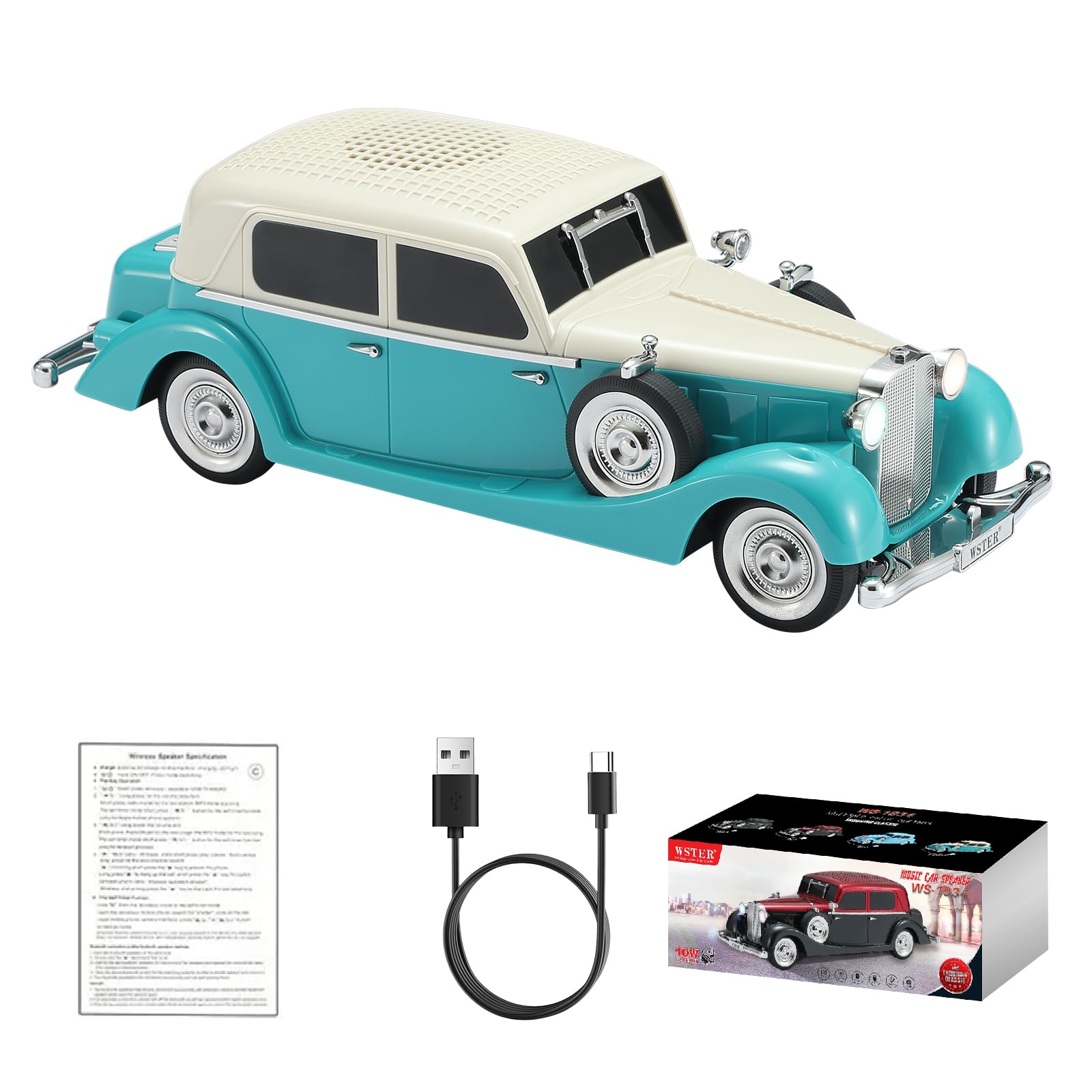
Image: The WSTER WS-1934 speaker, designed as a green and cream classic car.
2. ماذا يوجد في الصندوق
- WS-1934 Retro Classic Car Bluetooth Speaker
- كابل الطاقة (النوع C)
- دليل البدء السريع
3. عناصر التحكم والمنافذ
Familiarize yourself with the control buttons and ports located on the rear of the speaker for optimal operation.
الصورة: الخلفية view of the WS-1934 speaker, highlighting the control panel with buttons for mode, play/pause, track navigation, and ports for DC 5V (Type-C), TF card, USB, Mic, and AUX.
وظائف الأزرار:
- M/Mode Button: اضغط ضغطة قصيرة للتبديل بين أوضاع البلوتوث، وراديو FM، وUSB، وبطاقة TF، وAUX.
- زر التشغيل/الإيقاف المؤقت: Short press to play or pause music. Long press to initiate automatic FM channel search (in FM mode) or to answer/end calls (in Bluetooth call mode).
- المسار السابق/زر خفض الصوت: اضغط ضغطة قصيرة للانتقال إلى المقطع السابق. اضغط ضغطة طويلة لخفض مستوى الصوت.
- المسار التالي/زر رفع الصوت: اضغط ضغطة قصيرة للانتقال إلى المقطع التالي. اضغط ضغطة طويلة لزيادة مستوى الصوت.
الموانئ:
- تيار مستمر 5 فولت (النوع C): لشحن مكبر الصوت.
- فتحة بطاقة TF: أدخل بطاقة TF (MicroSD) لتشغيل الموسيقى.
- منفذ USB: أدخل محرك أقراص USB لتشغيل الموسيقى.
- ميك: إدخال الميكروفون.
- مساعد: 3.5mm auxiliary input for wired connection to audio devices.
4. الإعداد والاستخدام الأولي
4.1 شحن السماعة
- Connect the provided Type-C power cable to the DC 5V port on the rear of the speaker.
- قم بتوصيل الطرف الآخر من الكابل بمحول طاقة USB قياسي (غير متضمن) أو بمنفذ USB بالكمبيوتر.
- The LED indicator will show charging status. Charge fully before first use.
4.2 تشغيل/إيقاف التشغيل
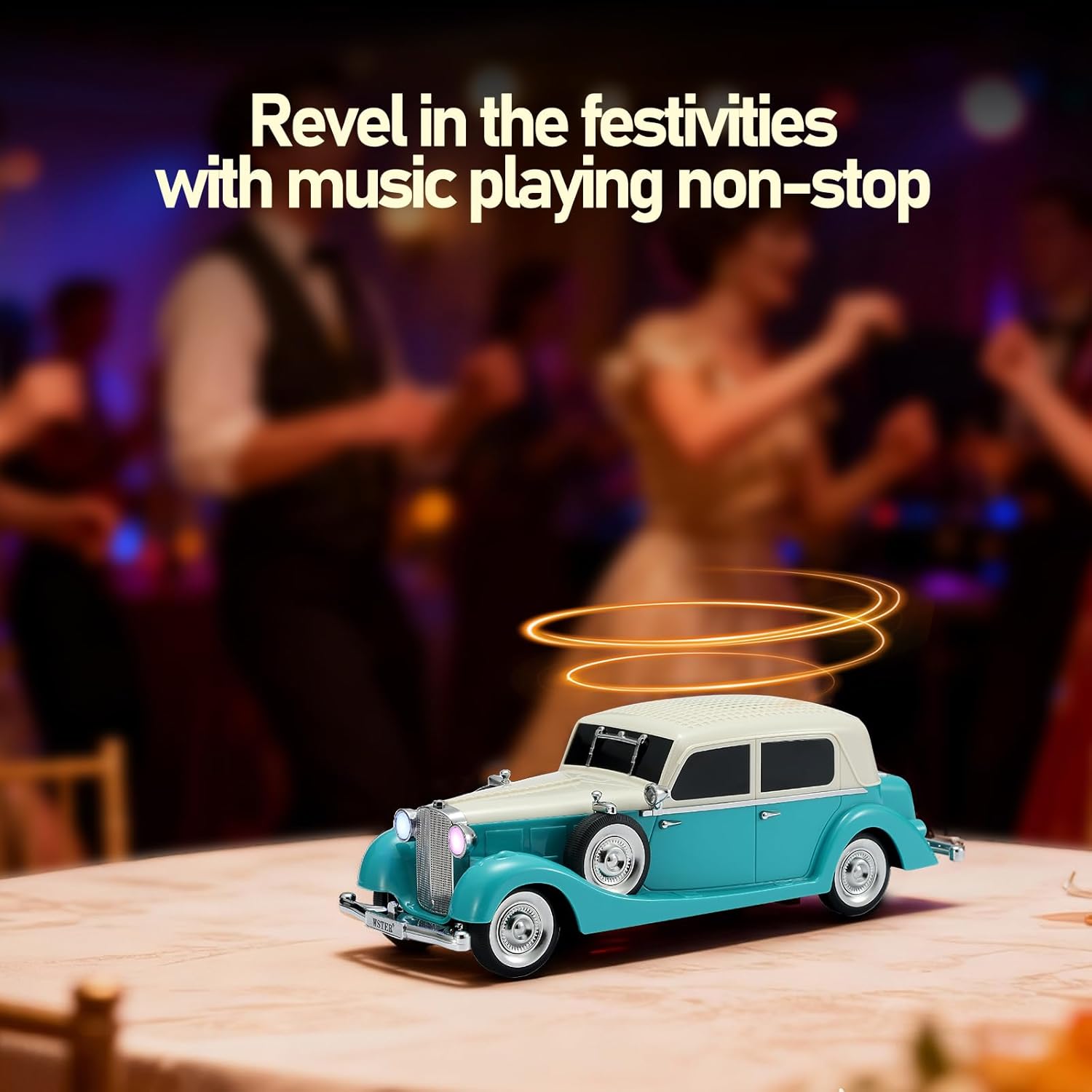
To power on the speaker, locate the power switch (often integrated with the mode button or a separate switch). The speaker will emit a car engine starting sound and the headlights will illuminate.
To power off, repeat the action or long-press the power button.

Image: The WSTER WS-1934 speaker with its headlights glowing, showcasing its classic car design.
5. أوضاع التشغيل
5.1 وضع Bluetooth
- Power on the speaker. It will automatically enter Bluetooth pairing mode, indicated by a voice prompt and flashing LED headlights.
- على جهازك المحمول، قم بتمكين Bluetooth وابحث عن الأجهزة المتاحة.
- Select "WS-1934" from the list to pair. A successful connection will be confirmed by a voice prompt.
- يمكنك الآن تشغيل الصوت من جهازك عبر مكبر الصوت.
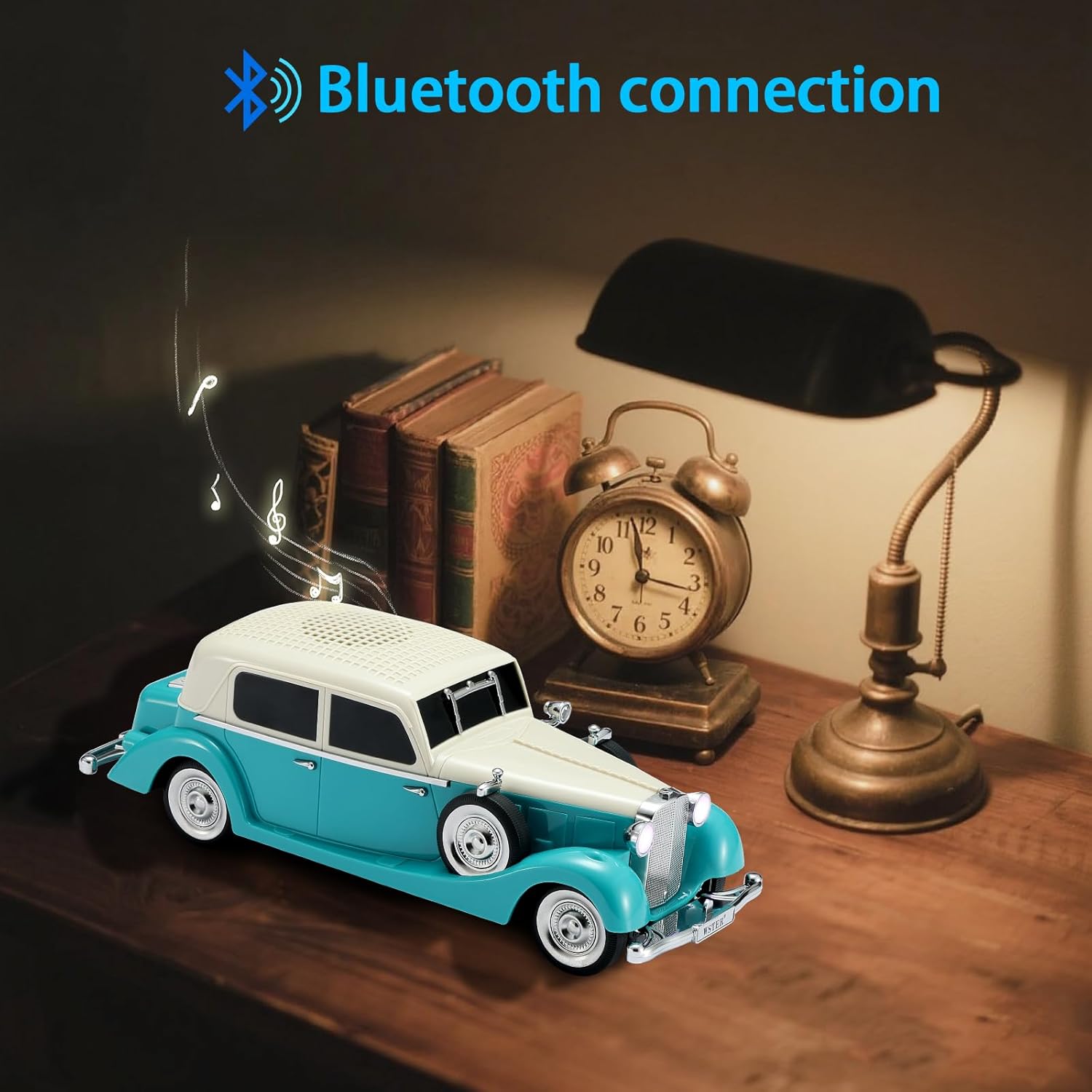
Image: The WS-1934 speaker wirelessly connected to a smartphone via Bluetooth, ready for audio playback.
5.2 وضع راديو FM
- اضغط لفترة قصيرة على M/Mode button until you hear the FM radio prompt.
- اضغط لفترة طويلة على تشغيل/إيقاف مؤقت button to initiate an automatic search for FM stations. The speaker will scan and save available stations.
- استخدم المقطع الصوتي السابق / خفض الصوت و المسار التالي / رفع الصوت أزرار للتنقل بين المحطات المحفوظة.
تشغيل بطاقة USB/TF 5.3
- Insert a USB drive into the USB port or a TF (MicroSD) card into the TF card slot.
- سيتحول مكبر الصوت تلقائيًا إلى الوضع المناسب ويبدأ تشغيل الصوت files. If not, short press the M/Mode زر لاختيار الوضع الصحيح.
- استخدم المقطع الصوتي السابق / خفض الصوت و المسار التالي / رفع الصوت أزرار للتحكم في التشغيل.
5.4 وضع AUX
- Connect an external audio device (e.g., MP3 player, computer) to the AUX port using a 3.5mm audio cable (not included).
- اضغط لفترة قصيرة على M/Mode button until you hear the AUX mode prompt.
- تحكم في تشغيل الصوت من جهازك المتصل.
إقران 5.5 TWS (ستيريو لاسلكي حقيقي)
To achieve a stereo sound experience, you can pair two WS-1934 speakers together.
- Ensure both WS-1934 speakers are powered on and in Bluetooth mode, but not yet connected to any device.
- On one of the speakers (this will be the primary speaker), double-click the تشغيل/إيقاف مؤقت button. You will hear a
Ask a question about this manual
Ask about setup, troubleshooting, compatibility, parts, safety, or missing instructions. Manuals+ will review the question and use this page’s manual context to help answer it.