
LongPlus X84
LongPlus 2K Vicohome Wireless Outdoor Security Camera Instruction Manual
نموذج: X84
مقدمة
This manual provides detailed instructions for the installation, operation, and maintenance of your LongPlus 2K Vicohome Wireless Outdoor Security Camera. Please read this manual thoroughly before using the product to ensure proper functionality and safety.

Image: Two LongPlus 2K Vicohome Wireless Outdoor Security Cameras, black, with water droplets, mounted on a wall bracket.
محتويات الحزمة
تأكد من تضمين جميع العناصر المدرجة أدناه في الحزمة الخاصة بك:
- Security Camera with Bracket
- حزمة من البراغي
- إعادة ضبط الإبرة
- كابل يو اس بي
- دليل البدء السريع
مميزات المنتج
- تحليل الأحداث باستخدام الذكاء الاصطناعي: يحدد ويميز بين الأشخاص والحيوانات الأليفة والمركبات والطرود لتقليل الإنذارات الكاذبة.
- رؤية ليلية ملونة بدقة 3 ميجابكسل: Captures clear color images in low light conditions up to 33 feet.
- كاشف الحركة بالأشعة تحت الحمراء وجهاز إنذار صفارة الإنذار: Triggers an audio and strobe light alarm upon detecting humanoid motion.
- تخزين مرن: Supports up to 128GB Micro SD card (not included) and optional cloud storage.
- محادثة ثنائية الاتجاه: Allows communication through the Vicohome app.
- 100% Wire-free: Battery-operated design for easy installation without wiring.
- تكامل المنزل الذكي: Compatible with Amazon Alexa.
- مجال واسع من View: 125 درجة viewزاوية جي.
- تصميم مانعة لتسرب الماء: حاصل على تصنيف IP65 للاستخدام الخارجي.
يثبت
1. شحن الكاميرا
Before initial use, fully charge the camera using the provided USB cable. The charging indicator light will show the charging status.
2. تثبيت التطبيق وإنشاء الحساب
- Download the "Vicohome" app from your smartphone's app store (iOS or Android).
- افتح التطبيق واتبع التعليمات التي تظهر على الشاشة لإنشاء حساب وتسجيل الدخول.
3. الاتصال بشبكة Wi-Fi
- Ensure your camera is powered on and near your Wi-Fi router.
- In the Vicohome app, tap the "+" icon to add a new device.
- Follow the app's instructions to connect the camera to your 2.4GHz Wi-Fi network. 5GHz networks are not supported.
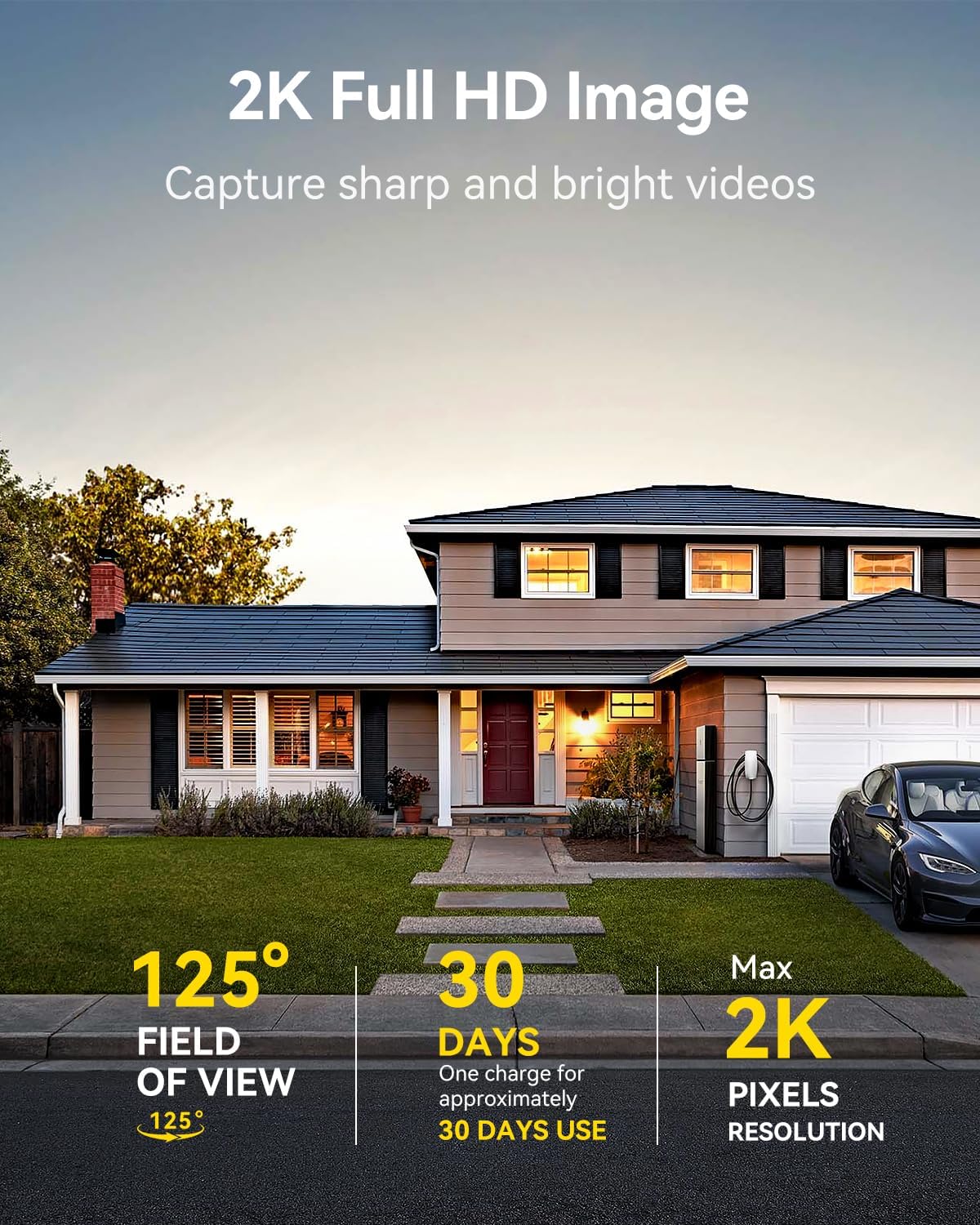
Image: A LongPlus security camera on a wooden table, illustrating its 2.4GHz WiFi connectivity.
4. تركيب الكاميرا
The camera can be mounted on a ceiling or wall. Choose a location that provides the desired viewزاوية التصوير وتقع ضمن نطاق شبكة الواي فاي.
- Mark the positions for drilling using the camera bracket as a template.
- قم بحفر ثقوب تجريبية وأدخل مثبتات الحائط إذا لزم الأمر.
- Secure the bracket to the surface using the provided screws.
- Attach the camera to the bracket and adjust the angle.

Image: A LongPlus security camera mounted on an outdoor wall, demonstrating its wire-free installation.
عملية
1. حي View
افتح تطبيق Vicohome وحدد الكاميرا الخاصة بك لـ view the live feed. You can monitor your surroundings in real-time.

Image: A smartphone displaying the live feed from a LongPlus security camera, showing children playing in a yard.
2. محادثة ثنائية الاتجاه
من الحي view screen in the app, tap the microphone icon to initiate two-way communication. Speak into your phone to communicate with individuals near the camera.

Image: A person receiving a package at their front door, demonstrating the two-way talk feature of the LongPlus camera.
3. Motion Detection Settings
Configure motion detection sensitivity and define detection zones within the Vicohome app settings for your camera. This helps in reducing unwanted alerts.

Image: A man walking past a LongPlus security camera, illustrating motion detection and app alerts.

الصورة: جوية view of a house with a pool, illustrating customizable motion detection zones for different objects.

Image: A house with a lawn, demonstrating the ability to set specific motion detection zones.
4. الرؤية الليلية
The camera automatically switches to color night vision in low light conditions, providing clear visibility.

Image: A LongPlus security camera mounted outdoors at night, showing its color night vision capability on a smartphone screen.
5. التسجيل والتشغيل
Recordings are stored on a Micro SD card (if installed) or in the cloud (subscription may be required). Access and playback recorded events through the Vicohome app's library section.

Image: A LongPlus camera with an SD card being inserted, illustrating local and cloud storage options.
6. جهاز تقاسم
You can share access to your camera with other users through the Vicohome app, allowing multiple individuals to monitor the feed simultaneously.
7. تكامل المنزل الذكي
The camera is compatible with Amazon Alexa. Follow the instructions in the Vicohome app or Alexa app to link your devices and use voice commands for monitoring.

Image: A person using an Amazon Echo Show to view the camera feed via Alexa voice commands.
صيانة
1 البطارية تشحن
Monitor the battery level through the Vicohome app. Recharge the camera when the battery is low to ensure continuous operation. If the camera is installed in a hard-to-reach location, consider using a compatible solar panel charger (sold separately) to reduce the frequency of manual charging.
2. إدارة بطاقة SD
If using a Micro SD card, ensure it is a genuine card and inserted correctly. Periodically review وإدارة foo المخزنةtage. The card can be ejected with a gentle press.
3. التنظيف
Gently wipe the camera lens and body with a soft, dry cloth to remove dust and debris. Avoid using harsh chemicals or abrasive materials.
استكشاف الأخطاء وإصلاحها
| مشكلة | السبب المحتمل | حل |
|---|---|---|
| الكاميرا غير متصلة بشبكة Wi-Fi | كلمة مرور الواي فاي غير صحيحة؛ الكاميرا بعيدة جدًا عن جهاز التوجيه؛ تم استخدام شبكة واي فاي بتردد 5 جيجاهرتز. | Verify Wi-Fi password. Move camera closer to router. Ensure you are connecting to a 2.4GHz Wi-Fi network. Reset the camera using the reset needle and try pairing again. |
| كثرة الإنذارات الكاذبة | High motion detection sensitivity; environmental factors (e.g., moving branches, insects). | Reduce motion detection sensitivity in the Vicohome app. Define specific detection zones to exclude irrelevant areas. |
| عمر البطارية قصير | Frequent motion detection events; cold weather; continuous live view الاستخدام. | Reduce motion detection sensitivity. Limit live view sessions. Consider purchasing a solar panel charger for continuous power. Ensure the camera is fully charged before deployment. |
| جودة الصورة رديئة ليلاً | Obstructions near the lens; insufficient ambient light for color night vision. | Ensure the camera lens is clean and free from obstructions. Verify that the night vision mode is active in the app settings. |
| بطاقة الذاكرة لا تسجل | SD card not inserted correctly; incompatible SD card; SD card full or corrupted. | Reinsert the SD card carefully. Use a genuine Micro SD card up to 128GB. Format the SD card through the app. Replace the SD card if corrupted. |
تحديد
| ميزة | التفاصيل |
|---|---|
| رقم الموديل | إكس 84 |
| الاستخدام الداخلي والخارجي | داخلي، خارجي |
| مصدر الطاقة | تعمل بالبطارية |
| بروتوكول الاتصال | واي فاي (2.4 جيجا هرتز) |
| نوع وحدة التحكم | Amazon Alexa, Vicohome App |
| دقة التقاط الفيديو | 1440 بكسل (2K) |
| دقة ثابتة فعالة | 3 ميجا بكسل |
| Viewزاوية جي | 130 درجة |
| نطاق الرؤية الليلية | 33 أقدام |
| معدل الإطارات | 15 إطارًا في الثانية |
| مادة | ABS عالية الجودة |
| مستوى مقاومة الماء | IP65 (ماء) |
| الحد الأقصى لحجم ذاكرة الفلاش المدعومة | 128 جيجابايت (Micro SD) |
| أبعاد العنصر (الطول × العرض × الارتفاع) | 2.36 × 2.16 × 4 بوصة |
| وزن العنصر | 1.59 جنيه (0.72 كيلوجرام) |
| البطاريات | 1 بطارية ليثيوم أيون مطلوبة (مضمنة) |
يدعم
For technical assistance, troubleshooting beyond this manual, or warranty inquiries, please contact LongPlus customer support. Refer to the product packaging or the official LongPlus webموقع لمعلومات الاتصال.
يمكنك أيضًا زيارة متجر Longplus على أمازون لمزيد من المعلومات والموارد حول المنتج.
Ask a question about this manual
Ask about setup, troubleshooting, compatibility, parts, safety, or missing instructions. Manuals+ will review the question and use this page’s manual context to help answer it.