
ليب فروج 80-621200
LeapFrog Preschool Game and Go Handheld Video Game Toy Instruction Manual
نموذج: شنومكس-شنومكس
العلامة التجارية: ليب فروغ
مقدمة
The LeapFrog Preschool Game and Go is a handheld video game toy designed to introduce young children to fundamental concepts such as numbers, letters, and shapes through engaging mini-games and music. This device offers a portable and interactive learning experience for children aged 2 years and older.
ماذا يوجد في الصندوق
- LeapFrog Preschool Game and Go Handheld Toy
- دليل البدء السريع
Note: 3 AAA batteries are included for demo purposes only. New batteries are recommended for regular use.
يثبت
تركيب البطارية
- حدد مكان حجرة البطارية في الجزء الخلفي من الجهاز.
- باستخدام مفك البراغي ، افتح غطاء حجرة البطارية.
- أدخل بطاريتين جديدتين من نوع AAA، مع التأكد من صحة القطبية (+/-).
- استبدل غطاء حجرة البطارية وثبته بالمسمار.
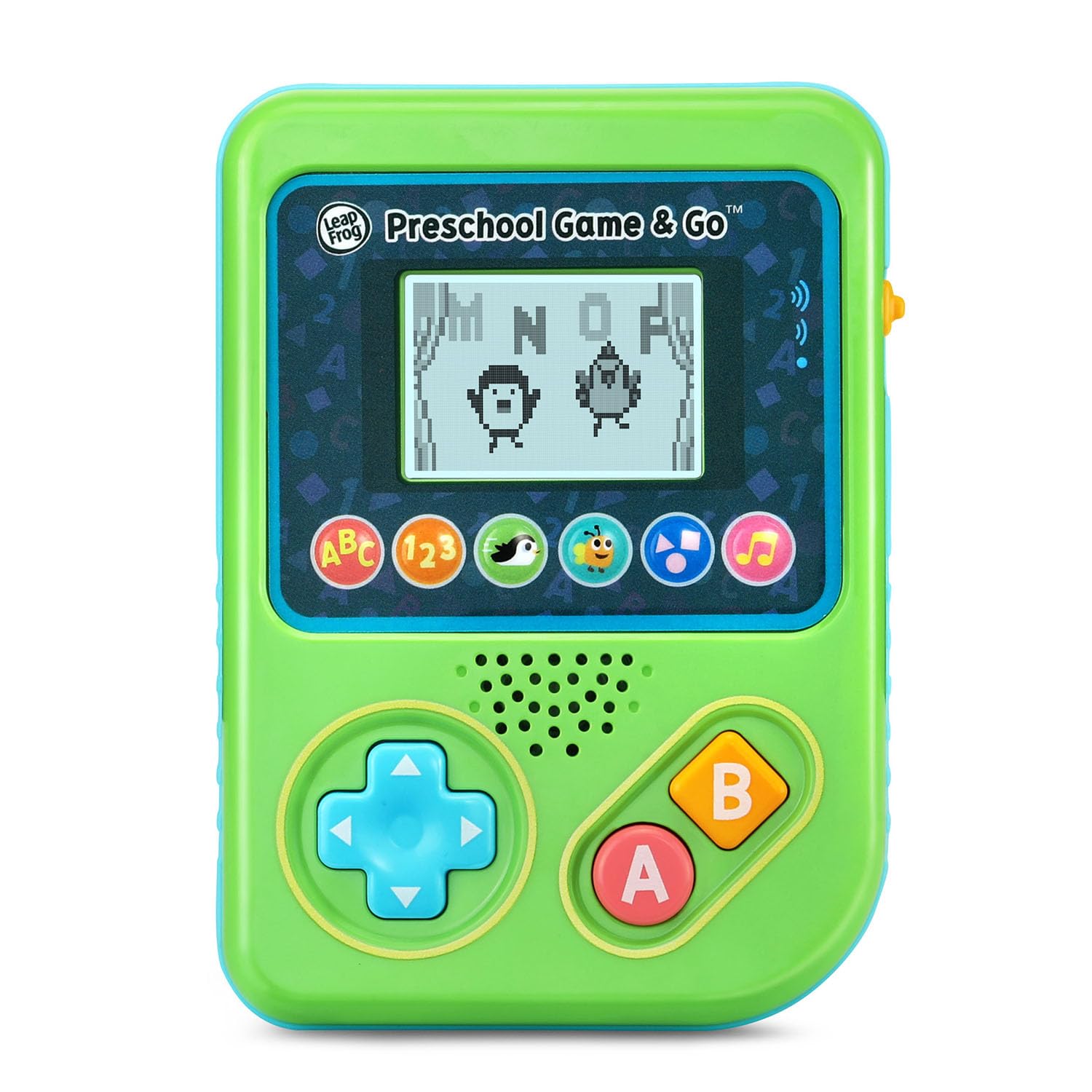
الشكل 1: الجبهة view of the LeapFrog Preschool Game and Go.
تشغيل/إيقاف الطاقة
- To power on the device, slide the orange power switch located on the right side of the unit upwards.
- To power off the device, slide the orange power switch downwards.
التحكم في مستوى الصوت
- The device features two volume settings.
- Adjust the volume using the dedicated switch or button, typically located near the power switch, to select between a lower or higher sound output.
تعليمات التشغيل
عناصر التحكم
- لوحة الاتجاهات (D-Pad): Located on the left side, use this to navigate menus and control characters within games.
- الزر: Typically used for selection or action within games.
- زر B: Typically used for secondary actions or going back in menus.
اختيار اللعبة
The device features six distinct game icons below the screen. Press the corresponding icon to select a game:
- ABC Icon: Activates the ABC Swim game.
- أيقونة 123: Activates the 123 Treasure game.
- Penguin Icon: Activates the Letter Slide game.
- Bug Icon: Activates the Snack Track game.
- Shapes Icon: Activates the Shape Ape game.
- رمز النوتة الموسيقية: Activates the Song Shuffle feature.
Personalizing Game Play
You can personalize the experience by adding a child's name (up to 10 characters). The child's name will appear in certain games, such as the Letter Slide game, where they collect letters to spell their name.
العاب تعليمية
The LeapFrog Preschool Game and Go includes six exciting learning games:
- ABC Swim: Pop bubbles to explore letter sounds.
- 123 Treasure: Collect coins and count hearts to introduce numbers.
- Letter Slide: Help a penguin slide and jump to collect letters, including those in the child's personalized name.
- Snack Track: Feed a hungry bug by eating and counting snacks.
- Shape Ape: Catch various shapes as they fall from trees.
- Song Shuffle: Dance along to three engaging learning songs.
الفيديو 1: عرض فيديو المنتج الرسميasing the LeapFrog Preschool Game & Go features and gameplay.
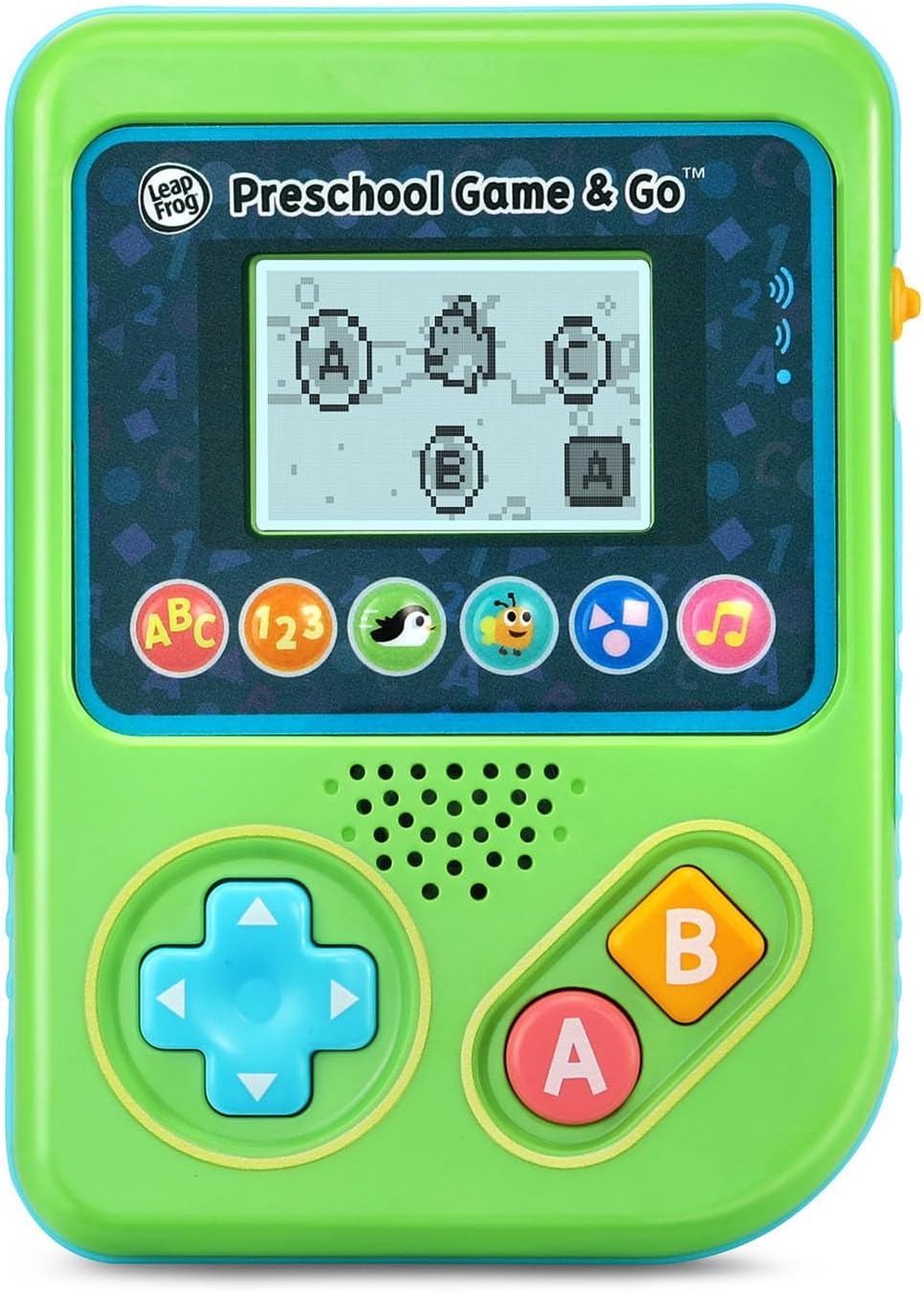
Figure 2: The ABC Swim game interface on the device screen.
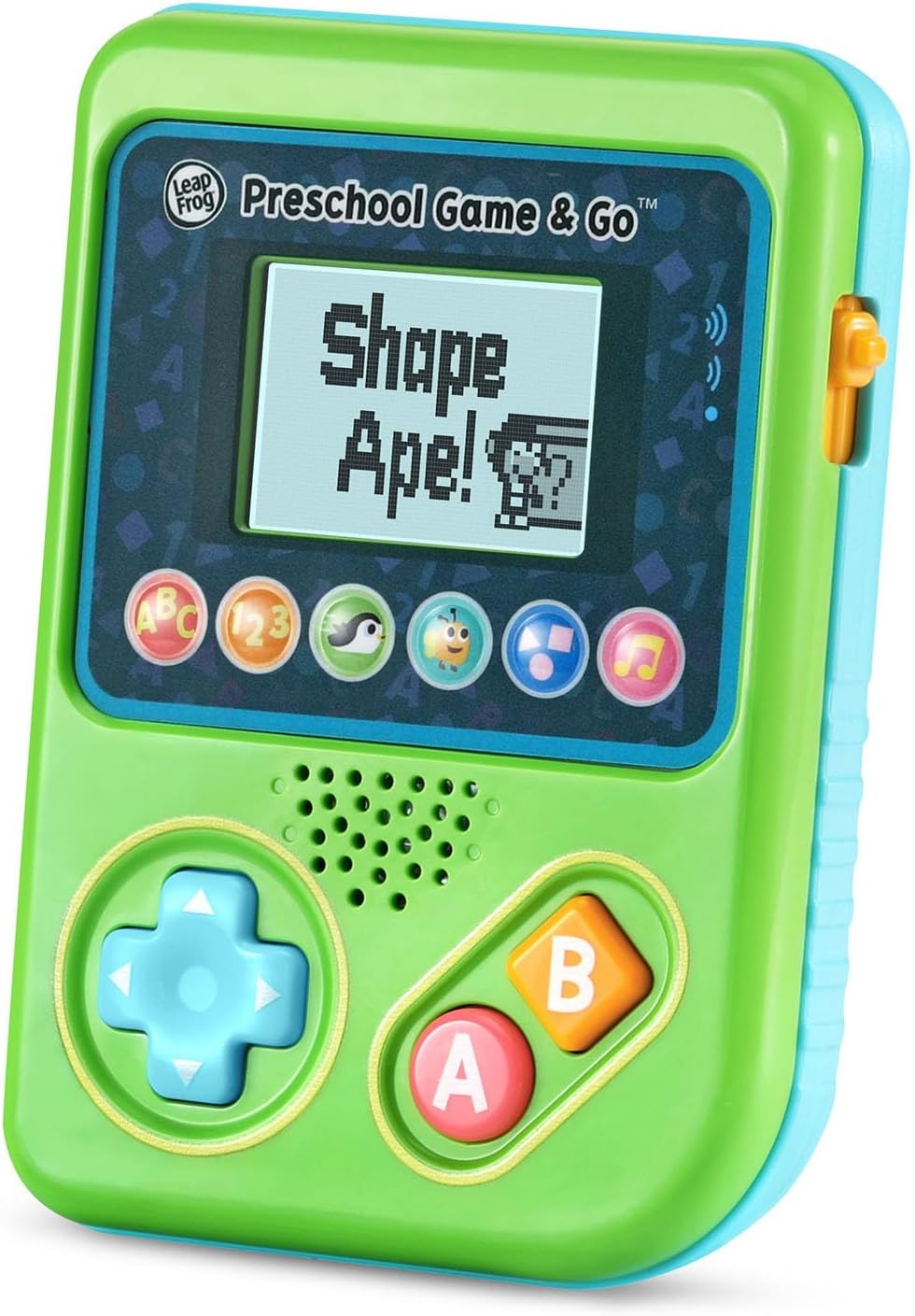
Figure 3: The Shape Ape game interface on the device screen.
صيانة
- لتنظيف الجهاز، امسحه بقطعة قماش ناعمة قليلاًamp القماش. لا تغمره في الماء.
- تجنب تعريض الجهاز لدرجات حرارة شديدة أو لأشعة الشمس المباشرة.
- قم بإزالة البطاريات إذا لم يتم استخدام الجهاز لفترة طويلة لمنع التسرب.
استكشاف الأخطاء وإصلاحها
- الجهاز لا يعمل: Ensure fresh batteries are correctly installed. Check the power switch position.
- لا يوجد صوت أو صوت منخفض: Adjust the volume switch. Replace batteries if sound is distorted or very low.
- مشاكل الشاشة: If the screen is blank or flickering, try turning the device off and on again. Replace batteries if the issue persists.
- الأزرار التي لا تستجيب: Ensure the device is powered on. If a specific button is unresponsive, try cleaning around it. If the issue continues, replace batteries.
تحديد
| ميزة | التفاصيل |
|---|---|
| رقم الموديل | 80-621200 |
| الفئة العمرية | 2+ سنوات |
| مصدر الطاقة | تعمل بالبطارية |
| البطاريات المطلوبة | بطاريتان AAA (مرفقتان للعرض التوضيحي) |
| نوع وحدة التحكم | التحكم بالأزرار |
| نوع العرض | رقمي |
| مادة | بلاستيك |
| أبعاد المنتج | 1.3 × 4.1 × 5.6 بوصة |
| وزن العنصر | 6.4 أونصات |
الضمان والدعم
For warranty information, product registration, or additional support, please refer to the contact information provided in the Quick Start Guide included with your product or visit the official LeapFrog webموقع. احتفظ بإيصال الشراء الخاص بك لمطالبات الضمان.
Ask a question about this manual
Ask about setup, troubleshooting, compatibility, parts, safety, or missing instructions. Manuals+ will review the question and use this page’s manual context to help answer it.