
مقدمة
The Zunate 3-Outlet Sprinkler Timer is designed to automate your garden watering, providing efficient and customizable irrigation for lawns, gardens, and other applications. This device features robust brass terminals for durability, a user-friendly interface with an LCD screen, and the ability to set up to three independent watering programs per day. It also includes a child safety lock function and is designed to minimize water waste.
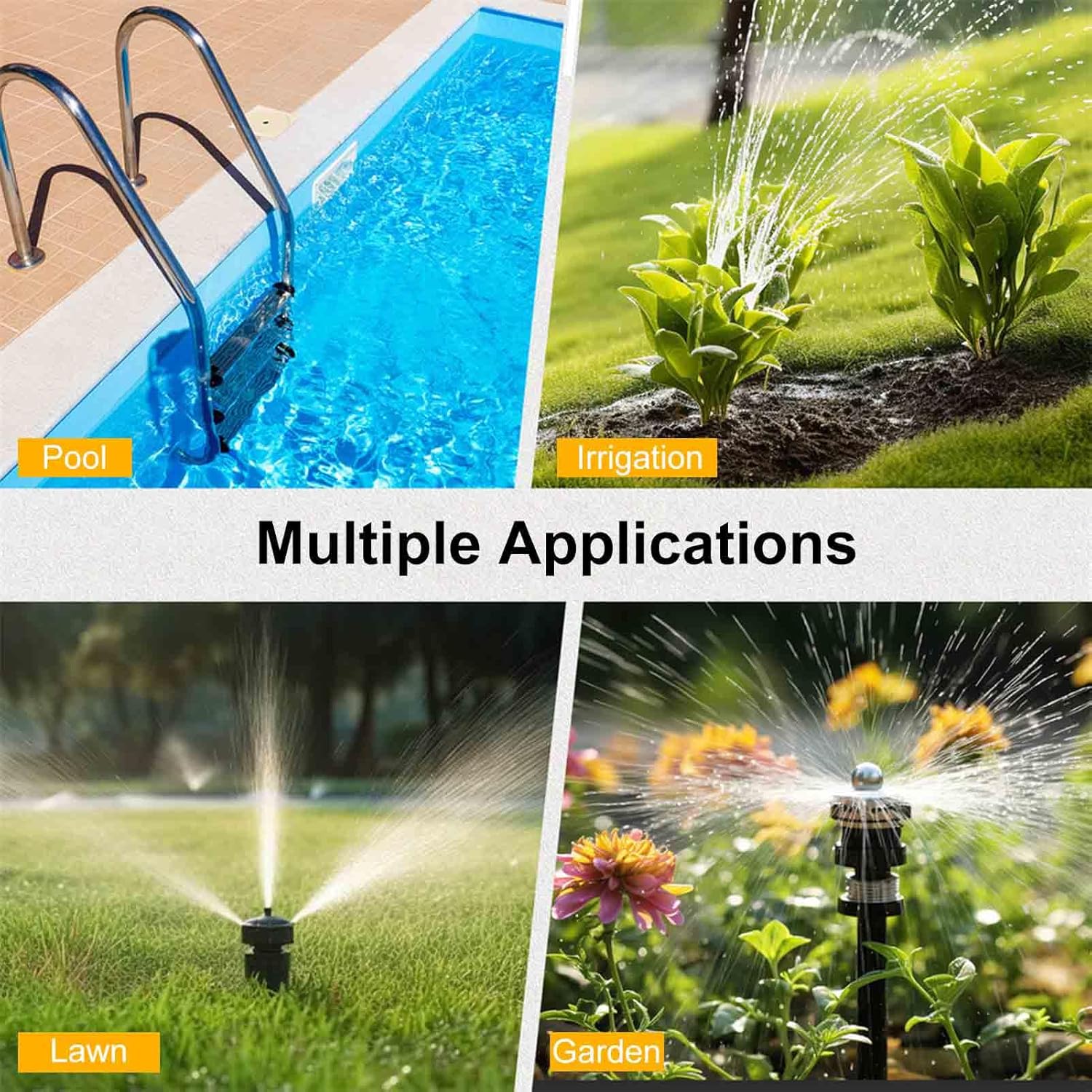
Figure 1: Multiple applications for the Zunate Sprinkler Timer, suitable for various watering needs.
يثبت
1. تركيب البطارية
The sprinkler timer requires two 2A batteries (not included) for operation. Ensure batteries are inserted with correct polarity.
- حدد مكان حجرة البطارية في الجزء الخلفي من المؤقت.
- افتح غطاء حجرة البطارية.
- Insert two 2A batteries, observing the positive (+) and negative (-) markings.
- أغلق غطاء حجرة البطارية جيدًا.

Figure 2: Battery compartment and low battery reminder feature. The timer operates on two 2A batteries.
2. Connecting the Timer to a Faucet
The timer features a durable brass inlet terminal for connection to your garden hose faucet.
- تأكد من إغلاق الصنبور.
- Screw the timer's brass inlet terminal onto your standard NH3/4 inch external thread faucet. Hand-tighten only to prevent damage.
- Ensure a tight seal to prevent leaks.
3. Connecting Hoses to Outlets
The timer has three independent outlets for connecting your garden hoses.
- Attach your garden hoses to the three outlets at the bottom of the timer.
- Ensure each hose is securely fastened to prevent leaks.
تعليمات التشغيل
1. أكثر من واجهة المستخدمview
The timer features an intuitive interface with a central knob, five control buttons, and an LCD screen for easy programming.

Figure 3: Front panel of the Zunate Sprinkler Timer, highlighting the water inlet, control buttons, display screen, and programming knob.
- مقبض الباب: Used to select different programming modes (Set Clock, Start Time, How Long, How Often, Auto, Off).
- أزرار: Five buttons (Zone, +, -, OK, Manual) for navigation and setting adjustments.
- شاشة LCD: Displays current time, program settings, and status indicators.
2. Setting the Current Time (Set Clock)
- Turn the knob to the 'Set Clock' position.
- استخدم زري "+" و "-" لضبط الساعة والدقيقة.
- Press 'OK' to confirm each setting.
3. برمجة جداول الري
The timer allows for up to three independent watering programs (P1, P2, P3) per day.
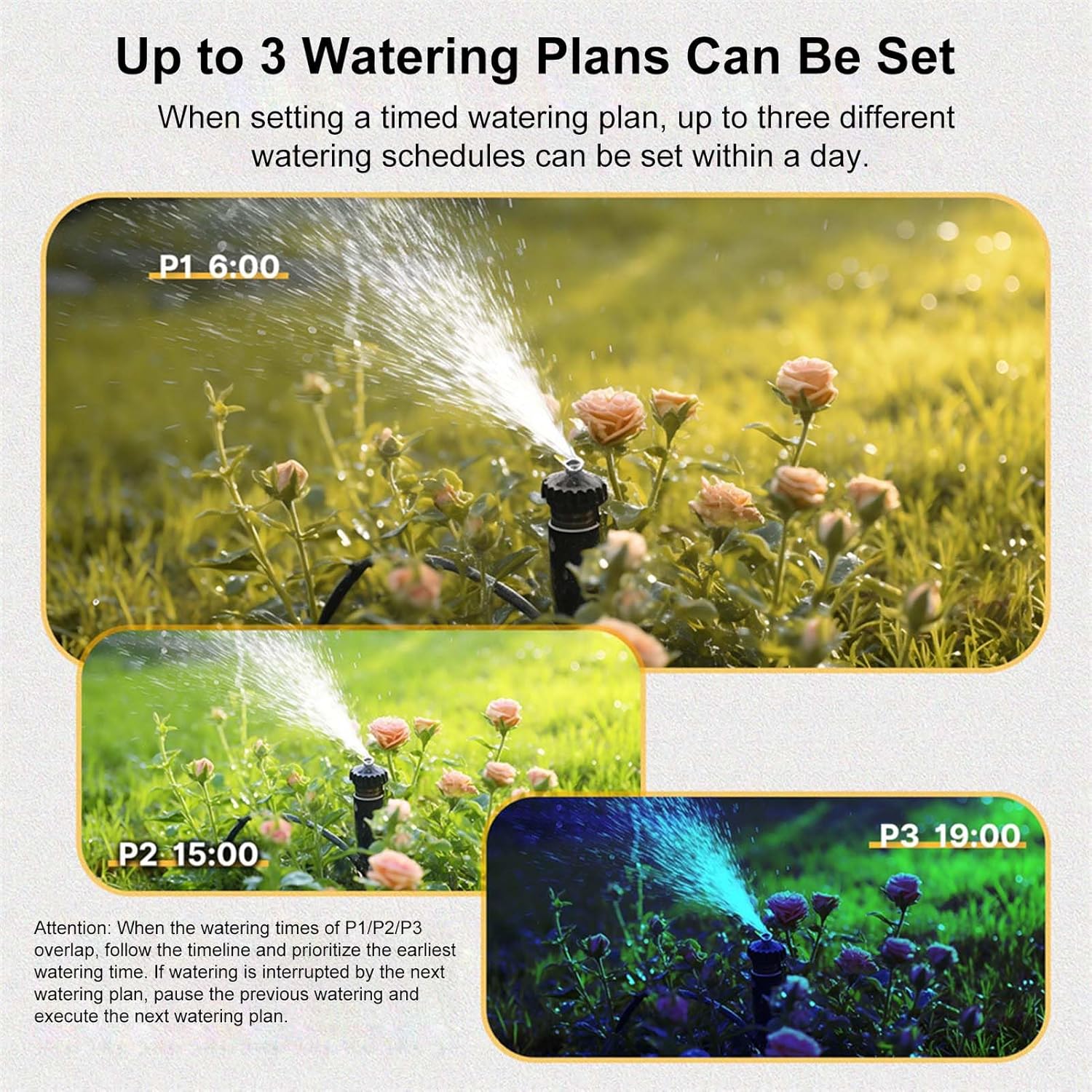
الشكل 4: مثالample of three distinct watering plans (P1, P2, P3) that can be set within a single day.
- اختر البرنامج: Press the 'Zone' button to cycle through P1, P2, P3.
- ضبط وقت البدء: Turn the knob to 'Start Time'. Use '+' and '-' to set the desired start time for the selected program. Press 'OK'.
- Set Watering Duration (How Long): Turn the knob to 'How Long'. Use '+' and '-' to set the duration (e.g., minutes, hours). Press 'OK'.
- Set Watering Frequency (How Often): Turn the knob to 'How Often'. Use '+' and '-' to set the frequency (e.g., every X hours, every X days, specific days of the week). Press 'OK'.
- تفعيل البرنامج: Turn the knob to 'Auto' to activate the programmed schedule.
ملحوظة: If watering times for P1/P2/P3 overlap, the timer prioritizes the earliest watering time. If watering is interrupted by a subsequent plan, the previous watering will pause, and the next plan will execute.
4. الري اليدوي
To initiate watering outside of the programmed schedule:
- Press the 'Manual' button.
- Use '+' and '-' to set the desired manual watering duration.
- Press 'OK' to start manual watering.
- To stop manual watering, press 'Manual' again or turn the knob to 'Off'.
5. وظيفة تأخير المطر
The timer includes a rain delay feature to temporarily pause watering.
- In 'Auto' mode, press and hold the 'Delay' button (often combined with '+').
- Use '+' and '-' to select the desired delay duration (e.g., 1 day, up to 15 days).
- Press 'OK' to confirm the rain delay. The timer will resume its schedule after the delay period.
6. وظيفة قفل الأطفال
The child lock prevents unintended changes to the timer settings.

Figure 5: The child lock feature helps prevent accidental changes to settings.
- للتفعيل: In 'Auto' mode, press and hold the '-' button for 5 seconds. A lock icon will appear on the screen.
- للإلغاء: Press and hold the '-' button for 3 seconds. The lock icon will disappear.
صيانة
1. استبدال البطارية
When the battery icon flashes on the LCD screen, it indicates low battery and replacement is needed.
- Turn the timer knob to 'Off'.
- قم بإزالة البطاريات القديمة من المقصورة.
- Insert two new 2A batteries, ensuring correct polarity.
- أغلق حجرة البطارية.
- Reset the current time if necessary.
2. التنظيف
Periodically clean the timer to ensure optimal performance.
- امسحي الجزء الخارجي بقطعة قماش ناعمة.amp قطعة قماش.
- لا تستخدم المنظفات أو المذيبات الكاشطة.
- Check the inlet filter for debris and clean if necessary.
3. تجهيز المنزل لفصل الشتاء
Before freezing temperatures, disconnect the timer from the faucet and store it indoors.
- Turn off the water supply and disconnect the timer.
- Drain any remaining water from the timer.
- Remove batteries if storing for an extended period.
- يُحفظ في مكان جاف وخالٍ من الصقيع.
استكشاف الأخطاء وإصلاحها
| مشكلة | السبب المحتمل | حل |
|---|---|---|
| Timer not turning on/LCD blank | البطاريات الميتة أو المثبتة بشكل غير صحيح. | Replace batteries with new 2A batteries, ensuring correct polarity. |
| لا يوجد تدفق للمياه | Faucet is off; timer is in 'Off' mode; low water pressure; clogged filter. | Ensure faucet is fully open. Turn knob to 'Auto' or initiate 'Manual' watering. Check water pressure. Clean inlet filter. |
| تسربات المياه من التوصيلات | Loose connections; worn washers. | Tighten all connections. Replace washers if damaged. |
| Timer not following schedule | Timer not in 'Auto' mode; incorrect program settings; child lock active. | Ensure knob is set to 'Auto'. Verify program settings (Start Time, How Long, How Often). Deactivate child lock if active. |
تحديد

Figure 6: Detailed dimensions of the Zunate 3-Outlet Sprinkler Timer.
- رقم الموديل: Zunatek25h31tavi-11
- مادة: Brass, PC, ABS
- ضغط العمل: Approx. 0.05-0.8Mpa / 7.25-116psi
- درجة حرارة العمل: Approx. 4.5℃-45℃ / 40.1℉-113℉
- مزود الطاقة: 2 * 2A batteries (not included)
- درجة مقاومة الماء: IPX5
- تأخير المطر: 1 day, up to 15 days
- موصل خرطوم: NH3/4 inch external thread (US)
- أبعاد المنتج: 15.2 * 7.5 * 12.5 cm / 6 * 3 * 5 inch (approx.)
- وزن السلعة: 1.33 رطل
الضمان والدعم
For warranty information or technical support, please refer to the product packaging or contact the seller directly through your purchase platform. Keep your purchase receipt for warranty claims.