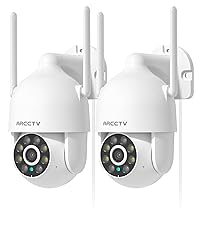
This manual provides detailed instructions for the installation, operation, and maintenance of your ARCCTV 2K Security Camera P2. Please read this manual thoroughly before using the product to ensure proper function and safety. The ARCCTV P2 camera offers advanced surveillance features including 2K Ultra HD video, 360° pan-tilt view, motion tracking, dual-band WiFi connectivity, two-way audio, and full-color night vision, all housed in an IP66 weatherproof design.
ماذا يوجد في الصندوق
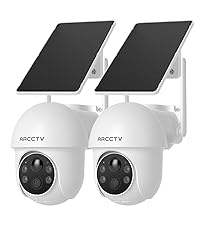
ARCCTV 2K Security Camera P2 (2 Pack)
دليل المستخدم
محول الطاقة
Mounting Accessories (screws and anchors)
Mounting Sticker Template
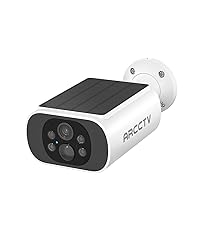
Image: The ARCCTV 2K Security Camera P2, showing its main unit and typical accessories like power cable and mounting hardware.
سمات
1. 2K Ultra HD & Full Color Night Vision
The camera captures video in crystal-clear 2K resolution (2304x1296p), providing enhanced detail. It features a built-in spotlight that activates full-color night vision, allowing for vivid monitoring even in low-light conditions. Infrared night vision is also available for discreet surveillance.
Image: Visual comparison demonstrating the superior clarity of 2K resolution from the ARCCTV camera compared to standard 1080p.
Image: A split image showing the difference between full-color night vision (left) and traditional infrared night vision (right) in a residential setting.
2. 360° Pan-Tilt & Auto Motion Tracking
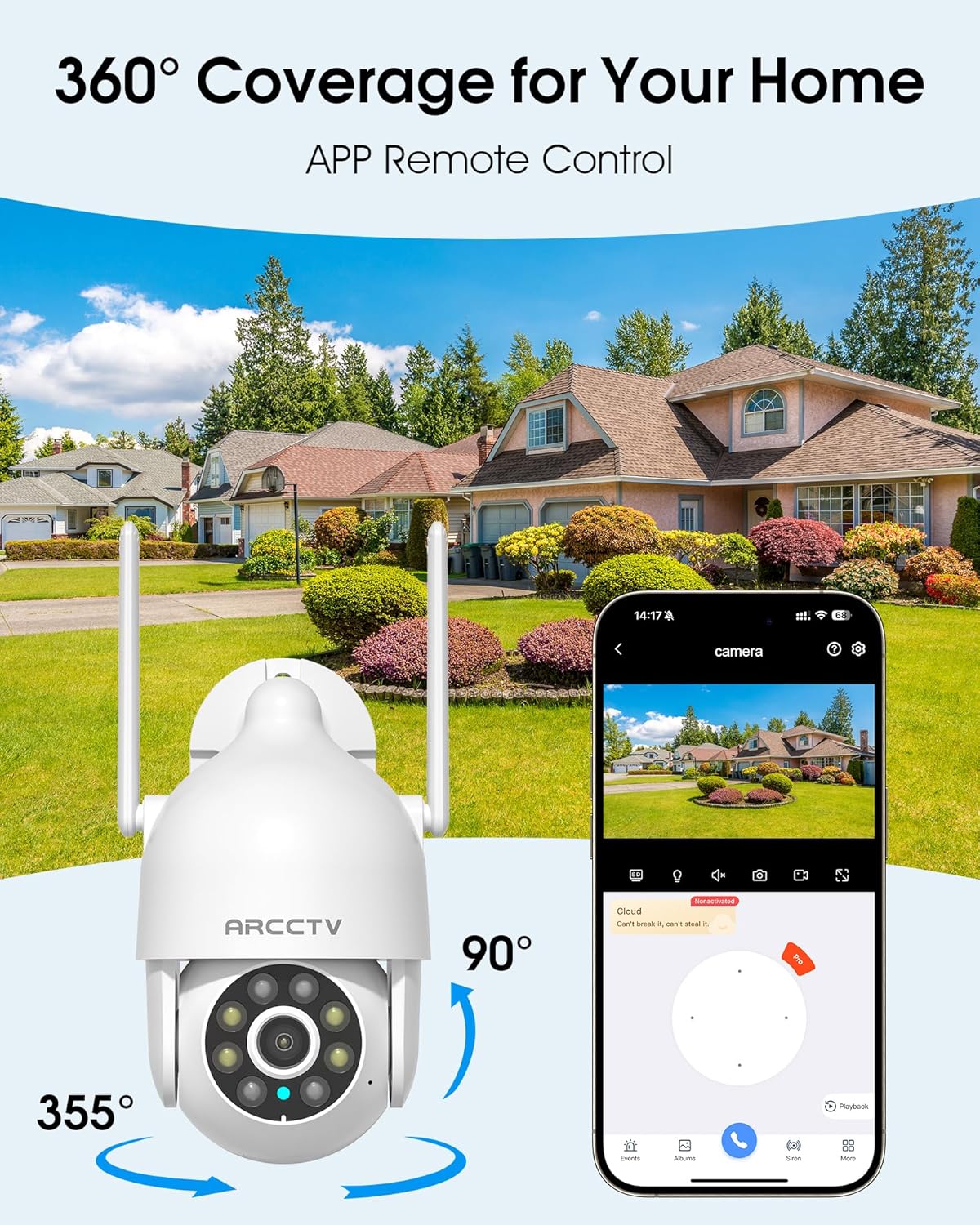
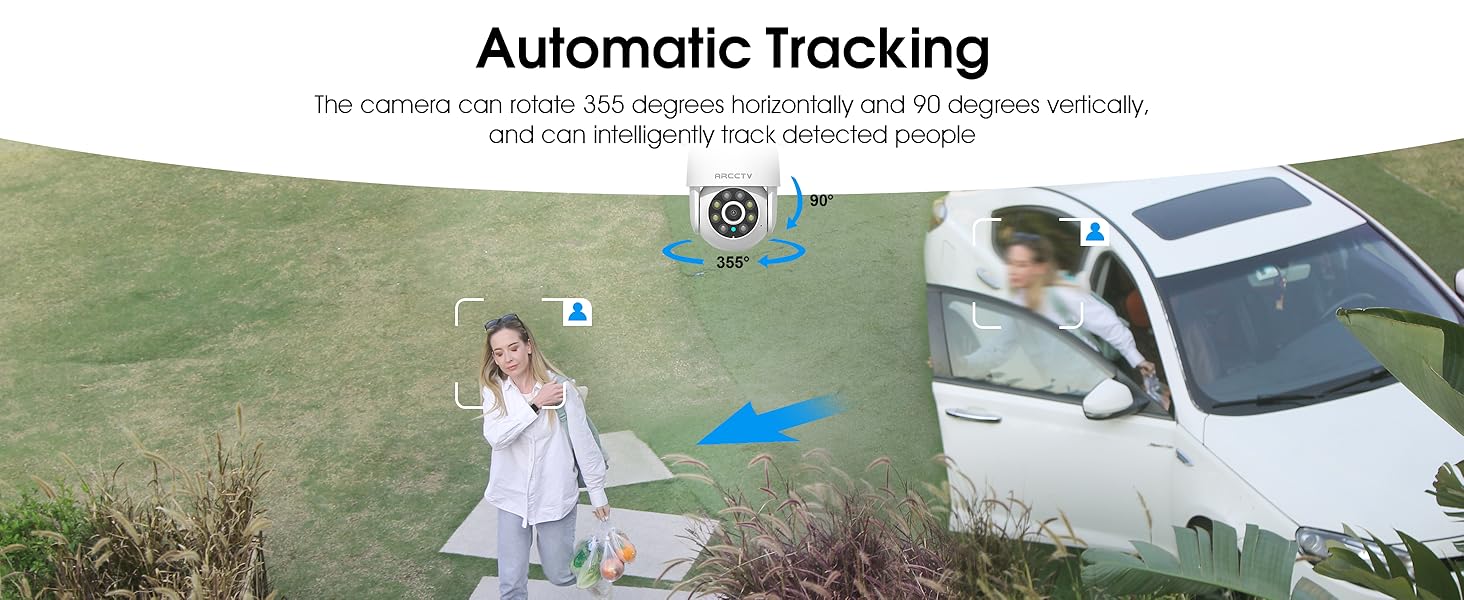
The camera can be controlled remotely to rotate 355° horizontally (pan) and 90° vertically (tilt), providing comprehensive coverage of your monitored area. Smart AI motion tracking automatically detects and follows movement, ensuring that any activity is recorded.
Image: An illustration of the camera's 360-degree pan and tilt capabilities, controlled via a smartphone application, overlooking a residential area.
Image: A person walking past a building, with the camera's smart motion tracking highlighting their movement.
Image: A security camera automatically tracking a person walking in a garden, demonstrating its intelligent tracking capabilities.
3. Dual-Band WiFi (2.4G/5G) & Stable Connection
The camera supports both 2.4GHz and 5GHz WiFi bands, offering faster and more reliable connectivity. This dual-band support helps reduce lag and ensures smooth live streaming and video playback.
Image: An illustration showing the camera's dual-band WiFi antennas, indicating support for both 2.4GHz (larger range) and 5GHz (faster speeds) networks.
4. Two-Way Audio & IP66 Weatherproof
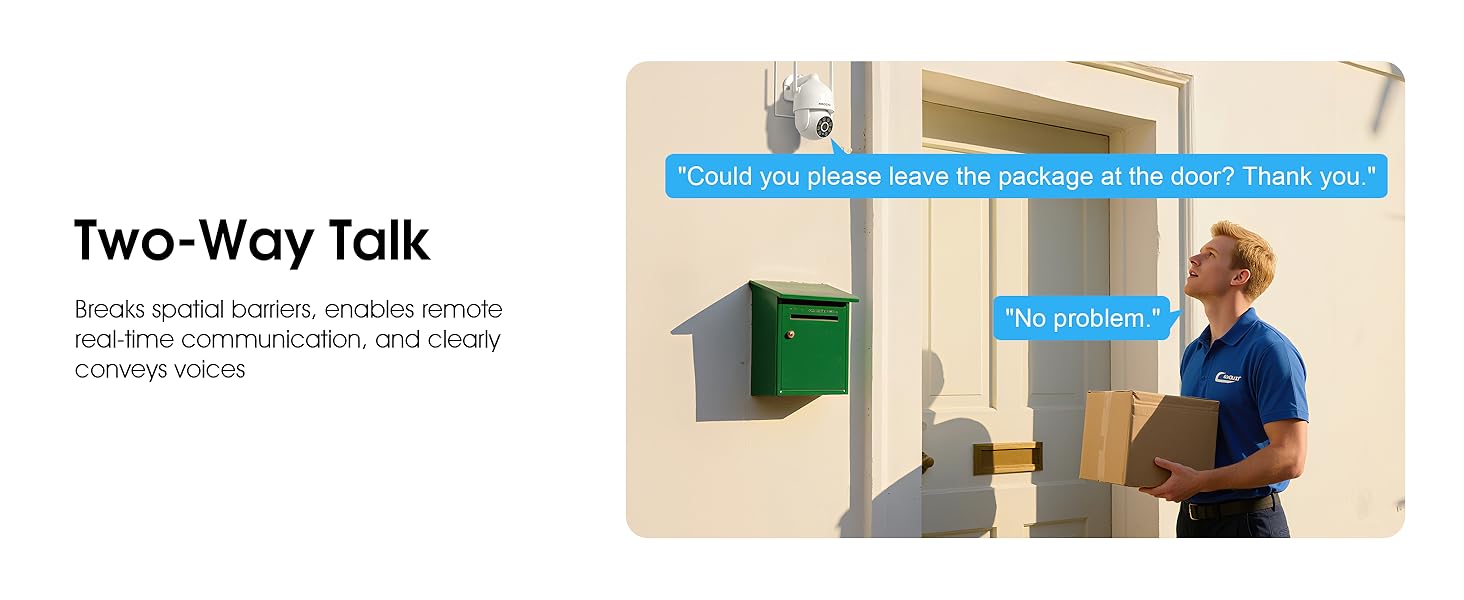
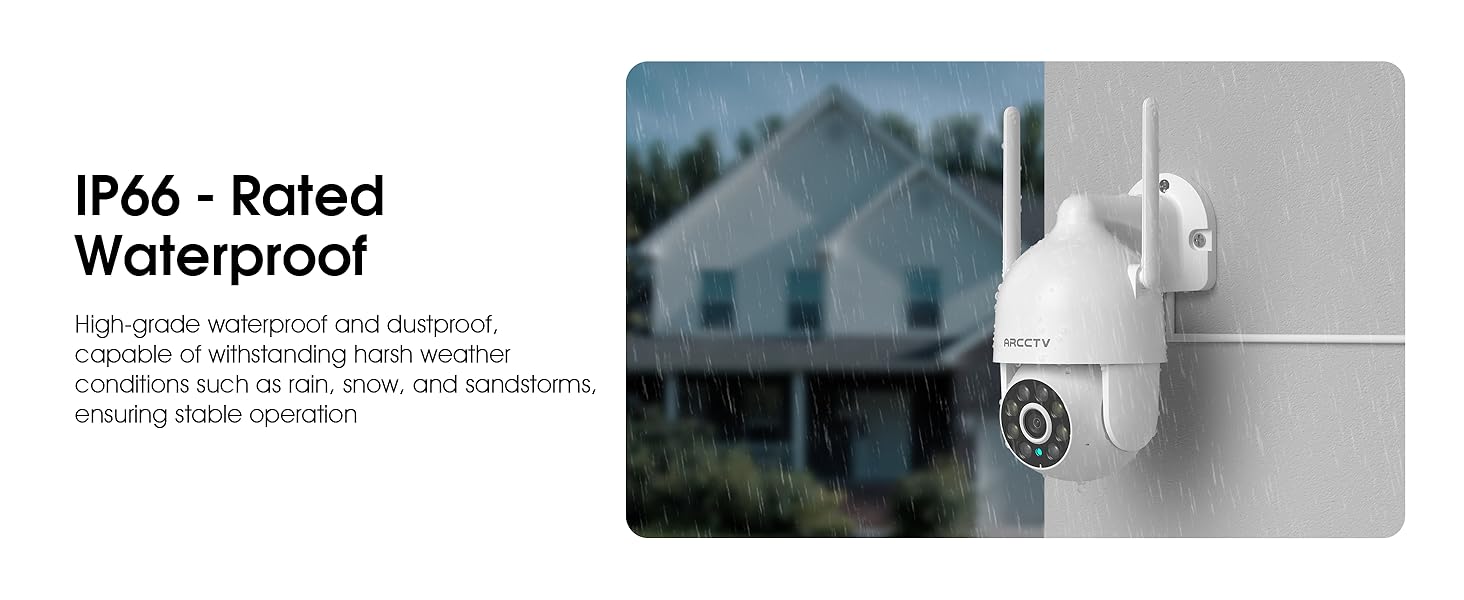
Equipped with a built-in microphone and speaker, the camera enables clear two-way communication. This feature is useful for greeting visitors or deterring intruders. The camera also boasts an IP66 waterproof rating, ensuring durability and reliable operation in various weather conditions, including rain, snow, and extreme temperatures (-4°F to 122°F).
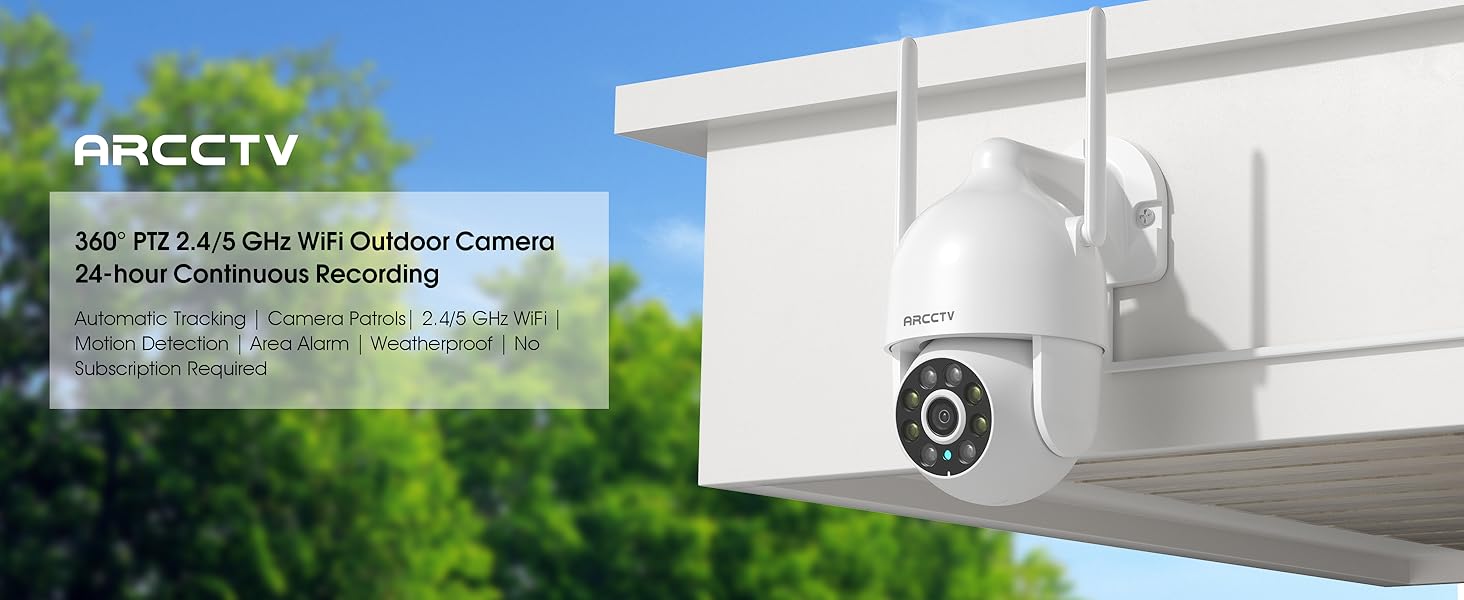
Image: The ARCCTV camera mounted outdoors, with a visual representation of rain and snow, highlighting its IP66 weatherproof capability.
Image: A person speaking to a delivery driver via the camera's two-way audio feature, demonstrating remote communication.
5. خيارات تخزين مرنة
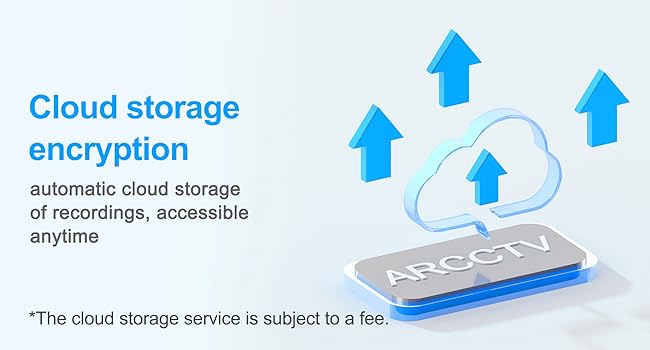
The camera supports local storage via a microSD card (up to 128GB, not included) for continuous recording. Additionally, secure cloud storage options are available (subscription may be required) for remote access and backup of your footage.
Image: A close-up of the camera showing the microSD card slot, indicating support for up to 128GB local storage.
Image: An illustration depicting cloud storage encryption, showing data being uploaded to a cloud server for secure access.
6. Instant Alerts & Siren
Receive real-time notifications on your smartphone when motion is detected. The camera can also activate a powerful spotlight (300 Lumens) and a siren warning to deter potential intruders, providing an immediate response to suspicious activity.
Image: A security camera detecting an intruder at night, activating its spotlight and siren, with icons for 300 Lumens, Siren Warning, and 2-Way Audio.
7. تكامل المنزل الذكي
The ARCCTV P2 camera is compatible with Alexa, allowing you to check the monitoring screen at any time using voice control. This provides convenient access to your security feed.
Image: A person using an Alexa-enabled device to view the camera feed, demonstrating voice control compatibility.
دليل الإعداد
قم بفك الكاميرا: Carefully remove all components from the packaging. Verify that all items listed in "What's in the Box" are present.
تشغيل الطاقة: Connect the camera to the provided 5V1A power supply. The camera will initiate its startup sequence.
تنزيل التطبيق: Download the ARCCTV or Eseecloud app from your smartphone's app store (iOS or Android).
تسجيل الحساب: افتح التطبيق وقم بالتسجيل للحصول على حساب جديد أو قم بتسجيل الدخول إذا كان لديك حساب بالفعل.
إضافة جهاز: اتبع التعليمات الموجودة داخل التطبيق لإضافة الكاميرا الجديدة. يتضمن ذلك عادةً مسح رمز الاستجابة السريعة (QR) الموجود على الكاميرا أو إدخال معرّفها يدويًا.
إتصال شبكة: Connect the camera to your home WiFi network. The camera supports both 2.4GHz and 5GHz bands. Ensure your smartphone is connected to the same network during setup.
التركيب (اختياري):
Choose a suitable outdoor or indoor location for optimal viewing and power access.
Use the provided mounting sticker template to mark drill holes on the wall.
قم بحفر الثقوب وأدخل مثبتات الحائط.
Secure the camera's mounting base with the provided screws.
الترتيب الأولي: Adjust camera settings such as motion detection zones, alert preferences, and recording schedules within the app.
Image: A person installing the ARCCTV camera on an exterior wall, demonstrating the ease of setup.
تعليمات التشغيل
يعيش View والتحكم في الحركة الأفقية والرأسية
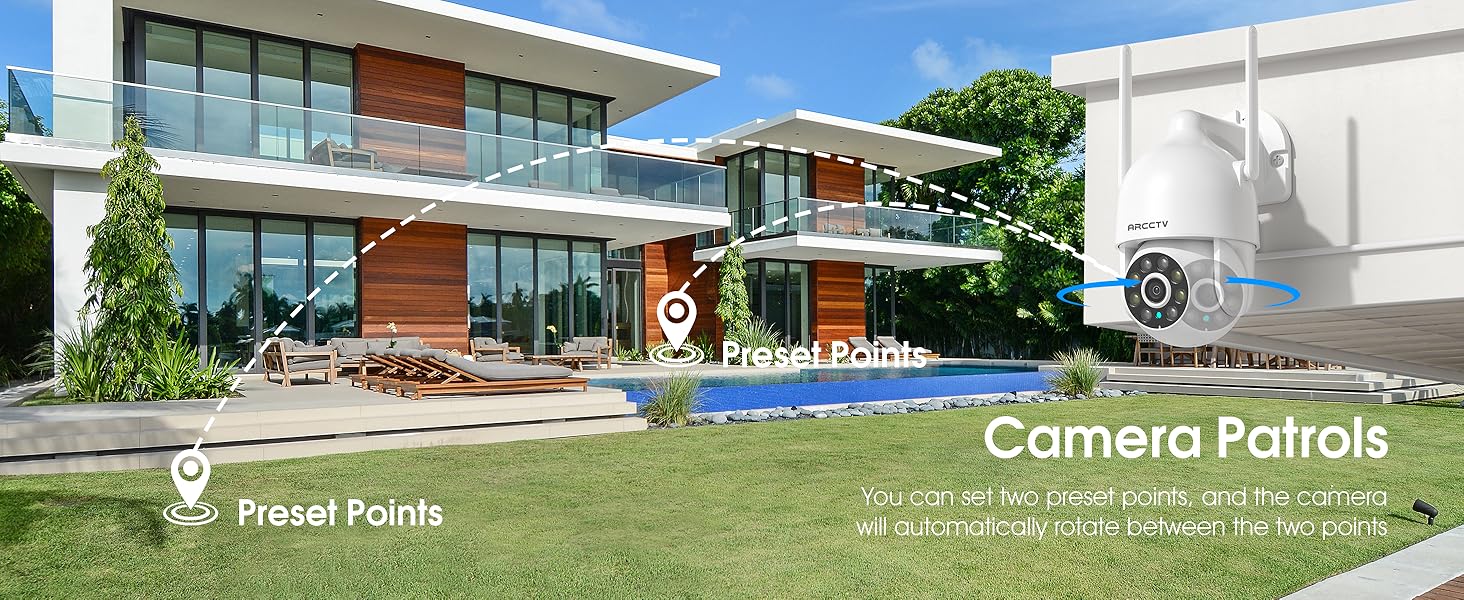
Open the ARCCTV/Eseecloud app and select your camera to access the live view. Use the on-screen joystick or swipe gestures to pan (355° horizontal) and tilt (90° vertical) the camera lens to adjust your viewing angle. You can also set preset points for quick navigation.
صوت ثنائي الاتجاه
أثناء العيش view, tap the microphone icon in the app to speak through the camera's speaker. Tap the speaker icon to listen to audio from the camera's surroundings.
كشف الحركة وتتبعها
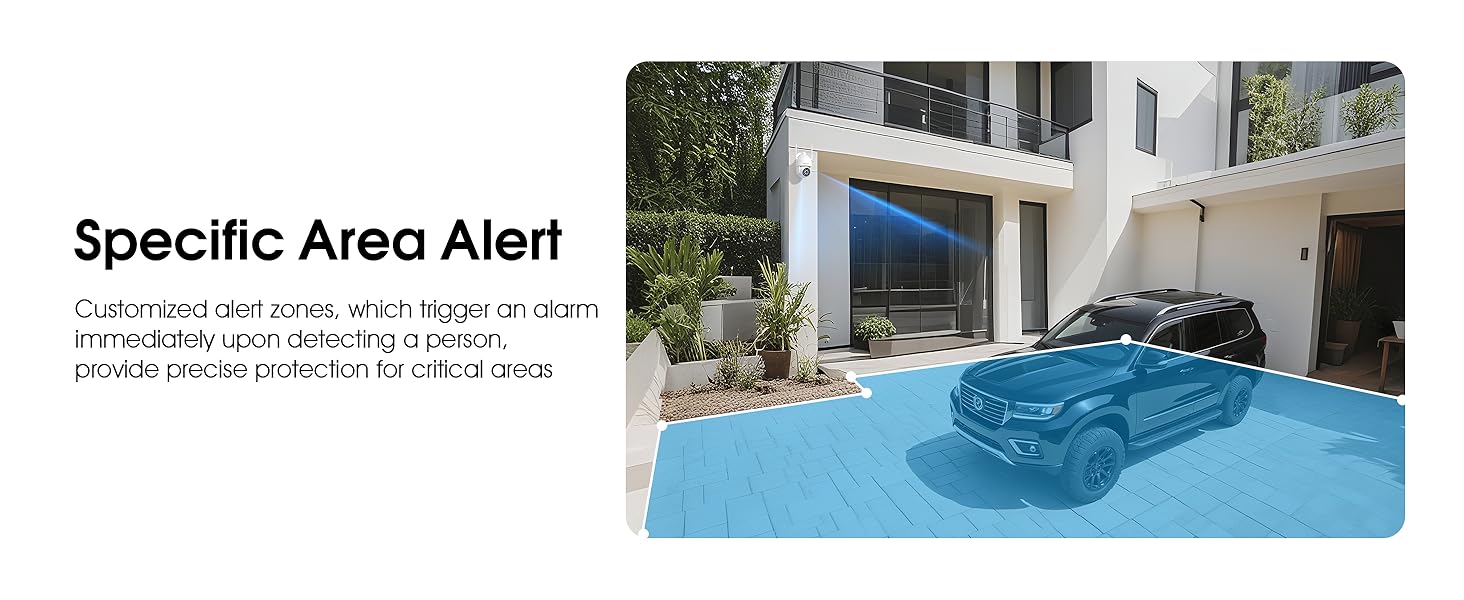
Enable motion detection in the app settings. The camera will automatically track detected movement and send real-time notifications to your phone. You can customize detection sensitivity and define specific alert zones to minimize false alarms.
Video: Demonstrates the ARCCTV 24/7 Security Camera's features, including motion detection, real-time notifications, two-way audio, and IP65 waterproof rating. This video highlights how the camera responds to detected movement with alerts and communication capabilities.
أوضاع الرؤية الليلية
The camera automatically switches to night vision in low light. You can configure it for full-color night vision (using the built-in spotlight) or infrared night vision (black and white) via the app settings.
التسجيل والتشغيل
Recordings are stored on the inserted microSD card or in the cloud (if subscribed). Access recorded footagيمكنك إعادة تشغيل التسجيلات من خلال ميزة التشغيل في التطبيق.view الفعاليات حسب التاريخ والوقت.
Siren Activation
In case of an emergency or to deter intruders, you can manually activate the camera's siren and spotlight through the app.
مشاركة العائلة
The app supports multi-member sharing, allowing authorized family members to view the camera feed and receive alerts. This feature can be configured in the app's user management settings.
Image: An illustration showing multiple family members accessing the camera feed on their smartphones, highlighting the family sharing function.
صيانة
تنظيف: امسح عدسة الكاميرا بانتظام بقطعة قماش ناعمة وجافة لضمان جودة صورة واضحة. لا تستخدم مواد كيميائية قاسية.
تحديثات البرامج الثابتة: Check the app periodically for firmware updates to ensure optimal performance and security.
توصيل الطاقة: تأكد من توصيل كابل الطاقة بإحكام وخلوه من أي تلف.
تصاعد الأمن: Periodically check the mounting screws to ensure the camera remains securely attached.
إدارة بطاقة SD: If using a microSD card, consider formatting it periodically through the app to maintain performance.
استكشاف الأخطاء وإصلاحها
مشكلة
الحل المحتمل
الكاميرا غير متصل
Check WiFi connection and signal strength.
تأكد من تشغيل الكاميرا.
أعد تشغيل الكاميرا وجهاز التوجيه الخاص بك.
Verify correct WiFi password in app settings.
جودة الفيديو رديئة
تنظيف عدسة الكاميرا.
تأكد من وجود اتصال واي فاي مستقر.
اضبط إعدادات دقة الفيديو في التطبيق.
لا توجد تنبيهات كشف الحركة
قم بتفعيل خاصية كشف الحركة في إعدادات التطبيق.
Adjust sensitivity levels.
Check alert schedules and notification permissions on your phone.
تأكد من عدم وجود أي عوائق تحجب رؤية الكاميرا view.
الصوت ثنائي الاتجاه لا يعمل
تحقق من أذونات الميكروفون ومكبر الصوت للتطبيق على هاتفك.
تأكد من أن مستويات الصوت كافية.
تحقق من استقرار الشبكة.
تحديد
ميزة
التفاصيل
اسم الموديل
P2
دقة التقاط الفيديو
2K (2304x1296p) / 1440p / 3 MP
الاستخدام الداخلي والخارجي
داخلي، خارجي
تكنولوجيا الاتصال
لاسلكي (واي فاي)
تكنولوجيا الاتصالات اللاسلكية
Wi-Fi (2.4G/5G Dual-Band)
مصدر الطاقة
امدادات الطاقة 5V1A
Viewزاوية جي
360 درجة (355 درجة دوران أفقي، 90 درجة إمالة رأسية)
المميزات الخاصة
2-Way Audio, Auto Tracking, Spotlight, Siren, Full Color Night Vision
تصنيف مقاومة الماء
IP66
خيارات التخزين
بطاقة ذاكرة مايكرو إس دي (حتى 128 جيجابايت)، تخزين سحابي
الأجهزة المتوافقة
Smartphone (iOS, Android), Alexa
نوع وحدة التحكم
ARCCTV App, Eseecloud App
نوع التركيب
حامل الحائط
أبعاد المنتج
7.8 × 6.6 × 5.3 بوصة
وزن العنصر
2.7 رطل
الضمان والدعم
For product support, technical assistance, or warranty inquiries, please contact ARCCTV customer service. While specific warranty details are not provided in this manual, general support can often be found through the manufacturer's official channels. For cloud service related inquiries, you may contact Support@arcctvlife.com.
Always refer to the official ARCCTV website or the app for the most up-to-date support information and resources.
Ask a question about this manual
Ask about setup, troubleshooting, compatibility, parts, safety, or missing instructions. Manuals+ will review the question and use this page’s manual context to help answer it.