
ARCCTV P2
ARCCTV 2K Security Camera Outdoor P2 User Manual
الموديل: P2
1. المقدمة
This manual provides detailed instructions for the installation, operation, and maintenance of your ARCCTV 2K Security Camera Outdoor P2. Please read this manual thoroughly before using the product to ensure correct usage and optimal performance. Keep this manual for future reference.

الصورة 1.1: الجبهة view of the ARCCTV 2K Security Camera Outdoor P2.
2. ماذا يوجد في الصندوق
تأكد من وجود جميع المكونات في العبوة:
- جسم الكاميرا
- محول طاقة 5 فولت 1 أمبير
- براغي التثبيت (مجموعة)
- Screw Positioning Sticker
- ملصق تحذيري
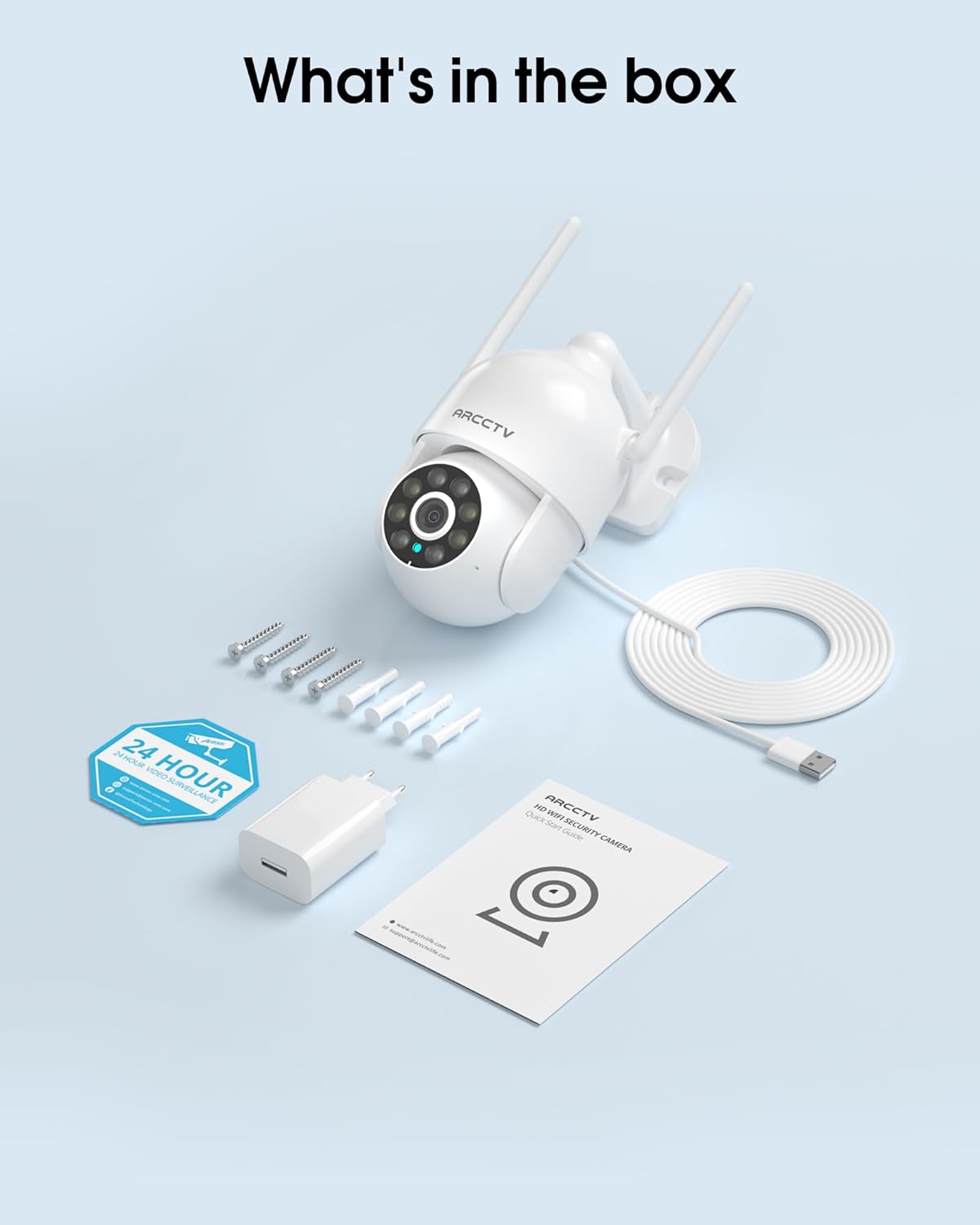
Image 2.1: All items included in the ARCCTV 2K Security Camera package.
3. مواصفات المنتج
- دقة 2K Ultra HD: Provides clear 2304x1296p video.
- رؤية ليلية كاملة الألوان: Built-in spotlight enables vivid color monitoring in low light.
- 360° Pan-Tilt-Zoom (PTZ): Remotely control 355° horizontal and 90° vertical rotation.
- تتبع الحركة التلقائي: Smart AI automatically follows and records detected movement.
- شبكة WiFi مزدوجة النطاق: Supports both 2.4G and 5G WiFi for stable connectivity.
- صوت ثنائي الاتجاه: ميكروفون وسماعة مدمجان للتواصل.
- IP66 مقاوم للطقس: Durable design for outdoor use in various weather conditions (-4°F ~ 122°F).
- تخزين مرن: Supports local microSD card storage (up to 128GB, not included) and optional cloud storage.
- تسجيل على مدار الساعة طوال أيام الأسبوع: Continuous recording capability with stable power supply.
4. الإعداد
4.1 التثبيت
- اختر الموقع: حدد موقعًا خارجيًا واضحًا view of the area you wish to monitor. Ensure it is within range of your Wi-Fi network and a power outlet.
- تركيب الكاميرا: Use the provided screw positioning sticker to mark drill holes. Drill holes, insert wall anchors, and secure the camera body to the wall using the mounting screws.
- توصيل الطاقة: Plug the 5V1A power adapter into the camera and then into a power outlet. The camera will power on and begin its startup sequence.
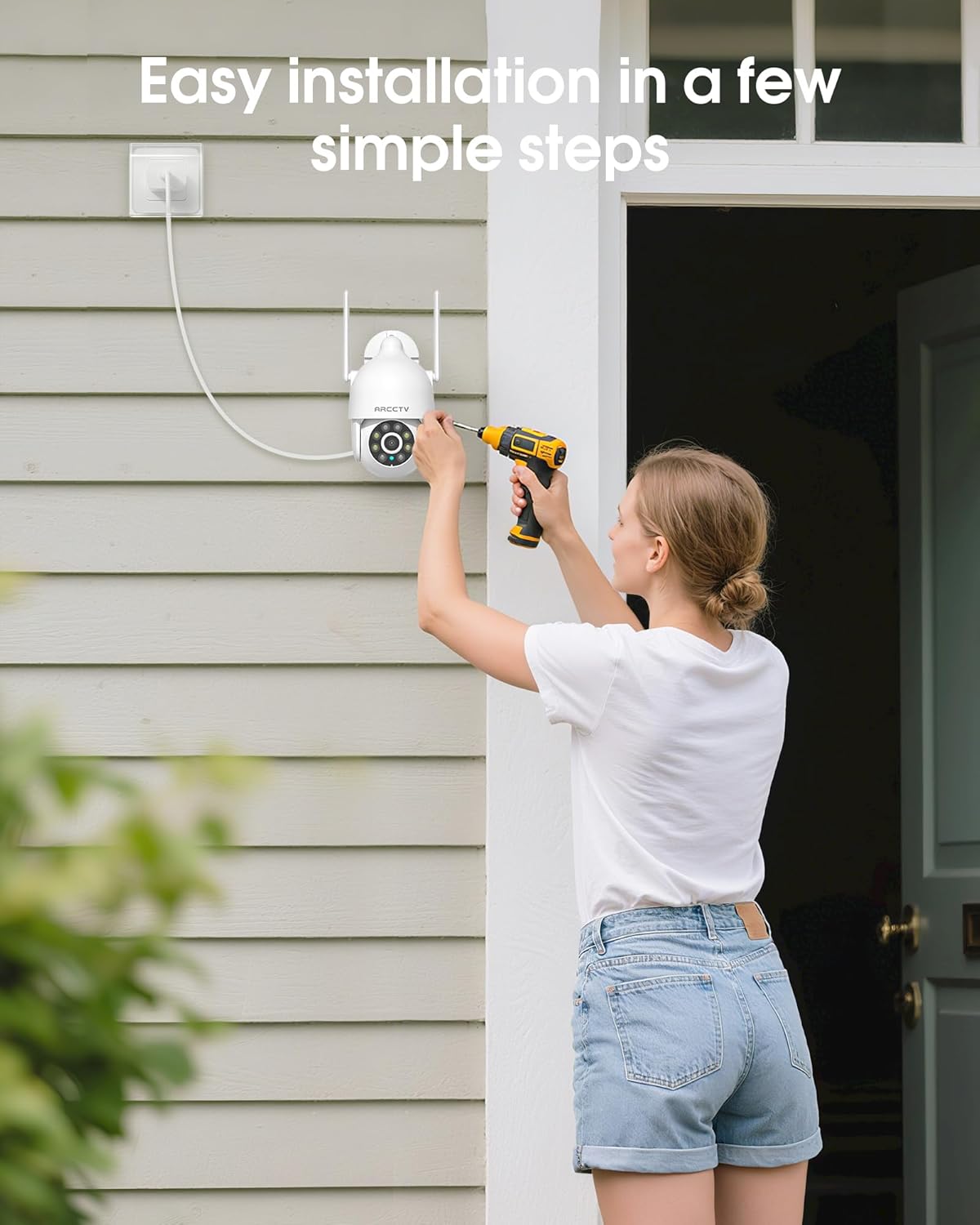
Image 4.1: Illustration of easy camera installation steps.
4.2 تنزيل التطبيق وإنشاء الحساب
- Download the official ARCCTV app from your smartphone's app store (iOS or Android).
- افتح التطبيق واتبع الإرشادات التي تظهر على الشاشة لإنشاء حساب جديد أو تسجيل الدخول إذا كان لديك حساب بالفعل.
4.3 اتصال واي فاي
- In the app, tap the "Add Device" or "+" icon.
- Select your camera model and follow the prompts to connect it to your Wi-Fi network. The camera supports both 2.4GHz and 5GHz bands for stable connectivity.
- Ensure your smartphone is connected to the same Wi-Fi network during the setup process.
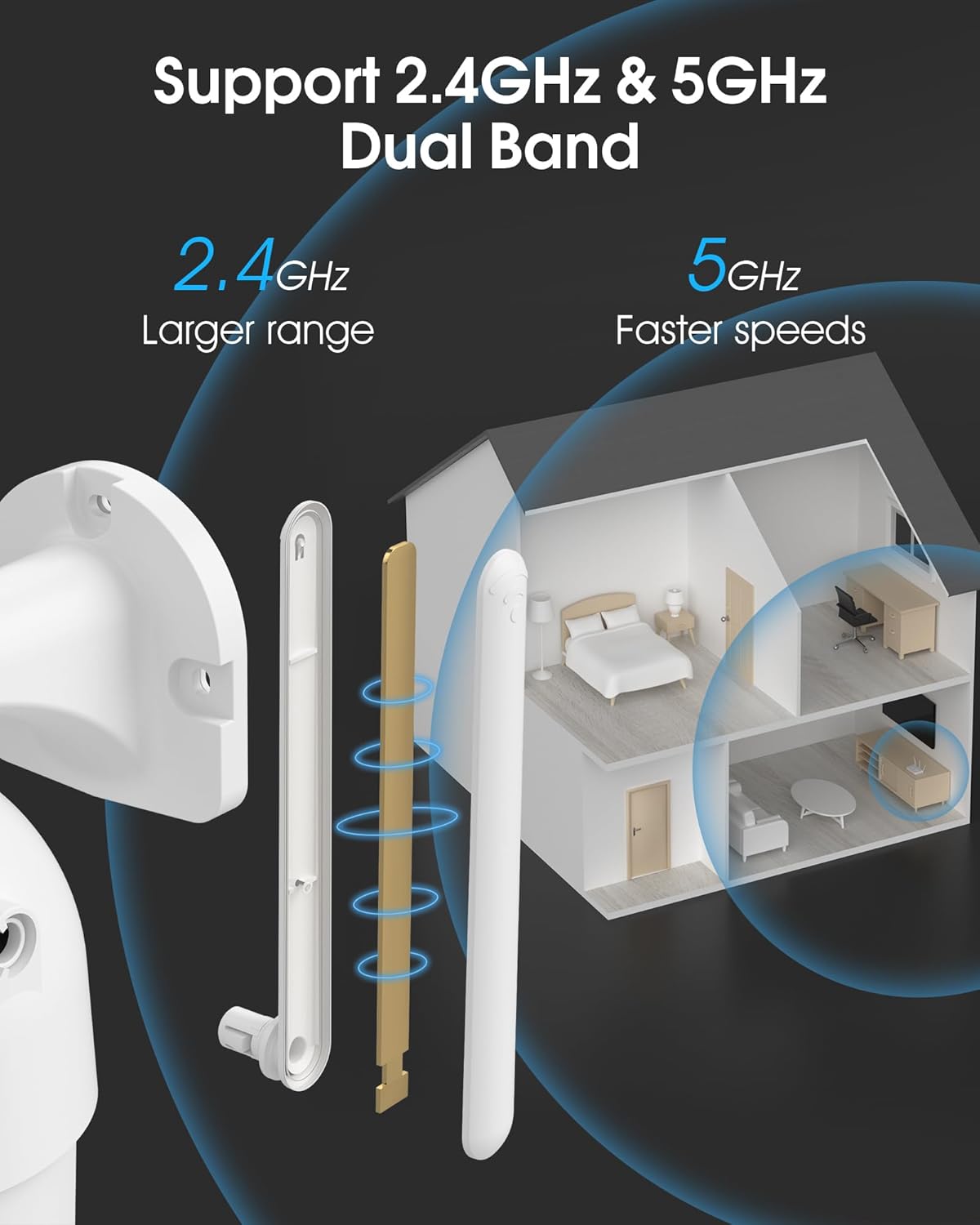
Image 4.2: The camera supports both 2.4GHz (larger range) and 5GHz (faster speeds) Wi-Fi bands.
4.4 تركيب بطاقة microSD (اختياري)
For local storage, install a microSD card (up to 128GB, not included) into the designated slot on the camera. Ensure the camera is powered off before inserting or removing the card.
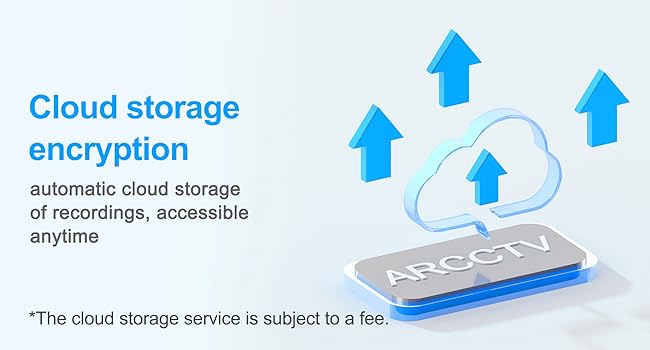
Image 4.3: Location of the microSD card slot on the camera.
5. تشغيل الكاميرا
5.1 مباشر View
Open the ARCCTV app and select your camera to view the live feed. You can monitor your property in real-time.
5.2 التحكم في الحركة الأفقية والرأسية والتكبير (PTZ)
على الهواء مباشرة view screen, use the directional controls to rotate the camera horizontally (Pan: 355°) and vertically (Tilt: 90°) to adjust the viewing angle. You can also set preset points for quick navigation.
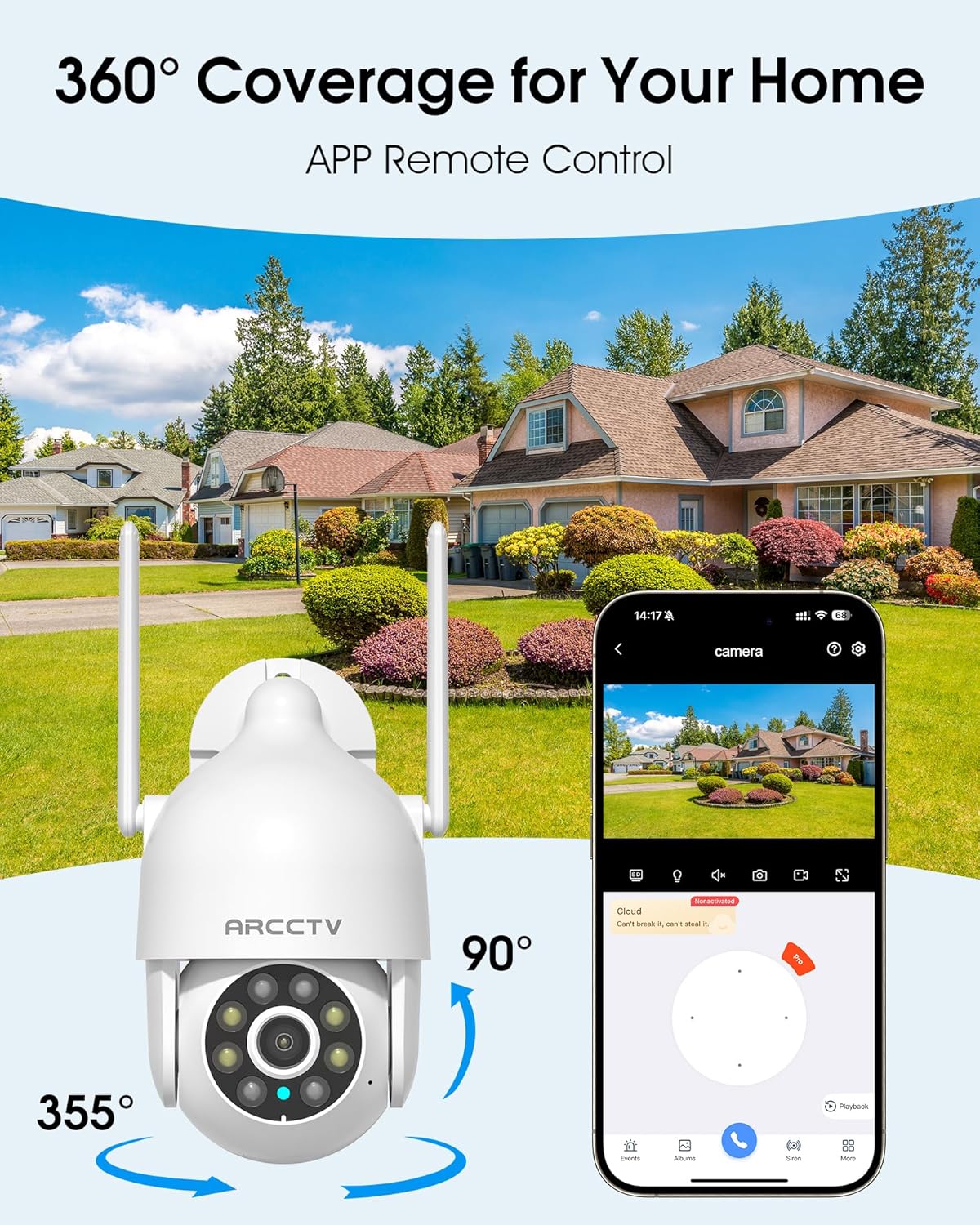
Image 5.1: The camera offers 360° coverage through remote pan and tilt controls.
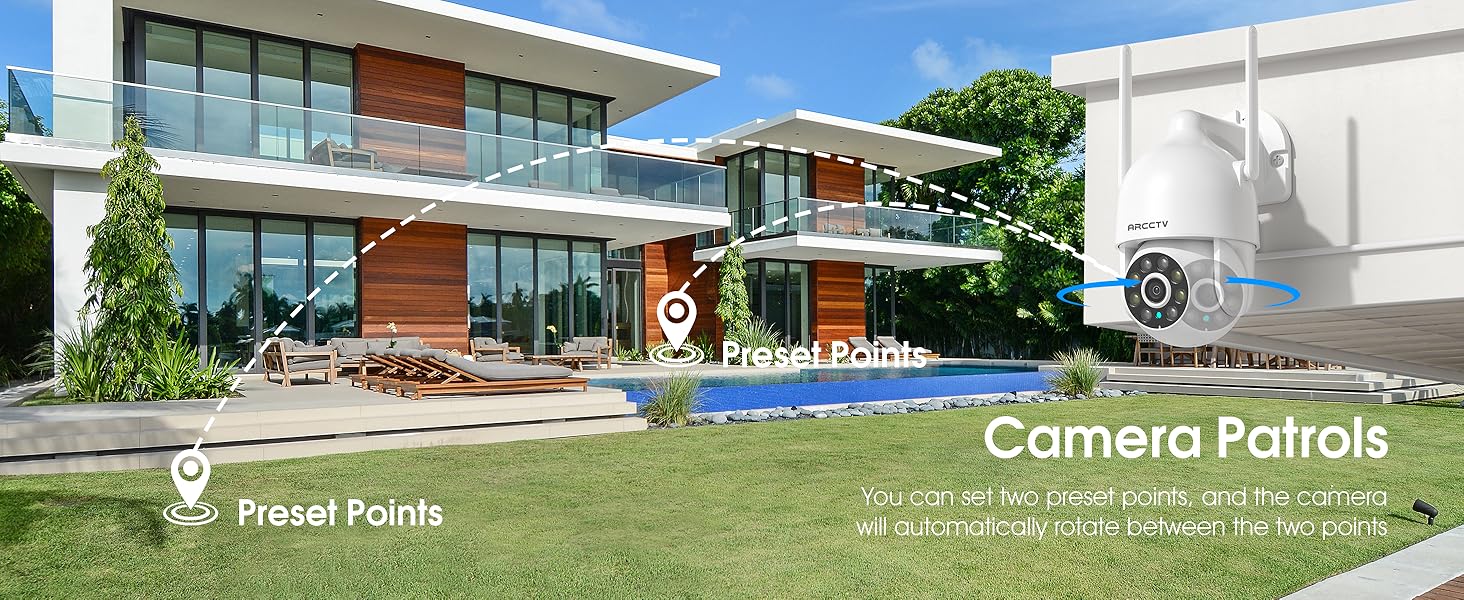
Image 5.2: Setting up camera patrol routes between preset points.
5.3 Motion Tracking and Alerts
The camera features smart AI motion tracking that automatically follows detected movement. You can customize alert zones and receive instant notifications on your smartphone when motion is detected.

Image 5.3: The camera's smart motion tracking feature in action.

Image 5.4: Instant alerts with customizable settings, including spotlight, siren, and two-way audio.
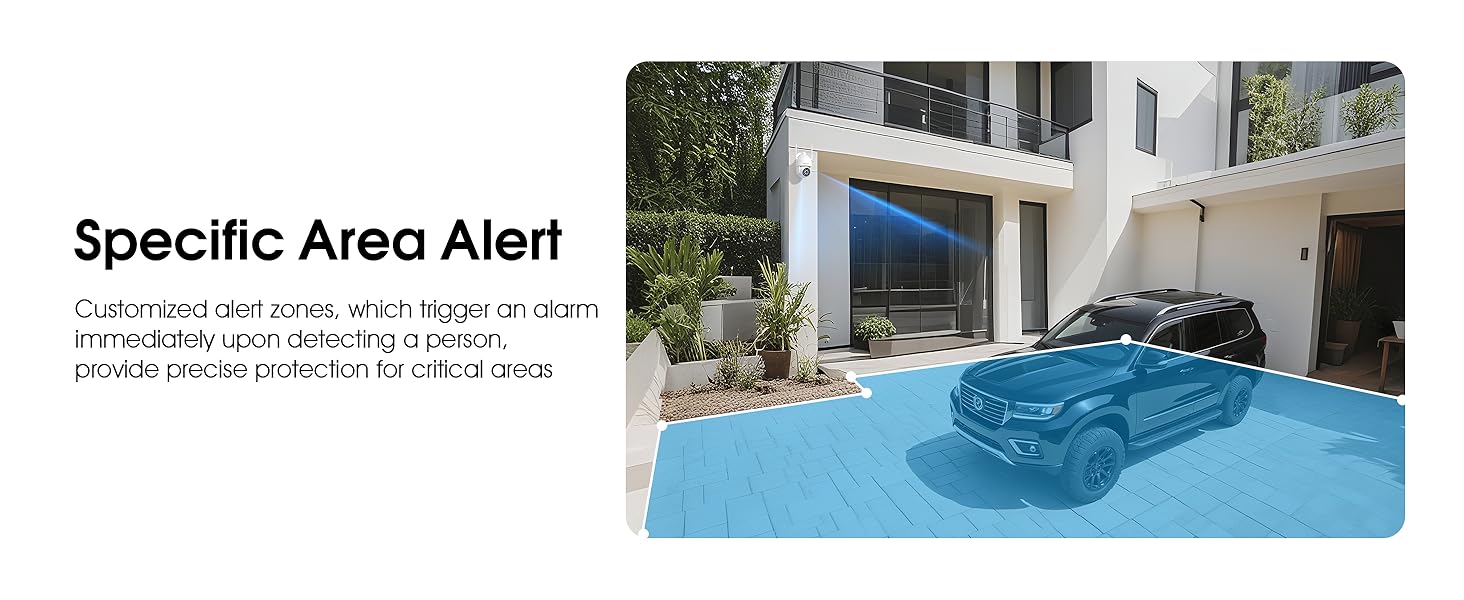
Image 5.5: Setting up specific area alerts for precise protection.
5.4 أوضاع الرؤية الليلية
The camera offers both full-color night vision (activated by the built-in spotlight) and infrared night vision for clear monitoring in various low-light conditions.

Image 5.6: Comparison of Color Night Vision and Infrared Night Vision.
5.5 الصوت ثنائي الاتجاه
Use the two-way audio feature to communicate with visitors or deter unwanted guests directly through the camera's built-in microphone and speaker.
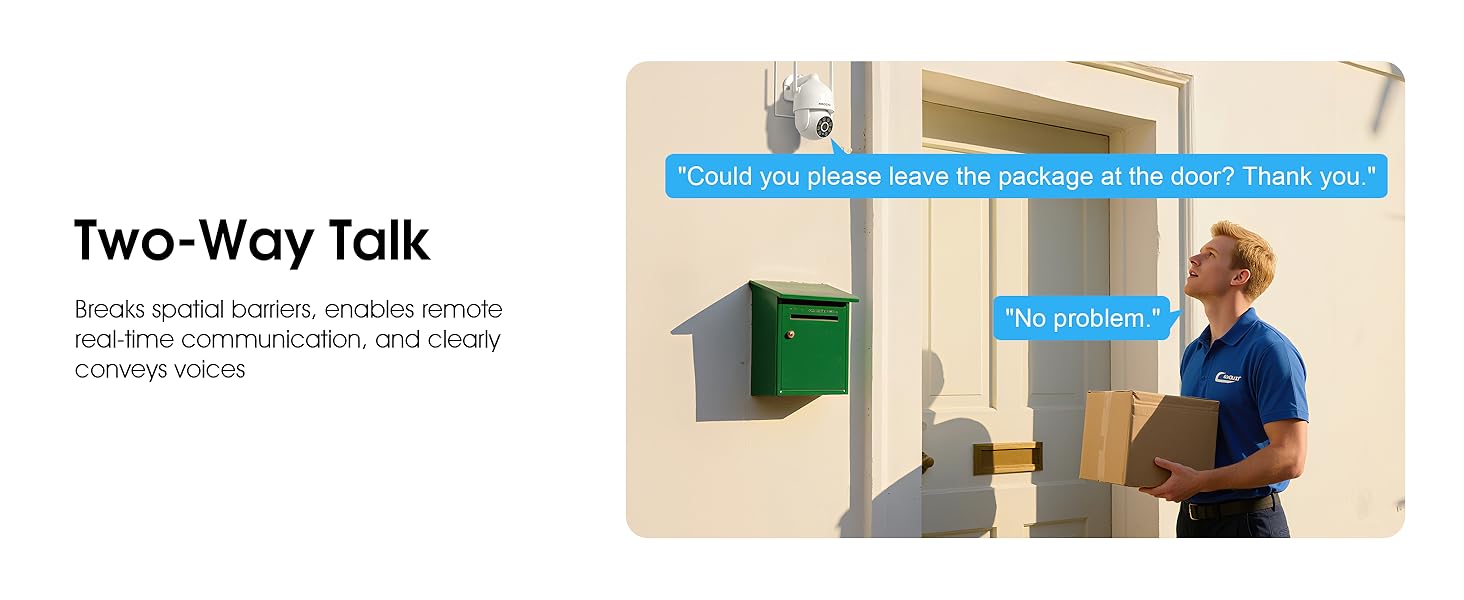
Image 5.7: Utilizing two-way talk for remote communication.
5.6 التسجيل والتشغيل
The camera supports 24/7 continuous recording. Footage can be saved to a local microSD card (up to 128GB) or to optional cloud storage. Access recorded videos through the app's playback function.

Image 5.8: The camera provides 24/7 recording capabilities.
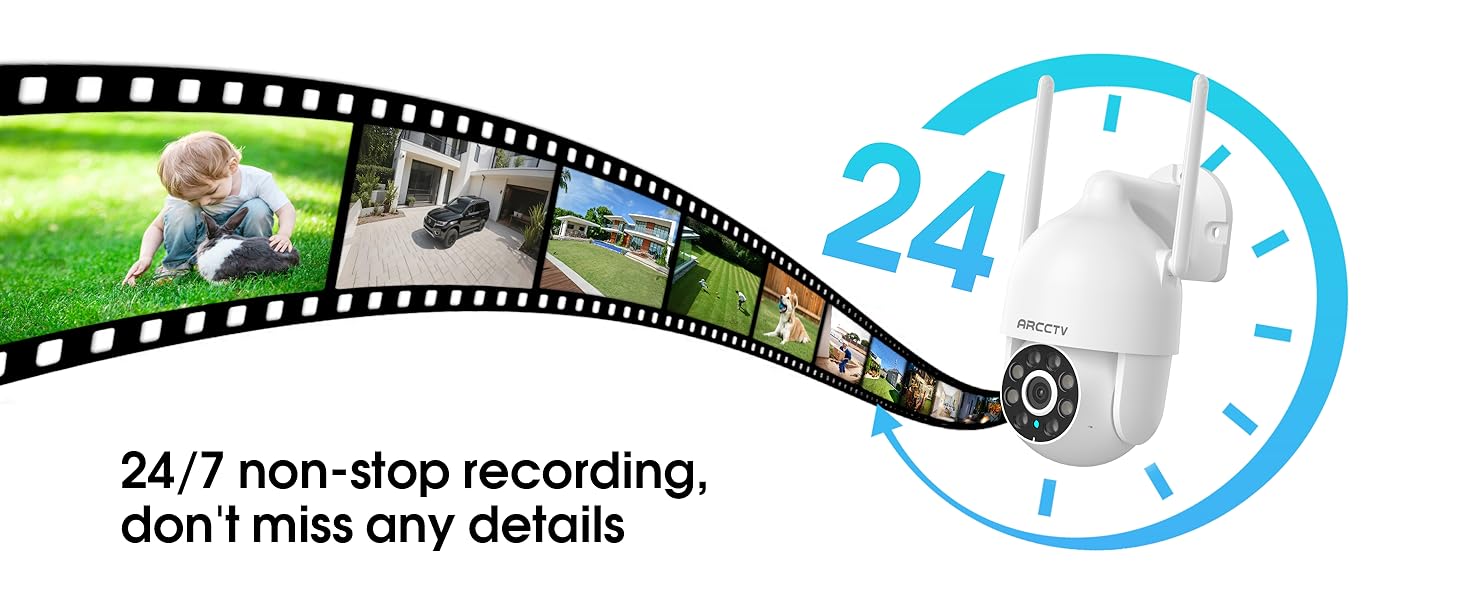
Image 5.9: Continuous 24/7 recording ensures no details are missed.
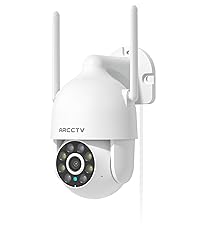
Image 5.10: Cloud storage encryption for secure and accessible recordings (subscription may apply).
5.7 المشاركة العائلية
The app supports multi-member sharing, allowing family members to view the camera feed and collaborate on security monitoring.
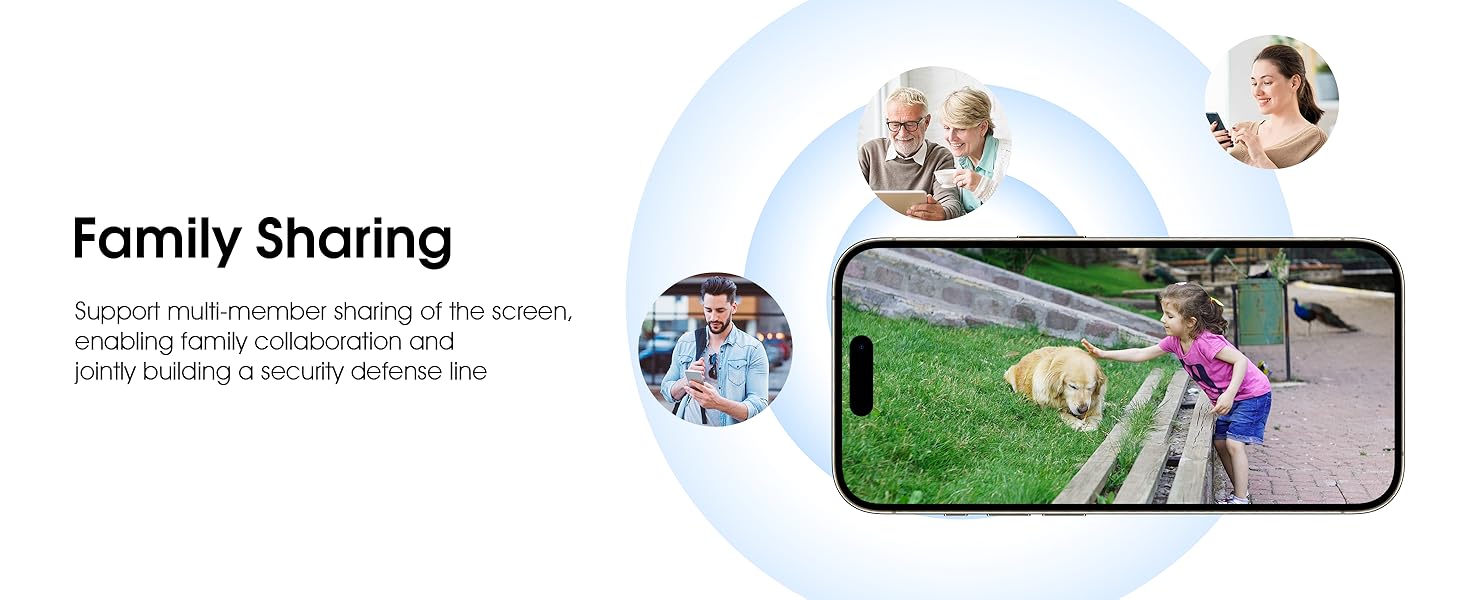
Image 5.11: The family sharing feature allows multiple users to access the camera feed.
5.8 توافق أليكسا
The camera is compatible with Alexa, allowing you to check the monitoring screen using voice commands.
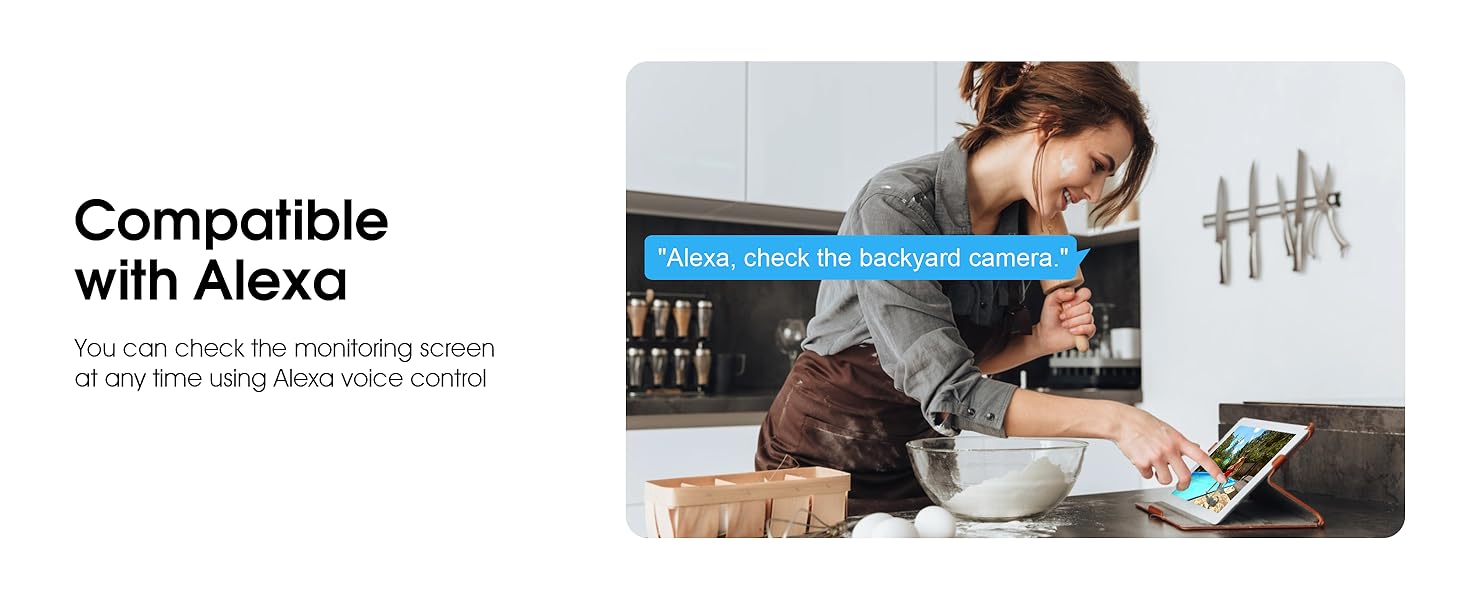
Image 5.12: Voice control via Alexa for convenient monitoring.
6. الصيانة
6.1 تنظيف الكاميرا
قم بتنظيف عدسة الكاميرا والغلاف بشكل دوري باستخدام قطعة قماش ناعمة.amp استخدم قطعة قماش لإزالة الغبار والحطام. لا تستخدم مواد كيميائية قاسية أو منظفات كاشطة.
6.2 تحديثات البرامج الثابتة
Ensure your camera's firmware is up to date for optimal performance and security. Check for updates within the ARCCTV app and follow the instructions to install them.
6.3 إدارة التخزين
If using a microSD card, regularly check its status in the app. Format the card periodically to maintain performance. For cloud storage, manage your subscription and storage space through the app.
7. استكشاف الأخطاء وإصلاحها
- الكاميرا غير متصلة بشبكة Wi-Fi:
- Ensure your Wi-Fi network is 2.4GHz or 5GHz and has a strong signal at the camera's location.
- تأكد من إدخال كلمة مرور شبكة الواي فاي بشكل صحيح.
- أعد تشغيل جهاز التوجيه والكاميرا.
- ضعف جودة الصورة:
- تنظيف عدسة الكاميرا.
- تأكد من وجود إضاءة كافية للحصول على أداء مثالي للرؤية الليلية.
- تحقق من سرعة اتصالك بالإنترنت.
- كشف الحركة لا يعمل:
- تأكد من تفعيل خاصية كشف الحركة في إعدادات التطبيق.
- ضبط إعدادات الحساسية.
- تأكد من عدم وجود أي عوائق في مجال الكاميرا view.
- No Recording to MicroSD Card:
- Ensure a microSD card is properly inserted and formatted in the app.
- Check if the card is full; consider formatting or replacing it.
- تحقق من إعدادات التسجيل في التطبيق.
8. المواصفات
| ميزة | مواصفة |
|---|---|
| اسم الموديل | P2 |
| الاستخدام الداخلي والخارجي | في الهواء الطلق |
| دقة التقاط الفيديو | 2K (2304 × 1296 بكسل) |
| تكنولوجيا الاتصال | لاسلكي (واي فاي) |
| تكنولوجيا الاتصالات اللاسلكية | Wi-Fi (2.4G/5G Dual-Band) |
| Viewزاوية جي | 360 درجة (355 درجة دوران أفقي، 90 درجة إمالة رأسية) |
| نطاق الرؤية الليلية | 50 أقدام |
| مستوى مقاومة الماء | IP66 مقاوم للماء |
| مصدر الطاقة | محول طاقة 5 فولت 1 أمبير |
| الحد الأقصى لحجم ذاكرة الفلاش المدعومة | 128 جيجابايت (بطاقة مايكرو إس دي) |
| إمكانيات التسجيل السمعي البصري | الفيديو والصوت |
| ميزة خاصة | 2-Way Audio, Motion Tracking, Full Color Night Vision |
| أبعاد المنتج الطول × العرض × الارتفاع | 7.8 × 6.6 × 5.3 بوصة |
| وزن العنصر | 1.39 رطل |
9. الضمان والدعم
For warranty information and technical support, please refer to the official ARCCTV website or contact their customer service directly. Contact details are typically provided on the product packaging or within the mobile application.
Ask a question about this manual
Ask about setup, troubleshooting, compatibility, parts, safety, or missing instructions. Manuals+ will review the question and use this page’s manual context to help answer it.