
1. المقدمة
This manual provides essential information for setting up, operating, and maintaining your KOOSMILE Mini Laptop P8. The P8 is an 8-inch 2-in-1 convertible laptop featuring Windows 11 Pro, an Intel N150 processor, 12GB LPDDR5 RAM, and a 512GB SSD. Its compact design and versatile modes make it suitable for various tasks and environments.
2. محتويات العبوة
يرجى التحقق من الحزمة للعناصر التالية:
- KOOSMILE Mini Laptop P8 x1
- PD Adapter x1
- Active Stylus x1
- كابل HDMI x1
- موزع يو اس بي x1
- دليل المستخدم x1
3. انتهى المنتجview
Familiarize yourself with the physical components and ports of your KOOSMILE Mini Laptop P8.
3.1. الميزات الرئيسية
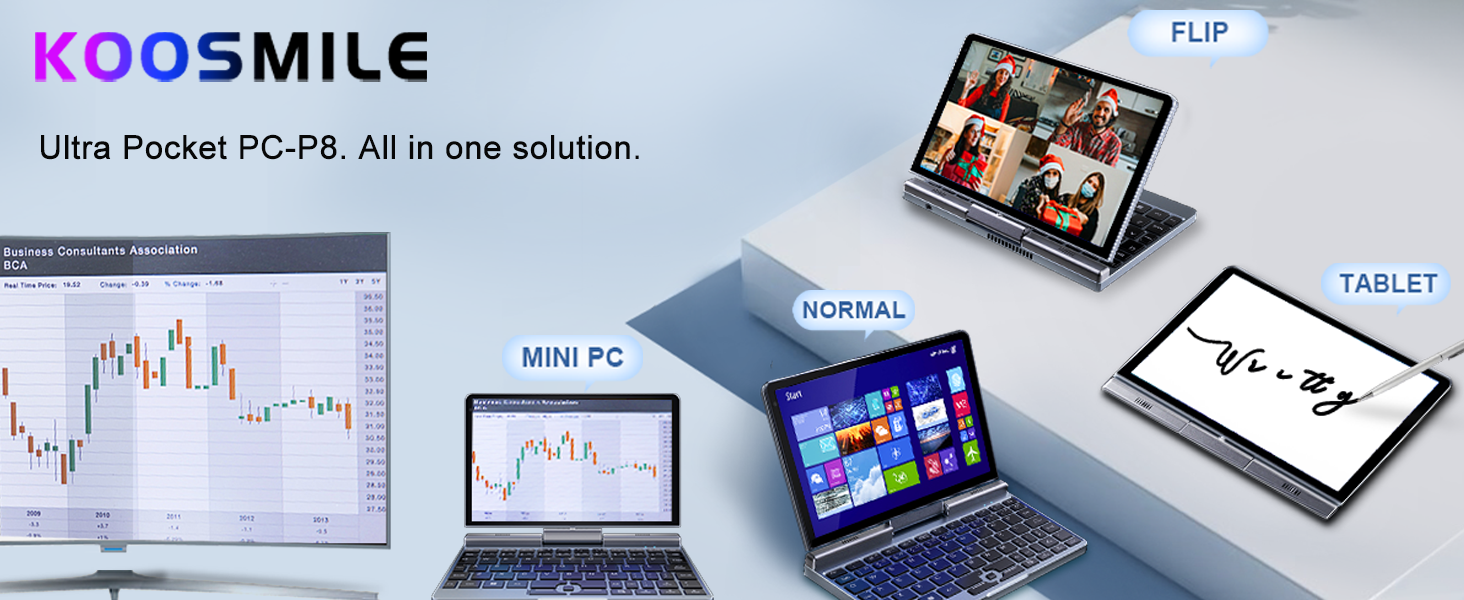
الصورة: أكثر منview of the KOOSMILE P8 Mini Laptop highlighting its key features including Intel N150 CPU, 12GB LPDDR5 RAM, SSD storage, 0.78kg weight, 2MP camera, and 8-inch HD IPS screen.
3.2. المنافذ والأزرار
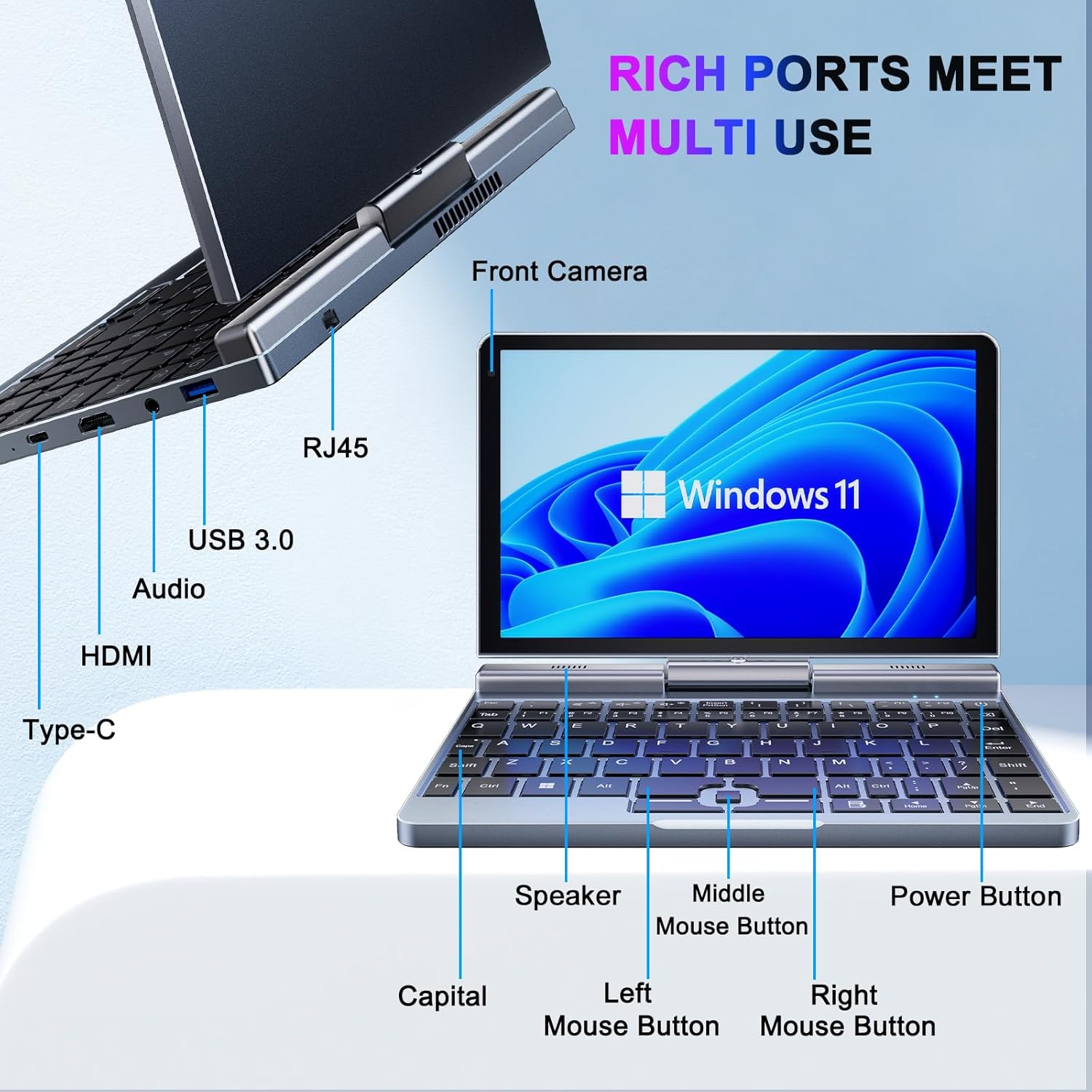
الصورة: مفصلة view of the KOOSMILE P8 Mini Laptop's side ports and keyboard layout, labeling the RJ45 Ethernet port, USB 3.0, Audio jack, HDMI, Type-C port, Front Camera, Speaker, Middle Mouse Button, Left Mouse Button, Right Mouse Button, Power Button, and Capital key.
- منفذ USB 3.0: لتوصيل أجهزة USB.
- منفذ USB من النوع C: For data transfer, charging, and DisplayPort (DP) video output.
- منفذ HDMI: للاتصال بالشاشات الخارجية.
- مقبس الصوت: لسماعات الرأس أو مكبرات الصوت الخارجية.
- منفذ إيثرنت RJ45: للاتصال بالشبكة السلكية.
- زر الطاقة: لتشغيل/إيقاف تشغيل الجهاز أو وضعه في وضع السكون.
- الكاميرا الأمامية: 2MP camera for video calls and conferencing.
4. الإعداد
Follow these steps for initial setup of your KOOSMILE Mini Laptop P8.
- اشحن الجهاز: Connect the PD Adapter to the USB Type-C port on the laptop and plug it into a power outlet. Allow the device to charge fully before first use.
- تشغيل الطاقة: اضغط مع الاستمرار على زر التشغيل حتى تضيء الشاشة.
- إعداد Windows 11 Pro: اتبع التعليمات التي تظهر على الشاشة لإكمال الإعداد الأولي لنظام التشغيل Windows 11 Pro، بما في ذلك اختيار اللغة، والاتصال بالشبكة، وإنشاء حساب المستخدم.
- توصيل الأجهزة الطرفية: If desired, connect the included USB Hub, external mouse, or other peripherals to the available USB ports.
5. تعليمات التشغيل
This section covers basic operation and usage modes of your device.
5.1. تشغيل/إيقاف التشغيل ووضع السكون
- تشغيل الطاقة: اضغط على زر الطاقة.
- وضع السكون: Briefly press the Power Button while the device is on. Press again to wake.
- اغلق: From the Windows desktop, click the Start button, then Power, and select 'Shut down'.
- إعادة تشغيل: From the Windows desktop, click the Start button, then Power, and select 'Restart'.
5.2. أوضاع قابلة للتحويل 2 في 1
The KOOSMILE P8 features a 180° rotating screen, allowing it to transform into multiple modes:
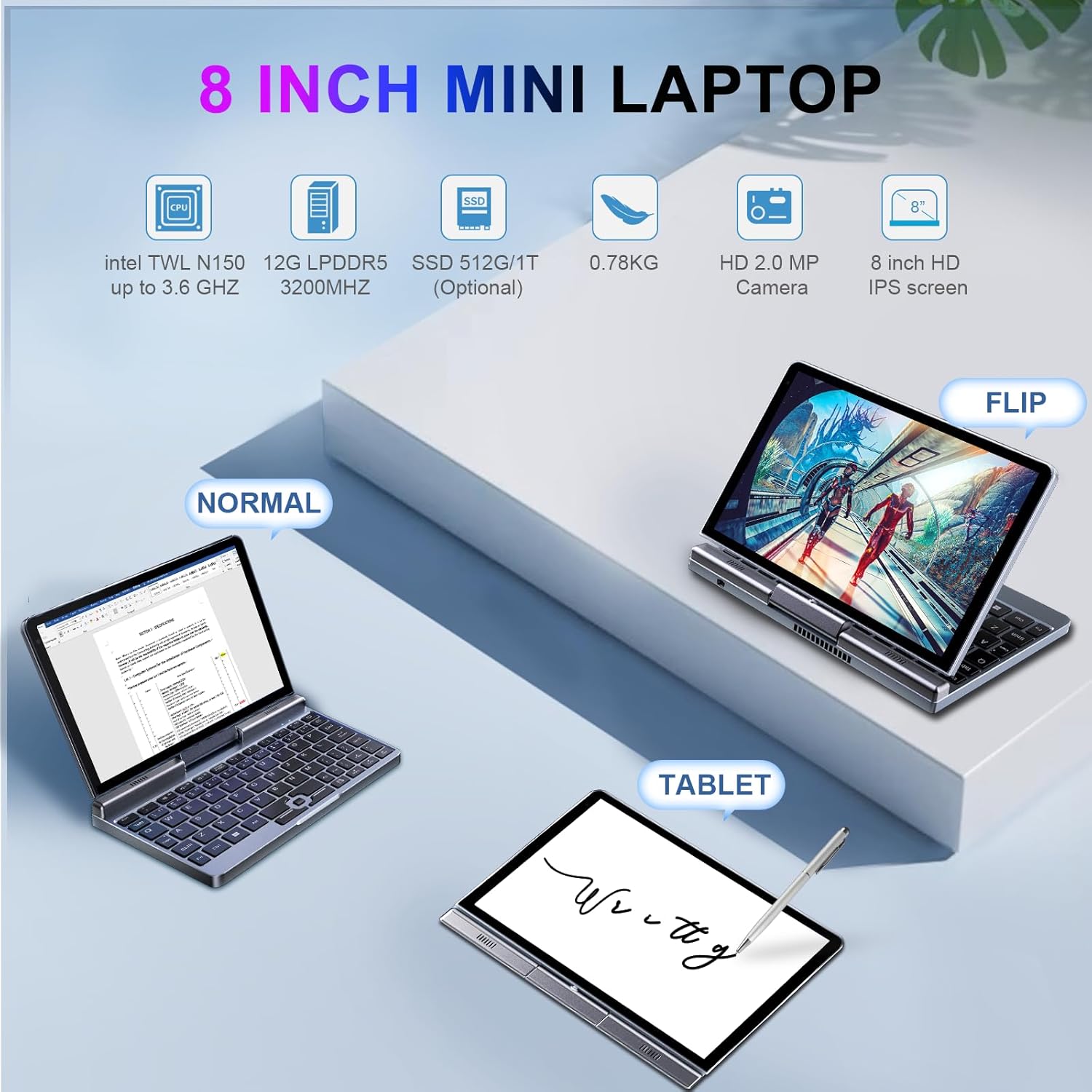
Image: The KOOSMILE P8 Mini Laptop shown in three different modes: Normal (laptop), Flip (tent/stand), and Tablet mode, demonstrating its 180-degree screen rotation capability.
- وضع الكمبيوتر المحمول: Standard configuration for typing and traditional computing.
- وضع الجهاز اللوحي: Rotate the screen 180° and fold it back against the keyboard for a full touchscreen experience. Windows will automatically switch to tablet interface.
- وضع الخيمة/الوقوف: Position the device in an inverted 'V' shape or with the keyboard facing down for media consumption or presentations.
5.3. Touchscreen and Stylus Use
The 8-inch HD touch screen supports multi-touch gestures and input from the included active stylus.
- إيماءات اللمس: Use standard Windows touch gestures for navigation, zooming, and scrolling.
- القلم النشط: The stylus allows for precise input, drawing, and note-taking. Ensure the stylus is charged if it requires power.
5.4. توصيل شاشة خارجية
Connect your laptop to an external monitor or TV using the HDMI or USB Type-C (DisplayPort Alt Mode) ports.

Image: The KOOSMILE P8 Mini Laptop connected to an external monitor via HDMI, illustrating its Type-C DisplayPort (DP) out and HDMI DisplayPort (DP) out capabilities for extended display.
- HDMI: Use the included HDMI cable to connect to an HDMI-compatible display.
- USB نوع-C: If your external display supports DisplayPort over USB-C, you can use a compatible USB-C to DisplayPort cable.
- اعدادات العرض: After connecting, press مفتاح الويندوز + P to select your preferred display mode (Duplicate, Extend, Second screen only).
6. الاتصال
The KOOSMILE P8 offers various connectivity options.
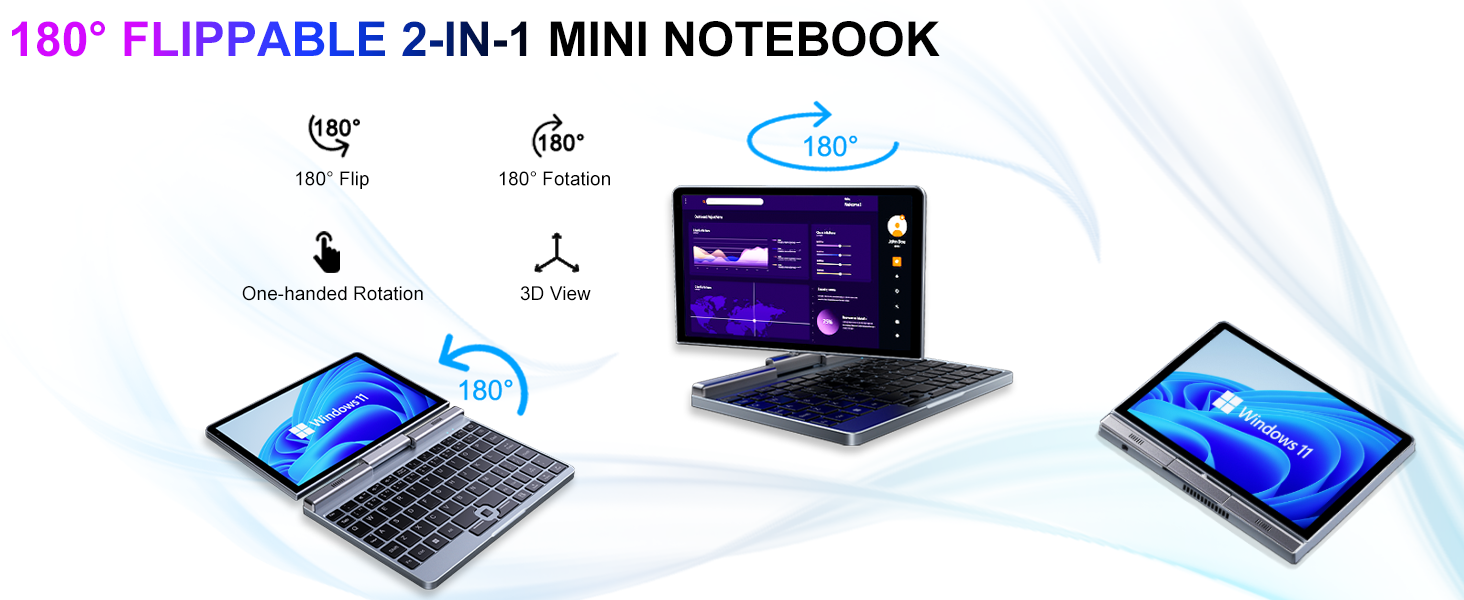
Image: Graphic illustrating the high-speed connectivity of the KOOSMILE P8 Mini Laptop, featuring Wi-Fi 6 and Bluetooth 5.2, with comparison bars showing improved speed, capacity, and reduced delay compared to Wi-Fi 5.
6.1. اتصال واي فاي
- انقر على أيقونة الواي فاي في شريط المهام.
- حدد الشبكة المطلوبة وأدخل كلمة المرور إذا طُلب منك ذلك.
- The device supports Wi-Fi 6 for faster and more stable wireless connections.
6.2. اقتران بلوتوث
- اذهب الى Settings > Bluetooth & devices > Bluetooth.
- Turn on Bluetooth and select 'Add device'.
- Choose the device you wish to pair and follow the on-screen instructions.
- The device supports Bluetooth 5.2 for efficient wireless accessory connections.
6.3. Wired Ethernet
- Connect an Ethernet cable to the RJ45 port on the laptop for a stable wired network connection.
7. الصيانة
Proper care ensures the longevity and performance of your device.
- تنظيف: Use a soft, lint-free cloth to clean the screen and chassis. For stubborn marks, dampاشطف القماش برفق بالماء أو بمنظف مناسب للشاشات. تجنب المواد الكيميائية القاسية.
- تهوية: تأكد من عدم انسداد فتحات التهوية لمنع ارتفاع درجة الحرارة.
- العناية بالبطارية: For optimal battery life, avoid fully discharging the battery frequently. Store the device in a cool, dry place if not used for extended periods.
- تحديثات البرامج: Regularly update Windows and drivers to ensure system stability and security.
8. استكشاف الأخطاء وإصلاحها
يتناول هذا القسم المشكلات الشائعة التي قد تواجهها.
8.1. Screen Orientation Issues
- الدوران التلقائي: When switching between laptop and tablet modes, the screen should automatically adjust its orientation.
- Manual Rotation: If the screen does not rotate automatically or is stuck in an incorrect orientation, press Windows Key + A to open the Quick Settings panel. Look for the 'Rotation lock' tile and ensure it is off. You can also go to الإعدادات > النظام > الشاشة and manually change the 'Display orientation'.
8.2. الجهاز لا يعمل
- التحقق من الطاقة: Ensure the PD adapter is securely connected to the laptop and a working power outlet.
- مستوى البطارية: إذا كانت البطارية فارغة تمامًا، فقد يستغرق الأمر بضع دقائق من الشحن قبل أن يتمكن الجهاز من التشغيل.
- إعادة الضبط الشاملة: Disconnect the charger, then press and hold the Power Button for 15-20 seconds. Reconnect the charger and attempt to power on again.
8.3. مشاكل الاتصال بشبكة Wi-Fi
- تبديل Wi-Fi: Turn Wi-Fi off and on again from the Quick Settings or Windows Settings.
- إعادة تشغيل جهاز التوجيه: أعد تشغيل جهاز توجيه Wi-Fi والمودم.
- انسى الشبكة: In Windows Settings, forget the problematic Wi-Fi network and reconnect.
9. المواصفات
Detailed technical specifications for the KOOSMILE Mini Laptop P8.
| ميزة | مواصفة |
|---|---|
| المعالج | Intel N150 (4 Cores/4 Threads, up to 3.6 GHz) |
| كبش | 12 جيجابايت LPDDR5 3200 ميجاهرتز |
| تخزين | 512GB SSD (Expandable up to 2TB) |
| عرض | 8-inch HD Touch Screen, 1280x800 pixels |
| نظام التشغيل | ويندوز 11 برو |
| الرسومات | رسومات Intel UHD (متكاملة) |
| الاتصال اللاسلكي | واي فاي 6، بلوتوث 5.2 |
| الموانئ | 1x USB 3.0, 1x USB Type-C (DP Out), 1x HDMI (DP Out), 1x Headphone Jack, 1x RJ45 Ethernet |
| آلة تصوير | كاميرا أمامية بدقة 2 ميجا بكسل |
| وزن | 0.78 كجم (1.72 رطل) |
| الأبعاد (الطول × العرض × الارتفاع) | 7.87 × 5.51 × 0.79 بوصة |
| بطارية | 36.5 WH, PD 30W Charging |
9.1. الأداء انتهىview
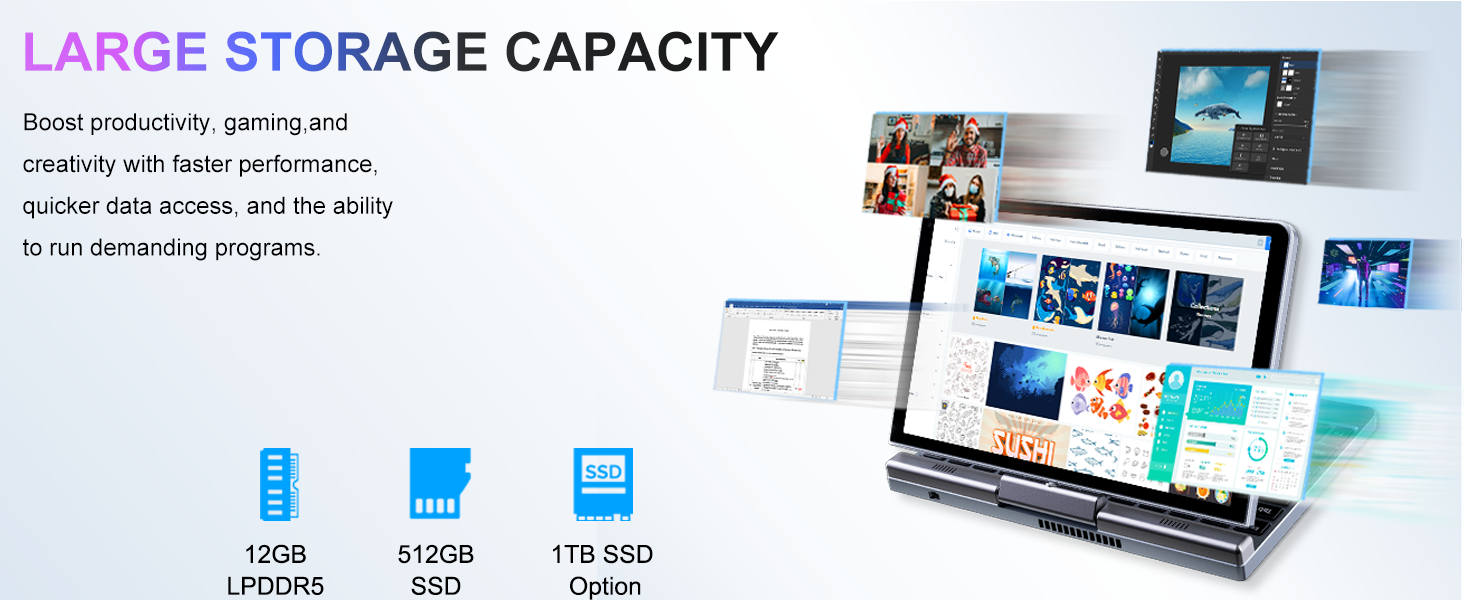
Image: Graphic detailing the performance aspects of the KOOSMILE P8 Mini Laptop, highlighting the Intel TwinLake N150 processor (4 cores, 4 threads, 3.6GHz turbo frequency, 10nm process) and Intel UHD Graphics for smooth content streaming and immersive experiences.
9.2. سعة التخزين
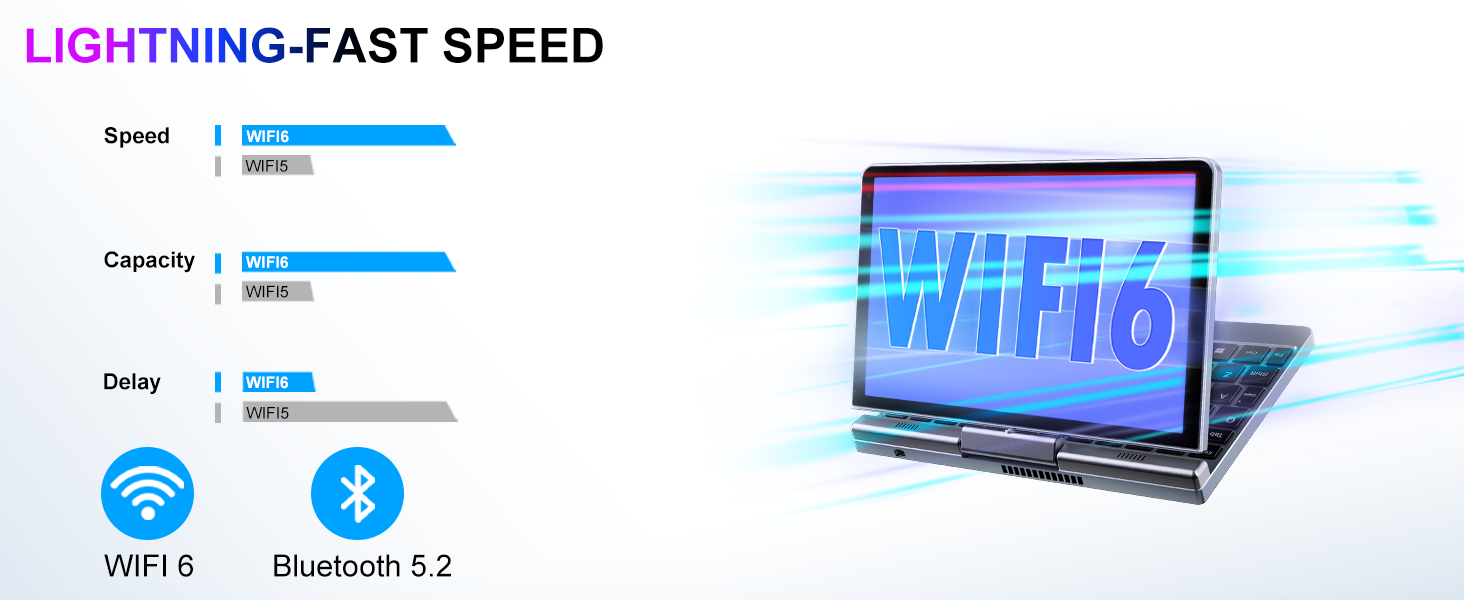
Image: Graphic illustrating the large storage capacity of the KOOSMILE P8 Mini Laptop, featuring 12GB LPDDR5 RAM, 512GB SSD, and an option for 1TB SSD, designed to boost productivity and handle demanding programs.
9.3. Compact Size and Weight
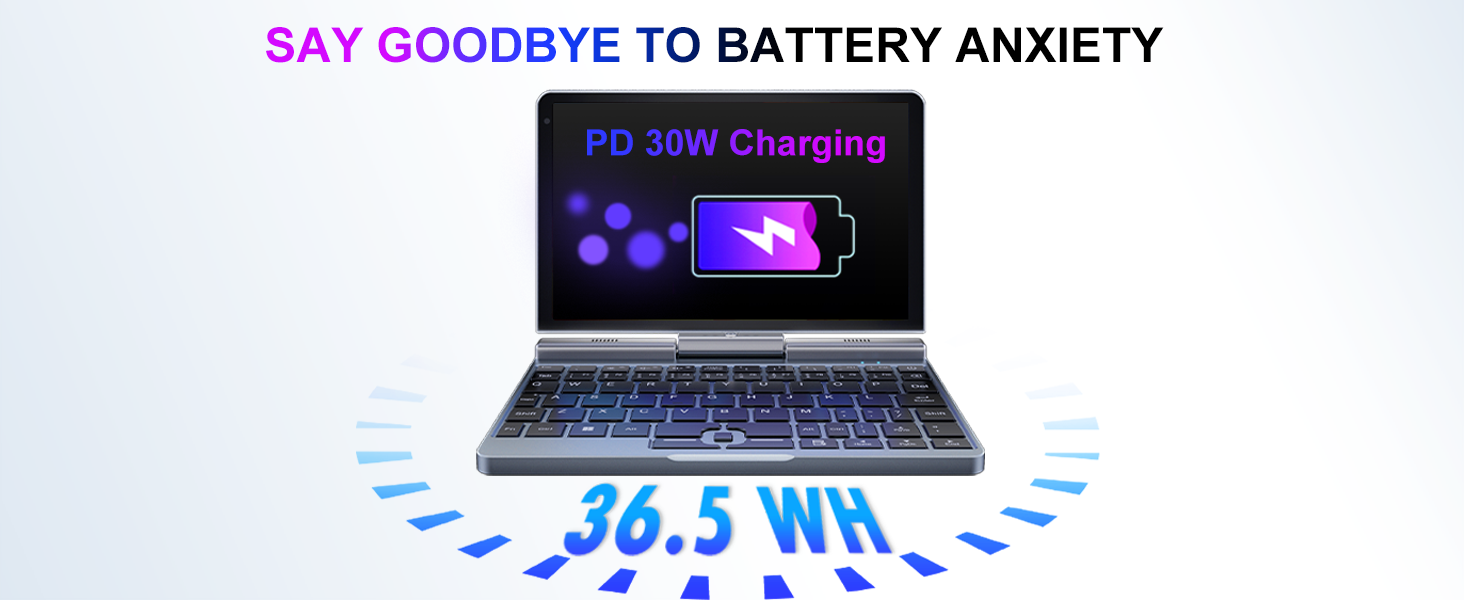
Image: Graphic demonstrating the ultra-compact size and light weight of the KOOSMILE P8 Mini Laptop, showing its 8.0-inch portable screen, 0.78-inch thin profile, and 0.78kg weight, compared to a smartphone for scale.
9.4. معلومات البطارية
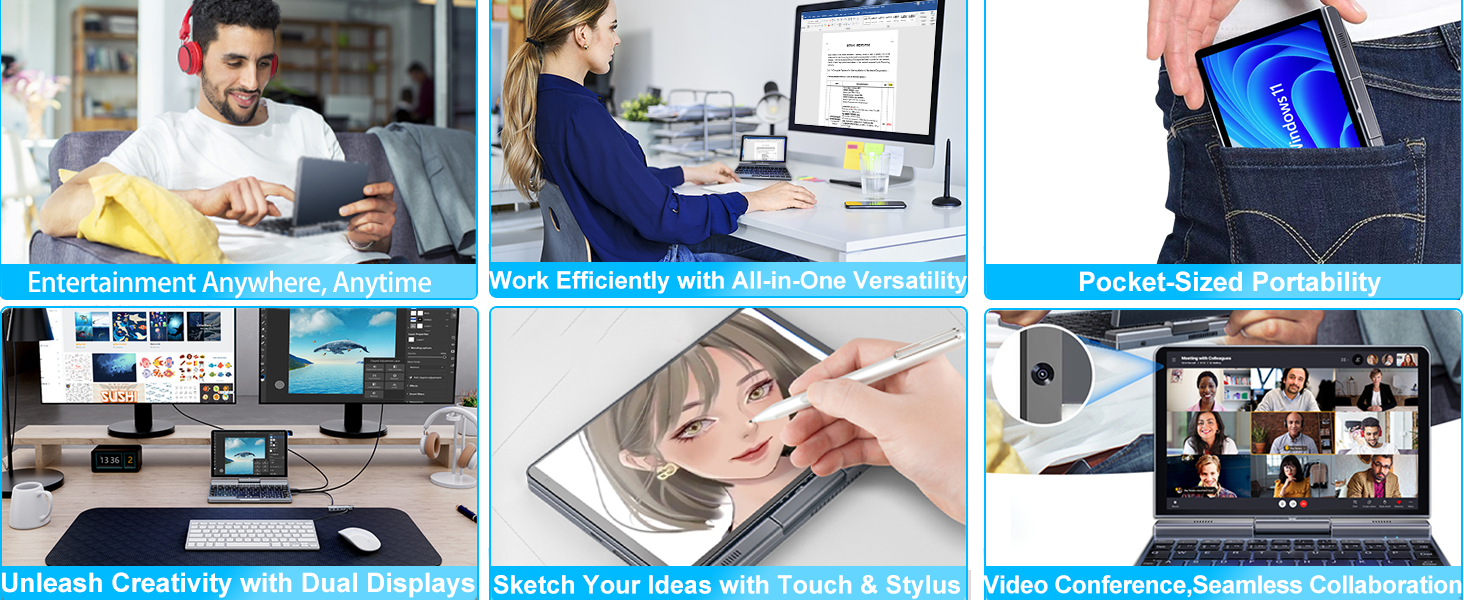
Image: Graphic highlighting the battery features of the KOOSMILE P8 Mini Laptop, indicating 36.5 WH battery capacity and PD 30W charging support to alleviate battery anxiety.
10. الضمان والدعم
Your KOOSMILE Mini Laptop P8 comes with a 1-year warranty. For technical assistance, troubleshooting, or warranty claims, please contact our customer support team. We provide 24-hour customer support to ensure a worry-free experience.
يرجى الرجوع إلى بطاقة الضمان المضمنة في الحزمة الخاصة بك لمعرفة الشروط والأحكام التفصيلية.