
مقدمة
This manual provides essential information for the assembly, operation, maintenance, and troubleshooting of your Deli Gaming Table E91511. Please read these instructions carefully before assembly and use to ensure proper function and longevity of your product.
تحذيرات السلامة
- قم دائمًا بتجميع المكتب وفقًا للتعليمات المرفقة.
- Ensure the desk is properly anchored to the floor to prevent tipping, especially when using heavy setups.
- Be cautious when moving the desk, as it may require two people due to its size and weight.
- لا تقم بتحميل المكتب بما يتجاوز قدرته المحددة على الوزن.
- احتفظ بالأجزاء الصغيرة بعيدًا عن متناول الأطفال أثناء التجميع.
محتويات الحزمة
Before beginning assembly, verify that all components are present and undamaged. Refer to the included assembly instructions for a detailed list of parts and hardware. Typically, the package includes:
- Desktop surface (Metal and Composite)
- Desk legs (K-type carbon steel frame)
- Crossbars and support beams
- أدوات التجميع (براغي، مسامير، حلقات معدنية)
- Assembly tools (if included, otherwise standard tools like a screwdriver may be required)
- دليل التعليمات
الإعداد والتجميع
The Deli Gaming Table E91511 is designed for quick assembly with minimal tools. Follow the step-by-step instructions provided in the separate assembly guide included with your product. Ensure you have adequate space for assembly and consider having a second person assist with lifting and positioning larger components.
خطوات الجمعية العامة:
- قم بفك جميع المكونات ووضعها على سطح نظيف وناعم لمنع الخدوش.
- Attach the K-shaped table legs to the main support frame using the provided hardware. Ensure all connections are secure.
- Carefully place the desktop surface onto the assembled leg frame. Align the pre-drilled holes.
- Secure the desktop to the frame using the remaining hardware. Do not overtighten.
- Verify all screws and bolts are tightened and the desk is stable before placing any equipment on it.

Image: Close-up of the K-shaped table legs, demonstrating the stable structure.
تعليمات التشغيل
The Deli Gaming Table E91511 offers a spacious and stable surface for various uses, including gaming, streaming, home office work, and student workstations.
- Wider Gaming Surface: The 120 cm width accommodates dual monitors or extra peripherals, providing ampمساحة لإعداداتك.
- تصميم مريح: The desk is designed for comfortable use, allowing for extended periods of activity without discomfort.
- إدارة الكابلات: Utilize the integrated 3D cable management box (if applicable) to keep your cables organized and your workspace tidy.
- القدرة على تحمل الأحمال: The desk is engineered for heavy setups and consistent use. Ensure weight is distributed evenly.
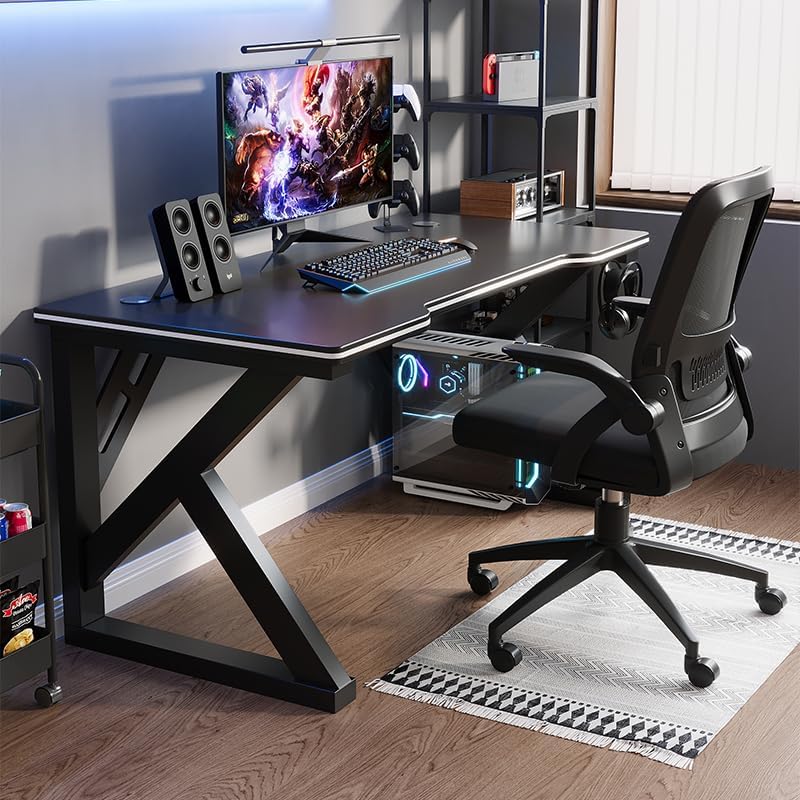
Image: A gaming setup on the Deli Gaming Table, illustrating its spacious surface.

الصورة: من أعلى إلى أسفل view of a user at the Deli Gaming Table, highlighting ergonomic design.
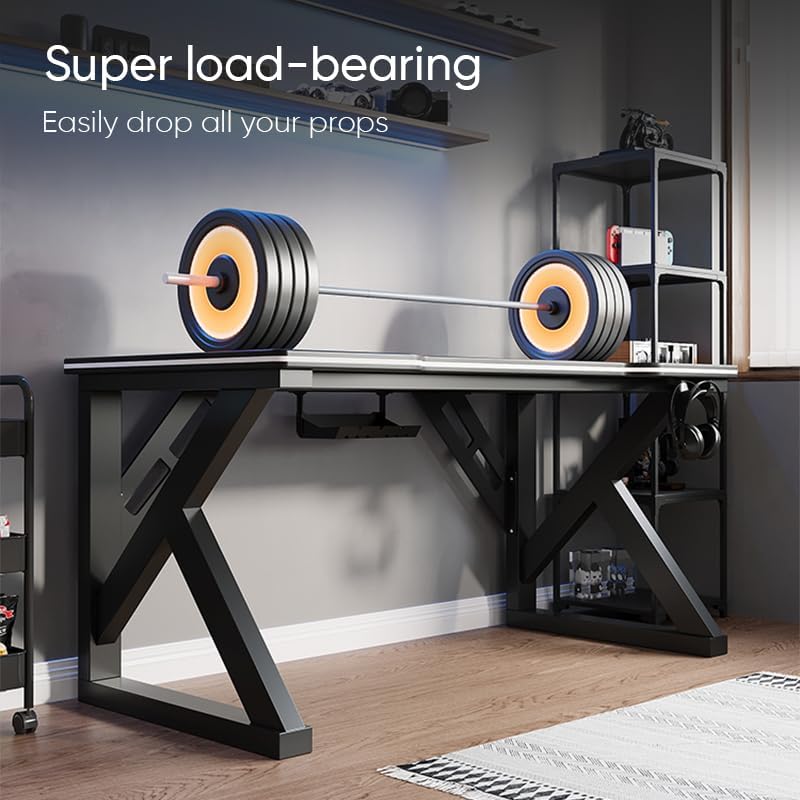
Image: The Deli Gaming Table demonstrating its load-bearing capability.
صيانة
Regular maintenance will help preserve the appearance and functionality of your Deli Gaming Table.
- تنظيف: امسح سطح المكتب والأرجل بقطعة قماش ناعمة.amp cloth. Avoid abrasive cleaners or harsh chemicals that could damage the painted finish or material.
- الانسكابات: نظف أي انسكابات فوراً لمنع تلطيخ السطح أو إتلافه.
- فحص الأجهزة: افحص جميع البراغي والصواميل دوريًا للتأكد من إحكام ربطها. أعد ربطها إذا لزم الأمر للحفاظ على ثباتها.
- منع الصدأ: While the desk is made of metal, prolonged exposure to moisture can lead to rust. Keep the desk in a dry environment and wipe away any moisture promptly.
استكشاف الأخطاء وإصلاحها
المكتب غير مستقر أو متذبذب:
- تأكد من إحكام ربط جميع براغي وصواميل التجميع بالكامل.
- Check that the desk is on a level surface. Adjust floor glides if present.
- Verify that all parts are correctly assembled according to the instruction manual.
الأجزاء مفقودة أو تالفة:
- Review the package contents list in your assembly manual.
- Contact customer support with your model number and a description of the missing or damaged part.
صعوبة في التجميع:
- Re-read the assembly instructions carefully, paying attention to diagrams.
- تأكد من استخدام الأجهزة الصحيحة لكل خطوة.
- If issues persist, consider seeking assistance from another person.
تحديد

Image: Dimensions of the Deli Gaming Table.
| ميزة | التفاصيل |
|---|---|
| رقم الموديل | إي91511 |
| الأبعاد (العرض × العمق × الارتفاع) | 120 سم × 60 سم × 75 سم |
| لون | أسود |
| نوع المادة | Metal and Composite (E1 grade material) |
| مادة الإطار | K-type Carbon Steel Frame |
| نوع التشطيب | مطلية |
| وزن العنصر | 13000 جرام |
| مطلوب التجميع | نعم |
| الاستخدامات الموصى بها | Gaming, Streaming, Home Office, Student Workstation |
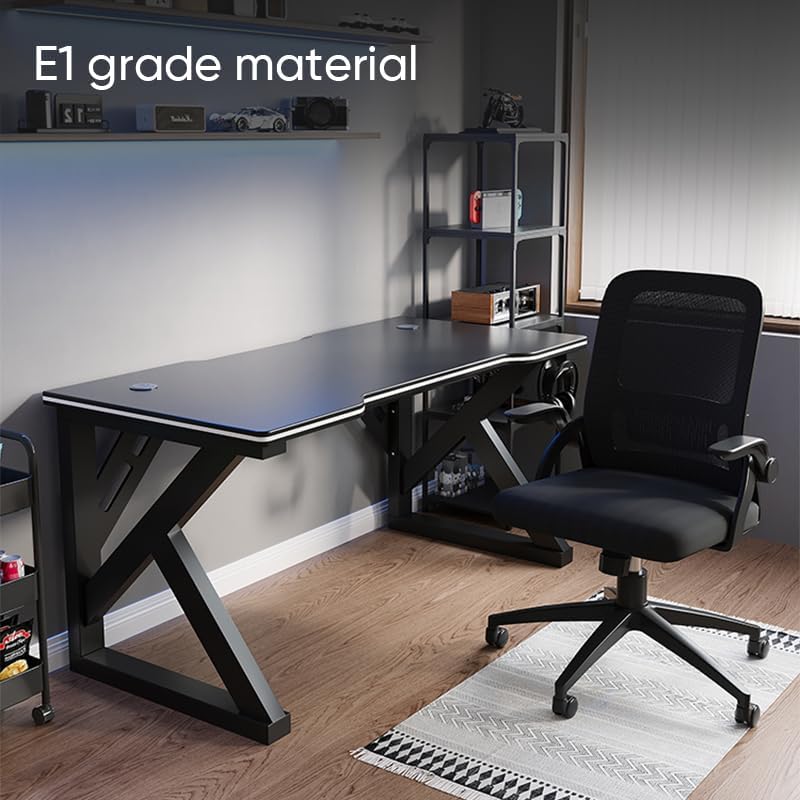
Image: The Deli Gaming Table highlighting E1 grade material.
معلومات الضمان
For specific warranty details regarding your Deli Gaming Table E91511, please refer to the warranty card included with your purchase or visit the official Deli website. Warranty terms typically cover manufacturing defects under normal use conditions.
دعم العملاء
If you have any questions, require assistance with assembly, or need to report a missing/damaged part, please contact Deli customer support through the following channels:
- Webموقع: Visit the official Deli webموقع لموارد الدعم ونماذج الاتصال.
- بريد إلكتروني: راجع وثائق الشراء الخاصة بك لمعرفة عناوين البريد الإلكتروني لخدمة العملاء.
- هاتف: Check the product packaging or official webموقع للحصول على أرقام هواتف خدمة العملاء.
Please have your model number (E91511) and proof of purchase ready when contacting support.