
مقدمة
This manual provides essential information for the safe and efficient use of your Samsung QLED 4K Vision AI Smart TV, model QE50Q8FAAUXZT. Please read these instructions thoroughly before operating the device and retain them for future reference.
محتويات الحزمة
تأكد من وجود جميع المكونات في الصندوق:
- 1x Samsung Smart TV 50'' Serie Q8F, QLED 4K
- 1 × كابل الطاقة
- 1x Standard Remote Control
- 1x Solar-powered Remote Control
- 1x دليل المستخدم (هذه الوثيقة)
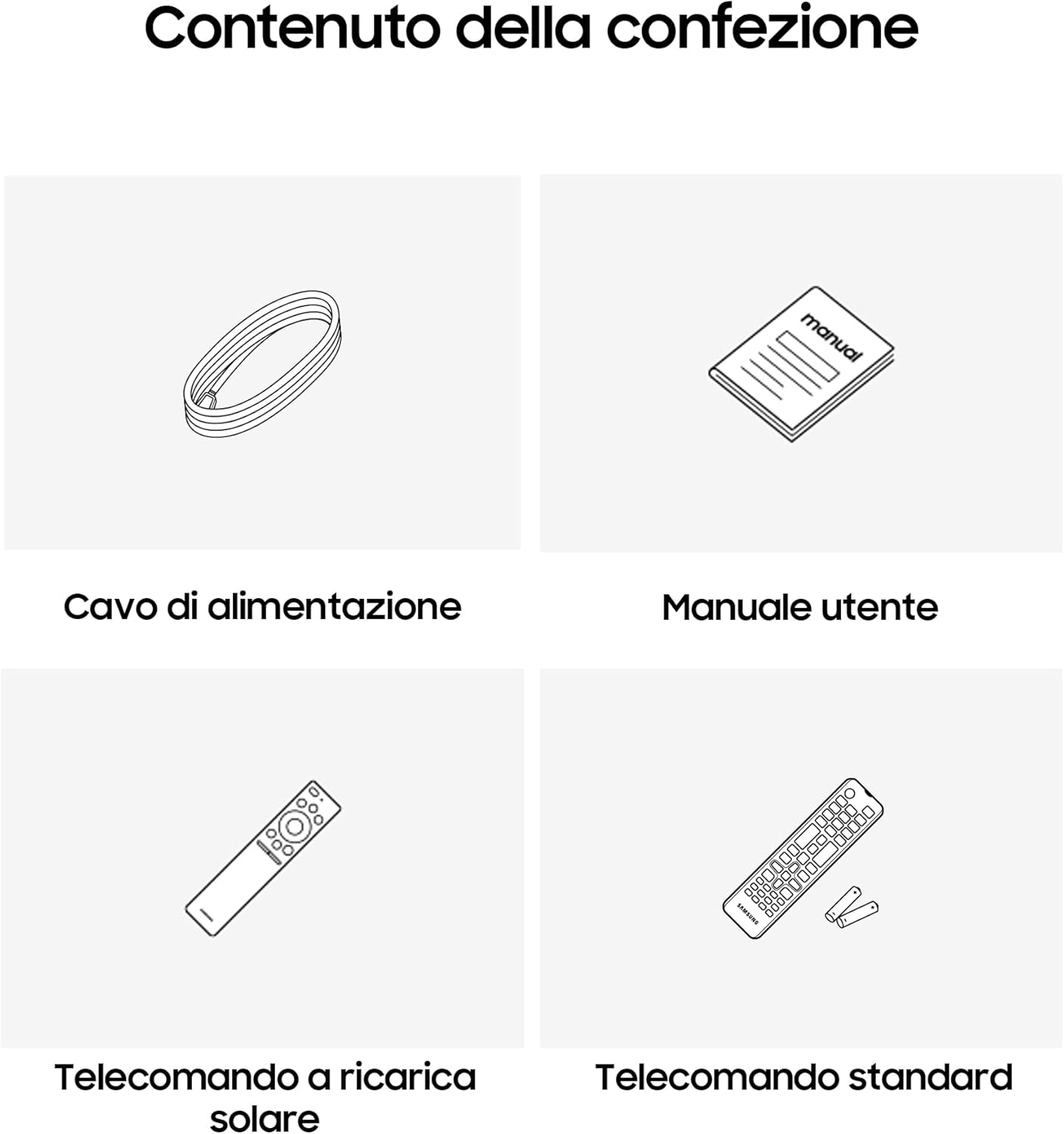
Image: Diagram showing the included items: power cable, user manual, solar-powered remote, and standard remote.
يثبت
التفريغ والتنسيب
أخرج التلفاز من عبوته بحرص. ضع التلفاز على سطح مستوٍ وثابت، أو ثبّته على الحائط باستخدام حامل VESA متوافق (يُباع منفصلاً). تأكد من وجود تهوية كافية حول التلفاز.
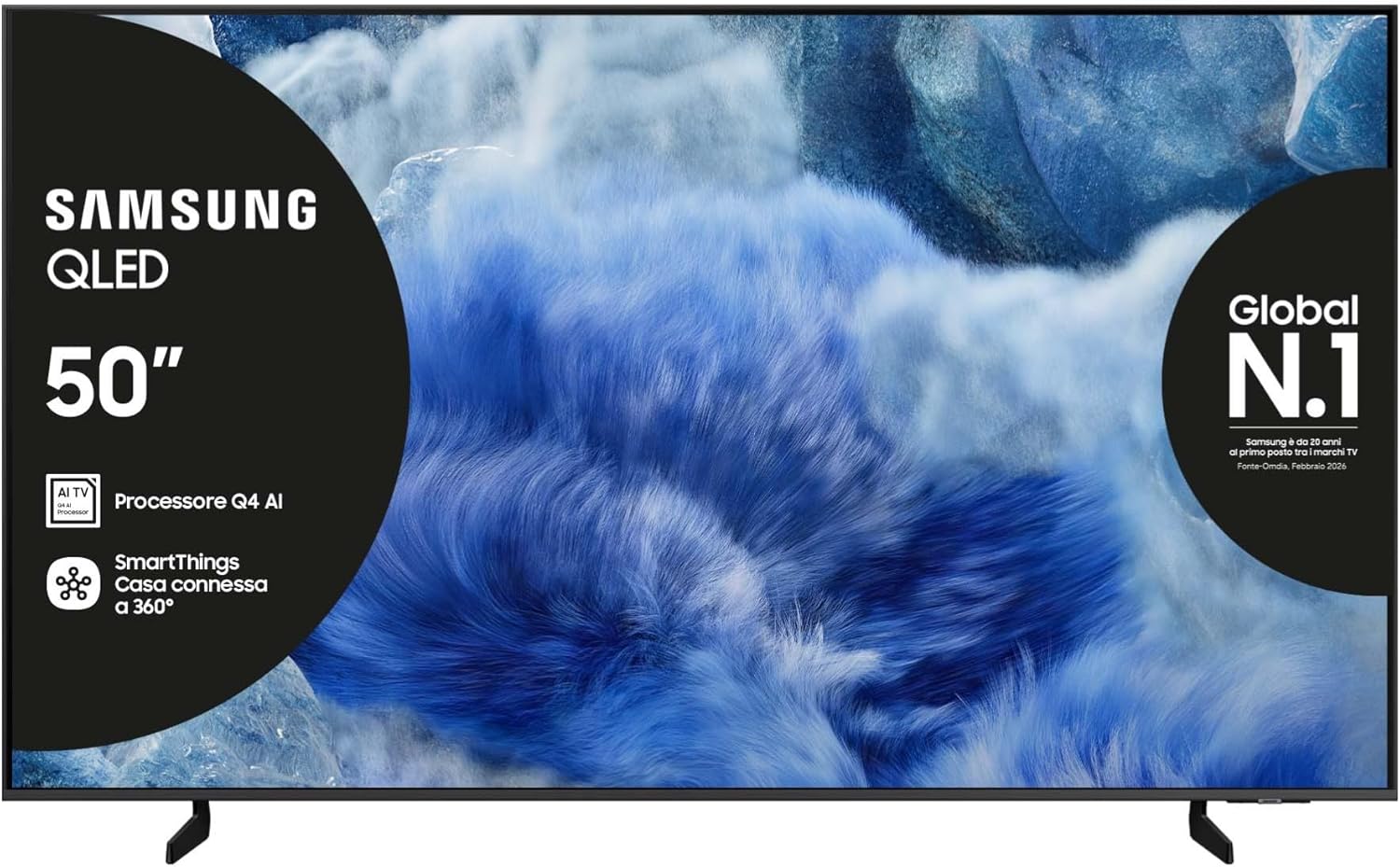
الصورة: الجبهة view تلفزيون سامسونج QLED مع حامله.

الصورة: الجانب view of the Samsung QLED TV, showcasing its Air Slim Design.
ربط الأجهزة الطرفية
قم بتوصيل أجهزتك الخارجية (على سبيل المثال، صندوق الكابل، مشغل Blu-ray، وحدة التحكم في الألعاب) بالمنافذ المناسبة الموجودة في الجزء الخلفي من التلفزيون.

Image: Rear panel connections of the TV, showing HDMI, USB, LAN, and antenna ports.
- HDMI: For high-definition audio and video devices. The TV features multiple HDMI ports, including HDMI 3 with eARC support.
- USB: لتوصيل أجهزة تخزين USB.
- LAN: للاتصال بالإنترنت السلكي.
- النمل في: لتوصيل هوائي أو كابل.
توصيل الطاقة
قم بتوصيل كابل الطاقة بمدخل الطاقة الخاص بالتلفزيون ثم بمأخذ الحائط.
معالج الإعداد الأولي
عند تشغيل التلفزيون لأول مرة، سيرشدك خلال عملية الإعداد الأولية، بما في ذلك اختيار اللغة، والاتصال بالشبكة، ومسح القنوات.
تشغيل التلفزيون
وظائف التحكم عن بعد
Your TV comes with two remote controls. The solar-powered remote offers convenience and reduces battery waste. Familiarize yourself with the buttons for power, volume, channel, navigation, and smart features.

Image: The Samsung Vision AI Companion interface displayed on the TV screen, alongside a remote control, illustrating voice command capabilities.
Smart Hub and AI Features
Access the Smart Hub for applications, streaming services, and connected devices. The Q4 AI Processor enhances picture and sound quality through 4K Upscaling and AI Mode. Utilize Vision AI for personalized entertainment and real-time suggestions.

الصورة: تفصيلية view of the Samsung Q4 AI Processor chip, emphasizing its role in 4K upscaling and optimizing visual and audio experience.

Image: Icons representing Samsung Knox Security, SmartThings, Samsung Vision AI, and Endless Free Content, highlighting key features of the TV's ecosystem.
إعدادات الصورة والصوت
Adjust picture modes (e.g., Standard, Dynamic, Movie) and sound settings (e.g., Standard, Adaptive Sound, OTS Lite) to suit your preferences. OTS Lite provides 3D surround sound, and Q-Symphony synchronizes TV speakers with a compatible soundbar.

Image: A vibrant image on the QLED screen, illustrating the 100% Color Volume with Quantum Dot technology for optimal viewعمل.
مركز الألعاب
Access the Gaming Hub to play games from various platforms directly on your TV, enhanced by Motion Xcelerator for smooth visuals.
صيانة
تنظيف التلفاز
Gently wipe the screen and frame with a soft, dry, lint-free cloth. Do not use abrasive cleaners or solvents. For stubborn marks, lightly dampفي القماش مع الماء.
تحديثات البرامج
Ensure your TV's software is up to date for optimal performance and security. Updates can be performed via the TV's settings menu or automatically when connected to the internet.
استكشاف الأخطاء وإصلاحها
لا يوجد طاقة
- تأكد من توصيل كابل الطاقة بشكل آمن بالتلفزيون والمقبس الكهربائي في الحائط.
- تأكد من أن منفذ الحائط يعمل عن طريق توصيل جهاز آخر.
لا صورة أو صوت
- تأكد من تحديد مصدر الإدخال الصحيح.
- Check all cable connections (HDMI, antenna, etc.) for looseness.
- أعد تشغيل التلفزيون وأي أجهزة متصلة به.
جهاز التحكم عن بعد لا يعمل
- For the solar-powered remote, ensure it has sufficient light exposure to charge.
- For the standard remote, replace the batteries if necessary.
- تأكد من عدم وجود أي عوائق بين جهاز التحكم عن بعد والتلفزيون.
مشاكل اتصال الشبكة
- أعد تشغيل جهاز التوجيه والمودم.
- تحقق من كلمة مرور Wi-Fi إذا كنت تقوم بالاتصال لاسلكيًا.
- If using a wired connection, ensure the LAN cable is properly connected.
تحديد
| ميزة | مواصفة |
|---|---|
| حجم الشاشة | 50 بوصة |
| تكنولوجيا العرض | تلفزيون كيو إل إي دي |
| دقة | 4K (3840 × 2160) |
| معدل التحديث | 50 هرتز |
| المعالج | معالج الذكاء الاصطناعي Q4 |
| الاتصال | Bluetooth, Ethernet, HDMI (multiple, including eARC), USB, Wi-Fi |
| المميزات الخاصة | Built-in Speaker, Multi-voice Assistant, Browser, Parental Controls, Flat Panel |
| نسبة العرض إلى الارتفاع | 16:9 |
| أبعاد المنتج (WxDxH) | 111.8 سم × 23.9 سم × 70.2 سم (مع الحامل) |

Image: Energy label for the Samsung QE50Q8FAAU, indicating an energy class of E and power consumption details. More details can be found at eprel.ec.europa.eu/qr/2204814.

Image: Detailed product information sheet, including supplier name, model identification, energy efficiency classes, power consumption, display technology, screen dimensions, and other technical data.
الضمان والدعم
Your Samsung TV is covered by a manufacturer's warranty. Please refer to the warranty card included in your package for specific terms and conditions. For technical support, service, or warranty claims, please contact Samsung Customer Service.
معلومات الاتصال:
- مزود: سامسونج
- عنوان المورد: Public Contact, Samsung PO Box 12987, Blackrock, Co Dublin Ireland
- Webموقع: www.samsung.com (general web(قد يختلف رابط الدعم المحدد حسب المنطقة)
- بريد إلكتروني: eprel@samsung.com (for EPREL related inquiries)
The product information sheet indicates a minimum availability of spare parts for 7 years and minimum support for product software for 7 years.