
1. المقدمة
This manual provides essential information for the safe and effective operation of your NBD 4K Digital Camera. Please read it thoroughly before use and retain it for future reference. The NBD 4K Digital Camera is designed for capturing high-resolution photos and videos with ease, featuring advanced functions for various shooting scenarios.
2. محتويات العبوة
تأكد من تضمين جميع العناصر المدرجة أدناه في الحزمة الخاصة بك:
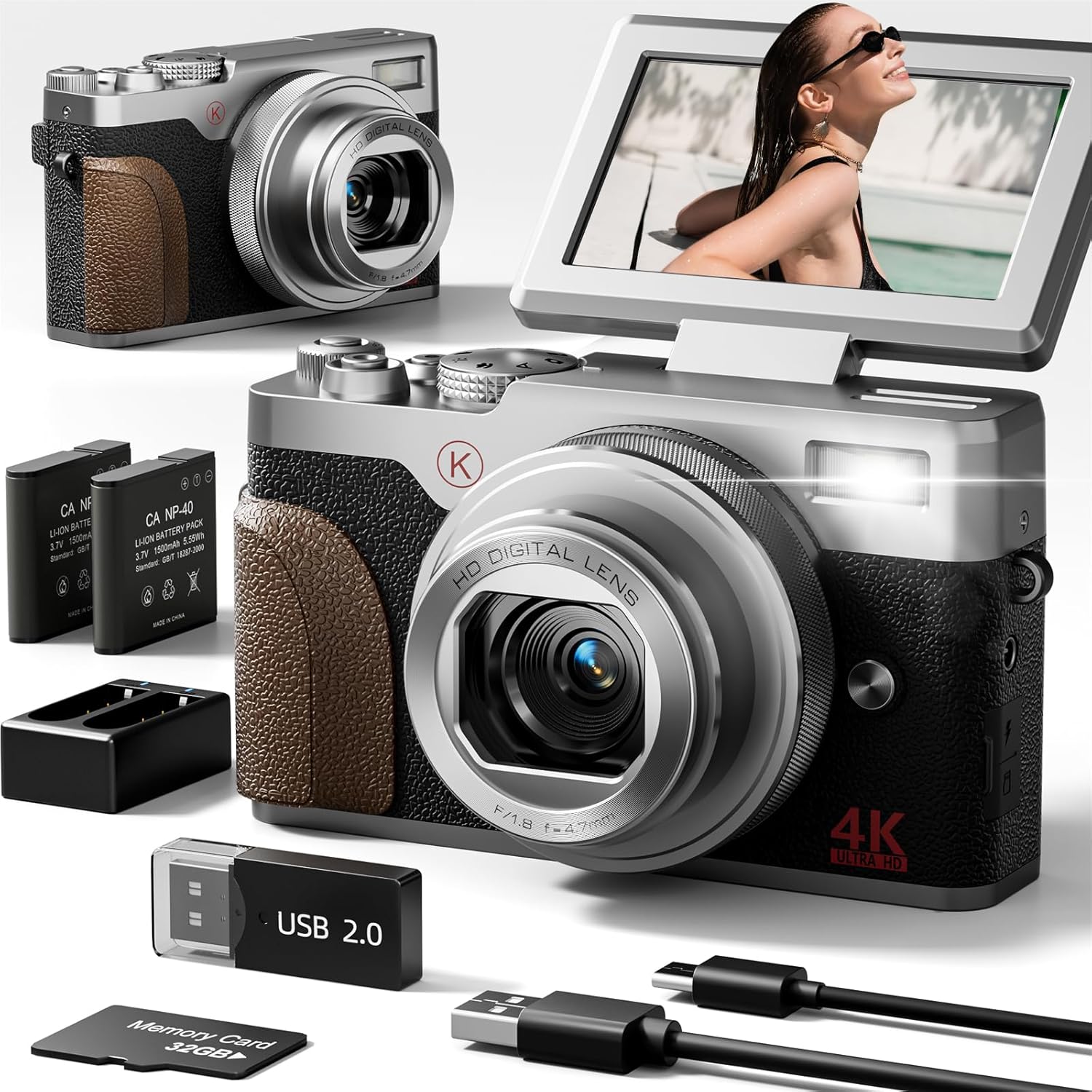
- NBD 4K & 48MP Camera
- بطاريتان من نوع ليثيوم أيون
- قاعدة شحن البطارية
- بطاقة SD سعة 32 جيجابايت
- كابل يو اس بي
- Camera Neck Rope

3. الكاميرا انتهتview
The NBD 4K Digital Camera is a compact and user-friendly device. It features a 180° flip screen for versatile shooting angles, a 4.7mm F/1.8 lens, and intuitive controls for easy operation.
4. الإعداد الأولي
4.1 إدخال البطارية وبطاقة SD
- حدد موقع غطاء حجرة البطارية في الجزء السفلي من الكاميرا.
- Slide the cover to open it.
- Insert the Lithium Ion battery into the compartment, ensuring correct polarity.
- Insert the 32GB SD card into the designated slot next to the battery. Ensure the metal contacts face the correct direction.
- أغلق غطاء حجرة البطارية جيدًا.
4.2 شحن البطارية
Before first use, fully charge the battery. The camera comes with a USB cable and a charging base.
- Connect the USB cable to the charging base and a compatible USB power adapter (not supplied).
- أدخل البطارية في قاعدة الشحن.
- The indicator light on the charging base will show the charging status.
- Alternatively, you can charge the battery directly in the camera using the USB cable connected to a power source.
5. أوضاع التشغيل
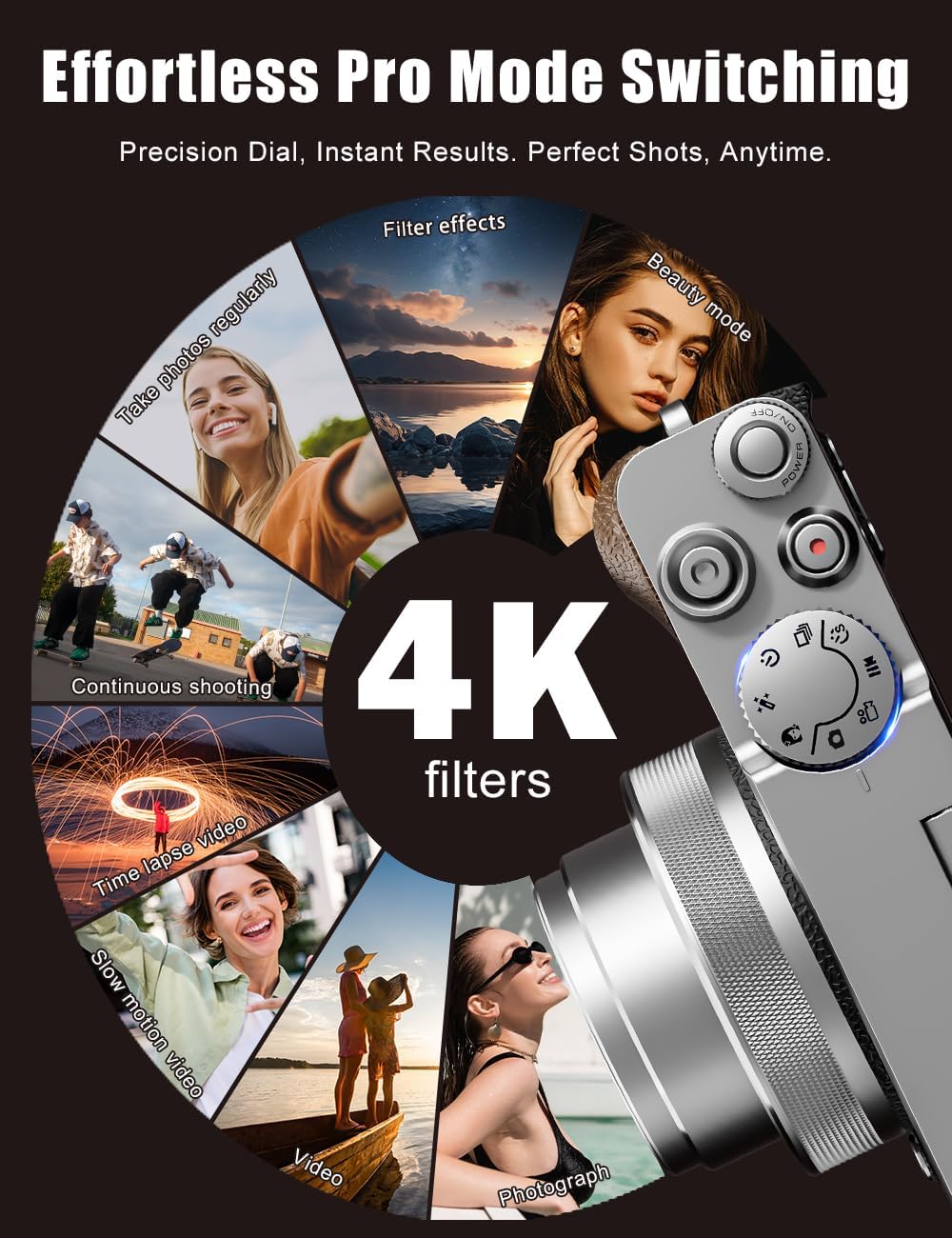
The NBD 4K Digital Camera offers various modes to suit different shooting needs. Use the physical mode dial on top of the camera to switch between functions quickly.
- وضع الصورة: For capturing still images at 48MP resolution.
- وضع الفيديو: For recording 4K videos.
- الحركة البطيئة: Capture action in slow motion.
- الفاصل الزمني: Create stunning time-lapse videos.
- المرشحات: Apply artistic filters to your photos and videos.

6. ميزات الصور والفيديو
6.1 4K Video & 48MP Photography
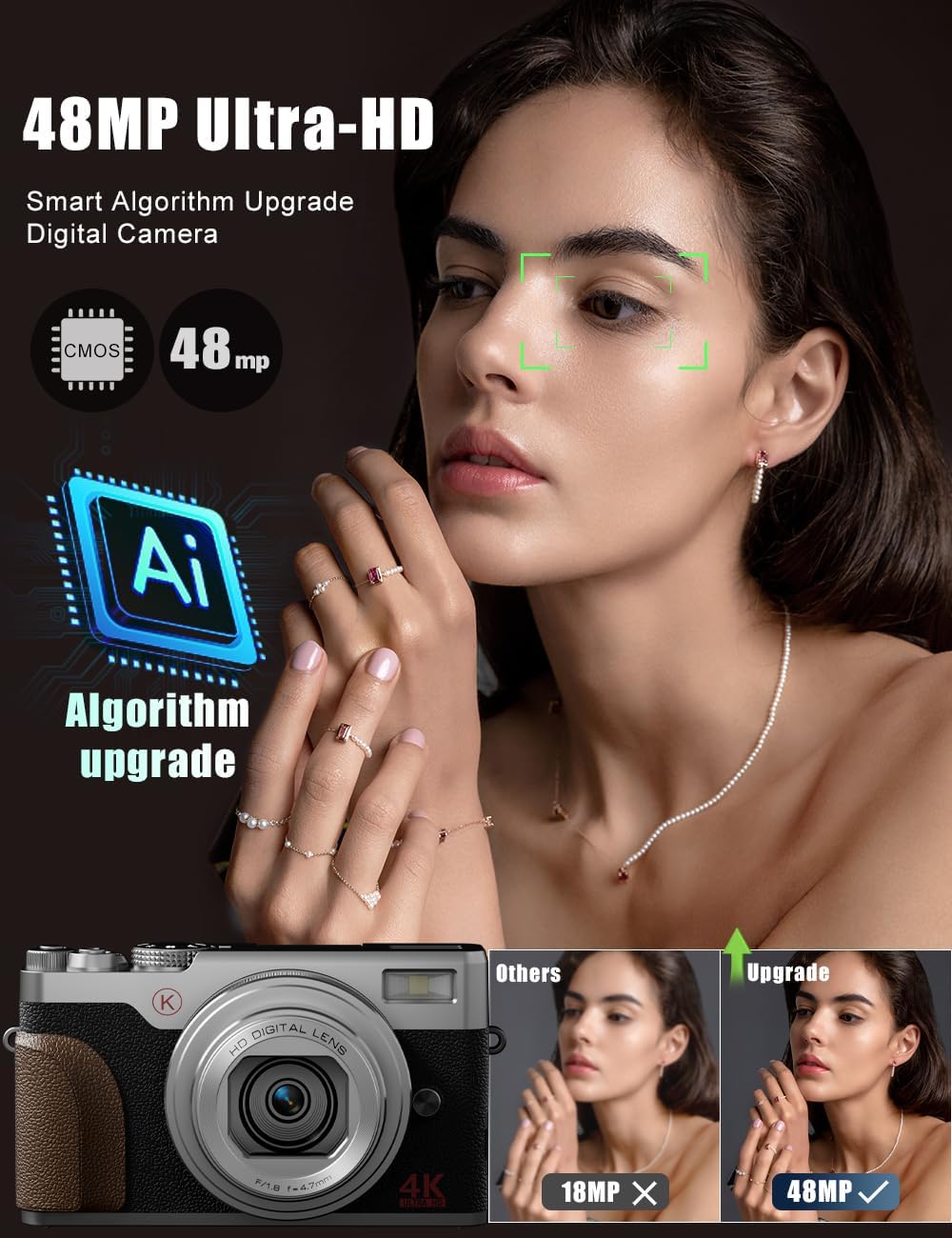
The camera records stunning 4K videos and captures high-resolution 48MP photos, ensuring clear and detailed content.
6.2 18X Digital Zoom
Utilize the powerful 18X digital zoom to get closer to distant subjects without significant loss of detail.
6.3 Autofocus and Anti-Shake
The camera features autofocus for sharp images and anti-shake technology to minimize blur, especially useful for handheld shots and in challenging lighting conditions.

7. الاتصال
The NBD 4K Digital Camera supports Wi-Fi connectivity for easy transfer of photos and videos to your smartphone or computer. It can also function as a webكاميرا للبث المباشر أو مكالمات الفيديو.
8. الصيانة
- حافظ على نظافة عدسة الكاميرا باستخدام قطعة قماش ناعمة وجافة.
- Store the camera in a cool, dry place away from direct sunlight and moisture.
- Ensure batteries are fully charged before extended storage.
9. استكشاف الأخطاء وإصلاحها
- الكاميرا لا تعمل: تأكد من إدخال البطارية بشكل صحيح وشحنها بالكامل.
- جودة الصورة رديئة: Check lighting conditions, clean the lens, and ensure autofocus is engaged. Adjust settings like exposure and white balance if necessary.
- مشاكل الاتصال بشبكة Wi-Fi: Refer to the user manual for detailed Wi-Fi setup instructions and ensure the camera's Wi-Fi mode is activated.
10. المواصفات
| ميزة | قيمة |
|---|---|
| ماركة | بنك دبي الوطني |
| اسم الموديل | بنك دبي الوطني |
| دقة ثابتة فعالة | 48 ميجا بكسل |
| الحد الأقصى Webدقة صورة الكاميرا | 56 ميجا بكسل |
| التكبير البصري | 18 × |
| تقنية مستشعر الصور | سيموس |
| حجم مستشعر الصور | 1/3 بوصة |
| عامل الشكل | مضغوط |
| حجم الشاشة | 3 بوصة |
| التركيز التلقائي | نعم |
| مضاد للاهتزاز | نعم |
| سعة تخزين الذاكرة | 32 جيجابايت (مضمنة) |
| عدد البطاريات | 2 بطاريات ليثيوم أيون (متضمنة) |
| وزن العنصر | 0.52 كيلوغرام |
11. الضمان والدعم
For warranty information or technical support, please refer to the contact details provided in your product packaging or visit the official NBD webالموقع. احتفظ بإيصال الشراء كإثبات للشراء.